
Standing desks are adjustable surfaces designed to help you switch between sitting and standing during work, aiming to reduce health risks from prolonged sitting. They’re not a miracle fix but part of a broader ergonomic strategy, especially when combined with accessories like anti-fatigue mats or monitor arms. Using them effectively involves balancing standing, sitting, and movement throughout your day. To learn more about how to get the most out of a standing desk, keep exploring the essentials.
Key Takeaways
- Standing desks are adjustable work surfaces designed to alternate between sitting and standing, promoting healthier habits.
- They are most effective when combined with ergonomic accessories like anti-fatigue mats and monitor arms.
- Standing can improve circulation and help control blood sugar, but isn’t a cure-all; movement is essential.
- Proper setup and routine use, including regular sitting and movement, are crucial for maximizing benefits.
- They are tools that support ergonomic work habits but do not resolve all musculoskeletal issues alone.
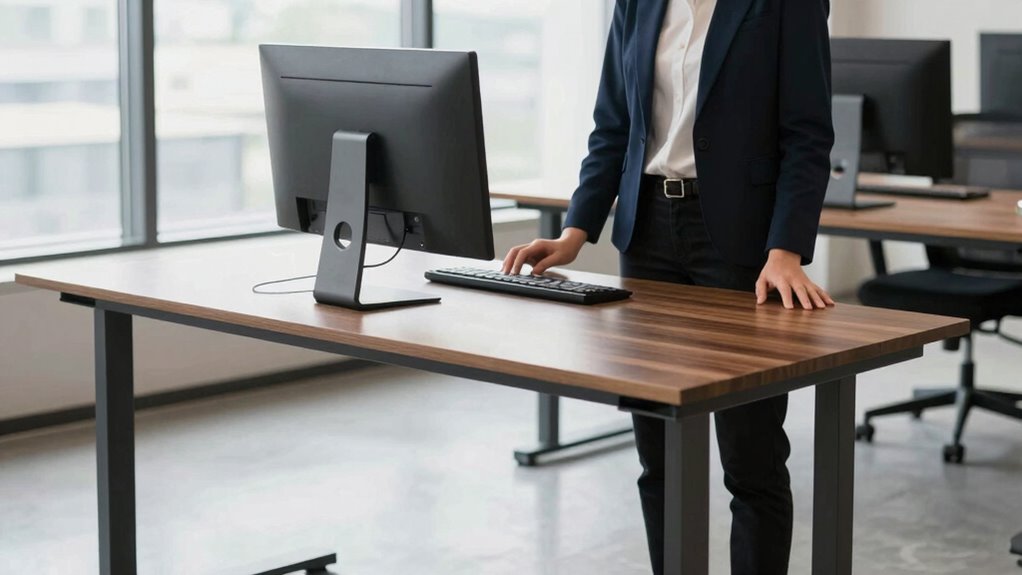
Have you ever wondered if standing desks could transform your workday? The idea might sound appealing—standing instead of sitting all day, supposedly boosting productivity and health. But before jumping in, it’s essential to understand what standing desks really are and what they can or can’t do for you. At their core, standing desks are adjustable surfaces that let you switch between sitting and standing, aiming to reduce the negative effects of prolonged sitting. Many manufacturers promote them as a miracle solution, but the truth is more nuanced. They’re just one piece of a broader approach to healthier work habits.
To make the most of a standing desk, you’ll want to incorporate ergonomic accessories like anti-fatigue mats, adjustable monitor arms, and supportive footwear. These accessories help you maintain proper posture and reduce discomfort, making standing more sustainable over long periods. Without these ergonomic adjustments, standing can cause strain on your feet, knees, and lower back, defeating the purpose of the desk altogether. Proper setup encourages movement and minimizes the risk of musculoskeletal issues, which are common complaints among those who try to stand for hours without support. Ergonomic setup is crucial for maximizing the benefits and minimizing discomfort. Additionally, understanding the benefits of ergonomic accessories can help you make informed choices for a healthier workspace. Incorporating workplace ergonomics can significantly improve your overall experience and comfort when using a standing desk.
Ergonomic accessories like anti-fatigue mats and adjustable monitor arms support proper posture and reduce discomfort during standing work.
The health benefits of standing desks are often highlighted, but they aren’t a magic fix. Standing can help improve circulation, reduce the risk of obesity, and lower blood sugar levels after meals. However, standing all day isn’t ideal either; it can lead to fatigue and discomfort if you don’t balance it with sitting periods and movement. The importance of proper ergonomic setup cannot be overstated, as it directly impacts how effectively you can enjoy these benefits. The key is moderation and proper ergonomics. Switching between sitting and standing, supported by ergonomic accessories, allows you to avoid the pitfalls of staying in one position too long. When used correctly, standing desks can contribute to better posture, increased energy, and a more active work routine, but only if you listen to your body and adjust accordingly.
In essence, standing desks aren’t a cure-all. They’re tools that, when combined with ergonomic accessories and mindful movement, can support your overall health benefits. A common misconception is that standing desks alone can solve all musculoskeletal issues, but regional flavors and insights show that proper setup and routine are crucial. Don’t expect them to solve every issue overnight, but with proper setup and a balanced approach, you might find your workday becomes more comfortable and less sedentary. The real power lies in how you use them—integrating standing into your routine thoughtfully and supporting your body with the right accessories. That’s where the true benefits begin, without hype or exaggeration.

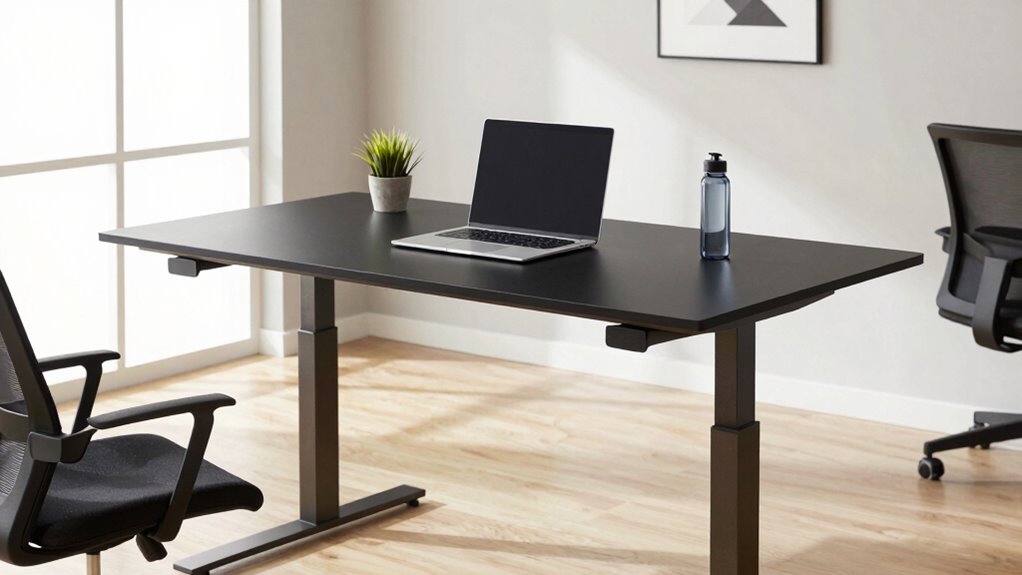
ErGear 48 X 24 Inch Height Adjustable Electric Standing Desk, Black
- Electric Height Adjustable Standing Desk for Comfortable Work…
- Powerful Motor with Memory Presets – Equipped with…
- Exceptional Stability Steel Frame – Built with a…
As an affiliate, we earn on qualifying purchases.
As an affiliate, we earn on qualifying purchases.
Frequently Asked Questions
Are Standing Desks Suitable for All Body Types?
Standing desks can be suitable for most body types if they feature good ergonomic design and promote proper posture alignment. You should adjust the desk height so your elbows are at a 90-degree angle and your monitor is eye level. If you have specific health concerns or body issues, consult an expert to customize your setup. Proper ergonomic features guarantee comfort and reduce strain, making standing desks viable for many users.
How Do Standing Desks Impact Long-Term Health?
Standing desks can considerably boost your long-term health, with studies showing users experience a 17% reduction in back pain. They promote ergonomic benefits and help improve posture over time by encouraging proper alignment. Regularly switching between sitting and standing reduces strain on your spine and muscles. Over months and years, this can lower your risk of chronic conditions like cardiovascular disease, making standing desks a smart choice for long-term well-being.
Can Standing Desks Improve Productivity at Work?
Yes, standing desks can improve your productivity at work. They promote ergonomic benefits, helping you maintain better posture and reduce discomfort, which keeps you focused longer. Additionally, standing desks can positively impact the environmental impact by encouraging movement and reducing reliance on energy-consuming sitting setups. With these advantages, you’re likely to stay more alert and engaged, leading to increased efficiency throughout your workday.
What Are the Best Accessories for Standing Desks?
Think of your standing desk as a ship’s deck—organized and well-equipped. The best accessories, like ergonomic accessories, help you navigate comfortably, reducing strain and boosting focus. A monitor stand, anti-fatigue mat, and cable management tools keep your workspace efficient. Prioritize desk organization with drawer organizers and cable clips. These accessories guarantee your stand-up station remains functional and comfortable, making your workday smoother and more enjoyable.
How Do I Adjust a Standing Desk Properly?
To adjust your standing desk properly, start by setting the height so that your elbows are at a 90-degree angle when typing, promoting good desk ergonomics. Make sure your monitor is at eye level to support proper posture correction, avoiding neck strain. Adjust the desk smoothly to find a comfortable standing position, and switch between sitting and standing throughout the day to maintain ideal posture and prevent fatigue.

FEATOL Anti Fatigue Mat for Standing, 9/10 Extra Thick Ergonomic Standing Desk Mat, Comfort Memory Foam Standing Mat at Home,Office All Day (20" x 32", Black, 1PC)
- Reduces Foot and Back Stress: Alleviates pressure during long standing
- Ergonomic 9/10 Inch Thickness: Provides exceptional comfort and support
- High Density Memory Foam: Offers strong rebound and balanced support
As an affiliate, we earn on qualifying purchases.
As an affiliate, we earn on qualifying purchases.
Conclusion
Imagine yourself at a standing desk, your workspace alive with movement and focus. As you shift your weight and adjust your stance, you feel more connected to your tasks, like a runner in mid-stride, energized and alert. No hype, just practicality guiding your day. With each hour, you paint a picture of productivity and comfort, turning your workspace into a stage where movement fuels your success. Embrace the simplicity—stand tall, stay engaged, and let your work flow naturally.

ErGear Single Monitor Arm, Fully Adjustable Monitor Mount for 13–34 Inch Screens, Fast Install Computer Monitor Stand with Tool-Free VESA Mount, Cable Management, Holds 19.8 lbs, Max VESA 100x100mm
- Compatibility: Supports 13–34 inch monitors up to 19.8 lbs
- VESA Compatibility: Fits 75x75mm and 100x100mm patterns
- Durable Construction: Tested over 20,000 cycles for longevity
As an affiliate, we earn on qualifying purchases.
As an affiliate, we earn on qualifying purchases.

VIVO 32 inch Desk Converter, K Series, Height Adjustable Sit to Stand Riser, Dual Monitor and Laptop Workstation with Wide Keyboard Tray, Black, DESK-V000K
- Instant Active Standing: Provides on-demand standing for health and productivity
- Spacious 31.5" Surface: Fits dual monitors and accessories comfortably
- Adjustable Keyboard Tray: Syncs with surface for ergonomic typing
As an affiliate, we earn on qualifying purchases.
As an affiliate, we earn on qualifying purchases.