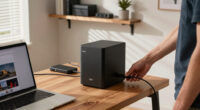
A good docking station offers versatile connectivity, letting you easily switch between devices with seamless wireless and wired options. It should include diverse ports like USB-A, USB-C, HDMI, Ethernet, and audio jacks, so you can connect all your peripherals and future-proof your setup. Reliable performance and sturdy build quality are essential for long-term use. If you want to discover how to choose one that truly enhances your workspace, keep exploring these key features.
Key Takeaways
- Compatibility with multiple devices and operating systems ensures seamless integration and versatility.
- Diverse ports (USB, HDMI, Ethernet, audio) support various peripherals and future upgrades.
- Reliable wireless connectivity reduces clutter and allows effortless device switching.
- High performance with fast data transfer and sturdy build quality guarantees longevity and efficiency.
- Adherence to current standards and future-proof design ensure the dock remains relevant over time.
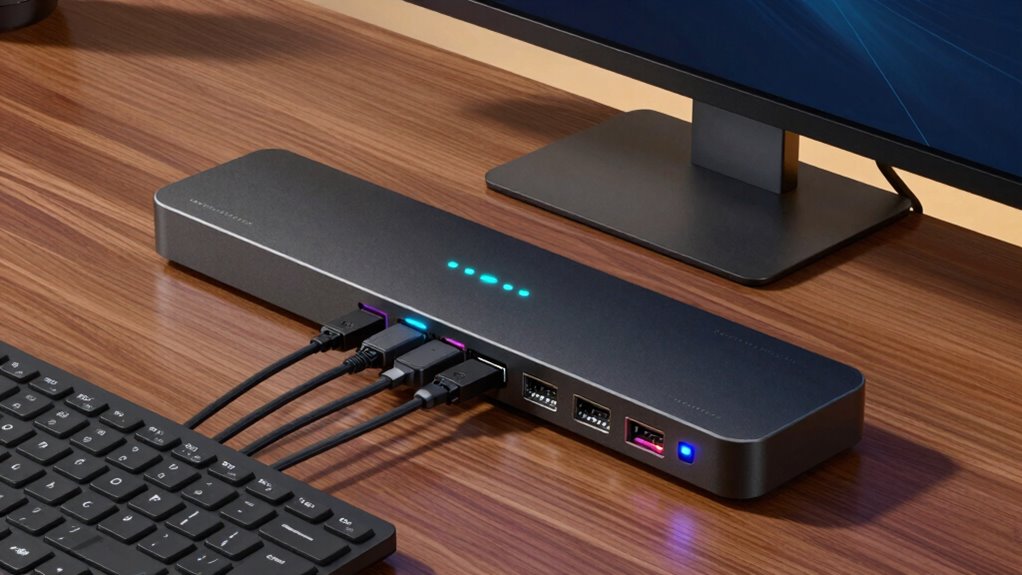
Ever wondered what makes a docking station truly good? The answer lies in how well it integrates with your devices and the variety of connections it offers. A top-tier docking station should provide seamless wireless compatibility, allowing you to connect your laptop or tablet without fussing with cables or adapters. Whether you’re using Bluetooth, Wi-Fi, or other wireless standards, a good docking station guarantees your devices communicate effortlessly. This feature is especially important if you frequently switch between different devices or prefer a clutter-free workspace. Wireless compatibility minimizes the need for multiple cables, giving you a cleaner, more flexible setup that adapts to your needs.
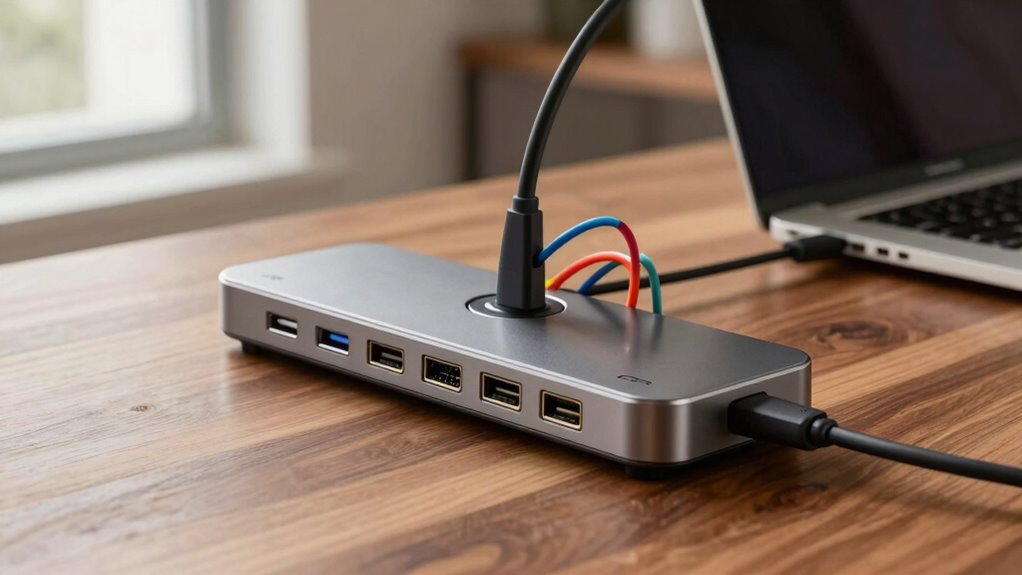
But wireless tech isn’t enough on its own. Port diversity is equally vital. A good docking station needs to include a wide array of ports to connect all your peripherals. Think about the essentials: USB-A and USB-C ports for your external drives, keyboards, and mice; HDMI or DisplayPort outputs for monitors; Ethernet ports for stable wired internet; and audio jacks for headphones or speakers. The more diverse the ports, the more adaptable your docking station becomes. It should support multiple monitors if you work with visuals or multitask heavily, and still leave room for future upgrades. Port diversity means you won’t have to constantly swap cables or buy additional hubs, saving you time and money. Compatibility with a range of devices further enhances its versatility, making it a truly reliable accessory.
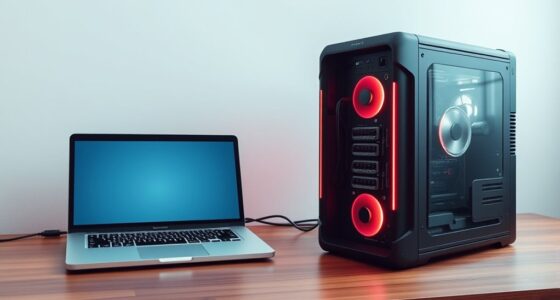
A good docking station also strikes a balance between performance and convenience. It should deliver fast data transfer speeds, especially if you handle large files or use demanding applications. At the same time, it needs to be easy to set up and use, with intuitive controls and reliable connections. The build quality matters too; a sturdy design ensures longevity, even with daily use. Compatibility is another factor—your docking station should work smoothly with your specific device, whether it’s a Mac, Windows laptop, or other operating system. Checking for compatibility guarantees you won’t face frustrating issues down the line. Incorporating latest wireless standards can further enhance your setup’s speed and security, ensuring it remains current with evolving technology. Additionally, choosing a docking station with advanced wireless features can provide even greater reliability and performance.

Anker Laptop Docking Station Dual Monitor, 8-in-1 USB C Hub, 4K Dual Monitor with 2 HDMI, 1 Gbps Ethernet Hub, 85W Power Delivery, SD Card Reader, for XPS and More (Charger not Included)
The Anker Advantage: Join the 50 million+ powered by our leading technology.
As an affiliate, we earn on qualifying purchases.
As an affiliate, we earn on qualifying purchases.
Frequently Asked Questions
Can a Docking Station Improve Gaming Performance?
A docking station can improve gaming performance by reducing gaming latency and supporting graphics enhancement. When you connect your gaming setup to a high-quality docking station, it guarantees smoother data transfer between your devices, lowering lag. It also provides extra bandwidth for graphics cards or external displays, boosting visual quality. This results in more responsive gameplay and sharper visuals, making your gaming experience more immersive and enjoyable.
Are Docking Stations Compatible With All Laptop Brands?
Docking stations aren’t universally compatible with all laptop brands, but many offer universal compatibility that works across various devices. However, you should check for brand-specific features that might be necessary for your laptop, such as particular ports or power requirements. Always verify compatibility before buying, ensuring the docking station supports your laptop’s brand and model to avoid connection issues and maximize functionality.
How Do I Troubleshoot Connection Issues With My Docking Station?
You might find that connection issues happen just when you least expect them. First, check your cable management—ensure all cables are securely plugged in and free of damage. Restart your devices and update drivers if needed. Confirm your docking station receives enough power for power delivery, preventing drops in connection. Sometimes, simply unplugging and reconnecting the station resets everything. These steps often resolve common connectivity hiccups quickly and keep your setup running smoothly.
Do Docking Stations Require Drivers or Software Updates?
Yes, docking stations often require drivers or software updates to function properly. You should check for compatibility concerns with your device and operating system, especially after updates. Regular driver updates help guarantee your docking station maintains peak performance, fixes bugs, and adds new features. Keep your drivers current by visiting the manufacturer’s website or using device management tools, which minimizes connection issues and maximizes compatibility with your setup.
Can a Docking Station Replace a Desktop Computer?
A docking station can’t fully replace a desktop computer, but it can make your workspace more ergonomic and portable. Think of it as a Swiss Army knife—great for versatility, but not a complete substitute. While it boosts convenience and simplifies connections, a desktop still offers more power and customization. Use a docking station to enhance your setup, but don’t rely on it to handle all your computing needs.
Anker Laptop Docking Station Dual Monitor, 8-in-1 USB C Hub, 4K Dual Monitor with 2 HDMI, 1 Gbps Ethernet Hub, 85W Power Delivery, SD Card Reader, for XPS and More (Charger not Included)
The Anker Advantage: Join the 50 million+ powered by our leading technology.
As an affiliate, we earn on qualifying purchases.
As an affiliate, we earn on qualifying purchases.
Conclusion
Ultimately, a good docking station delivers dependable performance, diverse device compatibility, and seamless speed. You’ll want something that’s simple to set up, sturdy in structure, and smartly designed to suit your specific needs. When you select a station that’s sturdy, swift, and straightforward, you’re setting yourself up for success. So, seek out a station that’s not just functional but fantastic—making your workspace workable, worry-free, and wonderfully efficient.

13 in 1 USB C Docking Station – Dual Monitor, Triple Display, 8 USB C/A Ports, Ethernet, Audio – LIONWEI USB C Hub for MacBook,Dell,HP,Lenovo,Surface
【13 in 1 Laptop Docking Station】Plug and play. With this usb c hub multiple adapter, you get 2*4K…
As an affiliate, we earn on qualifying purchases.
As an affiliate, we earn on qualifying purchases.
13 in 1 USB C Docking Station – Dual Monitor, Triple Display, 8 USB C/A Ports, Ethernet, Audio – LIONWEI USB C Hub for MacBook,Dell,HP,Lenovo,Surface
【13 in 1 Laptop Docking Station】Plug and play. With this usb c hub multiple adapter, you get 2*4K…
As an affiliate, we earn on qualifying purchases.
As an affiliate, we earn on qualifying purchases.