

The main difference between local software and cloud software is where your data is stored and how you access it. Local software sits on your devices, giving you full control but requiring you to manage security and updates yourself. Cloud software is hosted online, offering easier access from any device and automatic updates, but you rely on third-party providers for security. Keep exploring to discover how these choices impact your security, accessibility, and management needs in detail.

Get the latest gadgets delivered free with Prime
- Fast, free delivery on millions of items
- Prime Video, Amazon Music and more included
- Member-only deals all year
Key Takeaways
- Local software runs on physical devices, giving users full control over data security and management.
- Cloud software is hosted online, enabling access from any device and supporting remote collaboration.
- Local software requires manual updates and maintenance, while cloud solutions offer automatic updates and security patches.
- Cloud services typically operate on subscription-based costs, whereas local software involves higher upfront investments.
- Data security in local software depends on in-house measures, while cloud providers invest heavily in security protocols.
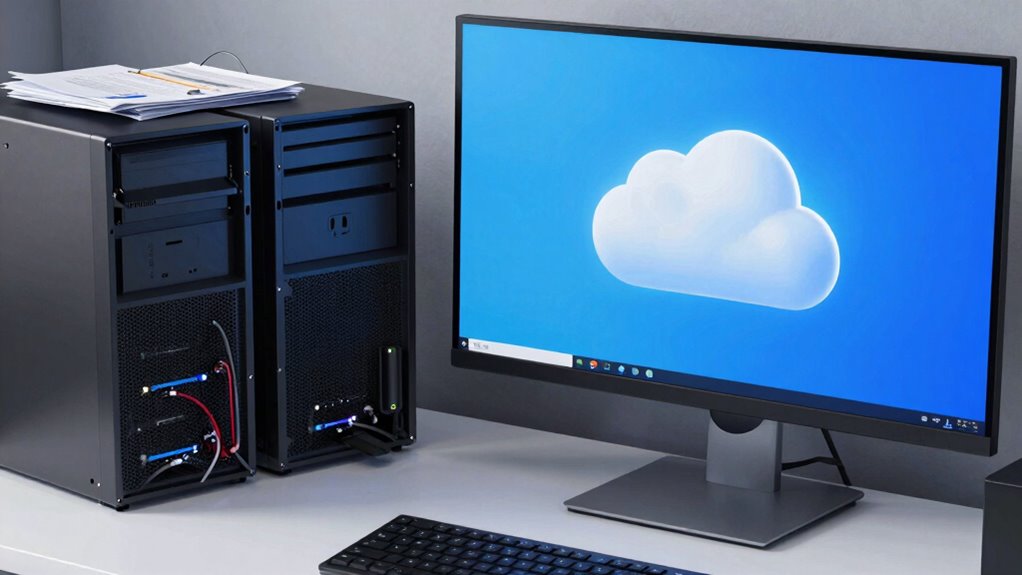
When choosing between local software and cloud software, understanding their fundamental differences can considerably impact your decision-making process. You need to consider how each option manages data security and user accessibility, as these factors directly influence your workflow and security posture. Local software resides on your physical devices—like your desktop or server—giving you full control over your data. This setup means you’re responsible for implementing security measures such as firewalls, encryption, and regular backups. If data security is your top priority, local software can seem appealing because you keep your data in-house, reducing exposure to external threats. However, this also means that if your hardware is compromised or data is lost due to hardware failure, you could face significant setbacks unless you have robust backup systems in place. On the other hand, cloud software stores your data on remote servers maintained by third-party providers. This setup often includes advanced security protocols managed by experts, which can provide peace of mind for many users. Cloud providers typically invest heavily in data security, encryption, and regular audits, making it easier for you to protect sensitive information without needing specialized in-house knowledge. But, this reliance on third parties introduces new considerations—like trust in their security practices and potential vulnerabilities to external cyberattacks. When it comes to user accessibility, cloud software shines. Since your data is stored online, you can access it from any device with an internet connection, whether you’re in the office, at home, or on the go. This flexibility enhances collaboration and simplifies remote work, especially if multiple team members need simultaneous access. With local software, your access is limited to your physical devices or local network, which can hinder productivity if you’re away from your primary workstation. You may need to set up VPNs or remote desktop solutions, which can be complex and sometimes introduce security risks if not configured properly. Additionally, cloud software often offers automatic updates, ensuring you always have the latest features and security patches without manual intervention. Local software requires manual updates, which can slow down your operations if neglected. Considering the ongoing evolution of cybersecurity threats, understanding data security management is crucial when choosing between these options. Moreover, evaluating cost implications is essential, as cloud solutions often operate on subscription models, whereas local software might involve higher upfront costs but lower ongoing expenses. Ultimately, your choice depends on your priorities: if keeping data tightly controlled and secure on-premises is vital, local software might be the better fit. But if you value flexibility, ease of access, and reduced management overhead, cloud software offers significant advantages. Balancing data security concerns with user accessibility needs will guide you toward the solution that best aligns with your business goals and security requirements.
Products Worth Considering

Bose SoundLink Plus Portable Bluetooth Speaker, Wireless Outdoor Speaker, Up to 20 Hours Battery Life, Waterproof and Dustproof, Black

Logitech MX Keys S Wireless Keyboard, Graphite

DJI Osmo Mobile 7P Phone Gimbal with Mic Mini Transmitter, Infinity Black
As an affiliate, we earn on qualifying purchases.
Frequently Asked Questions
How Secure Is Cloud Software Compared to Local Software?
Cloud software can be quite secure if it uses robust data encryption and strict access control measures. You benefit from professional security protocols and regular updates, reducing vulnerabilities. However, you need to verify your provider maintains high standards and offers features like multi-factor authentication. While local software gives you more direct control, cloud solutions can be equally safe when properly managed, making them a reliable choice for many users.
Can Local Software Integrate With Other Cloud-Based Tools?
Yes, you can integrate local software with cloud-based tools, but it often faces limitations. Local software may struggle with seamless cloud integration due to compatibility issues and security concerns. You might encounter cloud integration challenges, requiring additional configuration or third-party solutions. Despite these hurdles, many local applications now offer APIs or connectors to facilitate smoother integration, helping you leverage both local and cloud benefits for your workflows.
What Are the Cost Differences Over Time?
Think of local software like buying a car—big upfront costs, but fewer expenses afterward. Cloud software is more like a subscription service—smaller initial payment, but ongoing fees. Over time, the cost comparison shows cloud options often have lower long-term expenses because they include updates, maintenance, and scalability. However, if your needs grow, local software’s one-time investment might be more cost-effective in the long run.
How Does Internet Speed Affect Cloud Software Performance?
Your internet speed directly impacts cloud software performance. Limited bandwidth can slow down data transfer, causing lag or buffering. Latency issues might delay responses, making the software feel sluggish or unresponsive. If your connection isn’t fast enough, you’ll notice longer load times and reduced efficiency. To guarantee smooth operation, a stable, high-speed internet connection with ample bandwidth is essential, especially for data-intensive tasks or multiple users working simultaneously.
Is Data Recovery Easier With Local or Cloud Solutions?
Think of your data as a treasure chest. With cloud solutions, recovery feels like retrieving your treasure from a trusted vault—easy and quick, thanks to high data accessibility and frequent backups. Local solutions, however, are like digging through your own storage—more effort and time needed. Overall, cloud data recovery offers greater simplicity, reducing stress during emergencies, while local backups demand diligent maintenance but can be more private.
Conclusion
Ultimately, choosing between local and cloud software isn’t just about preference—it’s about understanding which one can transform your workflow faster than a rocket to the moon. Local software offers control and security, while cloud solutions bring flexibility and accessibility right to your fingertips. Decide based on your needs, but remember: the right choice can elevate your productivity to levels so high, they’ll make your competitors look like they’re stuck in the stone age.