
Buying the wrong computer can cause constant frustration, slow performance, and compatibility headaches, making daily tasks more difficult and time-consuming. You may face frequent crashes, limited features, or the need for costly upgrades, which drain your budget and hinder productivity. Working with unsuitable hardware often leads to delays and extra expenses, affecting your overall workflow. If you want to avoid these issues and find a machine that truly fits your needs, there’s more to contemplate below.
Key Takeaways
- Using an unsuitable computer causes slow performance, hampering productivity and increasing frustration during daily tasks.
- Compatibility issues with essential software and peripherals lead to additional costs and delays.
- Short-term savings from cheap devices often result in long-term frustrations and frequent upgrades.
- Inadequate hardware limits workflow efficiency and can prevent the use of necessary tools or peripherals.
- Poor hardware choices undermine work quality and can cause ongoing troubleshooting and hardware adjustments.
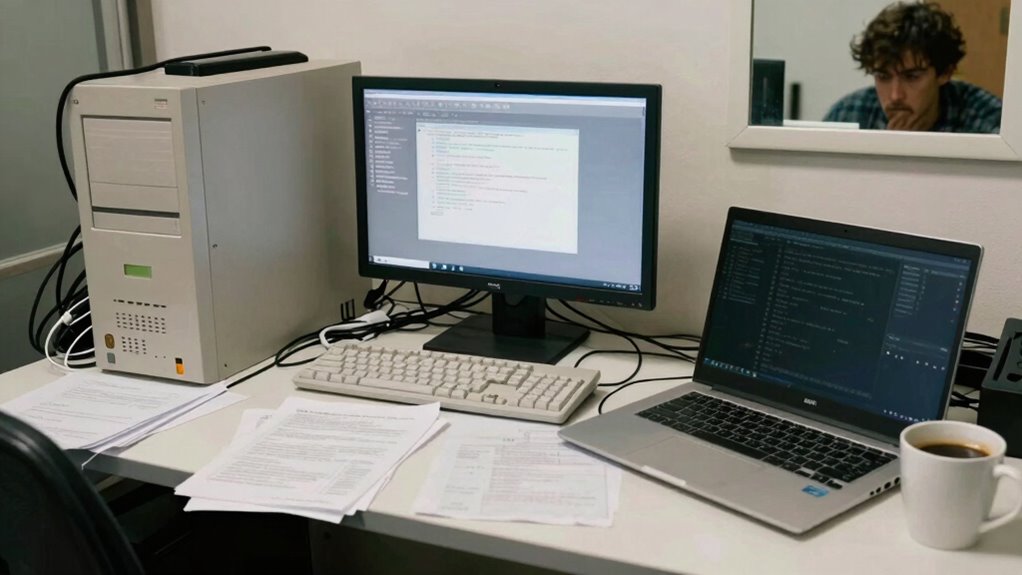
Choosing the wrong computer for your needs might seem like a minor inconvenience at first, but it can quickly turn into a major problem that hampers your productivity and frustrates your daily tasks. When you select a device that doesn’t align with your work or personal requirements, you risk constant frustrations, slow performance, and the inability to complete tasks efficiently. One of the key issues often overlooked is tech compatibility. If your computer isn’t compatible with the software or peripherals you rely on, you’ll find yourself constantly troubleshooting or making costly upgrades. For instance, a computer with outdated hardware may struggle to run newer applications, forcing you to work around limitations or settle for subpar performance.
Choosing a computer that doesn’t meet your needs can cause ongoing frustrations and performance issues.
Budget constraints also play a significant role in your decision-making process. You might feel compelled to choose a less-capable machine to save money, but that short-term saving can lead to long-term frustrations. A cheaper computer often means compromised specs — slower processors, less RAM, limited storage — which impacts your ability to work smoothly. This mismatch between your needs and the hardware you buy can cause frequent crashes, long load times, and an overall sluggish experience, all of which eat into your productivity.
When you disregard the importance of tech compatibility, you risk investing in a device that simply doesn’t support your workflow. For example, if you’re into graphic design or video editing, a computer with insufficient graphics power or outdated ports can hinder your creative process. Similarly, if your work involves multiple monitors or specific peripherals, compatibility issues may mean you need adapters or even new hardware, adding unexpected costs and delays. You may find yourself constantly adjusting your setup or working on less-than-ideal equipment, which can be incredibly frustrating. Recognizing the significance of hardware requirements and how they influence your workflow helps prevent such setbacks. Additionally, understanding system specifications and how they relate to your software needs can further help you make an informed choice.
Budget constraints can tempt you into making quick, less-informed choices, but they often lead to bigger expenses down the line. A low-cost computer might seem like a good deal initially, but if it doesn’t support essential software or hardware, you’ll need upgrades or replacements sooner than expected. This cycle can drain your finances and extend your timeline for completing projects.
Ultimately, picking the right computer requires balancing your needs, tech compatibility, and budget constraints. If you overlook this balance, you risk investing in a device that hampers your work, causes ongoing frustrations, and eventually costs you more time and money. Understanding the importance of tech compatibility and how it affects your workflow helps ensure you make a smarter, more sustainable choice that supports your productivity in the long run.
As an affiliate, we earn on qualifying purchases.
Frequently Asked Questions
How Can I Identify the Right Computer Specifications for My Needs?
To identify the right computer specs for your needs, consider your primary tasks. If you do intensive work, prioritize a powerful CPU, ample RAM, and a solid GPU. For portability, focus on battery life and lightweight hardware. Think about future hardware upgrades, like upgradeable RAM or storage, to extend your device’s lifespan. Matching specs to your workload guarantees smooth performance without unnecessary hardware upgrades later, saving you time and money.
What Are the Long-Term Costs of Choosing the Wrong Computer?
Choosing the wrong computer can lead to long-term costs like frequent hardware upgrades, which drain your budget and time. You might also face decreased productivity if your system can’t handle your tasks efficiently. Additionally, a lesser-known brand reputation could mean poor customer support or unreliable hardware, increasing repair costs. Investing in a reputable brand with suitable specifications initially can save you money and frustration in the long run.
Are Refurbished or Used Computers a Good Option for Specific Jobs?
Refurbished or used computers can be a smart choice if you’re on a tight budget; think of it like a vintage car—reliable if well-maintained. You’ll want to evaluate brand reputation to avoid issues, and check warranties for peace of mind. For specific jobs like basic office work or light design, these options can deliver good performance without breaking the bank, just like a classic car that still runs smoothly.
How Does Software Compatibility Influence Computer Selection?
Software compatibility heavily influences your computer choice because hardware limitations can prevent certain programs from running smoothly. You need to guarantee your hardware meets software requirements, like processing power, RAM, and graphics capabilities. If your computer can’t support essential software, you’ll face performance issues or be forced to upgrade prematurely. As a result, matching hardware specifications with software demands is vital to avoid frustrations and ensure efficient, reliable work.
What Are Common Mistakes to Avoid When Buying a New Computer?
When buying a new computer, avoid overlooking gaming performance and portable design. Don’t choose a machine solely based on specs or brand; consider how it’ll handle your gaming needs and if it’s portable enough for your lifestyle. Skimping on these aspects can lead to frustration. Also, skip ignoring your software needs or future upgrades. Focus on the balance between power, portability, and your specific usage to make a smart choice.
high performance desktop for video editing
As an affiliate, we earn on qualifying purchases.
As an affiliate, we earn on qualifying purchases.
Conclusion
Choosing the wrong computer can turn your tasks into frustrations. Imagine trying to edit videos on a basic laptop—it crashes, slows down, and wastes your time. Now, picture investing in a powerful editing rig that handles your workload effortlessly, letting your creativity flow. The right tech isn’t just about speed; it’s about working smarter, not harder. So, pick wisely, and your computer will be a tool that empowers, not hinders, your success.
compatible peripherals for Windows PC
As an affiliate, we earn on qualifying purchases.
As an affiliate, we earn on qualifying purchases.
As an affiliate, we earn on qualifying purchases.