
Using external storage devices helps create a layered digital security system, giving you a physical backup of your data beyond cloud services. They let you control your data, recover quickly from accidental loss, and protect sensitive information with encryption. Storing devices securely and keeping software up to date adds extra safety. By combining these measures, you build a stronger defense against cyber threats and accidents. Keep exploring to discover more ways to strengthen your digital safety.

Get the latest gadgets delivered free — and shop member deals
- Fast, free delivery on millions of items
- Access to Prime Big Deal Days deals on October 6–7
- Prime Video, Amazon Music and more included
Key Takeaways
- External storage provides a physical backup, safeguarding data from cloud outages or cyberattacks.
- Encryption of external drives ensures data remains secure even if devices are lost or stolen.
- Regularly updating firmware and encryption enhances ongoing protection of stored data.
- Physical security measures, like safes or locked drawers, prevent unauthorized access to external drives.
- Combining external backups with digital security practices creates a layered approach to data safety.
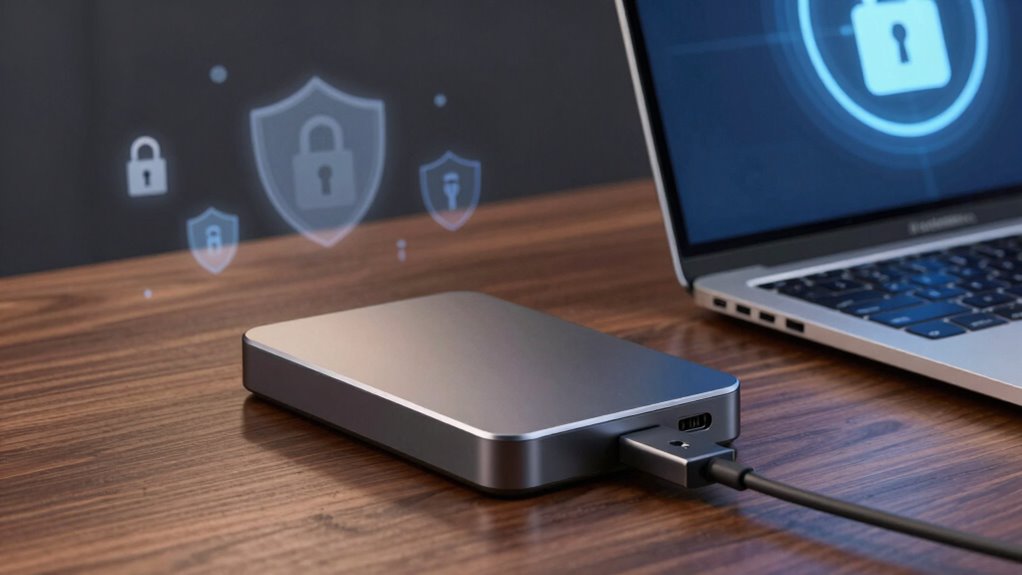
Are you confident that your digital data is protected from unexpected loss or theft? If not, it’s time to reconsider how you’re handling your data security. External storage devices, like external hard drives and USB flash drives, play an essential role in creating a safer digital life, especially when used alongside cloud backup solutions. Relying solely on cloud services isn’t enough; external storage offers a physical backup that you can control, providing an extra layer of protection against cyber threats or accidental deletion. By maintaining copies on external drives, you guarantee that even if your cloud account is compromised or your internet access is interrupted, your data remains safe and accessible.
External storage backups ensure data safety even if cloud access is compromised or interrupted.
However, simply storing data externally isn’t enough. You need to guarantee that your files are protected from unauthorized access. This is where encryption methods come into play. When you encrypt your external storage devices, you convert your data into a secure format that only you can access with the right password or key. This added security measure is essential if your device gets lost or stolen because it prevents anyone from viewing your sensitive information. Modern encryption methods are user-friendly and integrated into many external drive solutions, making it easier than ever to safeguard your data without sacrificing convenience.
In addition to encryption, it’s important to keep your external storage devices physically secure. Store them in a safe place, such as a locked drawer or a secure safe, especially if they contain sensitive or personal information. Regularly updating your encryption methods and keeping your device firmware current also helps defend against potential vulnerabilities. Staying proactive with your security measures guarantees your data remains protected over time. Physical security is a crucial aspect of maintaining data integrity, especially considering the increasing sophistication of cybercriminal tactics. Moreover, understanding data backup strategies can help you develop a comprehensive approach to safeguard your information effectively. Incorporating encryption methods into your backup routines further enhances your protection against unauthorized access. Additionally, staying informed about emerging cybersecurity threats can help you adapt your security practices proactively.
external hard drive with encryption
As an affiliate, we earn on qualifying purchases.
As an affiliate, we earn on qualifying purchases.
Frequently Asked Questions
Can External Storage Devices Be Hacked Remotely?
Yes, external storage devices can be hacked remotely if vulnerabilities exist. Hackers exploit data vulnerabilities in your devices, especially if they lack proper security measures like strong passwords or encryption. Remote hacking becomes possible through malware, unsecured connections, or outdated firmware. To protect yourself, always update your device’s software, use strong passwords, and avoid connecting to untrusted networks, reducing the risk of remote hacking and data breaches.
How Often Should I Back up Data to External Storage?
You should back up data to external storage at least once a week; missing that is like leaving your digital life unguarded during a hurricane. Regular backup frequency keeps your files safe from unexpected crashes or cyber threats. To maximize storage longevity, avoid frequent rewrites and store your device in a cool, dry place. Consistency is key—make it part of your routine to make certain your data stays protected and intact.
Are External Drives More Secure Than Cloud Storage?
External drives aren’t inherently more secure than cloud storage, but they give you control over data transfer and storage organization. You can physically disconnect them to prevent unauthorized access or malware. However, they’re vulnerable to theft, physical damage, and loss. Cloud storage offers encryption and remote access, but relies on strong passwords and secure connections. Using both together provides a balanced approach, enhancing your overall digital security.
What’s the Best Way to Encrypt External Storage?
You should encrypt your external storage using strong encryption methods like BitLocker for Windows or FileVault for Mac. Don’t forget to set a complex password for added protection. Some might worry about losing access, but secure password protection guarantees only you can access your data. Regularly update your encryption tools and keep backups. This way, your data stays safe even if your external drive falls into the wrong hands.
How Do I Recover Data if My External Drive Fails?
If your external drive fails, start by using reliable data recovery tools to retrieve your files. Avoid panicking and stop using the drive to prevent further damage. Regularly back up your data to prevent loss and implement drive failure prevention strategies like monitoring drive health and maintaining proper storage conditions. These proactive steps help guarantee you can recover your data efficiently and minimize the impact of drive failure.
USB flash drive with hardware encryption
As an affiliate, we earn on qualifying purchases.
As an affiliate, we earn on qualifying purchases.
Conclusion
By now, you see how external storage can be a game-changer for your digital safety. It’s simple to use, portable, and offers a vital backup layer, especially since 30% of data breaches involve stolen or lost devices. Keeping your important files on an external drive means you’re less vulnerable to ransomware or hardware failures. So, make external storage part of your security routine—you’ll thank yourself when you’re protected and stress-free.
portable external SSD for data backup
As an affiliate, we earn on qualifying purchases.
As an affiliate, we earn on qualifying purchases.
As an affiliate, we earn on qualifying purchases.
Evergreen bestsellers Picks
bestsellers
As an affiliate, we earn on qualifying purchases.