
Choosing the right laptop screen depends on what you need. IPS displays deliver accurate colors and wide viewing angles, great for creative work. OLED screens offer deep blacks and vibrant colors for stunning visuals. Mini-LED tech improves contrast with tiny LEDs for better detail. Touchscreens add intuitive control, perfect for note-taking or drawing. Each type has unique benefits, so understanding these options helps pick the best fit. Keep exploring to discover more about how each technology enhances your experience.
Key Takeaways
- IPS panels deliver accurate colors and wide viewing angles, ideal for professional and multimedia use.
- OLED screens offer deep blacks, vibrant colors, and high contrast, perfect for entertainment and creative work.
- Mini-LED displays use numerous tiny LEDs for enhanced contrast and localized dimming, improving picture quality.
- Different display technologies impact brightness, color accuracy, thickness, and flexibility, influencing device performance and design.
- Choosing the right screen depends on your needs for color accuracy, resolution, touch functionality, and portability.
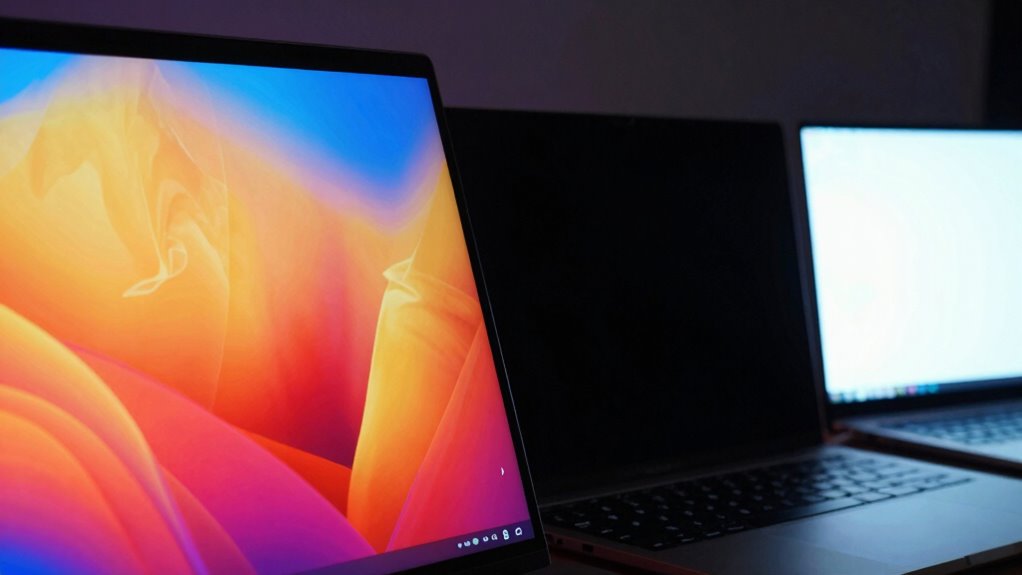
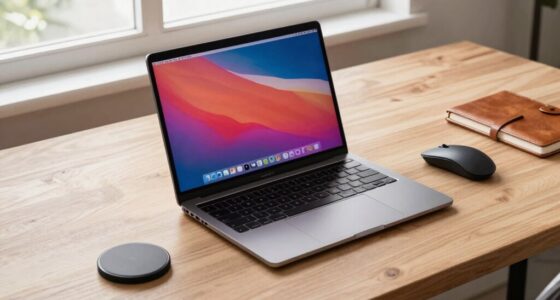
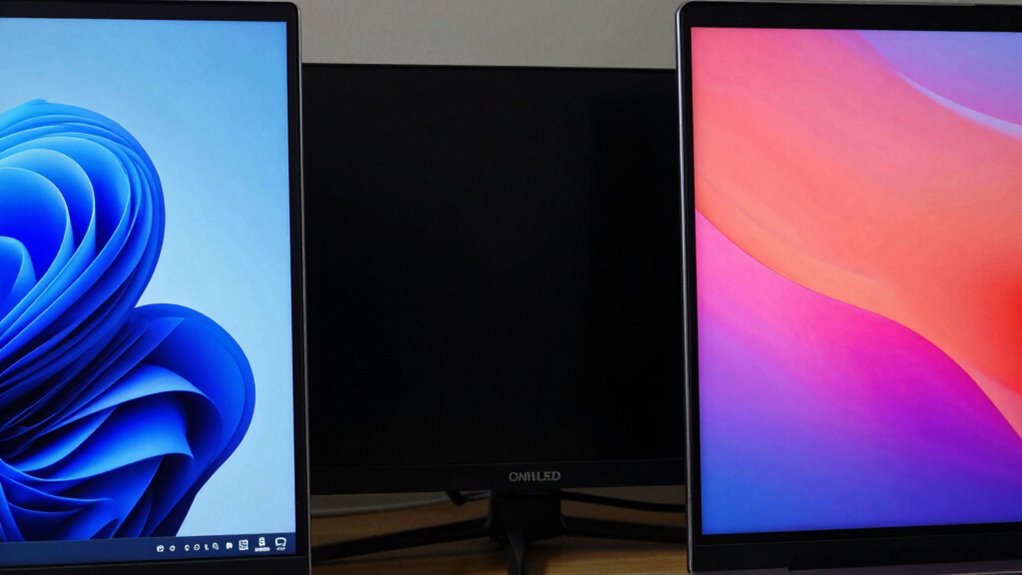
Laptop screens are a vital part of your device, directly impacting how you see and interact with your work or entertainment. The quality of your display determines not just the clarity of images but also how smoothly you can traverse through tasks and enjoy multimedia content. When choosing a laptop, understanding the different screen technologies, like IPS, OLED, and Mini-LED, helps you make an informed decision. One of the key features to think about is touchscreen capabilities, which add a layer of versatility, allowing you to tap, swipe, or draw directly on the screen. This feature is especially useful for creative work, note-taking, or maneuvering through apps more intuitively. Alongside touchscreen capabilities, display resolution plays a crucial role in your visual experience. Higher resolutions, like Full HD (1920×1080) or 4K (3840×2160), provide sharper images and more workspace, making multitasking easier and visuals more detailed. The combination of resolution and screen technology affects everything from reading documents to gaming and video editing. Additionally, advancements in display technology continue to push the boundaries of brightness, color accuracy, and contrast, offering even more options for consumers. IPS (In-Plane Switching) panels are popular because they deliver excellent color accuracy and wide viewing angles. You’ll notice this when sharing your screen with others or working on color-sensitive projects, as IPS displays maintain consistent color and contrast regardless of your angle. OLED screens, on the other hand, excel by offering deep blacks and vibrant colors, thanks to their ability to turn off individual pixels completely. This technology provides stunning contrast ratios, making images pop and videos appear more lifelike. OLED screens are also thinner and more flexible, which is why they’re often found in high-end laptops. Mini-LED displays take a different approach by using thousands of tiny LEDs to backlight the screen. This results in better contrast ratios and more precise local dimming, giving you richer blacks and brighter highlights. These displays are known for their high brightness levels and durability, making them suitable for both professional work and multimedia consumption. As you compare screens, keep in mind that the ideal choice depends on your needs—whether it’s color accuracy for creative projects, high resolution for detailed visuals, or touch features for convenience. Each technology offers unique benefits, and understanding these differences helps you select a display that enhances your overall experience. For example, some screens may also prioritize brightness and contrast to optimize viewing in different lighting conditions, which is an important aspect to consider. Furthermore, understanding screen durability can help you choose a device that withstands daily wear and tear over time. A comprehensive understanding of display specifications can also aid in making an informed purchase, ensuring your device matches your usage habits. Additionally, considering energy efficiency can help prolong battery life, especially when using your device on the go. Ultimately, your choice of screen technology, touchscreen capabilities, and resolution shapes how you see and interact with your device daily, making your laptop not just a tool, but an extension of your vision and creativity.

KEFEYA Laptop Screen Extender, 14" FHD 1080P IPS Laptop Monitor Extender Dual Screen, Portable Monitor for Laptops 13-17" with USB-C/HDMI Port, Plug n Play for Windows/Mac/Android/Switch/PS5
- Efficiency Boost: Increase productivity by up to 200%
- High-Quality Display: 14-inch FHD IPS with vibrant colors
- Easy Plug & Play: No driver needed, multiple connection options
As an affiliate, we earn on qualifying purchases.
As an affiliate, we earn on qualifying purchases.
Frequently Asked Questions
How Durable Are Different Laptop Screen Types Against Scratches?
You’ll find that screen durability varies based on material impact; for example, OLED screens are more prone to scratches due to their delicate organic layers, while IPS panels tend to be tougher but can still scratch if mishandled. To protect your laptop screen, use a screen protector or a soft cloth, and avoid abrasive materials. Regular care helps maintain your screen’s clarity and prevents scratches, ensuring better durability over time.
Which Screen Type Is Best for Outdoor Visibility?
For outdoor visibility, OLED screens are excellent because of their vibrant colors and deep blacks, but they can struggle with sunlight readability. To enhance this, look for screens with anti-glare coatings, which reduce reflections and glare. Additionally, screens with higher brightness levels help you see better in direct sunlight. Combining these features guarantees you get the best outdoor experience, making it easier to use your laptop outside.
Do Screen Materials Affect Laptop Weight Significantly?
Screen materials do impact laptop weight, but the effect is usually minimal for most users. Screen weight varies depending on the materials used, like glass or plastic, which influence durability and weight. The material impact is generally slight, so unless you’re choosing ultra-light laptops for portability, it shouldn’t substantially affect your overall decision. Focus more on display quality and features, as these are typically more important than minor weight differences caused by screen material.
Are There Health Concerns With OLED Screens?
You might worry about eye strain and blue light when using OLED screens, but they’re generally safe if you take breaks and use blue light filters. Coincidentally, many users report less eye fatigue with OLEDs due to their high contrast and deep blacks. While some concerns about long-term blue light exposure exist, current evidence suggests that with proper usage, OLED screens don’t pose significant health risks.
How Do Screen Refresh Rates Vary Across Technologies?
You’ll notice that refresh rates vary across screen technologies, affecting gaming performance. A refresh rate comparison shows OLED screens often support higher rates, like 120Hz or more, while traditional LCDs might max out at 60Hz. Higher refresh rates deliver smoother gameplay and less motion blur, giving you a competitive edge. So, when choosing a screen, consider how refresh rate impacts gaming performance and whether the technology can support your preferred rate.

Acer Swift Go 16in OLED Laptop SFG16-72-5844 Ultra 5 125H 8GB RAM 512GB SSD
- Processor: Intel Core Ultra 5 125H with AI
- Display: 16-inch 3.2K OLED with HDR
- Color Gamut: 100% DCI-P3 for vivid colors
As an affiliate, we earn on qualifying purchases.
As an affiliate, we earn on qualifying purchases.
Conclusion
Now that you know the differences between IPS, OLED, and mini-LED screens, you can choose the perfect display for your needs. Imagine enjoying vibrant colors and deep blacks every time you open your laptop — it’s like bringing a mini cinema to your desk. Did you know that OLED screens can achieve perfect black levels, making images look stunningly realistic? With this knowledge, you’re ready to pick a screen that makes every task a visual delight.

cocopar Portable Monitor 15.6 Inch 1080P FHD 60Hz 85% sRGB Travel Monitor with Speaker HDMI USB-C Second Screen for Laptop MacBook Surface PC Xbox PS4/5, VESA Mountable, with Cover Stand
- Portable Monitor for Laptops: Ideal for MacBook, Surface, and more
- Plug and Play USB-C Connectivity: Supports power and display via one USB-C cable
- Wide Compatibility: Compatible with most laptops, PCs, PS4, Xbox
As an affiliate, we earn on qualifying purchases.
As an affiliate, we earn on qualifying purchases.

HP 14” Laptop 2026 Student Business, MS Office, AMD CPU, 4GB RAM 128GB SSD
- Processor: AMD CPU for smooth multitasking
- Memory & Storage: 4GB RAM, 128GB SSD
- Productivity Suite: Includes MS Office for one year
As an affiliate, we earn on qualifying purchases.
As an affiliate, we earn on qualifying purchases.