Home NAS systems are gaining popularity because they give you a secure, private way to store and manage your digital files without relying on third-party cloud services. They act as personal clouds, making file access and sharing easy while providing control over your data privacy. Plus, you can customize and expand storage to fit your needs. If you want to better understand how these systems protect your digital life, keep exploring the benefits they offer.
Key Takeaways
- Increasing concerns over data privacy drive users to prefer local storage over third-party cloud services.
- Home NAS systems offer customizable, expandable storage tailored to specific user needs.
- They provide secure, centralized data management with advanced encryption and security features.
- Growing digital content creation and sharing require reliable, high-capacity local storage solutions.
- Enhanced data security and regular updates ensure resilience against cyber threats and breaches.
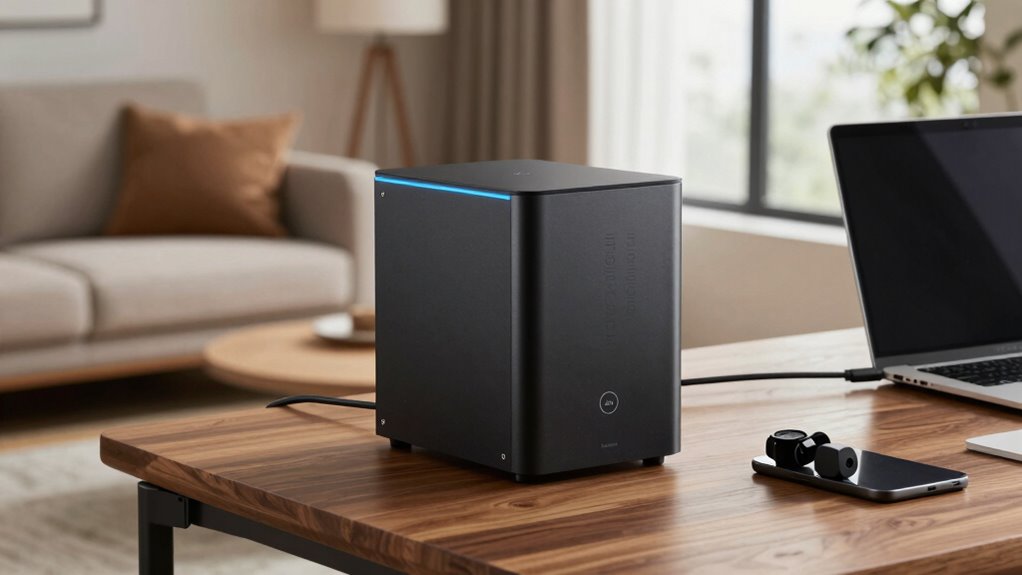
As more people seek convenient and secure ways to store their digital files, home NAS (Network Attached Storage) systems are becoming increasingly popular. You want a reliable solution that keeps your data safe while offering easy access from multiple devices. Unlike relying solely on cloud storage, which can involve ongoing costs and concerns about data privacy, a home NAS gives you control over your files without sacrificing convenience. It acts as your personal cloud, allowing you to access, share, and back up your data anytime you need. This setup not only simplifies file management but also enhances your data security because you’re not depending on third-party providers who might be vulnerable to breaches or outages.
Home NAS systems offer secure, private storage with easy access and control over your digital files.
One of the main reasons home NAS systems are gaining traction is because they strike a balance between the benefits of cloud storage and the need for data security. Cloud storage services are popular because they’re accessible from anywhere and require minimal setup, but they can raise concerns about data privacy and security. With a NAS, you store your files locally, which means you’re in full control of who can access them. You can set up encryption and user permissions to protect sensitive information, reducing the risk of unauthorized access. Plus, many NAS devices come with built-in security features like automatic backups, malware protection, and remote wipe capabilities, giving you peace of mind that your data remains safe even if your network faces threats. Additionally, the ability to utilize high-quality projectors for home cinemas can turn your storage space into an entertainment hub, making a NAS even more versatile. Furthermore, some NAS devices integrate with specialized security features that enhance your overall data protection. These features often include advanced encryption protocols that safeguard your data both at rest and during transmission. Incorporating regular firmware updates is also vital to ensure your NAS remains resilient against emerging security vulnerabilities.
Another advantage is that a home NAS can be tailored to your specific needs. Whether you’re a content creator, a small business owner, or someone who just wants to keep personal files organized, you can expand your storage capacity as needed. The flexibility of a NAS allows for easy upgrades and customization, making it suitable for a variety of users and applications. The ability to centralize your data in one secure location makes it easier to manage backups and share files with family or colleagues without the hassle of uploading and downloading from the cloud repeatedly. And because your data stays on your network, you avoid the latency issues that sometimes come with cloud access, especially with large files or slow internet connections. This control over your data environment is increasingly important as digital security concerns grow more prevalent.
Frequently Asked Questions
How Do NAS Systems Compare to Cloud Storage Solutions?
You find that NAS systems offer better control over your data compared to cloud storage solutions. With NAS, you get faster cloud synchronization and seamless remote access without relying on third-party providers. Plus, you can customize security settings and expand storage easily. While cloud storage is convenient, NAS systems give you more privacy and direct access to your files, making them ideal for those wanting more control and reliability.
What Security Measures Are Essential for NAS Data Protection?
Imagine someone storing sensitive files on their NAS, only to face a security breach. To protect your data, you need strong encryption protocols like AES during transmission and storage. Regular backup strategies are essential, ensuring data recovery if needed. Implementing multi-factor authentication and keeping firmware updated also boosts security. These measures safeguard your NAS data, keeping it safe from unauthorized access and potential threats.
Can a Home NAS System Handle Multiple Users Simultaneously?
Yes, a home NAS system can handle multiple users simultaneously. It manages user privacy by offering customizable access controls, ensuring each user only sees what they’re authorized to access. Plus, modern NAS devices are highly compatible with various devices and operating systems, making it easy for multiple users to connect and collaborate seamlessly. This combination of user privacy and device compatibility makes NAS an ideal solution for shared home environments.
What Are the Initial Costs Involved in Setting up a NAS?
Setting up a NAS involves initial costs like purchasing the device, hard drives, and possibly a UPS for protection. Picture your home lighting dimming as your NAS seamlessly integrates into your home automation system, enhancing energy efficiency. While the upfront investment might seem hefty, it pays off with organized data, smart energy use, and reliable backups. Think of it as planting a sturdy seed for future digital peace of mind.
How Much Technical Knowledge Is Required to Operate a NAS?
You don’t need extensive technical knowledge to operate a NAS, but understanding data redundancy and user permissions helps. You’ll handle basic setup, like creating user accounts and configuring shared folders, which is straightforward with user-friendly interfaces. Managing data redundancy guarantees your files stay safe, and setting user permissions controls access. With some initial learning, you can confidently operate your NAS, keeping your data secure and accessible.
Conclusion
So, if you’re tired of relying on clunky external drives or fearing a data disaster, a home NAS system is your modern-day equivalent of a trusty steed. It offers convenience, security, and easy access to your files—like having your own digital library at your fingertips. As tech keeps evolving faster than a DeLorean hitting 88 mph, investing in a NAS now guarantees you’re ready for the future, no flux capacitor needed.