
Your laptop feels old quickly because of battery degradation, software clutter, and hardware overheating, which slow performance over time. As the battery wears out, your device can shut down unexpectedly or slow down to conserve power. Excess programs and updates create digital clutter, making the system sluggish. Dust buildup and outdated hardware cause overheating and thermal throttling. Plus, rapid tech advances mean new devices outperform older ones quickly. Want to know how to keep your laptop running smoothly?

Get the latest gadgets delivered free — and shop member deals
- Fast, free delivery on millions of items
- Access to Prime Big Deal Days deals on October 6–7
- Prime Video, Amazon Music and more included
Key Takeaways
- Battery degradation reduces performance and causes unexpected shutdowns, making the device feel slower over time.
- Software bloat from updates and programs slows down the system with unnecessary background processes.
- Dust buildup and thermal issues lead to overheating and thermal throttling, decreasing processing speed.
- Older hardware struggles to run newer software and features, creating a perception of aging.
- Lack of regular maintenance allows performance issues to accumulate, making the laptop feel outdated quickly.
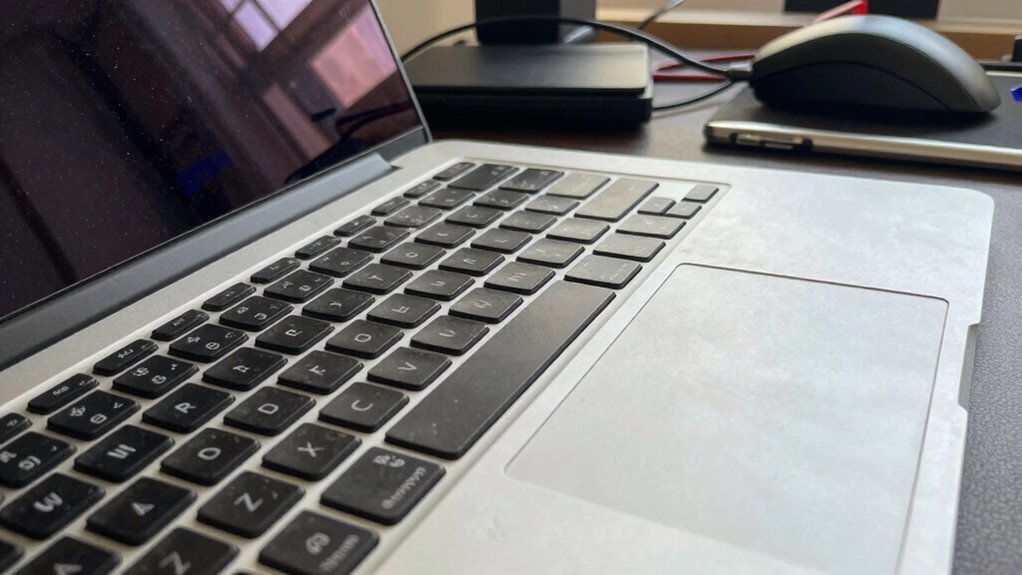
If your laptop seems to slow down or feel outdated sooner than you expected, you’re not alone. One major reason is battery degradation. Over time, your laptop’s battery loses its ability to hold a full charge, which causes the device to shut down unexpectedly or struggle to maintain performance. As the battery depletes more rapidly, your laptop may automatically reduce processing power to conserve energy, making it feel sluggish even if the hardware itself is still capable. This decline in battery health can give the impression that your device is aging faster than it should. Replacing the battery can restore some of that lost performance, but many users overlook this simple fix, assuming the entire device needs an upgrade.
Another factor that accelerates the feeling of aging is software bloat. As you install new programs and updates, your operating system becomes cluttered with files and background processes that drain resources. Over time, these unnecessary processes can slow down your system significantly, especially if you’re using an older machine. Software updates, while often necessary, sometimes increase system requirements and introduce features that your laptop struggles to support efficiently. This combination makes your device seem slower and less responsive, even if the hardware remains functional. Additionally, software bloat can be exacerbated by background processes that are difficult to manage manually, further degrading performance. Regular maintenance, such as cleaning up unnecessary files and managing startup programs, can help mitigate this issue.
Beyond software bloat and battery issues, other elements contribute to your laptop’s perceived age. Dust buildup inside the vents can cause overheating, leading to thermal throttling where the processor reduces its speed to prevent damage. This results in a noticeable slowdown during intensive tasks. Additionally, as operating systems evolve, they often demand more from your hardware, leaving older machines struggling to keep pace. When combined with outdated drivers or incompatible hardware components, your laptop’s performance can suffer significantly. An overwhelmed system due to accumulated processes and hardware limitations can further hasten the feeling of obsolescence. Ensuring proper ventilation and timely hardware upgrades can help extend your device’s lifespan.
You might also feel that your laptop is aging faster because of the way technology advances. Newer devices come with faster processors, larger memory capacities, and better graphics, making your older laptop seem outdated in comparison. Even if your device still works, it may no longer support the latest software or features, which can be frustrating. The cumulative effect of these factors—battery health, software bloat, hardware wear, and technological progress—creates the illusion that your laptop is aging at an accelerated rate. Keeping your system optimized and aware of these issues can help prolong its usability. Regularly researching hardware compatibility and planning upgrades can also make a significant difference in maintaining performance over time.
In the end, understanding these underlying issues helps you take practical steps to extend your device’s lifespan. Regularly cleaning dust from inside, managing startup programs, and replacing the battery when needed can improve performance. Being mindful of software installations and updates also helps prevent unnecessary bloat. With some maintenance, your laptop can keep up longer, and the feeling of it being old so fast can be significantly reduced.
As an affiliate, we earn on qualifying purchases.
Frequently Asked Questions
Can Software Updates Slow Down My Laptop Over Time?
Yes, software updates can slow down your laptop over time. Sometimes, updates introduce software bloat, which makes programs use more resources and process slower. Additionally, if your hardware isn’t fully compatible with new updates, it can cause lag or crashes. To keep your laptop running smoothly, regularly check update compatibility and consider removing unnecessary bloatware or delaying updates until your system can handle them better.
How Does Hardware Aging Affect Laptop Performance?
Hardware aging is like a car slowly losing its pep; it directly impacts your laptop’s speed. As components wear and degrade over time, your laptop struggles to keep up, leading to slower performance. Hardware degradation affects your system’s efficiency, causing longer boot times, lagging applications, and reduced responsiveness. Regular maintenance and upgrades can help delay this decline, but ultimately, wear and tear take their toll on your device’s performance.
Is It Better to Upgrade or Replace an Aging Laptop?
It’s usually better to replace your aging laptop rather than upgrade, especially when battery degradation and aesthetic wear become noticeable. Upgrading might extend its life briefly, but if the performance continues to lag, a new device guarantees better speed, reliability, and features. Consider how much you value portability and aesthetics—if they’re compromised, investing in a new laptop offers a more satisfying, long-term solution.
Do Cleaning and Maintenance Improve Laptop Speed?
Think of your laptop like a vintage jukebox—clean it regularly, and it’ll keep playing smoothly. Cleaning dust accumulation and checking battery health definitely boost speed. Dust can clog vents, causing overheating, and poor battery health can slow performance. Regular maintenance clears out debris and guarantees your device runs efficiently. So, yes, routine cleaning and upkeep are essential to maintain your laptop’s speed and extend its lifespan.
What Are Signs My Laptop Needs Professional Repair?
If your laptop shows signs like poor battery health, with quick power drain, or screen flickering that disrupts your work, it’s time to seek professional repair. You might also notice slow performance, overheating, or unusual noises. These issues indicate internal hardware problems or aging components. Addressing them promptly can prevent further damage, restore functionality, and extend your laptop’s lifespan. Don’t ignore these signs; professional help is essential.
laptop cooling pad for overheating
As an affiliate, we earn on qualifying purchases.
As an affiliate, we earn on qualifying purchases.
Conclusion
So, next time your laptop starts feeling slow, remember that aging isn’t just about hardware. Regular updates and maintenance can extend its lifespan. Curiously, a survey found that 60% of users notice their devices lagging within just two years. Don’t let that happen to you—stay proactive with updates and cleaning. Your laptop might just feel new again, and you’ll save money in the long run. Keep it running smoothly and enjoy seamless performance longer!
software cleanup tools for Windows/Mac
As an affiliate, we earn on qualifying purchases.
As an affiliate, we earn on qualifying purchases.
As an affiliate, we earn on qualifying purchases.
Fall Picks
fall essentials
As an affiliate, we earn on qualifying purchases.