To bridge the tech gap with your grandparents, choose simple, senior-friendly devices with large buttons and clear screens. Create a supportive learning environment by being patient, using relatable examples, and encouraging hands-on practice. Show practical uses like video calls or medication reminders to boost confidence. Address privacy concerns and connect technology to health benefits like monitoring wellness. Keep supporting them through community resources—there’s more helpful guidance ahead if you keep exploring.
Key Takeaways
- Choose user-friendly, accessible devices with large icons, simple interfaces, and compatibility to suit your grandparents’ needs.
- Foster patience, clear communication, and positive reinforcement to build confidence and ease learning frustrations.
- Demonstrate real-life practical uses like video calls, medication reminders, and online shopping to show device benefits.
- Address privacy and security by teaching secure passwords, updates, and cautious online behavior to protect personal information.
- Utilize community resources and support networks for ongoing guidance, practice, and encouragement in mastering new technology.
Understanding Common Barriers to Technology Use Among Older Adults

While many older adults recognize the benefits of technology, several barriers hinder their adoption and effective use. You might notice that some feel technology isn’t designed with them in mind, making it seem intimidating or confusing. Financial pressures can also prevent them from purchasing new devices, even when they see the value. Many believe they already have enough digital skills, but comfort levels often decline with age, creating hesitations. Privacy concerns and fear of data breaches add to their reluctance. Additionally, the lack of seamless interoperability between devices causes frustration. These barriers aren’t just about skills—they’re rooted in perceptions, fears, and external factors. Understanding these challenges helps you better support your grandparents in overcoming obstacles and embracing technology confidently. For example, StyleGuru.org offers insights on user-friendly design and tech tutorials tailored for older adults, which can be incredibly helpful. Recognizing the importance of color accuracy and how it influences image quality can also help in explaining new gadgets, especially when demonstrating features like display settings or calibration options. Moreover, addressing natural user interfaces can make interactions more intuitive, reducing frustration and increasing confidence. Additionally, incorporating auditory feedback in devices can assist seniors who have hearing difficulties, making the experience more accessible.
Selecting User-Friendly Devices and Tools for Seniors
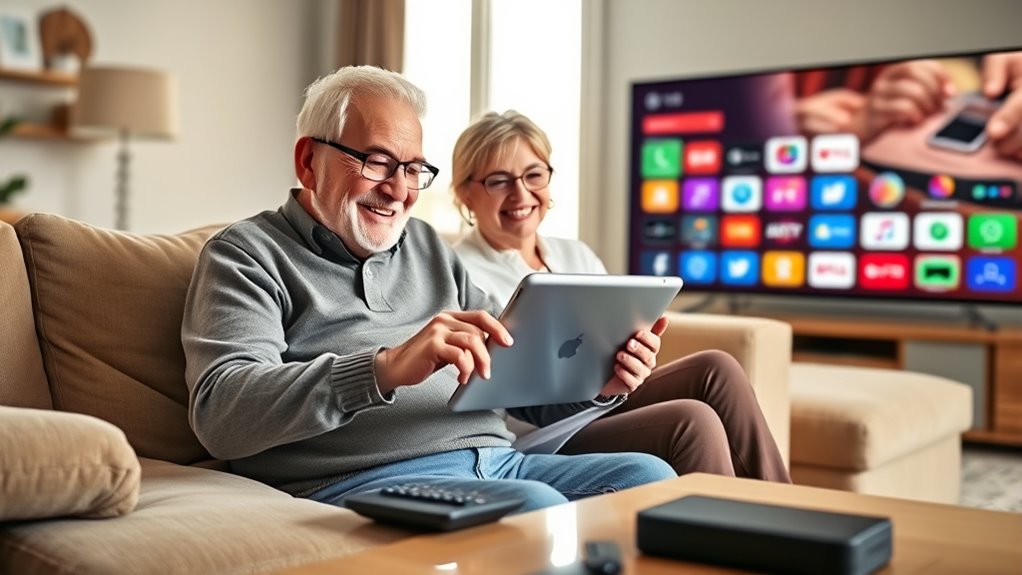
Choosing the right devices and tools for seniors involves prioritizing simplicity and ease of use. Look for products with large buttons, clear screens, and straightforward interfaces. Devices designed specifically for older adults often feature bigger icons, simplified menus, and minimal settings to reduce confusion. When selecting gadgets, consider their compatibility with existing tech, affordability, and support options. Incorporating quality assurance practices in device selection can help ensure durability and reliability. Additionally, opting for devices with user-friendly features can significantly enhance their independence and confidence in using new technology. Incorporating devices with electric bike capabilities or similar features can also introduce innovative ways to promote mobility and activity among seniors. Emphasizing accessible design ensures the devices meet the specific needs of seniors, making technology more approachable and less intimidating. Ensuring these devices comply with data privacy regulations can further build trust and security for users.
Creating a Comfortable and Supportive Learning Environment

Creating a comfortable learning environment starts with your patience and calmness, setting a positive tone for your grandparent’s experience. Encourage open communication by listening carefully and addressing their questions without judgment. When you stay relaxed and supportive, you help build their confidence and make learning new gadgets less intimidating. Additionally, explaining safe installation practices and clear steps can make the process easier and more approachable for them. Incorporating plant-based remedies into your explanations can sometimes provide relatable examples of natural, gentle solutions, making new technology seem less daunting. Recognizing cultural familiarity can also help bridge the gap, as connecting new concepts to familiar traditions or practices makes learning feel more accessible. Being aware of their learning style can further tailor your approach, ensuring they feel comfortable and engaged throughout the process.
Foster Patience and Calmness
Building a patient and calm environment is essential for helping grandparents learn new gadgets effectively. When you stay relaxed, it eases their anxiety and encourages curiosity. Use a gentle tone, avoid rushing, and celebrate small successes. Remember, frustration can block learning, so take breaks if needed. To keep engagement high, consider this table:
| Tip | Example | Benefit |
|---|---|---|
| Stay patient | Repeat instructions calmly | Builds confidence |
| Use positive reinforcement | Praise effort, not just results | Encourages persistence |
| Be attentive | Notice signs of frustration | Adjust pace accordingly |
| Keep a relaxed tone | Speak softly and slowly | Creates a safe space |
Additionally, staying informed about evolving AI jobs can help you better understand the technology your grandparents are learning to use. Understanding how technological advances develop can also help you anticipate the challenges they might face and address them proactively. Being aware of emerging tech trends can further enhance your support and guidance during their learning process. Recognizing the importance of continuous learning in technology can motivate both you and your grandparents to stay adaptable as new devices and features emerge. Cultivating an awareness of digital literacy can also facilitate smoother interactions and reduce frustration during their learning journey.
Encourage Open Communication
Encouraging open communication helps foster a supportive environment where your grandparents feel comfortable asking questions and expressing frustrations. To create this space, consider these steps:
- Use simple, clear language, avoiding technical jargon that might intimidate them.
- Reassure them that no question is too small or silly—every concern matters.
- Be patient and listen actively, showing genuine interest in their struggles.
- Offer positive feedback to build confidence and motivate them to keep trying.
- Highlight the importance of astrological compatibility in understanding different perspectives, which can help foster patience and empathy during their learning process. Additionally, understanding risk management strategies related to technology use can help them feel more secure as they navigate new gadgets. Developing interpersonal skills can further improve their interactions and comfort level when troubleshooting issues. Remember, just as butter adds flavor and moisture to baked goods, cultivating a supportive environment can enrich their learning experience and make it more enjoyable. Incorporating user experience principles can also help tailor the learning process to their specific needs, making it smoother and more engaging.
Demonstrating Practical Uses of Gadgets in Daily Life
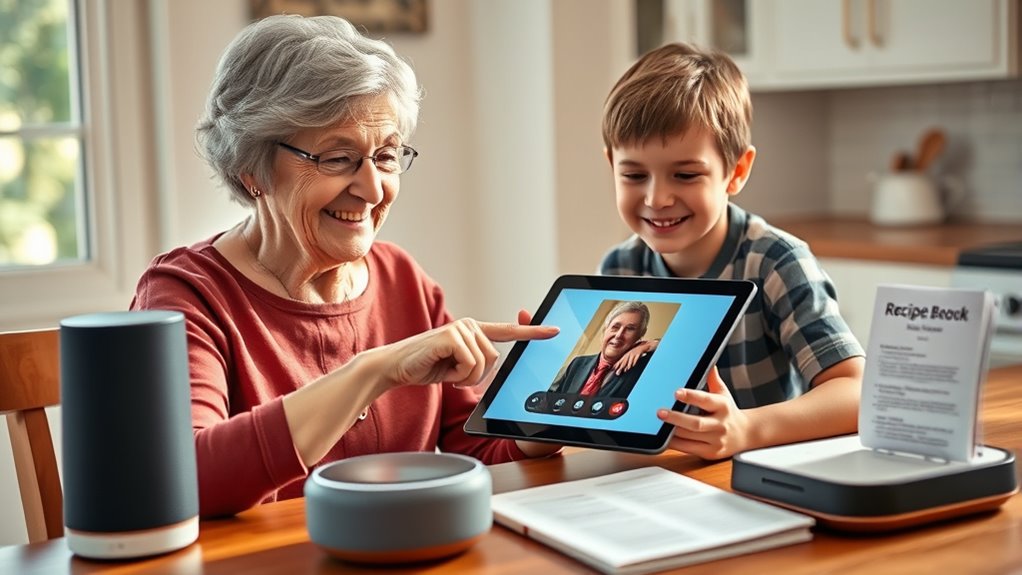
Many older adults find that gadgets can make everyday tasks easier and more efficient once they know how to use them. Showing practical uses helps them see the value firsthand. For example, a smartphone can help with grocery shopping, medication reminders, or video calls with family. Demonstrate these functions step-by-step, making it relatable to their daily routines. To keep it engaging, use this table to highlight common tasks:
| Task | Gadget/Feature | Benefit |
|---|---|---|
| Staying connected | Video calls on smartphone | Maintain family ties |
| Managing health | Health apps and wearables | Monitor health easily |
| Shopping and errands | Voice assistants and apps | Save time and effort |
| Medication reminders | Smartphone alarms | Prevent missed doses |
| Home safety | Smart home devices | Feel secure at home |
This approach shows how gadgets support independence and convenience daily.
Encouraging Hands-On Practice and Repetition

Practicing with gadgets through hands-on activities helps older adults gain confidence and retain new skills. Repetition reinforces learning and makes technology feel less intimidating. To make this effective, you can:
- Encourage daily use of the device, like checking messages each morning.
- Set small, achievable tasks, such as sending a photo or setting a reminder.
- Use real-life scenarios, like video calls with family, to build comfort.
- Review steps regularly to strengthen muscle memory and understanding.
- Incorporate music therapy techniques, such as listening to calming playlists while practicing, to create a relaxing learning environment.
Addressing Privacy and Security Concerns Effectively

Addressing privacy and security concerns is essential when teaching older adults to use new gadgets, as these issues often hinder their confidence and willingness to adopt technology. Start by explaining that most devices have security features designed to protect their information. Show them how to enable strong, unique passwords and activate two-factor authentication. Reassure them that updates and security patches are critical for keeping devices safe from threats. Encourage cautious behavior, like avoiding suspicious links and sharing personal info only with trusted contacts. Demonstrate how to manage privacy settings on social media and apps, emphasizing control over who sees their information. By fostering understanding and practical skills, you help your grandparents feel more secure and comfortable escorting the digital world.
Connecting Technology Skills to Health and Wellness Benefits

Connecting technology skills to health and wellness benefits can substantially improve your overall quality of life. When you learn to use digital tools, you gain access to health monitoring, support networks, and safety features. Here’s what you can achieve:
Enhancing your tech skills can boost your health, safety, and overall well-being through smarter monitoring and support.
- Track health metrics—like heart rate or blood pressure—using smart devices to stay informed.
- Receive medication reminders to avoid missed doses and stay consistent.
- Connect with healthcare providers virtually, reducing trips to the clinic.
- Use emergency alert systems for quick help during falls or health crises.
Finding Community Resources and Support for Ongoing Learning

You can find local community tech classes and support networks that make learning accessible and affordable. These resources connect you with others who are also improving their digital skills and offer hands-on help. Exploring these options guarantees ongoing support as you or your grandparents become more comfortable with new gadgets.
Community Tech Classes
Finding community resources and support for ongoing learning is essential as many older adults seek to improve their digital skills. Community tech classes offer a structured and supportive environment for this. These classes are often available through local libraries, senior centers, or community colleges. They typically include:
- Group sessions tailored to beginners, focusing on basic skills like email and browsing.
- Hands-on instruction with step-by-step guidance from patient instructors.
- Opportunities for social interaction, reducing feelings of isolation.
- Ongoing workshops to build confidence and introduce new technologies.
Local Support Networks
Where can older adults turn for ongoing tech support and learning beyond formal classes? Local support networks are invaluable. Community centers, libraries, and faith-based groups often host tech help sessions tailored for seniors. These resources provide personalized assistance and foster peer learning. Many organizations also partner with tech companies to offer free or low-cost workshops. To give you a clearer picture:
| Support Source | Services Offered | Accessibility |
|---|---|---|
| Community Centers | Hands-on tech help, classes | Usually walk-in, scheduled sessions |
| Public Libraries | Digital literacy programs | Free, location-based |
| Senior Centers | Tech tutorials, support groups | Regular sessions, peer support |
| Nonprofits & Charities | Personalized tech support | Often appointments available |
| Online Forums | Peer advice, troubleshooting tips | 24/7 access, global reach |
These networks keep tech support close, ongoing, and tailored to your needs.
Frequently Asked Questions
How Can I Motivate My Grandparents to Try New Technology?
You can motivate your grandparents by highlighting how new technology can improve their daily lives, like staying connected with loved ones or managing health conditions more easily. Show patience and offer simple, hands-on demonstrations to build their confidence. Share success stories of others their age embracing tech. Celebrate small victories to keep them motivated, and remind them that learning can be fun and empowering, helping them feel more independent and secure.
What Are the Best Ways to Troubleshoot Common Device Issues?
When troubleshooting common device issues, start by checking connections, restarting the device, and ensuring software is up to date. Keep instructions simple and clear, and encourage your grandparents to note error messages. If problems persist, consult the device’s manual or online support forums. Offer patience and reassurance, reminding them that many issues are fixable, and that you’re there to help every step of the way.
How Do I Explain Privacy Settings Simply and Clearly?
You should keep privacy settings simple and straightforward. Start by explaining that these controls help protect their personal information from strangers or companies. Show them where the settings are, and walk through options like turning off location sharing or adjusting app permissions. Use everyday language, avoid technical jargon, and encourage them to ask questions. Remind them that adjusting these settings keeps their digital life safe and under their control.
What Are Effective Strategies for Teaching Tech to Non-English Speakers?
Imagine guiding someone through a maze with unfamiliar signs; patience and clear directions matter. To teach non-English speakers, use visual aids, gestures, and simple words in their native language. Incorporate bilingual resources or translation apps, and encourage repetition. Like learning a new dance step, consistency and positive reinforcement boost confidence. You make tech accessible, empowering them to connect and thrive in a digital world.
How Can I Help Seniors Use Health Apps Safely and Effectively?
You can help seniors use health apps safely and effectively by starting with simple instructions and focusing on key features. Encourage them to read app privacy policies and set strong passwords. Offer hands-on practice, answer questions patiently, and reinforce the importance of regular updates. Remind them to share health data only with trusted providers and to consult their healthcare team if they notice anything unusual. Your support builds confidence and security.
Conclusion
By guiding your grandparents through technology like a gentle lighthouse guiding ships in a fog, you help them navigate the digital world with confidence. Patience, encouragement, and support turn unfamiliar gadgets into useful tools that enrich their lives. Remember, every small step they take is like planting a seed for independence and connection. With your help, they’ll discover that embracing new tech isn’t as intimidating as it seems — it’s a doorway to new adventures.