
To build a powerful 4K gaming PC, pick a top-tier GPU like an NVIDIA RTX 5090 or AMD Radeon RX 7900 XT, and pair it with a high-performance CPU such as an Intel Core i9 or AMD Ryzen 9 to prevent bottlenecks. Aim for at least 32GB of RAM, fast NVMe storage, and a quality power supply. Proper cooling, a stylish case, and high-refresh monitors enhance your experience. Keep exploring to learn how to optimize each component for ultimate Ultra HD gaming.

Get the latest gadgets delivered free — and shop member deals
- Fast, free delivery on millions of items
- Access to Prime Big Deal Days deals on October 6–7
- Prime Video, Amazon Music and more included
Key Takeaways
- Choose a high-end GPU like NVIDIA RTX 5090 or AMD Radeon RX 7900 XT with at least 16GB VRAM for optimal 4K performance.
- Pair it with a powerful multi-core CPU (e.g., Intel Core i9 or AMD Ryzen 9) to prevent bottlenecks and ensure smooth gameplay.
- Equip your system with 32GB DDR5 RAM, fast NVMe SSD storage, and a reliable, efficient power supply for stability and speed.
- Implement effective cooling solutions, such as liquid cooling and optimized airflow, to maintain peak performance during intense gaming sessions.
- Select a high-quality monitor with 120Hz+ refresh rate and balance aesthetics with thermal management for an immersive, sustainable gaming setup.
Selecting the Right Graphics Card for 4K Gaming

Choosing the right graphics card is essential for a smooth 4K gaming experience, especially since the demands at Ultra HD resolution are markedly higher than at lower settings. You’ll need a GPU capable of delivering high frame rates while handling maximum details and advanced effects like ray tracing. Top-tier options include NVIDIA’s RTX 50-series (such as RTX 5080 or RTX 5090) and AMD’s Radeon RX 7900 XT, both offering 16GB or more VRAM, which is indispensable for managing large textures and complex scenes. These GPUs excel at maintaining stability during demanding titles and enable seamless gameplay at 4K. Keep in mind, high VRAM and powerful processing cores are critical to avoid bottlenecks, ensuring your system can handle Ultra HD gaming without lag or stuttering. Additionally, incorporating energy-efficient hardware can help reduce power consumption and improve the overall sustainability of your gaming setup. Given the increasing market demand for high-performance graphics cards, investing in the latest models can future-proof your gaming experience and support emerging AAA titles with demanding graphics.
Choosing a High-Performance Processor to Avoid Bottlenecks

To prevent bottlenecks, you need a high-performance processor with enough cores and fast single-thread speeds. A CPU with 8 to 12 cores and speeds above 4.5 GHz will keep up with your top-tier GPU in 4K gaming. Make sure your CPU is compatible with your GPU to guarantee smooth, balanced performance. Additionally, considering Free Floating techniques can help optimize your system’s overall efficiency and responsiveness during intensive gaming sessions. Incorporating Mad Tasting insights into hardware optimization can further enhance your gaming setup’s performance and stability. Paying attention to core count and clock speed ensures that the processor can handle the demands of ultra HD gaming without bottlenecking your GPU. An understanding of nanotechnology advancements can also inspire innovative cooling solutions that improve thermal management in high-performance systems. A well-balanced setup also benefits from understanding Soul Sanctuaries, as a calm and focused mind can improve your overall gaming experience by reducing stress and improving concentration.
Core Count and Performance
High-performance processors are essential for maintaining smooth gameplay at 4K resolution, especially when paired with top-tier GPUs. Core count directly impacts your system’s ability to handle demanding tasks and CPU-intensive titles. For 4K gaming, aim for at least 8 cores, with 12 or more providing additional headroom for multitasking and future games. More cores help prevent bottlenecks, ensuring your GPU isn’t waiting on data and maintaining high frame rates. High core count CPUs like AMD Ryzen 9 or Intel Core i9 series excel at delivering consistent performance in demanding titles and background processes. Additionally, hardware balance is crucial for optimizing your gaming experience and avoiding bottlenecks. Remember, a balanced CPU prevents performance drops, especially in open-world or heavily scripted games, giving you smooth, immersive gameplay without stutters or slowdowns. Ensuring your system components work together cohesively enhances overall gaming performance and longevity of your build. Proper system optimization involves tuning your CPU and GPU settings to maximize efficiency and stability during extended gaming sessions. Achieving proper hardware utilization can further improve your system’s responsiveness and overall gaming experience.
Single-Core Speed Importance
While a high core count boosts multitasking and CPU-heavy tasks, single-core speed plays a vital role in gaming performance, especially at 4K resolution. Many game engines rely heavily on the speed of individual cores to deliver smooth gameplay and high frame rates. A faster single-core clock means the processor can handle game logic, physics, and rendering tasks more efficiently, reducing latency and input lag. If your CPU’s single-core performance isn’t up to par, even a powerful GPU can be bottlenecked, leading to lower frame rates and less responsiveness. For 4K gaming, aim for a CPU with a single-core speed of 4.5 GHz or higher. This guarantees your processor can keep pace with your high-end GPU, delivering the smooth, immersive experience you want.
Compatibility With GPU
Choosing a processor that complements your GPU is essential to prevent bottlenecks in 4K gaming. If your CPU can’t keep up, it limits your GPU’s potential, resulting in lower frame rates and reduced graphical fidelity. To avoid this, opt for high-performance CPUs like AMD Ryzen 7 7700X or Intel Core i7-13700K, which provide the necessary processing power for top-tier GPUs such as the RTX 4090 or RX 7900 XT. These CPUs feature multiple cores and high single-core speeds, ensuring smooth gameplay and minimal latency. Remember, a balanced system with a powerful CPU and GPU maximizes performance without bottlenecks. Pairing a high-end processor with your GPU guarantees you get the most out of your 4K gaming experience, delivering consistent, high frame rates at ultra settings.
RAM Requirements for Smooth 4K Gameplay and Multitasking

To guarantee smooth 4K gameplay and seamless multitasking, your system needs sufficient RAM to handle demanding assets and background processes. A minimum of 32GB DDR5 RAM is essential for future-proof performance and to prevent bottlenecks during intense gaming sessions. For content creation or heavy multitasking, 64GB provides extra headroom, ensuring no lag or stuttering. High-speed DDR5 modules, like DDR5-6000 MHz, improve responsiveness and load times, especially when combined with fast storage solutions. While DDR4 can suffice in some cases, DDR5’s increased bandwidth offers noticeable benefits at 4K resolutions. Avoid overspending on excessive RAM beyond 64GB, as most gaming scenarios don’t benefit markedly. Proper RAM configuration, such as dual-channel setups, also optimizes performance and system stability during extended gaming and multitasking. Additionally, understanding RAM requirements helps you choose the right modules to maximize your gaming experience at 4K.
Optimizing Storage Solutions for Fast Load Times and Large Games

Fast storage solutions remarkably impact your gaming experience by reducing load times and ensuring seamless data streaming during intense 4K sessions. Upgrading to NVMe SSDs, especially PCIe Gen 4.0 or Gen 5.0, delivers rapid read and write speeds that cut waiting times and improve overall responsiveness. A 1–4 TB capacity is ideal for large game libraries and 4K asset files, preventing storage bottlenecks. Consider multi-drive setups with dedicated SSDs for your OS and games to optimize performance and organization. Reliable brands like Samsung and WD offer high-performance SSDs with proven durability. Efficient storage not only accelerates game loading but also enhances creative workflows involving 4K video editing, making your entire system more responsive and ready for demanding Ultra HD titles.
Cooling Strategies to Maintain Peak Performance
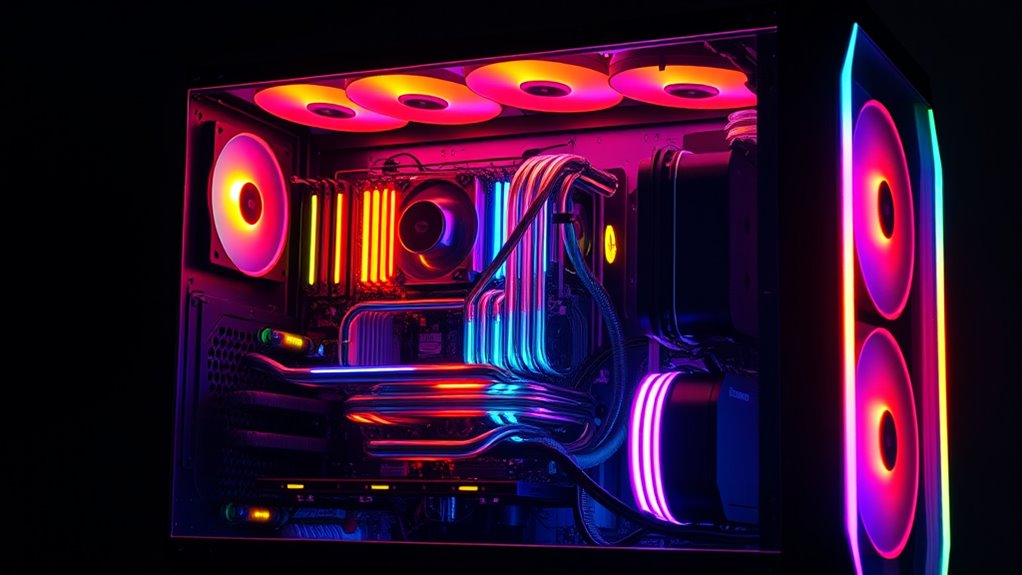
Maintaining essential cooling is crucial for ensuring your high-end components perform at their best during demanding 4K gaming sessions. Proper cooling prevents thermal throttling, prolongs component lifespan, and sustains peak performance. You should consider a combination of air and liquid cooling solutions, depending on your case and budget. High-quality fans with optimized airflow help reduce hot spots, while liquid cooling offers superior temperature management for CPUs and GPUs. Regularly clean dust filters and ensure good cable management to maximize airflow. Additionally, upgrading case fans or adding custom water loops can considerably improve thermals. If you want to maximize your cooling efficiency, exploring advanced cooling techniques can provide additional thermal management options. For example, case airflow design plays a significant role in overall cooling performance by ensuring unobstructed airflow pathways. Proper thermal paste application is also essential for optimal heat transfer between your CPU or GPU and their heatsinks. Implementing positive pressure airflow can help prevent dust buildup and improve cooling efficiency. Using temperature monitoring tools allows you to keep track of your components’ thermal health and make adjustments as needed. Below is a simple comparison:
| Cooling Method | Benefits | Drawbacks |
|---|---|---|
| Air Cooling | Cost-effective, easy installation | Less efficient under heavy loads |
| Liquid Cooling | Superior thermal performance | Higher cost, maintenance |
Building an Efficient and Stylish Case for Optimal Thermals
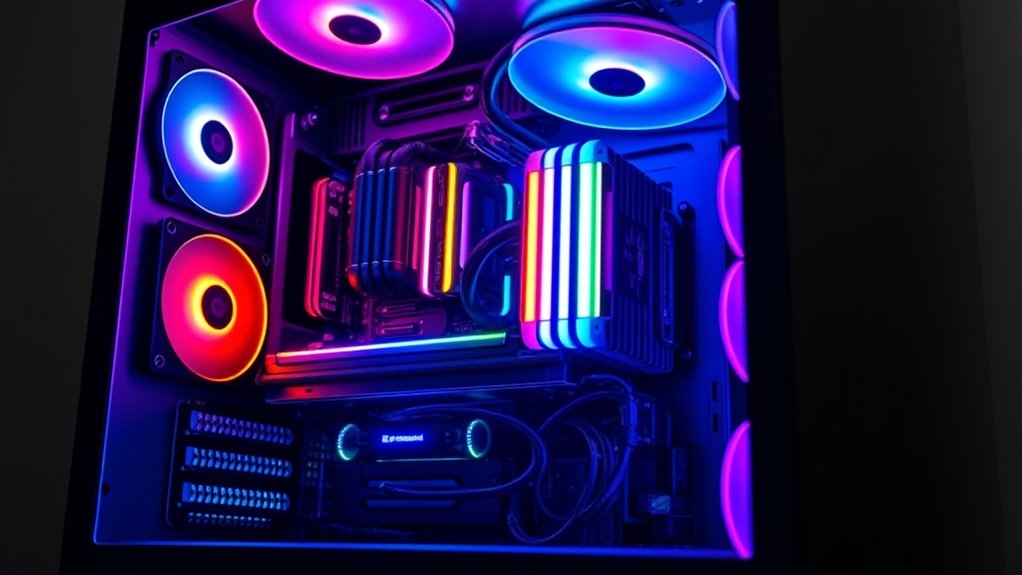
Choosing a case with optimized airflow is key to keeping your components cool during intense 4K gaming sessions. You want a design that balances aesthetics with functionality, ensuring good ventilation without sacrificing style. Prioritizing both form and airflow will help maintain peak performance and extend your system’s lifespan.
Optimized Airflow Design
To achieve essential thermals in your high-performance 4K gaming PC, designing an efficient airflow system is crucial. Proper airflow keeps components cool, preventing thermal throttling and maintaining peak performance during long gaming sessions. Start by establishing a clear airflow path, with front intake fans pulling cool air in and rear/top exhaust fans pushing hot air out. Use high-quality fans with adjustable speeds to optimize airflow without excessive noise. Consider positive pressure setups to reduce dust buildup and improve cooling efficiency. Maintain unobstructed airflow by managing cables and installing dust filters. Finally, choose a case with good vent placement, ample fan mounting options, and support for liquid cooling. These steps ensure your system stays cool, quiet, and stylish under demanding 4K workloads.
- Front-to-back airflow path
- High-quality, adjustable fans
- Positive pressure setup
- Dust filters and cable management
- Support for liquid cooling
Aesthetic and Functional Balance
Achieving both an impressive aesthetic and effective thermals requires selecting a case that balances style with function. Look for designs with clean lines, tempered glass panels, and customizable RGB lighting to match your setup’s look. Equally important, choose a case with good airflow—ample ventilation, strategic fan mounts, and dust filters enhance cooling efficiency. Material quality matters too; steel, aluminum, and well-ventilated mesh panels improve durability and heat dissipation. Prioritize cases with modular components for easy upgrades and cable management, which keep airflow unobstructed. Striking the right balance ensures your build remains visually appealing without sacrificing thermal performance. A stylish, well-ventilated case is essential to keep your high-end components cool during intense 4K gaming sessions.
Power Supply Considerations for Stability and Future Upgrades
A high-quality power supply unit (PSU) is essential for ensuring your 4K gaming PC runs stably and can handle future upgrades. You need a PSU with enough wattage to support top-tier GPUs and CPUs, plus some headroom for upgrades. Choosing an 80+ Gold or better certification guarantees efficiency and reliability. Modular designs make cable management easier and improve airflow. It’s wise to select a PSU from reputable brands like Corsair or Be Quiet for durability. Planning for future upgrades involves selecting a wattage range of 750W to 1500W, depending on your components. Proper wiring, ventilation, and stable power delivery prevent crashes, hardware damage, and thermal issues. Your power supply is the backbone that keeps your high-performance system running smoothly now and in the future. Additionally, understanding the power capacity needed for your build helps avoid potential limitations and ensures your system remains stable under load. To ensure long-term performance, consider the efficiency certifications which reflect the PSU’s ability to convert power efficiently and reduce wasted energy.
Balancing Components for a Cohesive 4K Gaming System
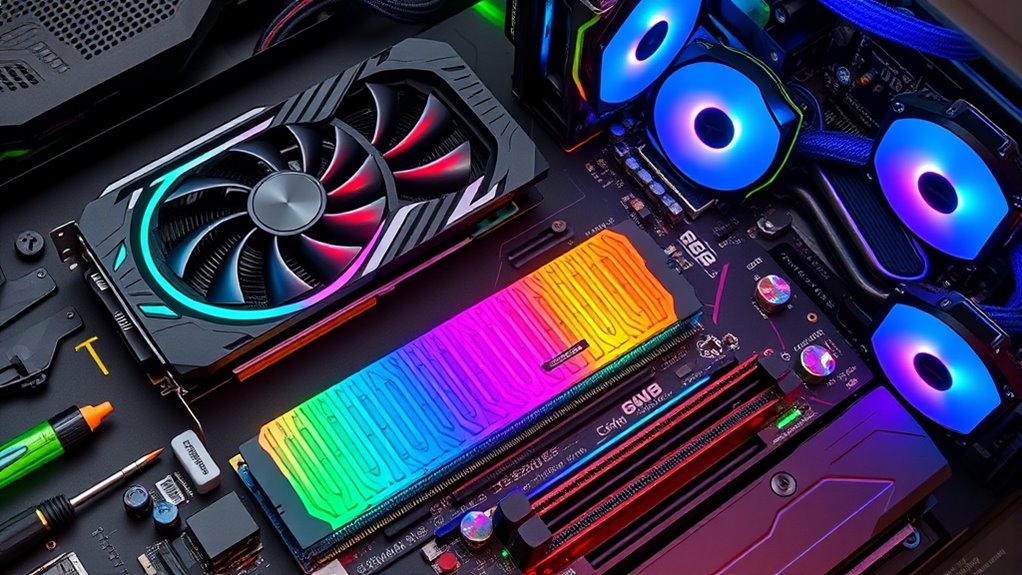
Balancing components is essential for building a seamless 4K gaming system that performs reliably and efficiently. You need to match your GPU with a high-end CPU to prevent bottlenecks, ensuring smooth frame rates at Ultra HD settings. Pair a top-tier GPU like the RTX 5090 with a multi-core CPU such as the Ryzen 9 7950X or Intel Core i9-13900K for maximum performance. Use at least 32GB of DDR5 RAM to support multitasking and future-proofing, and install fast NVMe SSDs to minimize load times. Proper cooling—whether liquid or air—is crucial to maintain component stability under heavy loads. FINALLY, select a high-quality power supply with enough wattage to support your entire build, ensuring system stability and room for future upgrades.
Enhancing Gaming Experience With Peripherals and Accessories
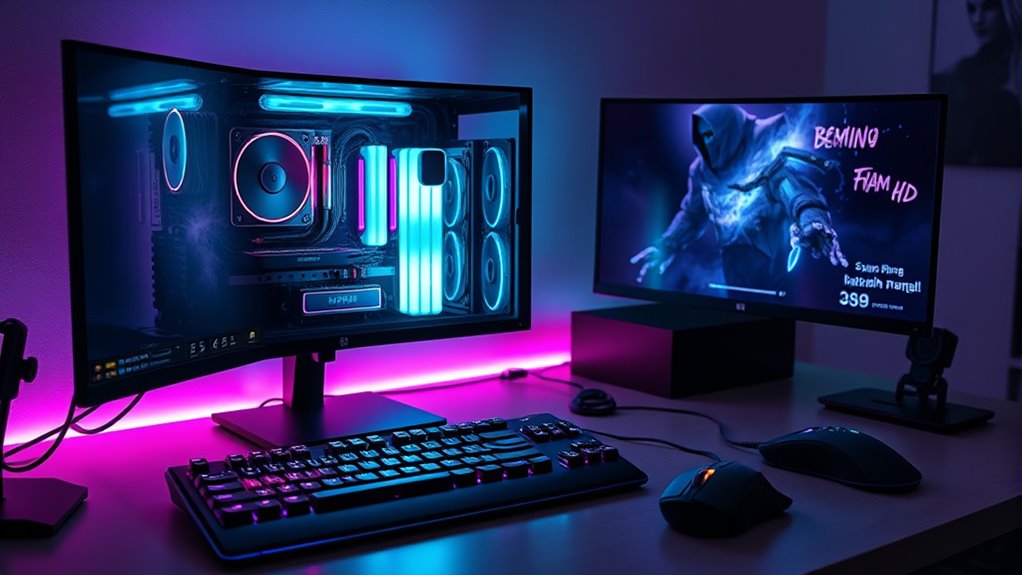
Ever wondered how peripherals and accessories can elevate your 4K gaming experience? Upgrading your gear makes gameplay smoother, more immersive, and comfortable. A high-refresh-rate monitor (120Hz or higher) ensures you see every frame clearly, reducing motion blur. A mechanical keyboard with customizable keys offers quick reactions and personalized setups. A precise gaming mouse with adjustable DPI improves accuracy in fast-paced titles. Quality headphones or speakers deliver immersive sound, bringing 4K environments to life. Finally, a sturdy, ergonomic gaming chair keeps you comfortable during long sessions. Consider these essentials:
- High-refresh-rate monitor (120Hz+)
- Mechanical gaming keyboard
- Precision gaming mouse
- Surround sound headphones or speakers
- Ergonomic gaming chair
These peripherals not only boost performance but also enhance your overall enjoyment of ultra HD gaming. Additionally, investing in proper ambient lighting can reduce eye strain and create a more immersive gaming environment. For a more comfortable experience, choosing ergonomic equipment is crucial for maintaining good posture during extended gaming sessions. Incorporating ergonomic accessories can further improve comfort and reduce fatigue, making long gaming sessions more enjoyable. Moreover, exploring sustainable brands for gaming gear can help you make environmentally conscious choices without sacrificing quality.
Frequently Asked Questions
How Much VRAM Is Ideal for 4K Gaming in 2025?
For 4K gaming in 2025, you should aim for at least 16 GB of VRAM to handle the latest AAA titles smoothly at Ultra HD settings. If you want better performance with ray tracing or future-proofing, consider GPUs with 24 GB or more VRAM. Higher VRAM assists in preventing bottlenecks and guarantees your system can manage demanding textures and features without sacrificing frame rates or visuals.
What Are the Best Cooling Options for High-End 4K PCS?
Choose cooling that’s cool and all-encompassing to conquer heat. You should consider liquid cooling, like 360mm radiators or custom water loops, for maximum thermal transfer and tranquility. Air coolers with large, quiet fans also do well for high-end setups. Prioritize proper airflow with quality case fans, strategic placement, and dust filters. Together, these solutions keep your CPU and GPU cool, ensuring consistent performance and prolonged longevity in your powerful 4K gaming rig.
Is DDR5 RAM Significantly Better Than DDR4 for Gaming?
Yes, DDR5 RAM is markedly better than DDR4 for gaming. It offers higher speeds, greater bandwidth, and improved efficiency, which translate into faster load times and smoother gameplay, especially at 4K resolution. While DDR4 still performs well, DDR5’s advancements future-proof your build and handle demanding titles more effectively. If your motherboard supports DDR5, investing in it will give you a noticeable performance boost in current and upcoming games.
How Do I Prevent Bottlenecks Between CPU and GPU?
To prevent bottlenecks between your CPU and GPU, choose a high-end CPU with at least 8 to 12 cores and a single-core speed above 4.5 GHz, like an AMD Ryzen 9 or Intel Core i9. Pair it with a top-tier GPU such as an NVIDIA RTX 50-series or AMD Radeon RX 7900 XT. Make sure your system’s RAM and storage are also balanced, and keep your cooling and power supply robust to maintain peak performance.
What Power Supply Wattage Do I Need for Top-Tier Components?
You’ll want a power supply between 750W and 1500W to support top-tier components. High-end GPUs like the RTX 5090 and AMD Radeon RX 7900 XT, along with powerful CPUs, demand ample wattage for stability and future upgrades. Opt for a high-quality, 80+ Gold or Platinum certified PSU from trusted brands like Corsair or Be Quiet. This guarantees reliable power delivery, prevents bottlenecks, and keeps your system running smoothly during intense 4K gaming sessions.
Conclusion
Building your 4K gaming PC is like crafting a finely tuned orchestra—you need each component to play its part perfectly. When all elements harmonize, you’ll experience seamless, breathtaking gameplay. Focus on choosing the right parts, optimizing airflow, and balancing your system. With patience and precision, your rig will perform like a symphony, delivering stunning visuals and smooth performance. Get ready to enjoy the epic adventure that your expertly assembled 4K gaming masterpiece will bring to life.
Evergreen bestsellers Picks
bestsellers
As an affiliate, we earn on qualifying purchases.