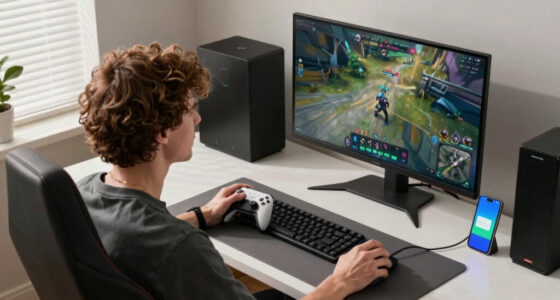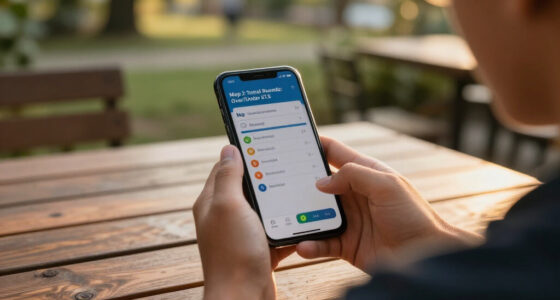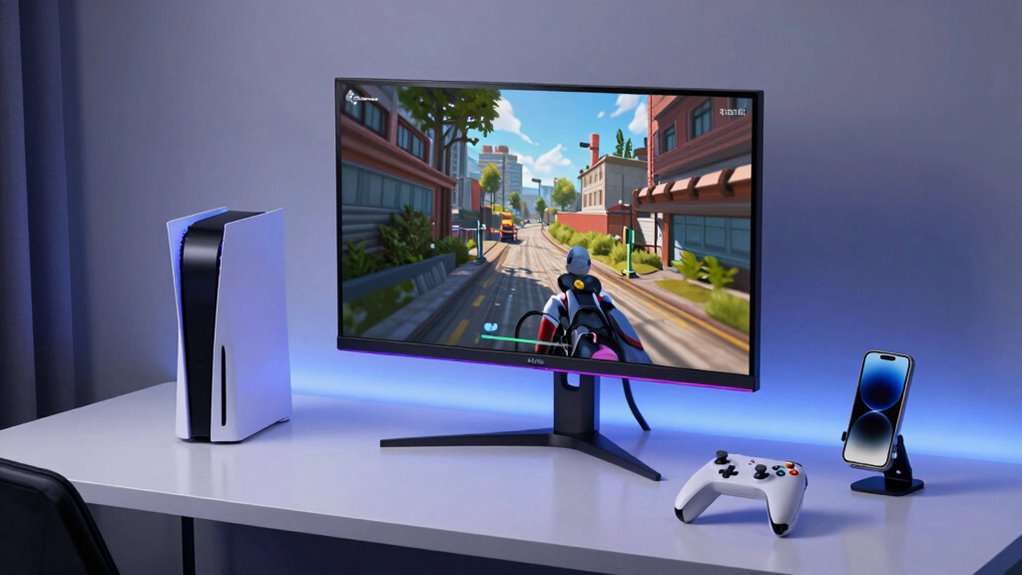

Cloud gaming streams games directly from remote servers to your device, so you don’t need expensive hardware or consoles. It works on laptops, tablets, or smartphones, but a stable internet connection is crucial to avoid lag and delays. You might experience data-heavy streaming, especially at high quality, which can impact your data plan. If you want to understand how to get the best experience and overcome common challenges, there’s more to uncover below.

Get the latest gadgets delivered free with Prime
- Fast, free delivery on millions of items
- Prime Video, Amazon Music and more included
- Member-only deals all year
Key Takeaways
- Cloud gaming streams games from remote servers, removing the need for powerful local hardware.
- Latency and internet stability are critical for smooth, responsive gameplay.
- High data consumption, especially for HD or 4K streaming, requires a stable internet plan.
- Network issues like lag and buffering can negatively impact fast-paced or reaction-based games.
- Optimizing internet setup and content quality settings can improve performance and reduce data use.
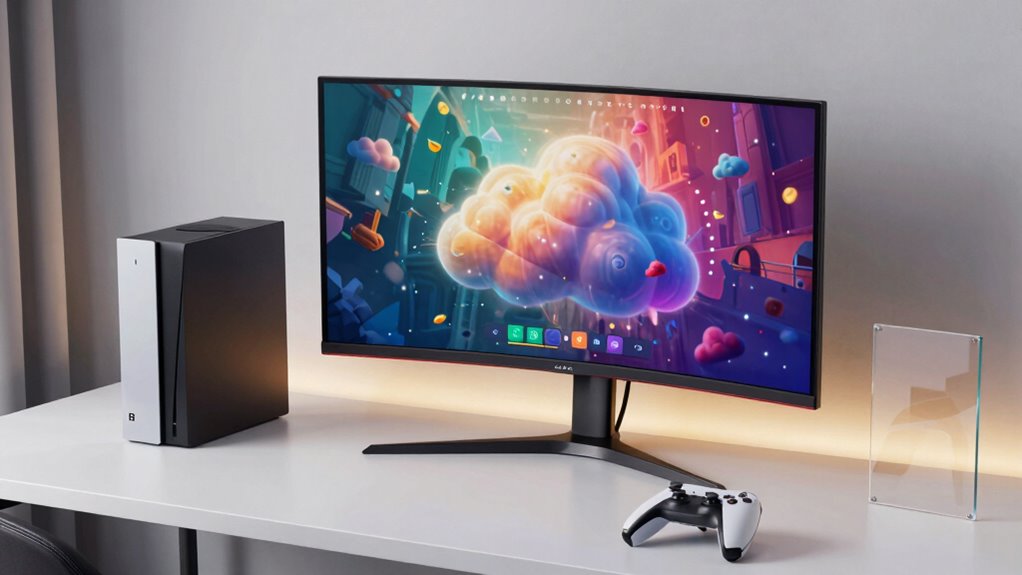
Cloud gaming has revolutionized the way you access and play video games by allowing you to stream titles directly from remote servers rather than relying on powerful hardware. Instead of investing in an expensive gaming PC or console, you can play high-quality games on devices like laptops, tablets, or even smartphones, as long as you have a stable internet connection. This shift offers quick access to a vast library of games without needing to worry about updates or storage space. However, it’s not without its challenges, and understanding these can help you make better decisions about whether cloud gaming fits into your gaming lifestyle.
One of the main technical hurdles you’ll face is latency issues. Because the game runs on a remote server and your inputs need to travel back and forth over the internet, even a slight delay can impact your gaming experience. If your connection isn’t fast or stable enough, you might notice lag, which can make fast-paced or precision-based games frustrating. This is particularly true for competitive gamers or players who rely on quick reflexes, where even milliseconds matter. To minimize latency, you’ll want a low-latency internet connection—preferably wired Ethernet or a high-speed Wi-Fi network—and choose servers that are geographically closer to you. Without these, your gaming sessions can become plagued with delays, making the experience less enjoyable and less responsive. Additionally, internet stability is crucial, as fluctuations can cause interruptions or degraded image quality during gameplay. Ensuring your network has a dedicated bandwidth for gaming can also help improve overall performance.
Data consumption is another critical aspect to weigh. Streaming games from the cloud requires a significant amount of data, especially in high-definition or 4K quality. If you have a limited data plan, you could find yourself quickly hitting your cap, which may lead to additional charges or throttling. Even if you have unlimited data, heavy usage can put strain on your network and potentially affect other household devices. It’s important to monitor your data consumption and adjust your settings accordingly—lowering the streaming quality can help reduce data use without entirely sacrificing visual fidelity. Additionally, understanding the importance of content quality can help you balance visual experience and data usage to suit your needs. Be aware that fluctuations in network bandwidth can also impact the consistency of your gaming experience, making stable connections even more essential. A dedicated internet connection can make a significant difference in maintaining a smooth gameplay experience, especially during peak usage times. Keep in mind that streaming high-quality games consumes more data than watching videos or browsing the web, so your overall data plan needs to accommodate this increased demand if you plan to game regularly via the cloud. Moreover, utilizing dedicated gaming hardware such as optimized routers or gaming-specific network setups can further enhance your cloud gaming experience by prioritizing gaming traffic.
Products Worth Considering

LG UltraGear 32GS60QC-B 32-inch Curved QHD Gaming Monitor (180Hz, 1ms, 1000R, AMD FreeSync, HDR10)

LG UltraGear 34GX90SA-W 34-inch WQHD Curved OLED Gaming Monitor

LG UltraGear 32GX850A-B 32-inch 4K UHD Glossy OLED Gaming Monitor
As an affiliate, we earn on qualifying purchases.
Frequently Asked Questions
How Does Latency Affect Cloud Gaming Performance?
Latency directly impacts your cloud gaming experience by causing delays between your input and on-screen actions. When network stability is poor, latency worsens, making gameplay sluggish and frustrating. Data compression can help reduce latency by decreasing the amount of data transmitted, but if compression is too aggressive, it may introduce artifacts. To enjoy smooth gameplay, guarantee a stable connection and optimized data compression settings for minimal latency.
Can Cloud Gaming Replace High-End Gaming PCS Entirely?
Think of cloud gaming as a musical duet—delivering high-quality play without needing a full orchestra at home. While it’s advancing rapidly, it can’t fully replace high-end gaming PCs yet. Cloud infrastructure and hardware requirements are continually improving, but for the most demanding games, a powerful PC still offers unmatched performance and control. So, for now, they’re more complementary than interchangeable.
What Are the Best Internet Speeds for Smooth Cloud Gaming?
For smooth cloud gaming, you need an internet bandwidth of at least 15 Mbps for HD streaming and 25 Mbps for 4K quality. Faster speeds reduce lag and buffering, ensuring a seamless experience. Keep in mind that consistent, stable connections matter more than peak speeds. Prioritize a wired connection if possible, and minimize other bandwidth-heavy activities during gaming sessions to maintain ideal streaming quality.
Are There Any Security Concerns With Cloud Gaming Platforms?
Yes, there are security concerns with cloud gaming platforms. You should be aware of issues related to digital rights and data privacy, as your personal information and gaming data are stored on remote servers. Hackers could potentially access your account or personal details if security measures aren’t robust. To stay protected, use strong passwords, enable two-factor authentication, and choose platforms with solid security policies to safeguard your digital rights and privacy.
How Does Cloud Gaming Impact Game Ownership Rights?
You can’t take it with you, and that’s true for game ownership in cloud gaming. When you stream games, your digital rights are often tied to the platform, not a physical copy. Ownership transfer becomes tricky, as you don’t truly own the game—just access. This shifts control away from you, raising concerns about long-term access and how digital rights are managed in cloud services.
Conclusion
Think of cloud gaming as sailing a sleek ship across vast digital oceans. You steer effortlessly from your cozy cabin, while the vast cloud servers handle the turbulent waves of rendering and processing. No need for heavy gear—just your device and a steady connection. As you navigate this virtual voyage, remember it’s the cloud’s vast, unseen crew working tirelessly behind the scenes, making your gaming adventure smooth and boundless, just like a voyage across endless horizons.