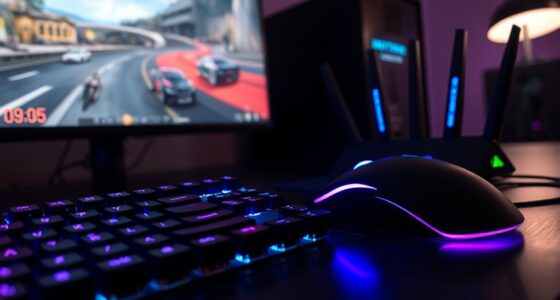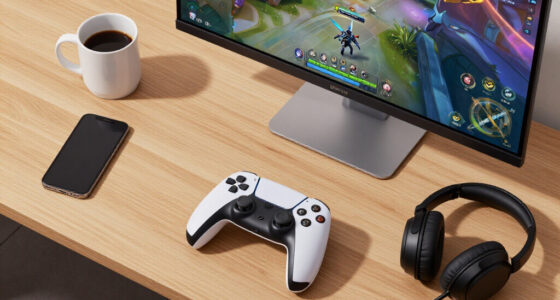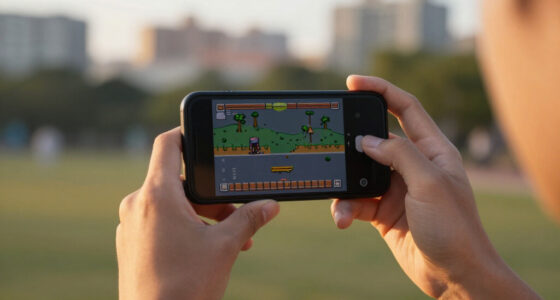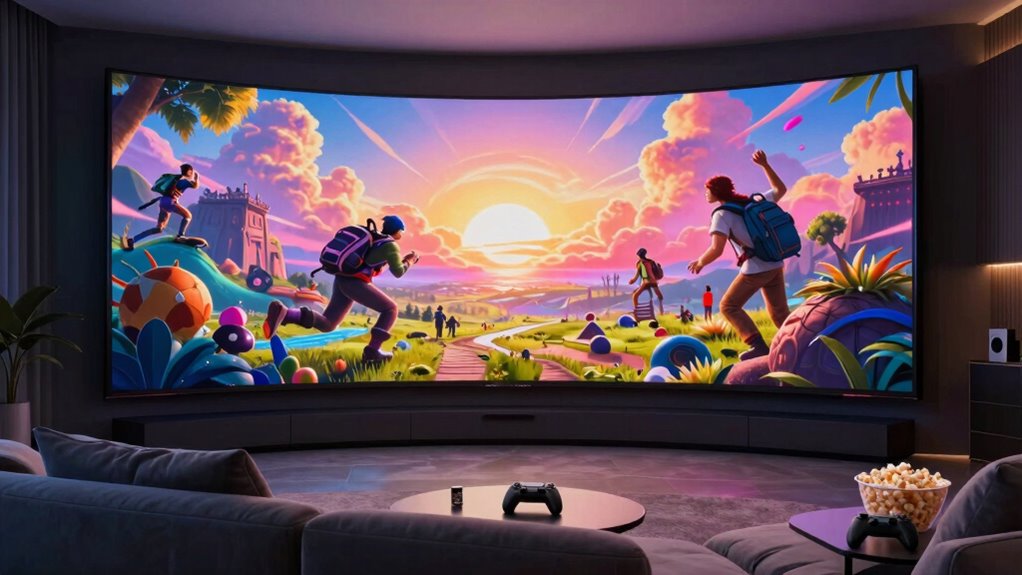

When you switch to a larger display, your games and movies feel more immersive because you’re drawn into the action and story. Bigger screens create a sense of realism and allow you to see more detail, making everything seem more engaging. Good viewing angles and high resolution are essential to avoid distortions and pixelation. If you want to discover how to maximize your experience with the perfect setup, there’s more to explore.
Key Takeaways
- Larger screens create a more immersive experience, making games and movies feel more engaging and lifelike.
- Bigger displays enhance cinematic sensations, providing a theater-like atmosphere at home.
- Increased display size improves comfort by offering a natural viewing angle and reducing eye strain.
- Without high resolution, larger screens can cause pixelation, diminishing visual clarity and realism.
- Wide viewing angles are essential on large screens to maintain consistent colors and contrast from different positions.
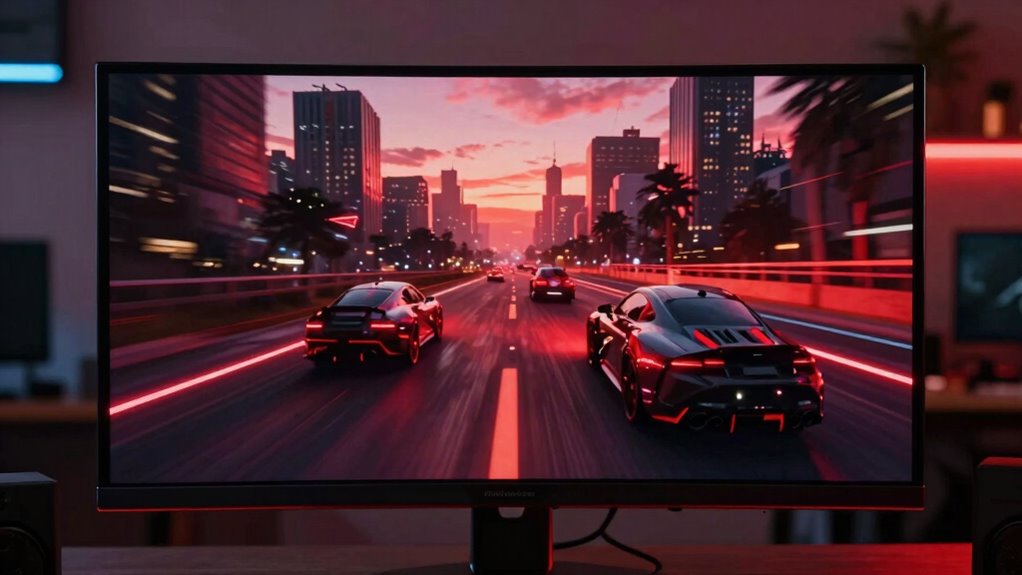
The size of your display plays a crucial role in shaping your gaming and movie experience, directly impacting immersion and comfort. When you choose a larger screen, you’ll notice a more enveloping view that draws you into the action or story. But size isn’t the only factor at play; screen resolution becomes increasingly important as your display grows. A higher resolution, like 4K or even 8K, ensures that the image remains crisp and detailed, even on larger screens. Without it, you’ll see pixelation or blurry edges that diminish the visual quality, breaking your immersion. So, if you’re investing in a bigger display, pairing it with a high screen resolution is essential to fully enjoy the sharpness and clarity that make movies and games more engaging.
Viewing angles also take on greater significance as your display size increases. When you watch from off-center positions or at an angle, a large screen can sometimes distort or wash out images if it has poor viewing angles. This can cause color shifts or reduced contrast, which makes your experience less enjoyable. To avoid this, look for displays with wide viewing angles, especially if you plan to share the screen with others or move around frequently while gaming or watching movies. A display with good viewing angles maintains consistent colors and brightness, regardless of your position, helping you stay immersed without distraction. Additionally, refresh rate plays a critical role in maintaining smooth motion, especially on larger screens where lag can be more noticeable. Ensuring your display supports high refresh rates can significantly enhance your experience by reducing motion blur and input lag. Choosing a display with good calibration options can also help optimize color accuracy and contrast for your specific environment. Furthermore, ergonomic design features like adjustable stands or anti-glare coatings can improve comfort during extended viewing sessions.
As your screen size grows, so does the importance of balance between size, resolution, and viewing angles. Larger screens can deliver a cinematic feel, but only if the resolution is high enough to prevent pixelation when sitting closer. If the resolution is too low, you might find yourself squinting or sitting at a distance to see details, which defeats the purpose of a bigger display. On the other hand, an expansive screen with poor viewing angles can leave you frustrated if colors shift or contrast drops off from certain angles. To optimize your setup, consider screen calibration to ensure the colors and contrast are tailored to your viewing environment. Finding a display that offers a good combination of size, high resolution, and wide viewing angles ensures you get the most immersive, comfortable experience possible, whether gaming or watching movies.
Ultimately, your choice of display size should align with your viewing habits and space. Larger screens do elevate the feeling of being inside the game or movie, but only if they deliver sharp images and consistent visuals from your usual positions. Consider how close you sit and whether your display supports high resolution and wide viewing angles. When these elements come together, your gaming and movie sessions will feel more natural, engaging, and satisfying.
As an affiliate, we earn on qualifying purchases.
Frequently Asked Questions
How Does Display Size Impact Game Graphics Quality?
A larger display size can enhance your game graphics quality by allowing resolution enhancement and higher pixel density. This means you see more detail, sharper images, and smoother visuals, making gameplay more immersive. However, if the resolution isn’t increased proportionally, the image might appear pixelated or less clear. So, for ideal graphics, choose a larger screen with high resolution and pixel density to fully enjoy detailed, vibrant visuals.
Can Larger Screens Cause Eye Strain During Prolonged Use?
Larger screens can be a double-edged sword, like riding a roller coaster with your eyes open wide. They might cause eye fatigue if you don’t maintain proper viewing distance, affecting your visual comfort during long sessions. To prevent strain, take regular breaks, adjust brightness, and make sure your screen isn’t too close. Remember, your eyes deserve the same care as your favorite game’s graphics—keep them happy and healthy!
What Is the Optimal Display Size for Immersive Experiences?
The ideal display size for immersive experiences is generally around 27 to 32 inches, balancing resolution enhancement and ergonomic considerations. This size allows you to enjoy clear visuals without straining your eyes or neck. A larger screen enhances immersion, but make sure it’s positioned at eye level to prevent discomfort. Prioritize high resolution and proper viewing distance to maximize the experience while minimizing fatigue.
How Does Display Size Influence Sound Quality in Gaming and Movies?
Imagine your screen towering before you, pulling you into vivid worlds—larger displays can amplify sound immersion too. As display size increases, audio clarity becomes more essential; well-designed acoustic setups guarantee sound aligns perfectly with visuals, heightening realism. Larger screens demand better acoustic design, so you experience richer, more immersive audio that matches the grandeur of your visuals. Without proper sound tuning, even the most engaging display can feel hollow.
Are There Any Health Risks Associated With Very Large Display Screens?
Yes, large display screens can pose health risks like visual fatigue and neck discomfort. When you sit too close or strain to see the entire screen, your eyes work harder, leading to eye strain. Additionally, looking up or down for extended periods causes neck discomfort. To reduce these risks, maintain proper distance, take regular breaks, and adjust the screen height for ergonomic comfort.
As an affiliate, we earn on qualifying purchases.
Conclusion
As you sit back and immerse yourself in a game or movie, the display size becomes your window to another world. A larger screen pulls you into vibrant, lifelike landscapes, making every detail feel tangible. Meanwhile, a smaller screen offers intimacy, like peering through a cozy window. No matter the size, your experience hinges on how it draws you in—transforming pixels into adventures and stories into unforgettable journeys that stay with you long after the screen goes dark.
As an affiliate, we earn on qualifying purchases.

Samsung 27" Odyssey G5 (G51F) Series QHD (1440P) Gaming Monitor
- Resolution: QHD (2560 x 1440) for detailed images
- HDR Support: HDR10 for vivid, realistic scenes
- Refresh Rate: 180Hz for smooth gameplay
As an affiliate, we earn on qualifying purchases.
As an affiliate, we earn on qualifying purchases.