High refresh rate displays feel so different because they update images more frequently, making motion appear smoother and clearer. This reduces flickering, stuttering, and motion blur, helping your eyes track fast movements comfortably. You’ll notice less eye strain and less nausea during long use, especially in gaming or scrolling. Faster screens also improve responsiveness and make fast actions feel more natural. Keep exploring to discover how these benefits enhance your overall visual experience even further.

Get the latest gadgets delivered free with Prime
- Fast, free delivery on millions of items
- Prime Video, Amazon Music and more included
- Member-only deals all year
Key Takeaways
- Higher refresh rates provide smoother motion, making fast movements appear clearer and more natural.
- Increased update frequency reduces stuttering and flickering, enhancing visual stability and comfort.
- Faster screens decrease eye strain and motion sickness by allowing easier tracking of moving objects.
- Improved responsiveness and reduced input lag lead to more precise and immersive gaming experiences.
- Overall, high refresh rates create a more fluid, comfortable, and engaging visual environment.
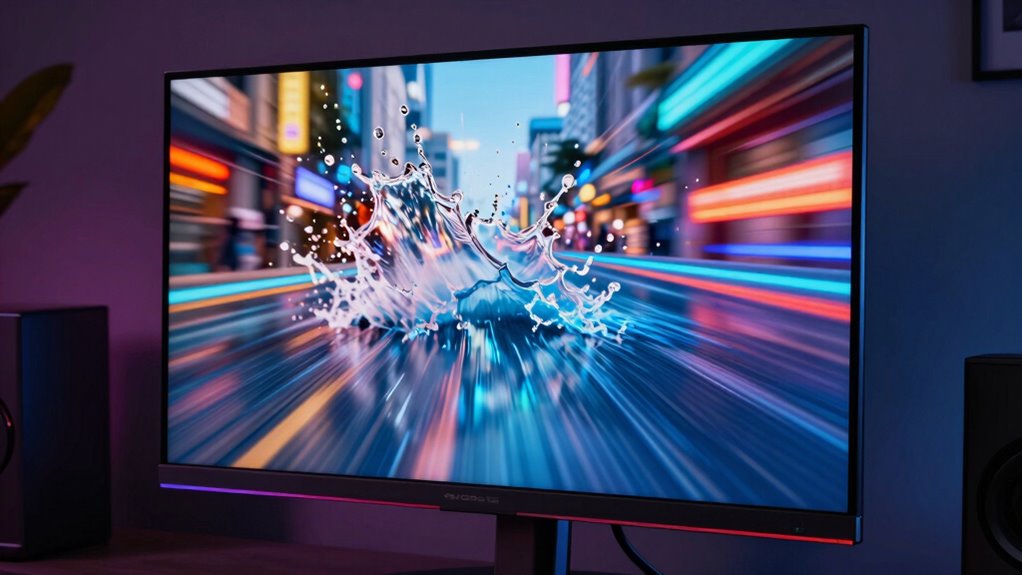
High refresh rate displays feel so different from traditional screens because they update images more frequently, resulting in smoother motion and reduced blur. This increased update rate can be a game-changer, especially if you’re sensitive to motion sickness or aim to improve your gaming performance. With a standard 60Hz display, each second shows 60 frames, which can sometimes make fast movements appear choppy or blurry. In contrast, a 120Hz or higher screen refreshes twice or even four times as often, delivering a much smoother visual experience. This smoother motion not only makes fast-paced scenes look clearer but can also help your eyes track moving objects more comfortably, reducing eye strain and the risk of motion sickness.
If you’ve ever felt dizzy or nauseous after long gaming sessions or during quick scrolling on traditional displays, you’ll notice a significant difference with high refresh rate screens. The smoother motion minimizes the stuttering and judder that often cause discomfort and disorientation. By updating images more frequently, these displays create a more natural, fluid visual flow, which your brain perceives as less jarring. This is especially beneficial if you’re prone to motion sickness, as the more stable and continuous motion helps your sensory systems stay synchronized, decreasing the likelihood of feeling queasy or overwhelmed. Additionally, the higher update rates can contribute to a more consistent visual experience, reducing flickering that some users may notice on lower refresh rate screens. Incorporating advanced display technology further enhances the overall visual quality and comfort.
When it comes to gaming, high refresh rates can dramatically enhance your performance. Faster screens allow you to react more quickly to in-game movements, giving you a competitive edge. You’ll notice less input lag and smoother animations, making aiming and tracking moving targets easier and more precise. This means you can respond faster and with better accuracy, improving your overall gameplay. Additionally, smoother visuals reduce motion blur, so fast actions don’t turn into blurry streaks, which can be distracting or confusing during critical moments in a game. The result is a more immersive experience where you’re more in control and less hindered by lag or visual artifacts.
In essence, high refresh rate displays transform how you experience digital content. They make fast movements look clearer, help prevent motion sickness, and boost your gaming capabilities. Whether you’re sensitive to motion issues or *endeavoring* for better performance, upgrading to a higher refresh rate can make your screen feel more responsive and natural. It’s not just about a smoother picture; it’s about creating a more comfortable, engaging, and efficient way to interact with your devices. Recognizing the importance of refresh rate can help you make informed choices when selecting your next display.
high refresh rate gaming monitor
As an affiliate, we earn on qualifying purchases.
As an affiliate, we earn on qualifying purchases.
Frequently Asked Questions
Do High Refresh Rates Affect Battery Life Significantly?
High refresh rates do impact battery life because they increase battery consumption due to more frequent screen updates. However, modern devices often prioritize power efficiency by adjusting refresh rates based on activity, which helps conserve battery. If you use a high refresh rate constantly, you might notice quicker battery drain. But when optimized, the difference is minimized, and you still enjoy smooth visuals without considerably sacrificing battery life.
Can Older Hardware Support High Refresh Rate Displays Effectively?
Older hardware might not fully embrace the smoothness of high refresh rate displays, as hardware compatibility can be a gentle hurdle. While some devices may handle display technology reasonably well, others could struggle with the increased demands. To enjoy the benefits, you might need to evaluate upgrades or settings adjustments. Ultimately, compatibility varies, so it’s worth checking your device’s specifications before diving into high refresh rate experiences.
How Do Refresh Rates Impact Gaming Performance?
Higher refresh rates greatly boost your gaming performance by improving motion clarity and visual smoothness. With a faster refresh rate, fast-moving objects appear sharper, reducing motion blur and making gameplay feel more responsive. This enhances your ability to track targets and react quickly. Overall, a higher refresh rate creates a more immersive experience, giving you a competitive edge and making gameplay feel fluid and natural.
Are Higher Refresh Rates Noticeable in Everyday Tasks?
Higher refresh rates are like a smooth dance, making everyday tasks feel more fluid. You’ll notice improved visual smoothness and motion clarity when scrolling through webpages, switching between apps, or watching videos. While the difference might not be as dramatic as in gaming, it definitely enhances overall comfort and reduces eye strain. So, yes, higher refresh rates are noticeable in daily activities, making your experience feel more seamless and enjoyable.
What Is the Optimal Refresh Rate for Most Users?
The ideal refresh rate for most users is around 60 to 75Hz, as it offers good screen smoothness without draining your battery excessively. If you do a lot of gaming or fast-paced work, a higher refresh rate like 120Hz or more can considerably enhance screen smoothness and responsiveness. For everyday tasks, though, sticking to 60Hz provides a comfortable experience without unnecessary strain on your device.
As an affiliate, we earn on qualifying purchases.
Conclusion
Understanding why high refresh rate displays feel so different helps you appreciate their impact on your experience. Did you know that a 120Hz screen can reduce motion blur by up to 50% compared to standard 60Hz screens? That’s a huge difference in smoothness and responsiveness. So, next time you notice how fluid everything looks on a high refresh rate display, remember it’s not just about visuals—it’s about a smoother, more immersive interaction that can even improve your reaction times.
high refresh rate computer monitor
As an affiliate, we earn on qualifying purchases.
As an affiliate, we earn on qualifying purchases.
gaming monitor with low input lag
As an affiliate, we earn on qualifying purchases.
As an affiliate, we earn on qualifying purchases.
Fall Picks
fall essentials
As an affiliate, we earn on qualifying purchases.