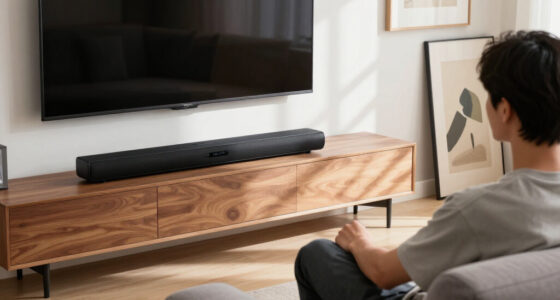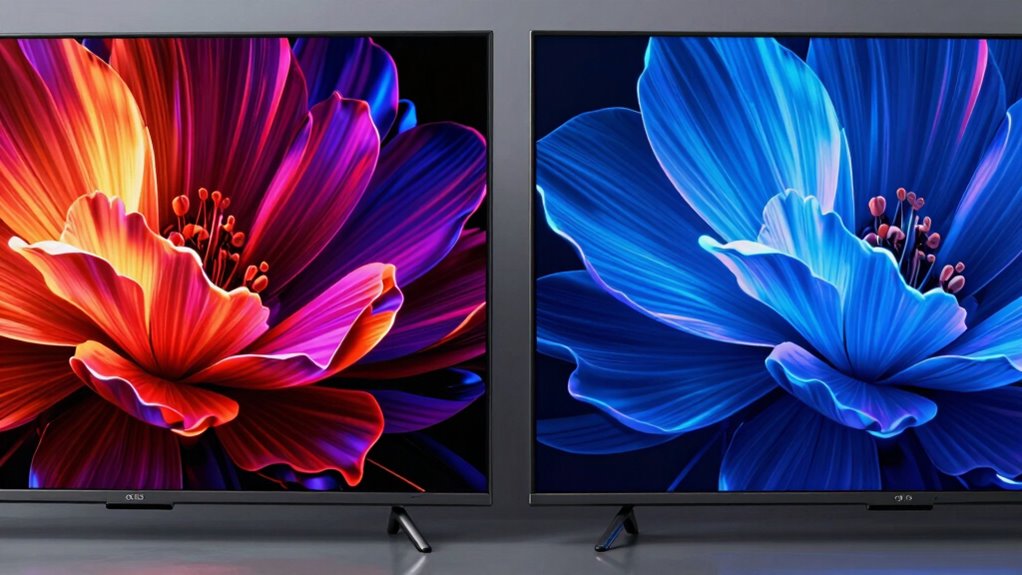

In daily viewing, you’ll notice OLED screens deliver deeper blacks, more vibrant colors, and better contrast, making images look more lifelike. They perform especially well in low-light conditions and reduce power use during dark scenes. LED screens are more budget-friendly, but may have glare in bright environments and less accurate colors. Over time, durability varies, but OLED’s picture quality considerably enhances your viewing experience—if you keep exploring, you’ll discover even more about these differences.

Get the latest gadgets delivered free — and shop member deals
- Fast, free delivery on millions of items
- Access to Prime Big Deal Days deals on October 6–7
- Prime Video, Amazon Music and more included
Key Takeaways
- OLED displays deliver deeper blacks and better contrast, enhancing image quality in low-light and dark scenes.
- Energy consumption is lower on OLED during dark scenes, reducing power usage compared to LED screens.
- Brightness and glare in daytime viewing may favor LED screens, which perform better in well-lit environments.
- OLED screens are more susceptible to burn-in, potentially affecting long-term display quality with static images.
- Budget and durability considerations may lead users to prefer LED screens for everyday, everyday use.
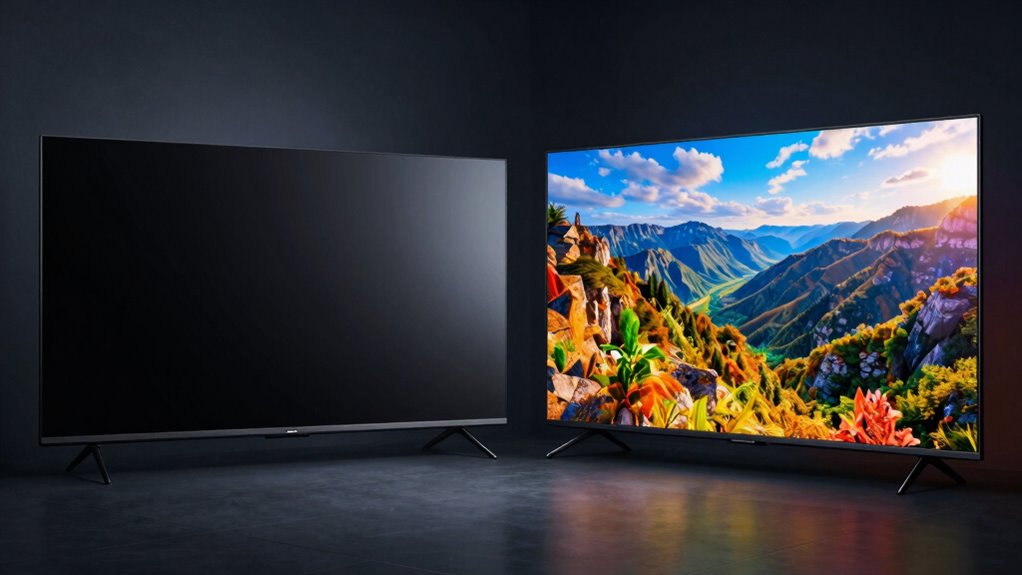
When choosing between OLED and LED displays, understanding their differences can help you make an informed decision. These technologies impact your daily viewing experience more than you might realize, especially when it comes to color accuracy and energy consumption. OLED screens, known for their vibrant colors and deep blacks, deliver exceptional color accuracy because each pixel emits its own light. This allows for richer, more precise hues, making images look more lifelike. If you’re a movie enthusiast or someone who appreciates detailed visuals, OLED can significantly enhance your viewing experience by providing colors that pop and contrast that feels more natural. On the other hand, LED displays, which rely on backlighting, tend to have slightly less accurate color reproduction. They often require additional processing to improve color fidelity, but they still do a good job for everyday use. If you’re watching standard content or are budget-conscious, LED screens might be more than sufficient. Additionally, understanding the display technology behind these screens can help you better appreciate their strengths and limitations. Energy consumption is another crucial factor that changes your daily viewing habits. OLED screens generally consume less energy when displaying darker images because their pixels turn off completely to produce black. This self-emissive property makes OLED more efficient in low-light scenes, which means you might notice lower power bills if you mainly watch in dim environments or during nighttime. Conversely, LEDs rely on a backlight that stays on regardless of what’s being displayed, leading to higher energy consumption, especially during scenes with lots of bright or white backgrounds. If you’re concerned about conserving energy or reducing your carbon footprint, OLED stands out as the more efficient choice, particularly during extended viewing sessions. The differences in how these screens perform become apparent in your daily routines. Watching movies with dark scenes, for example, will look more immersive on an OLED because of its ability to produce true blacks and a broader contrast ratio. This enhances the overall picture quality, making details more vivid and shadows more nuanced. When it comes to brighter, daytime viewing, LED screens can perform well, but they might struggle with glare and less accurate color reproduction compared to OLED. Additionally, the lifetime and durability of these screens can vary, with OLED panels sometimes experiencing issues like burn-in over extended use. Modern advancements have also led to improvements in screen longevity, making newer models more resistant to these issues. Ultimately, your choice hinges on what you prioritize: if you want stunning visuals with vivid colors and lower energy use, OLED is the way to go. If you prefer a more budget-friendly option that still offers decent performance, LED displays can meet your needs while being easier on the wallet.
OLED TV with deep blacks and vibrant colors
As an affiliate, we earn on qualifying purchases.
As an affiliate, we earn on qualifying purchases.
Frequently Asked Questions
How Long Do OLED Screens Typically Last Before Burn-In Occurs?
OLED screens typically last around 10 to 15 years before burn-in risks become noticeable, though lifespan concerns depend on usage. If you frequently display static images, burn-in might occur sooner, reducing screen quality over time. To prolong your OLED’s life, avoid leaving static content on screen for extended periods, and enable screen savers or pixel shift features. Proper care helps minimize burn-in risks and guarantees your display stays vibrant longer.
Are OLED TVS More Energy-Efficient Than LED TVS?
Surprisingly, OLED TVs are often more energy-efficient than LED ones, especially when displaying darker scenes, thanks to their ability to turn off pixels completely. You’ll notice improved color accuracy and wider viewing angles with OLEDs, making your viewing experience richer and more consistent. Ironically, the very qualities that enhance your picture quality can also save you energy, proving that better visuals don’t always come at a cost.
Can OLED Screens Be Repaired if Damaged?
Yes, OLED screens can be repaired if damaged, but their screen durability varies. You might need specialized repair methods, like replacing the damaged pixels or the entire panel, which can be costly. It’s best to consult a professional repair service familiar with OLED technology. Keep in mind that, due to their delicate nature, OLED screens require careful handling to avoid further damage during repairs.
How Does Ambient Lighting Affect OLED Picture Quality?
Ambient lighting can considerably affect your OLED picture quality by causing ambient reflections, which may create glare and reduce contrast. Bright room lighting can wash out colors, impacting color accuracy and making details harder to see. To improve your viewing experience, control ambient lighting with curtains or dimming lights, and position your OLED screen to minimize reflections. This way, you enjoy vibrant colors and sharp images without distractions.
Are There Specific Content Types That Benefit More From OLED Displays?
Do you wonder if certain content looks better on OLED? You’ll notice that movies and TV shows with vibrant colors and dark scenes benefit most, thanks to OLED’s superior color accuracy and deep blacks. Sports and gaming also shine, as OLED offers wider viewing angles and faster response times. So, if you value rich visuals and consistent picture quality from different angles, OLED enhances your experience with these content types.
As an affiliate, we earn on qualifying purchases.
Conclusion
So, when you switch to OLED, it’s like stepping into a world where colors leap off the screen and blacks swallow darkness whole, making your favorite movies feel like a front-row adventure. LED might be good, but it’s like watching through foggy glasses compared to OLED’s crystal-clear vision. Prepare for an eye-popping, jaw-dropping experience that turns your everyday viewing into a cinematic explosion — your old TV will feel like a dull, flickering candle next to a blazing neon sign.
As an affiliate, we earn on qualifying purchases.
As an affiliate, we earn on qualifying purchases.
Evergreen bestsellers Picks
bestsellers
As an affiliate, we earn on qualifying purchases.