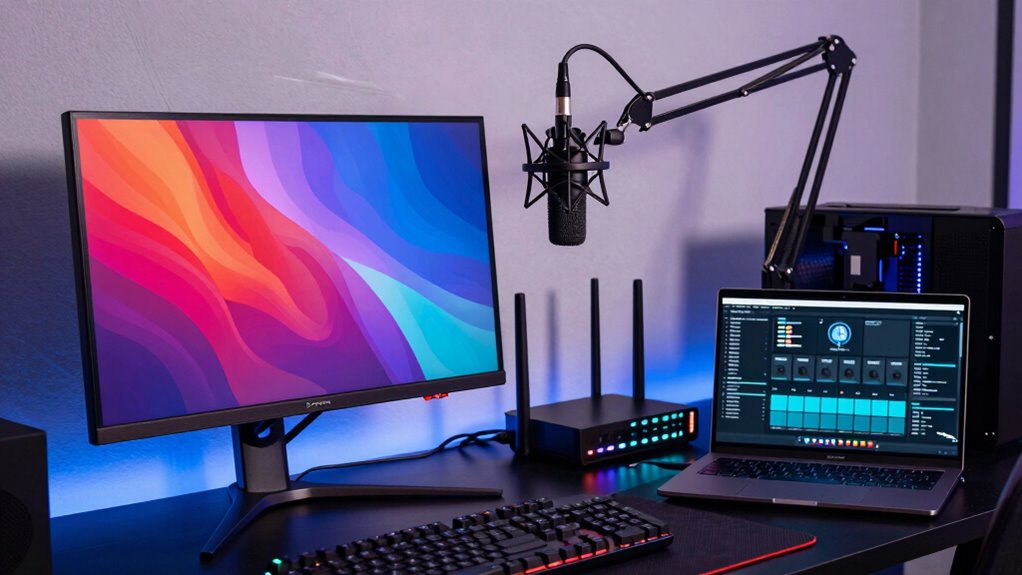

Better networking helps you do work, game, and stream at the same time without interruptions. It protects your data and keeps bandwidth available for each activity. Upgrading hardware, managing bandwidth with QoS, and using strong security make everything run smoothly. Optimized networks reduce lag, prevent dropouts, and improve overall stability. Keep exploring how these steps can transform your online experience, so you can enjoy all your digital activities effortlessly and reliably.

Get the latest gadgets delivered free — and shop member deals
- Fast, free delivery on millions of items
- Access to Prime Big Deal Days deals on October 6–7
- Prime Video, Amazon Music and more included
Key Takeaways
- Enhanced network security ensures reliable and uninterrupted access for work, gaming, and streaming activities simultaneously.
- Bandwidth management prioritizes critical tasks, preventing one activity from slowing down others.
- Hardware upgrades and mesh networks improve coverage, reducing lag and disconnections across all activities.
- Optimized protocols and configurations enable seamless switching and smooth performance during multitasking.
- Overall network improvements lead to a stable, efficient digital environment supporting multiple activities at once.
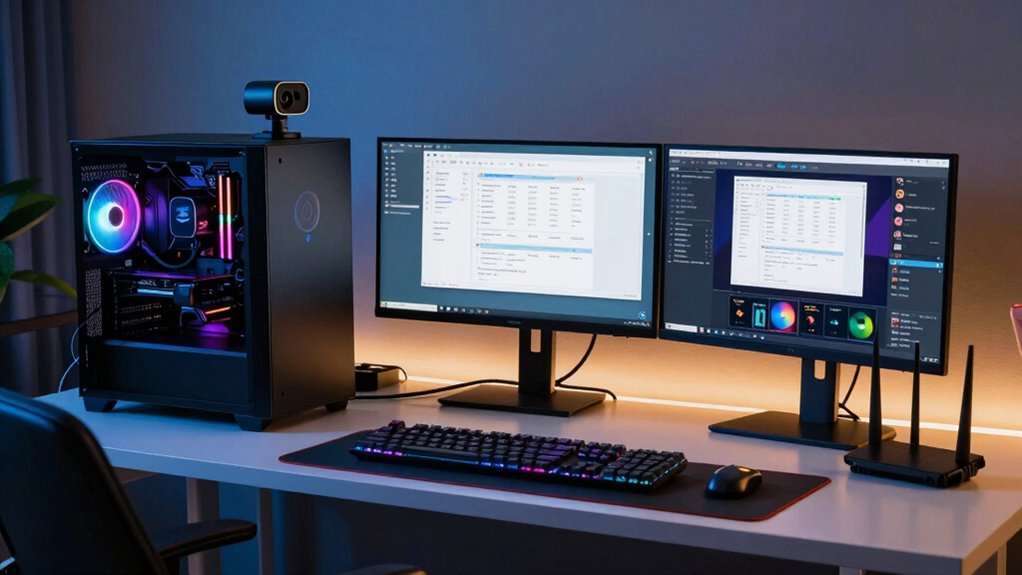
Ever wondered how to boost your internet experience across work, gaming, and streaming? The key lies in smarter networking. When your network is optimized, you can seamlessly switch between tasks without frustrating lag or interruptions. One important aspect is wireless security. A secure network keeps your data safe from intruders and prevents unauthorized users from hogging your bandwidth. This not only protects your privacy but also ensures that your connection remains stable during high-demand activities. Setting up strong passwords, enabling encryption, and regularly updating your firmware are simple steps that considerably enhance your wireless security. These measures make sure your network’s integrity is intact, giving you peace of mind and a stable connection. Additionally, wireless security measures help protect your devices from cyber threats, ensuring a safer online environment for all your activities.
Secure your Wi-Fi with strong passwords, encryption, and regular updates for a stable, private connection.
Another essential factor is bandwidth management. Your internet connection has a limited capacity, and without proper management, heavy activities can slow down other tasks. For instance, streaming a high-definition video while gaming or working on a video call can cause buffering or lag. By prioritizing bandwidth for specific activities—known as Quality of Service (QoS)—you can allocate more resources to what matters most at the moment. If you’re in a work meeting, your network can prioritize your video call traffic, ensuring clear audio and video. When it’s time for gaming or streaming, those activities get the necessary bandwidth to run smoothly. This management prevents any one activity from monopolizing your connection, allowing you to juggle multiple tasks effortlessly. Additionally, utilizing network hardware upgrades like high-quality routers can further optimize your overall experience and performance.
Additionally, upgrading your router and using dual-band or mesh networks can dramatically improve your overall experience. Dual-band routers offer separate channels for your devices, reducing congestion and interference. Mesh networks extend your coverage, so every corner of your home gets a strong, stable signal. This means no more dropouts or weak signals when you’re working from a distant room or streaming your favorite shows in the basement. Combining these hardware upgrades with effective wireless security and bandwidth management creates a powerful environment where work, gaming, and streaming coexist harmoniously. Properly configuring your network settings and understanding network protocols can also contribute to a more efficient and reliable connection. Moreover, staying informed about search engine algorithms and how they impact your network’s efficiency can help you adapt your setup for optimal performance.
In the end, the difference is clear: a well-optimized network boosts productivity, enhances gaming performance, and ensures smooth streaming—all at once. When you focus on securing your wireless connection and managing your bandwidth wisely, you liberate a smoother, more reliable internet experience for everything you do online. No more interruptions, no more frustration—just a seamless digital world at your fingertips.
high-performance dual-band Wi-Fi router
As an affiliate, we earn on qualifying purchases.
As an affiliate, we earn on qualifying purchases.
Frequently Asked Questions
How Do I Test My Current Internet Speed Accurately?
To test your current internet speed accurately, use a reputable speed test website like Ookla or Fast.com. Make certain no other devices are heavily using bandwidth during the test. Check your signal stability by running the test in different locations within your house. This helps confirm your bandwidth management is ideal and your connection remains stable, giving you a true measure of your internet’s performance for work, gaming, and streaming.
What Is the Best Router for Multitasking Across Work, Gaming, and Streaming?
You’ll want a high-performance router that balances power and security, like one with robust router security features. A mesh network system can seamlessly connect multiple devices, reducing lag during work, gaming, and streaming. Look for models that support Wi-Fi 6 or Wi-Fi 6E, offering faster speeds and better multitasking. These routers guarantee smooth, secure connections across all your activities, making multitasking feel effortless and enjoyable.
How Can I Reduce Latency During Live Gaming Sessions?
To reduce latency during live gaming, you should minimize network congestion by closing background apps and prioritizing your gaming device on your router. Avoid using a VPN, as it can increase latency and impact your connection stability. Connecting via Ethernet instead of Wi-Fi also helps, ensuring a more stable, low-latency connection. Regularly update your router firmware for peak performance and check for any interference that might cause lag spikes.
What Are the Benefits of Wired Versus Wireless Connections?
Wired connections, using Ethernet, offer greater stability and reduce signal interference, ensuring a consistent, low-latency experience perfect for gaming, streaming, and work. Wireless connections provide convenience but are more susceptible to signal interference and fluctuations in connection quality. If you want a reliable, high-performance network, especially for demanding tasks, opting for Ethernet is your best choice, minimizing lag and maximizing stability across all your activities.
How Do I Prioritize Bandwidth for Different Devices?
To prioritize bandwidth for different devices, use your router’s device prioritization or Quality of Service (QoS) settings. Access your router’s admin panel, locate the QoS options, and assign priority levels or bandwidth allocation to specific devices based on their importance. This guarantees essential devices get the needed bandwidth, reducing lag during gaming or buffering during streaming, and keeping your work devices running smoothly without interruption.
mesh Wi-Fi system for home coverage
As an affiliate, we earn on qualifying purchases.
As an affiliate, we earn on qualifying purchases.
Conclusion
Imagine your network as a steady river, smoothly guiding your work tasks, gaming adventures, and streaming moments without a ripple or slowdown. With better networking, you’ll feel like you’re gliding effortlessly through each activity, no matter how busy or demanding. You’ll see your tasks flow seamlessly, your games respond instantly, and your streams stay crystal clear. When your network is strong, every digital experience becomes a vibrant, uninterrupted journey—where everything runs as smoothly as a calm, endless stream.
As an affiliate, we earn on qualifying purchases.
As an affiliate, we earn on qualifying purchases.
Fall Picks
fall essentials
As an affiliate, we earn on qualifying purchases.