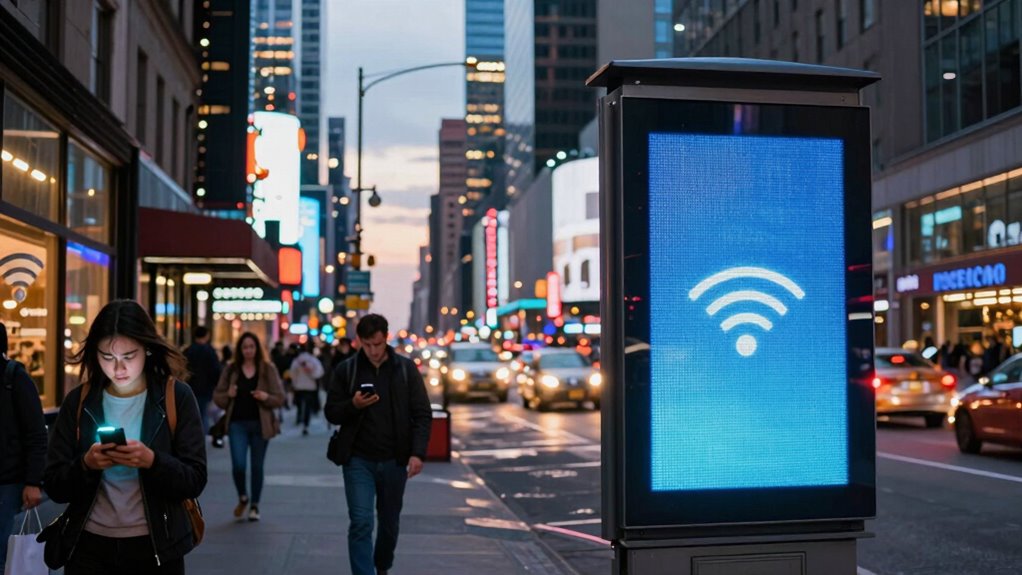

Network congestion happens when too many devices use the internet at once, making your connection slow and unreliable, especially during peak times like evenings and weekends. It occurs because of limited bandwidth, signal interference, and increased online activity, which overloads the network and causes delays, lag, or disconnections. You might notice this when you’re streaming, gaming, or on a video call. Keep exploring to uncover more ways to improve your internet experience.

Get the latest gadgets delivered free with Prime
- Fast, free delivery on millions of items
- Prime Video, Amazon Music and more included
- Member-only deals all year
Key Takeaways
- Network congestion occurs when too many devices use the internet simultaneously, exceeding capacity and causing slowdowns.
- It often hits during peak hours, like evenings and weekends, when user activity is highest.
- Increased traffic and bandwidth limitations lead to delays, buffering, and disconnections.
- Signal interference and physical barriers worsen congestion, especially in crowded areas.
- Users experience the worst performance when they most need reliable internet, such as during work or streaming.

Network congestion occurs when too many devices try to use the internet at the same time, overwhelming the network’s capacity. When this happens, your connection slows down, and activities like streaming, video calls, or online gaming become frustratingly laggy. One common culprit behind network congestion is bandwidth throttling, where your internet provider intentionally limits your bandwidth during peak times to manage overall network traffic. This practice can make your connection even more sluggish when you need it the most, like during important work meetings or streaming marathons.
Another factor that worsens network congestion is signal interference. Wireless signals can be disrupted by other electronic devices, thick walls, or even neighboring Wi-Fi networks operating on the same frequency. When signals interfere, your device struggles to maintain a steady connection, leading to packet loss and increased latency. These issues compound during peak hours when everyone is online, making it harder for your device to communicate effectively with servers. The interference not only slows down your internet but also causes frequent disconnections, which can be especially disruptive during crucial tasks.
You often notice network congestion hitting at the worst times because of how traffic peaks during specific periods, like evenings or weekends. During these times, multiple users in your household and neighbors are online simultaneously, pushing the network’s capacity to its limit. As a result, even simple activities like browsing social media or checking emails can become painfully slow. When bandwidth throttling kicks in, your provider might intentionally reduce your speeds further, exacerbating the problem. This slowdown can feel like hitting a brick wall when you’re trying to upload files, stream a new episode, or participate in a remote meeting.
Understanding that signal interference and bandwidth throttling are key contributors helps you grasp why your internet behaves this way. Interference is often beyond your control, but you can reduce it by repositioning your router, switching to less congested Wi-Fi channels, or using wired connections for critical devices. Addressing bandwidth throttling requires communicating with your provider or upgrading to plans with higher bandwidth limits, especially if you’re consistently experiencing congestion during peak hours. Additionally, awareness of network capacity and how it impacts your connection can help you better plan your online activities. Recognizing network infrastructure limitations can also inform your decisions about hardware and service providers.
In essence, network congestion is a frequent, frustrating obstacle driven by multiple factors, mainly bandwidth throttling and signal interference. Recognizing these issues allows you to take targeted steps to improve your internet experience, but sometimes, the sheer volume of users during peak times means there’s only so much you can do. Still, staying informed helps you better navigate the times when your internet slows down the most.
Frequently Asked Questions
How Can I Identify Network Congestion on My Device?
You can identify network congestion on your device by noticing slow internet speeds, buffering videos, or laggy online gaming. Check your connection’s bandwidth; if it’s notably lower than your plan, bandwidth throttling might be happening. Also, look for signal interference from other devices or obstacles, which can worsen congestion. Running speed tests and monitoring your Wi-Fi signal strength help pinpoint issues, so you can take steps to improve your connection.
What Industries Are Most Affected by Network Congestion?
Industries like finance, healthcare, and streaming services feel the pinch of network congestion, like a traffic jam during rush hour. Bandwidth throttling and signal interference slow down essential operations, causing delays and frustration. In finance, quick trades freeze; in healthcare, patient data uploads lag; and in streaming, videos buffer endlessly. You’re caught in this web, where network overload disrupts critical services, highlighting just how crucial reliable connectivity is.
Can Network Congestion Impact Online Security?
Network congestion can profoundly impact your online security by creating vulnerabilities. When data flow slows or stalls, your cybersecurity defenses may weaken, increasing the risk of cyberattacks. Congestion can lead to delays in detecting threats, making it easier for hackers to exploit cybersecurity vulnerabilities. Additionally, it raises data breach risks, as sensitive information might be intercepted or accessed during overloaded network conditions, compromising your privacy and security.
Are There Specific Times When Network Congestion Is Most Common?
They say “timing is everything,” and it’s true for network congestion. You’ll notice peak hours, typically in the evenings or during workdays, when traffic spikes happen, making the network slow or unreliable. These are the times when many users are online simultaneously, overwhelming the system. Planning your activities outside these peak hours can help you avoid delays, ensuring smoother browsing and faster connections.
How Do Network Providers Prioritize Traffic During Congestion?
Network providers prioritize traffic during congestion through network management techniques like traffic shaping. This method controls data flow, ensuring essential services like emergency calls or business-critical applications get higher priority. By dynamically adjusting bandwidth allocation, they prevent network overloads and maintain service quality. As a user, you might notice slower speeds for streaming or downloads, but critical communications remain uninterrupted thanks to this traffic management strategy.
Conclusion
In the end, network congestion feels like traffic jams on a busy highway—annoying when you’re in a hurry. Yet, during those moments, you realize how crucial smooth data flow truly is. Just as a single stalled car can cause chaos on the road, one overloaded network can disrupt your entire day. It’s frustrating, but it highlights how indispensable reliable connectivity is, making every second of downtime feel even more disruptive than the last.
Halloween Picks
halloween
As an affiliate, we earn on qualifying purchases.