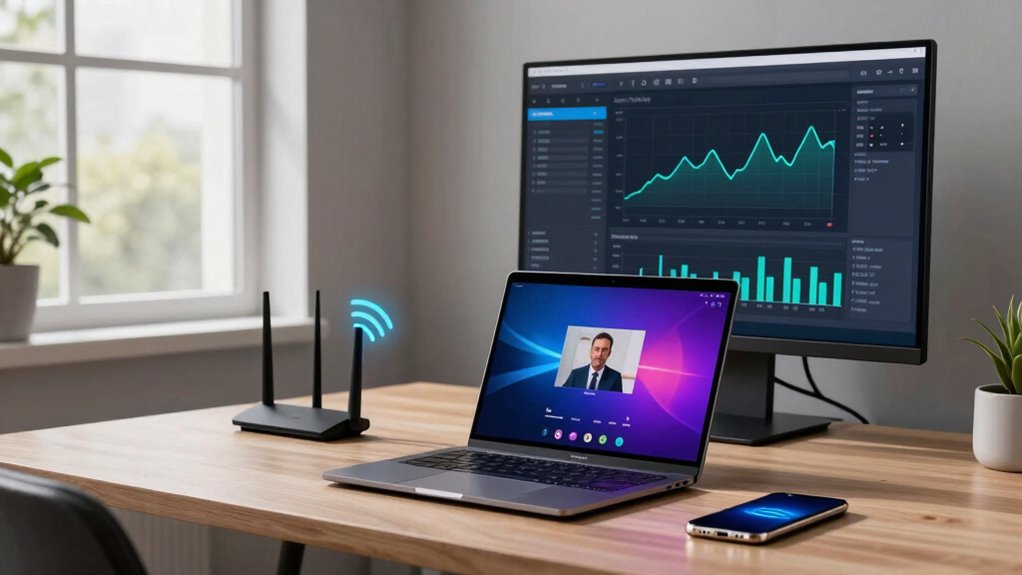

Your internet upload speed is vital for remote work and streaming, as it determines how quickly data is sent from your device. Faster uploads mean smoother video calls, quicker file sharing, and less lag during live streams. Outdated technology or network congestion can slow your speeds, causing frustrating disruptions. Upgrading to fiber optics can greatly improve your experience by providing higher speeds and better reliability. To discover how to optimize your connection, explore the details further.

Get the latest gadgets delivered free — and shop member deals
- Fast, free delivery on millions of items
- Access to Prime Big Deal Days deals on October 6–7
- Prime Video, Amazon Music and more included
Key Takeaways
- Upload speed affects the quality and stability of video calls and live streaming during remote work.
- Higher upload speeds enable faster file sharing and reduce delays in collaborative tasks.
- Slow upload speeds can cause buffering, pixelation, or interruptions in streaming and webinars.
- Fiber optic technology significantly enhances upload speeds, supporting multiple devices and high-bandwidth activities.
- Managing bandwidth and prioritizing upload traffic ensures reliable remote work and seamless streaming experiences.
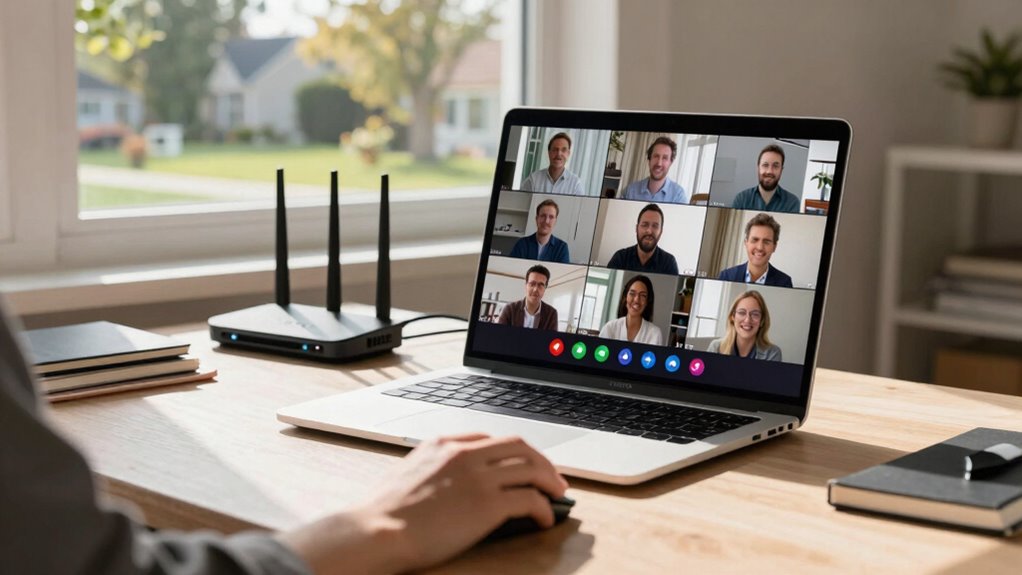
In today’s remote work landscape, your internet upload speed plays a critical role in maintaining productivity and communication. When you’re participating in video calls, sending large files, or streaming content, upload speed determines how smoothly these activities go. A faster upload speed means less lag, clearer video quality, and quicker data transfer, helping you stay connected without frustration. If your connection relies on outdated technology, such as copper wires, you might experience slower uploads, causing disruptions during important meetings or while sharing work documents. Upgrading to fiber optics can substantially boost your upload speeds because fiber optic cables transmit data at higher speeds and over longer distances without degradation. This technology is especially valuable if you’re handling large files regularly or collaborating with multiple team members. Additionally, fiber optic technology offers lower latency, which is crucial for real-time collaboration and streaming. Bandwidth allocation is another essential aspect that impacts your upload speed. Think of bandwidth as the digital highway that carries your data; if too many devices or applications are sharing that highway, your upload speed can slow down. Proper bandwidth management ensures that your internet connection prioritizes your work-related activities, reducing lag during video conferences or file uploads. When your network is optimized, you experience less buffering and more reliable streaming, making your remote work much more efficient. Also, understanding your internet plan’s upload speed limitations is fundamental. Many providers offer plans with asymmetric speeds, where download speeds are much higher than upload speeds. While this might be sufficient for casual browsing, it can hinder your ability to send large files or stream high-quality video calls smoothly. Furthermore, network congestion during peak hours can temporarily reduce your upload speeds, impacting your productivity and streaming quality. Implementing quality of service (QoS) settings on your router can help prioritize your upload traffic, ensuring important tasks are not slowed down. Optimizing network performance is another key step to maintaining consistent upload speeds and avoiding interruptions. Streaming adds another layer of complexity to your internet needs. Whether you’re sharing live content, recording videos, or participating in webinars, a strong upload speed ensures your streams are clear and uninterrupted. Low upload speeds can lead to pixelation, freezing, or dropped streams, which can be frustrating for both you and your audience. Fiber optics, with their high bandwidth capacity, support seamless streaming even when multiple devices are connected simultaneously. This technology allows you to allocate bandwidth effectively, ensuring that your streaming quality remains high and your remote work tasks are unaffected. Moreover, understanding your digital infrastructure and how it influences your upload capabilities can guide your decisions when upgrading your internet service. Overall, understanding what your internet upload speed means for your remote work and streaming needs helps you make smarter choices about your internet service, upgrades, and network management, so you can work and share content confidently and efficiently.
As an affiliate, we earn on qualifying purchases.
Frequently Asked Questions
How Does Upload Speed Affect Video Conferencing Quality?
Your upload speed directly impacts your video conferencing quality by affecting bandwidth allocation and latency effects. Higher upload speeds guarantee your video and audio streams are transmitted smoothly, reducing lag and buffering. When upload speeds are slow, it causes delays, poor video quality, and disconnections. To maintain clear and consistent communication, a reliable upload speed is essential, especially during important meetings, as it minimizes latency effects and keeps your connections steady.
What Upload Speed Is Needed for 4K Streaming?
Imagine a crystal-clear 4K stream flowing seamlessly on your screen; that’s what a solid upload speed delivers. For 4K streaming, you’ll need an upload speed of at least 15-25 Mbps. This guarantees your videos stay crisp and buffer-free, providing excellent streaming quality. With the right upload speed, you’ll enjoy vibrant images and smooth playback, transforming your viewing experience into a stunning visual journey.
Can Low Upload Speeds Impact Online Gaming Performance?
Low upload speeds can considerably impact your online gaming experience. You might face upload stability issues, causing lag or disconnects during gameplay. Additionally, increased latency issues can make your actions feel delayed, affecting your reaction time and overall performance. To enjoy smooth gaming, make sure your upload speed is sufficient, especially if you’re streaming or sharing gameplay data. Upgrading your connection can reduce these problems and provide a more seamless gaming experience.
How Do I Test My Internet Upload Speed Accurately?
Your internet upload speed can make or break your online experience—it’s that important! To test it accurately, use a trusted speed test tool like Ookla or Fast.com. Make sure to close other applications that consume bandwidth and connect directly via Ethernet for the most precise results. Remember, your service provider’s bandwidth limitations can affect your upload speeds, so testing at different times helps you understand your true connection quality.
Does Upload Speed Influence File Sharing Efficiency?
Yes, upload speed directly impacts your file sharing efficiency. When you transfer files or perform cloud backups, a higher upload speed means faster file transfer and smoother uploads. If your upload speed is slow, expect longer wait times during large file uploads or cloud backups. Improving your upload speed helps you share files more quickly and guarantees seamless cloud storage, saving you time and reducing frustration during data transfer tasks.
As an affiliate, we earn on qualifying purchases.
Conclusion
Understanding your internet upload speed is like having a secret passageway to smooth remote work and seamless streaming. When your upload speed is high, your digital journey flows effortlessly, like a river rushing freely to the sea. But if it’s slow, your connection stutters like a boat caught in a storm. So, invest in a good upload speed, and watch your online world sail smoothly, turning digital chaos into a calm, steady voyage.
QoS router for gaming and streaming
As an affiliate, we earn on qualifying purchases.
As an affiliate, we earn on qualifying purchases.
wireless mesh network for remote work
As an affiliate, we earn on qualifying purchases.
As an affiliate, we earn on qualifying purchases.
Fall Picks
fall essentials
As an affiliate, we earn on qualifying purchases.