
Before recycling your old gadgets, guarantee your personal data is fully wiped to protect your privacy. Start by backing up important files, signing out of accounts, and removing linked services. Perform a factory reset on smartphones and tablets, and use reputable data destruction tools for computers and laptops. Double-check that all residual data is wiped clean. If you follow these steps, you’ll safely dispose of your devices—learn more about secure recycling practices ahead.
Key Takeaways
- Back up all important data to cloud or external storage before wiping your device.
- Sign out of all accounts and disconnect linked services to prevent personal info leaks.
- Perform a factory reset or use reputable data wiping tools to securely erase all data.
- Verify that data has been completely removed and no recoverable files remain.
- Recycle or donate the device at certified centers, ensuring it’s free of personal information.
Assess Your Device and Backup Important Data

Before disposing of your old device, it’s essential to evaluate its condition and back up any important data. Check if the device powers on and functions properly. Determine whether it’s worth repairing or recycling as-is. Next, identify critical files, photos, contacts, and app data you want to keep. Use built-in backup options like cloud services or connect the device to your computer to transfer files. Confirm that backups are complete and accessible. This step ensures you don’t lose valuable information during the disposal process. Remember, a thorough assessment helps you decide the best disposal method and prevents accidental data loss. Taking time now to review and secure personal information saves you headaches later and keeps your personal information safe. Additionally, understanding the security features of your device can help you ensure your data is fully protected before disposal. Being aware of device encryption options can further safeguard your data during this process. Knowing how to enable factory reset can also help erase residual data, providing an extra layer of security.
Sign Out and Remove Linked Accounts
To guarantee your personal information stays secure, it’s crucial to sign out of all accounts and remove linked services from your device before disposal. Start by signing out of email, social media, cloud storage, and other apps. This prevents unauthorized access to your accounts after the device changes hands. Next, disconnect linked services like Bluetooth, Wi-Fi, and any account-specific settings, such as Google or Apple IDs. Removing these connections ensures your accounts aren’t tied to the device, reducing security risks. Make sure to revoke device access from your account settings online, especially for services like Find My iPhone or Find My Device. Doing this thoroughly helps protect your data and privacy, making sure no personal info remains linked to your old device once you recycle or discard it. Additionally, understanding the evolution of arcade games can provide a nostalgic perspective on the importance of preserving digital memories. Being aware of digital security practices further enhances your ability to safeguard personal information during device disposal. Remember that data wiping techniques are essential to permanently erase your information and prevent recovery by unauthorized parties. Implementing proper data destruction methods can further ensure your data cannot be recovered.
Perform a Factory Reset on Smartphones and Tablets
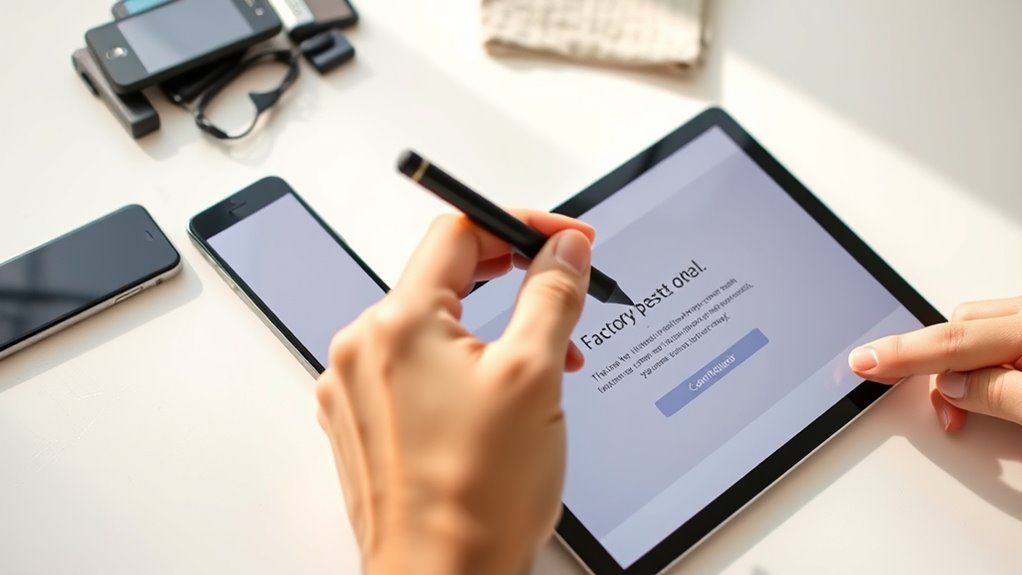
Before resetting your device, make sure to back up any important data you want to keep. Once you’ve saved everything, perform a factory reset to erase all personal information. This step helps guarantee your device is clean and ready for disposal or resale. Additionally, ensure you understand the importance of Free Floating to avoid environmental impact during disposal.
Backup Important Data
When preparing to reset your smartphone or tablet, it’s essential to back up any important data first. This guarantees you won’t lose photos, contacts, messages, or documents you want to keep. You can back up your data to cloud services like Google Drive, iCloud, or OneDrive, or transfer files directly to a computer. Check your device’s backup options in settings to make sure everything is synced and saved. Remember to verify that your backups are complete before proceeding. Once your data is secure, you can confidently perform the factory reset, knowing your important information is safe elsewhere. Taking this step prevents data loss and makes restoring your data easier if you decide to set up your device again later. Data security is a crucial aspect of responsible device disposal.
Execute Factory Reset
Performing a factory reset on your smartphone or tablet helps wipe all personal data and restore the device to its original settings. To do this, go to your device’s settings menu and find the reset or backup option. On most devices, you’ll need to select “Reset” or “Factory Data Reset,” then confirm your choice. Keep in mind, this process deletes everything, including apps, photos, and contacts, so make sure you’ve backed up important data beforehand. Once you confirm, the device will restart and erase all personal information. After the reset, your device will look like it did when you first bought it, ready for recycling or a fresh start. Performing this step is essential to protect your privacy before disposal.
Wipe Data From Computers and Laptops
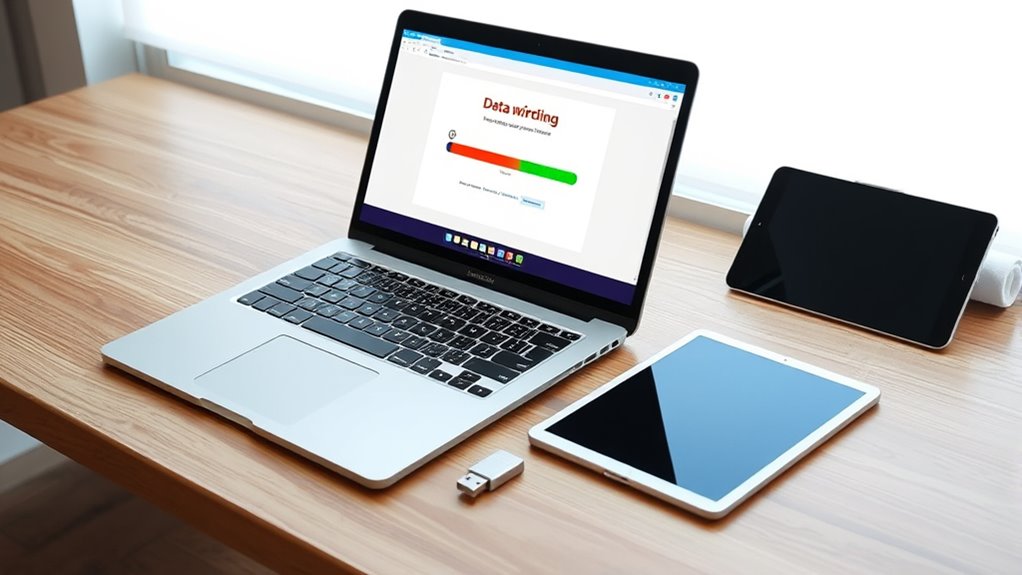
Before wiping your computer or laptop, make sure to back up any important files you want to keep. Then, use reliable data wiping tools to securely erase all data and protect your privacy. Taking these steps guarantees your information stays safe when disposing of your device. Remember, data security practices are essential for safeguarding personal information during device disposal. Additionally, detect passive voice can help improve the clarity and strength of your writing, making your communication more effective. Implementing secure disposal methods ensures that your old gadgets are recycled responsibly and safely. Incorporating encryption solutions during data wiping can further enhance your data protection efforts. Safely managing your old gadgets not only protects your personal information but also contributes to environmental sustainability.
Backup Important Files
To guarantee your personal information remains secure, it’s essential to back up important files before wiping data from your computers and laptops. Start by identifying all critical documents, photos, and work files you want to keep. Choose a reliable backup method, such as an external hard drive, USB flash drive, or cloud storage service. Make sure the backup completes successfully and verify that your files are accessible afterward. This step prevents data loss and assures you can restore your files easily later. Avoid skipping this process, even if you think your data isn’t important. Taking the time to back up protects you from accidental loss and makes the data wiping process smoother. Additionally, understanding your privacy policy and how your data is handled can help inform your backup decisions. Regularly reviewing your data security practices can further enhance your overall data protection. Ensuring your backup method is reputable and secure is also crucial to safeguard your information during the transfer process. It’s also wise to familiarize yourself with data sanitization techniques to ensure complete removal of sensitive information. Implementing proper deletion methods can help prevent data recovery attempts after wiping. Once your files are safe, you’re ready to securely erase your device.
Use Data Wiping Tools
Once you’ve backed up your important files, it’s time to securely erase your data. Using data wiping tools guarantees your information can’t be recovered. Choose reputable software like DBAN, CCleaner, or Eraser, which overwrite data multiple times for added security. Before starting, close all applications and disconnect from the internet. Follow the tool’s instructions carefully to avoid accidental data loss. Here’s a quick comparison:
| Tool Name | Features | Compatibility | Overwrite Method | Cost |
|---|---|---|---|---|
| DBAN | Free, bootable disk | PCs | Multiple passes | Free |
| CCleaner | User-friendly, customizable | Windows, Mac | Single pass | Freemium |
| Eraser | Open-source, flexible options | Windows | Multiple overwrite options | Free |
| Blancco | Certified, professional-grade | Various OS | Certified secure erasure | Paid |
| DiskWipe | Command-line, lightweight | Windows | Overwrites entire disk | Free |
Using these tools enhances your data security before recycling.
Clear Storage and Reset Smart Devices
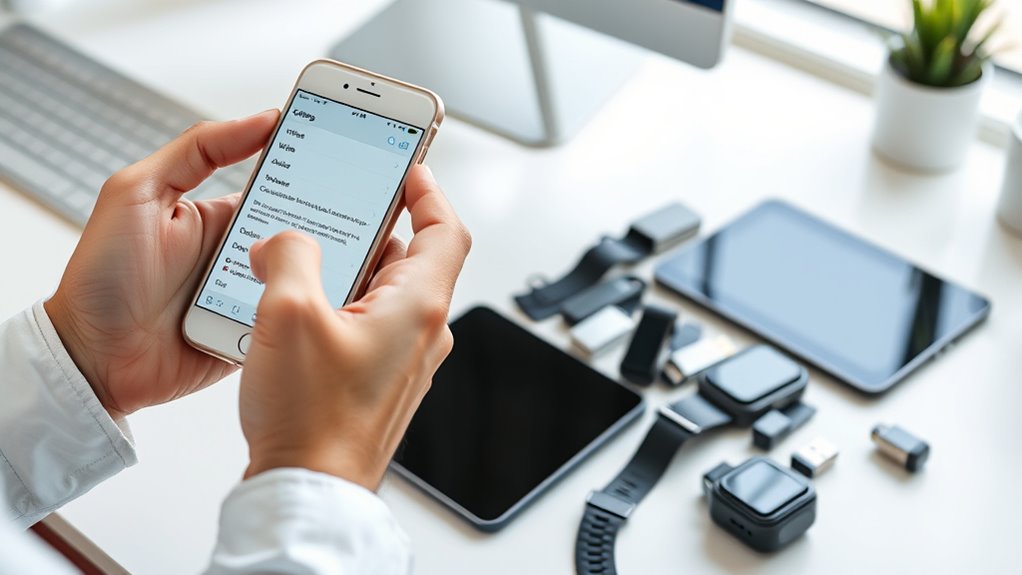
When preparing to dispose of your smart devices, it’s essential to clear their storage and perform a reset to protect your personal information. Start by backing up any important data you want to keep, then delete all files, apps, and personal settings. For smartphones and tablets, navigate to the device’s settings menu, find the reset or factory restore option, and follow the prompts to wipe everything clean. Make sure to sign out of accounts like Google or Apple ID before resetting. For smart home devices, perform a factory reset by pressing and holding the reset button or following manufacturer instructions. Resetting removes your data and restores the device to its original state, reducing the risk of exposing sensitive information during recycling or resale. Additionally, understanding modern device security can help you better protect your information during disposal, especially when considering reliable backup power options that ensure your devices are properly managed before recycling.
Use Data Destruction Tools for Secure Erasure
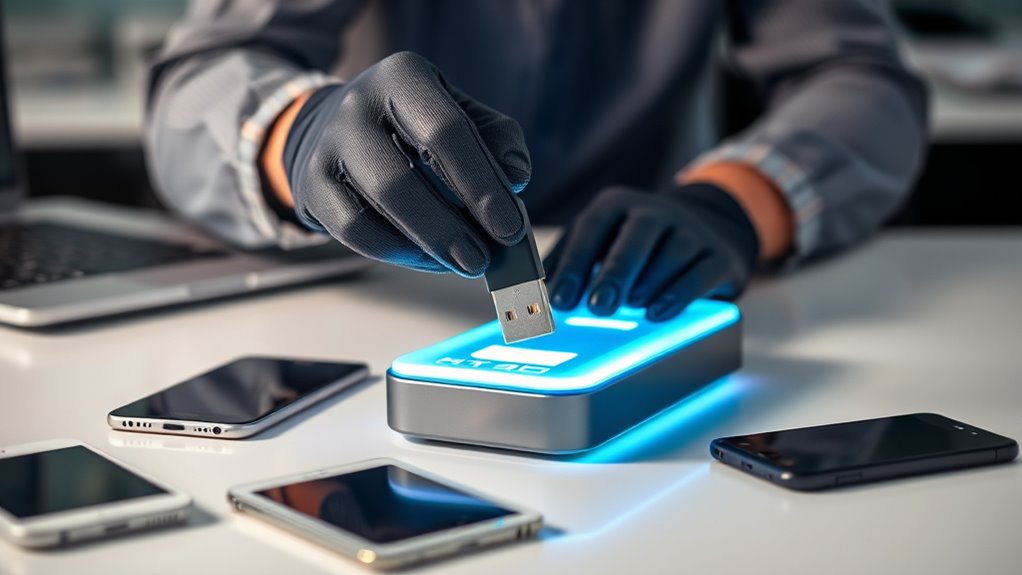
Using data destruction tools is a critical step in guaranteeing your personal information is permanently removed from old gadgets. These tools overwrite your device’s storage, making recovery impossible. You can choose specialized software designed for data wiping, such as DBAN or Blancco, which perform thorough, secure erasures. Many tools allow you to select multiple passes, adding extra security. For mobile devices, apps like iOS’s built-in erase feature or Android’s factory reset combined with encryption help protect your data. Always verify the software’s effectiveness and ensure it’s compatible with your device. Using these tools reduces the risk of sensitive information falling into the wrong hands and ensures your data is completely destroyed before recycling or disposal. Sound design techniques can further ensure that residual data is untraceable, especially when combined with secure storage methods during the erasure process.
Double-Check for Residual Data
Even after running data destruction tools, it’s essential to double-check for any residual data that might still be recoverable. Use specialized recovery software to scan your device and confirm that no files or sensitive information remain. Look for hidden partitions or backups that could contain your data. Take extra steps to verify that all personal info—including emails, photos, and passwords—are completely erased. If you find any leftover data, run the destruction tools again or consider resetting the device to factory settings. Remember, a thorough check helps ensure your privacy and prevents identity theft. Don’t assume the initial wipe was enough; always verify that everything is truly gone before moving on to recycling or donating your gadget.
Properly Recycle or Donate Your Gadgets
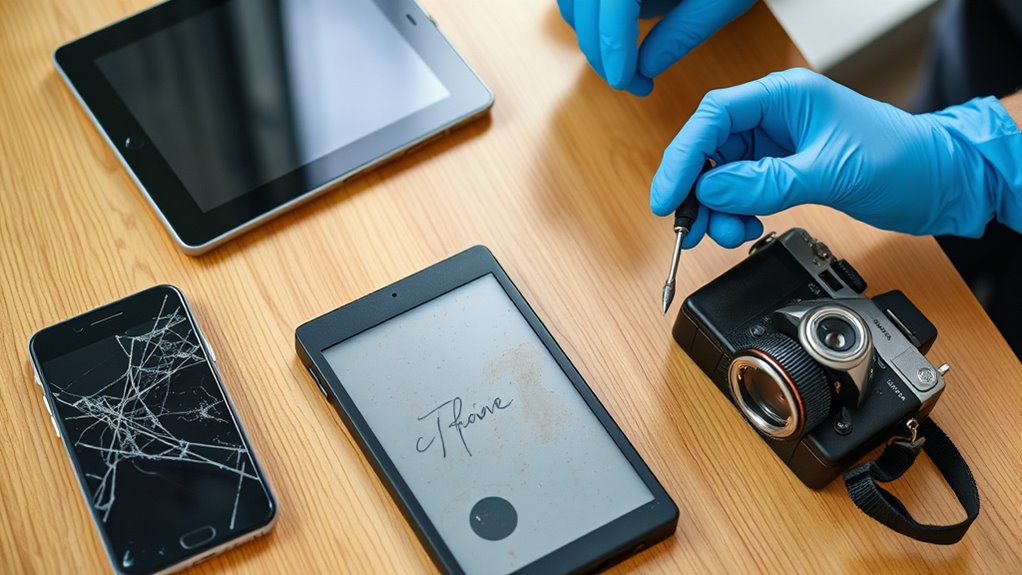
Once your gadgets are free of personal data, it’s important to recycle or donate them responsibly. Recycling guarantees valuable materials like metals and plastics are reused, reducing environmental harm. Look for certified e-waste recycling centers in your area, and confirm they follow environmentally safe practices. If your device still functions, consider donating it to charities, schools, or community programs. Donating extends the device’s life and helps those in need. Before handing over your gadgets, clean them thoroughly and include any accessories or chargers. Avoid throwing electronics in the trash, as they can leak hazardous substances. Proper disposal minimizes environmental impact and supports reuse efforts. By choosing responsible recycling or donation, you contribute to sustainability and help others benefit from your unused devices.
Frequently Asked Questions
Can I Recover Data After Performing a Factory Reset?
Yes, you can recover data after a factory reset if the data wasn’t securely wiped beforehand. Factory resets often remove your personal files, but some recovery tools can retrieve data from the device’s storage, especially if new data hasn’t overwritten it. To avoid this, always back up important data before resetting, and consider using specialized software to securely erase all information if you want to prevent recovery.
What Are the Risks of Not Wiping Data Before Recycling?
Not wiping your data before recycling? Well, congratulations—you’re practically inviting a data heist! Hackers or curious recyclers could access your personal photos, passwords, or banking info, turning your old device into a treasure chest of chaos. Don’t be that person who’s known for their digital dumpster dive. Take a few minutes to wipe everything clean; it’s simple, smart, and keeps your secrets safe from prying eyes.
Are There Any Legal Requirements for Data Destruction?
Yes, there are legal requirements for data destruction, especially if you’re handling sensitive or personal information. You need to adhere to laws like GDPR, HIPAA, or other data protection regulations that mandate proper disposal of data. Failing to do so can lead to hefty fines and legal action. Always make certain you securely wipe all data from your devices before recycling, and keep documentation proving you’ve met these legal obligations.
How Do Smart Home Devices Store and Erase Data?
Smart home devices store data locally or in the cloud, depending on the device. To erase data, you typically access the device’s app or settings and select the factory reset option, which deletes your personal information. For added security, make sure you disconnect the device from your network and follow manufacturer instructions for data removal. Regularly updating your device’s firmware also helps protect and manage your stored data effectively.
What Should I Do if My Device Has a Damaged Storage?
Did you know that over 60% of people don’t properly dispose of damaged devices? If your device has damaged storage, don’t attempt to fix it yourself. Instead, remove any accessible data, then contact a professional recycling service that handles broken electronics. They have the tools to safely recover, erase, or dispose of the hardware without risking data breaches or environmental harm. Always prioritize professional help with damaged storage.
Conclusion
Now that you know how to safely wipe your gadgets, aren’t you glad you’re protecting your personal info? Taking these simple steps guarantees your data stays private and your old devices don’t become security risks. Imagine your data falling into the wrong hands—scary, right? So, before you recycle or donate, make sure you’ve erased everything. It’s a small effort that keeps your digital life secure and gives your gadgets a responsible second life.