TL;DR
The source compares eight E Ink tablet listings and frames the choice around reading, handwriting, portability and app access. It supplies specifications for several models but no publication date, independent testing method, prices or complete details for all eight, so its rankings should be treated as buying guidance rather than verified test results.
A supplied buying guide compares eight E Ink tablet listings for readers, students and professionals, as detailed in the original analysis, arguing that the choice turns mainly on screen size, writing needs, color and software access. The guide names the reMarkable Paper Pro as its overall pick and highlights compact Android and Kindle options, but provides no dated testing record or complete specifications for every listed device.

Get the latest gadgets delivered free with Prime
- Fast, free delivery on millions of items
- Prime Video, Amazon Music and more included
- Member-only deals all year
According to the supplied guide, the 11.8-inch reMarkable Paper Pro is a premium option for color note-taking and document annotation. The guide lists Canvas Color display technology and battery life of up to 15 days at one hour of daily use. It also says some core cloud and AI features require a separate paid subscription. These are specifications and claims reported by the guide; it does not explain how battery life was measured or identify which subscription features are included.
The guide points to the 7-inch BOOX Go Color 7 Gen II for portability, saying it runs Android 13 and supports third-party apps, much like the software flexibility considered when choosing mobile workstation laptops. It lists a Kaleido 3 display with 4,096 colors, 300 ppi for black-and-white content and 150 ppi for color. For Amazon users, the guide lists an 11-inch Kindle Scribe Colorsoft with 64 GB of storage and the same stated 300 ppi monochrome and 150 ppi color distinction. It describes Kindle as a closed ecosystem, but does not document app or file-format support in detail.
The guide’s other recommendations cover different priorities: it lists the 10.3-inch reMarkable Paper Pure as a monochrome writing device with 21-millisecond latency and a weight of 360 grams; the standard Kindle Scribe with a 10.2-inch, 300 ppi grayscale display; and the BOOX Note Air6 C with a 10.3-inch color screen, Android, 6 GB of RAM and 64 GB of storage, useful considerations alongside portable storage options. It lists the Huion Ink EB1011 with a 10.3-inch, 227 ppi screen, Android 11 and a battery-free stylus rated at 8,192 pressure levels. The guide also includes a second Paper Pro bundle, so the eight entries do not necessarily represent eight distinct device models.
Choose by how you use it Reading, writing and software
The guide compares eight listings across portability, screen size, color, writing and app access. Treat its picks as buying guidance: it provides no common test method, current prices or complete details for every listing.
Match the screen to the task
The guide says compact screens favor portability, while larger displays suit document review and annotation.
- 7-inch BOOX Go Color 7 Gen II
- Highlighted for portability and travel
- Displays above 10 inches
- More room for PDFs and handwriting
Weigh color against text sharpness
Some listed color models specify different resolutions for color and black-and-white content.
Choose your software environment
App flexibility varies across the guide’s recommendations.
More app flexibility
The guide says BOOX Go Color 7 Gen II supports third-party apps; it also identifies Android on BOOX Note Air6 C and Huion Ink EB1011.
Check ecosystem limits
Kindle is described as a closed ecosystem, while some reMarkable cloud and AI features require a paid subscription.
Verify the exact listing
The eight picks are listings, and may not represent eight distinct tablet models.
- Two Paper Pro entries appear to be bundles with different folios.
- Confirm price, accessories, storage and subscription requirements.
- Check current availability, specifications and software support.
- Compare the exact model’s color and monochrome resolution.
Choosing Between Reading and Writing
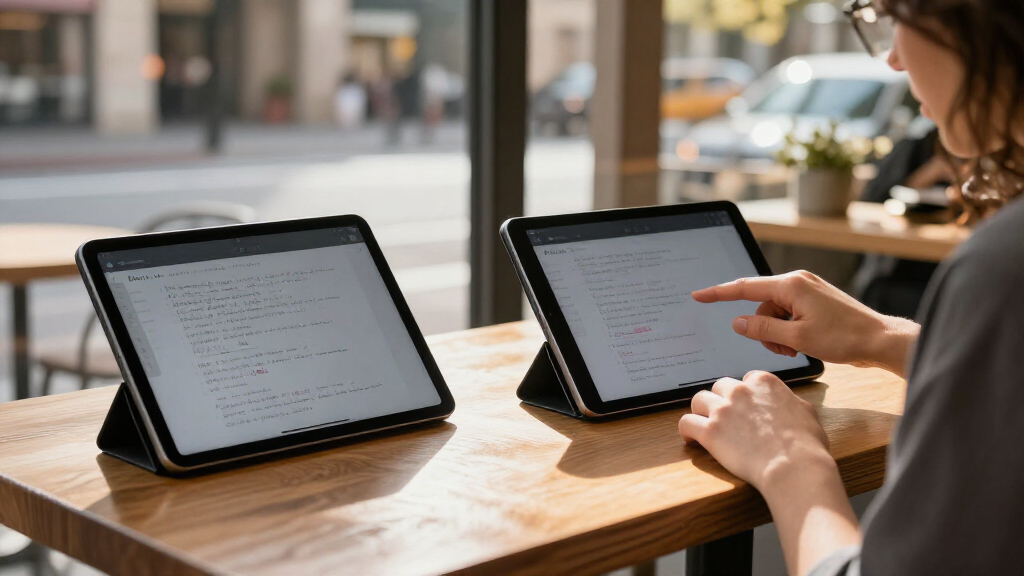
The guide frames the practical choice around whether a tablet will mainly replace a notebook, serve as an e-reader, or handle both jobs. It says smaller screens favor portability, while devices larger than 10 inches are better suited to PDF annotation and document review. This distinction can affect daily use: a compact device may travel more easily, while a larger display offers more room for full-page documents and handwriting.
The guide’s listed specifications show a color tradeoff: 150 ppi color resolution on some Kaleido 3 models, compared with 300 ppi for black-and-white text. Buyers considering comics, diagrams or highlighted documents can weigh that against monochrome sharpness and contrast. The guide also contrasts Android app flexibility on BOOX and Huion devices with the more restricted Kindle and reMarkable environments, and notes subscription costs for some reMarkable features.
Products Worth Considering

Jackery Solar Generator 1000 V2 with 100W Solar Panel, 1024Wh

LG UltraGear 32-inch 4K UHD OLED Gaming Monitor, 165Hz

Kindle Paperwhite Signature Edition Bundle, 32GB, Jade, with Plant-Based Leather Cover and Wireless Charging Dock
As an affiliate, we earn on qualifying purchases.
How the Eight Listings Differ
The supplied material is a shopping comparison, rather than a report of a newly announced product or a documented lab test. As presented in the guide, it mixes distinct models with differently equipped bundles: two Paper Pro entries share the same tablet but include different folios, and several products are described through Amazon listings. The headline count of eight therefore refers to listings or picks, rather than clearly establishing eight separate hardware designs.
The guide organizes its comparison around monochrome and color E Ink, compact and larger formats, and closed versus Android-based software. It also emphasizes stylus feel, latency, battery life and storage. The supplied text does not provide a common test protocol, current prices, software support periods or side-by-side measurements for every device.
Limits of the Comparison
The supplied guide does not state when its product details or rankings were checked, whether the listed models will remain available in 2027, or how the recommendations were tested. It gives no prices, price comparisons or full battery-life figures for most devices. Its stated 15-day Paper Pro battery estimate is tied to one hour of daily use, but the guide does not describe other settings or usage conditions.
The guide includes what appear to be bundles of the same model, and its opening recommendation refers to the Kindle Scribe Colorsoft while its detailed list also names the standard Kindle Scribe. It is unclear whether all specifications refer to current retail configurations or whether software features and subscriptions may change. The 2027 framing is not accompanied by a dated forecast or confirmation of future availability.
Check Listings Before Buying
Readers using the supplied comparison should check each manufacturer’s current product page and retailer listing before purchase, especially for price, included stylus and accessories, storage, subscription requirements and software support. They should also confirm screen dimensions and resolution for the exact model, since color and monochrome resolution differ on some devices.
The supplied guide identifies no forthcoming announcement or testing milestone. A more definitive 2027 comparison would need updated prices and availability, consistent battery and writing tests, and a clear distinction between separate models and accessory bundles.
Key Questions
Which tablet does the guide name as its overall pick?
The supplied guide names the reMarkable Paper Pro as its overall pick for color writing and document annotation. That is the guide’s recommendation, not an independently verified test conclusion in the supplied material.
Which listed tablet is the most portable?
The supplied guide highlights the 7-inch BOOX Go Color 7 Gen II for commuters and travel. It does not provide a complete weight comparison for all eight listings.
Do the listed color screens have the same sharpness as monochrome text?
Not according to the specifications in the supplied guide. It lists the BOOX Go Color 7 Gen II and Note Air6 C at 300 ppi in black and white and 150 ppi in color, and gives the same figures for Kindle Scribe Colorsoft.
Which models support third-party apps?
The supplied guide says the Android-based BOOX Go Color 7 Gen II supports third-party app installation. It also identifies Android on the BOOX Note Air6 C and Huion Ink EB1011, but does not provide a detailed app compatibility list.
Are the eight picks eight different tablet models?
Not clearly. The supplied guide lists two reMarkable Paper Pro bundles with different folios, so at least one model appears more than once as a bundle.
Source: Thorsten Meyer AI