Expanding your smart home involves ongoing costs like higher energy bills from increased device use, potential compatibility upgrades, and maintenance fees for updates and security. You might need extra hardware to connect incompatible devices, raising initial and long-term expenses. Keep in mind that regularly updating firmware and monitoring energy consumption can add to ongoing costs. Staying aware of these factors helps you manage your budget better—if you want to uncover more details, continue exploring.
Key Takeaways
- Cumulative energy consumption from additional devices can significantly increase electricity bills over time.
- Compatibility issues may lead to extra hardware costs and setup expenses during expansion.
- Ongoing maintenance, updates, and security subscriptions contribute to long-term costs.
- Interoperability challenges can cause frustrations and necessitate costly upgrades or replacements.
- Strategic planning and budgeting help manage hidden, ongoing, and future expenses effectively.
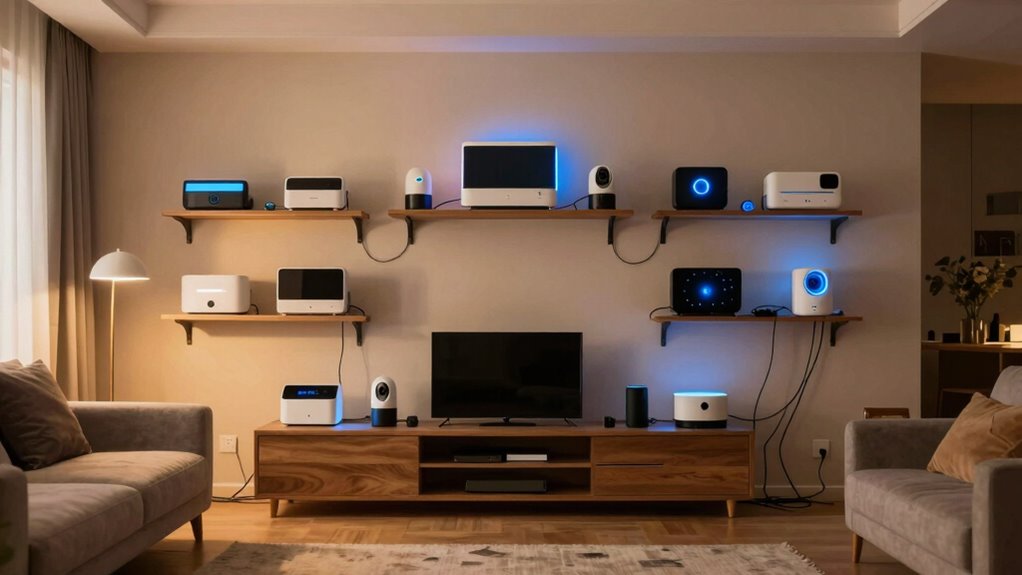
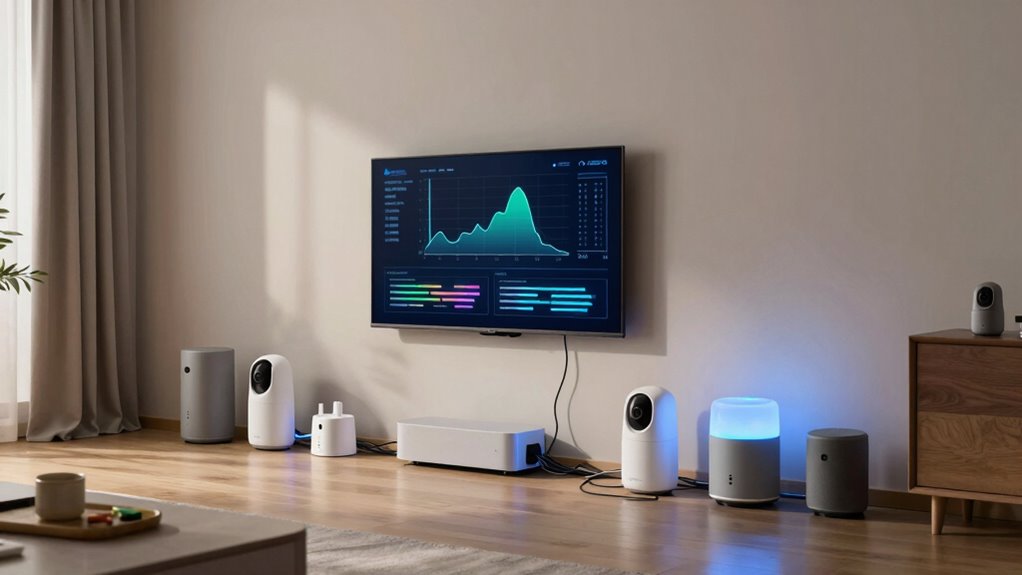
Expanding a smart home over time can seem exciting and convenient, but it’s essential to understand the true costs involved. One of the biggest factors to consider is energy consumption. As you add more devices—smart lights, thermostats, security cameras, and voice assistants—the overall power draw increases. While each device might use only a small amount of energy individually, their combined effect can lead to noticeably higher electricity bills. It’s easy to underestimate how much these devices consume over months or years, especially if you forget to turn off unused gadgets or leave devices running constantly. To keep costs manageable, you might need to invest in energy-efficient models or smart systems that optimize power usage, like automated schedules or power-saving modes. Otherwise, your expanding smart home could become more of a financial burden than a convenience. Additionally, being aware of home safety automation can help you select energy-efficient devices that also enhance security and safety. Keeping track of your device usage and monitoring energy consumption can also help you identify inefficient gadgets and reduce unnecessary expenses. Regularly reviewing your energy usage through smart home dashboards can further help you spot patterns and implement improvements proactively.
Device compatibility is another vital aspect that can influence the costs of expanding your smart home. Not all smart devices work seamlessly together, even if they’re from the same brand or ecosystem. As you add more gadgets, you might face compatibility issues that require additional hubs, bridges, or adapters. These extra components can add to your initial expenses and complicate your setup. Incompatible devices may not communicate properly, leading to frustration and the need for replacements or upgrades. To avoid unnecessary costs, you should research device compatibility before making purchases. Opting for devices that adhere to common standards or are compatible with your existing system can save you money and reduce headaches down the line. Understanding device interoperability can also help you make smarter choices and ensure your system functions smoothly as it expands. Beyond the actual device costs, expanding your smart home also involves ongoing expenses. Firmware updates, security measures, and potential repairs can add up over time. If you don’t keep your system updated, you risk vulnerabilities that could compromise your privacy or cause devices to malfunction. Security features like encrypted connections or subscription-based monitoring services also contribute to the overall budget. Furthermore, as you add more devices, you might need to upgrade your Wi-Fi network or internet plan to support the increased data traffic, adding to your monthly expenses. Staying informed about the cost of connectivity is crucial to maintaining a balanced budget as your smart home grows.
In the end, expanding your smart home requires a clear understanding of these hidden and ongoing costs. While it promises convenience and modernity, managing energy consumption and ensuring device compatibility are vital to avoid unexpected financial surprises. Planning ahead and making informed choices can help you enjoy your smart home’s benefits without overspending or facing compatibility headaches down the road.
energy-efficient smart home devices
As an affiliate, we earn on qualifying purchases.
As an affiliate, we earn on qualifying purchases.
Frequently Asked Questions
How Do Smart Home Upgrades Affect Home Insurance Premiums?
Smart home upgrades can lower your insurance premiums by providing better risk assessments and safety features. Installing smart security systems or fire detectors may qualify you for insurance discounts, reducing costs. However, adding more devices also increases the risk of technical issues or damage, which insurers consider in their assessments. Overall, smart upgrades can benefit your premiums if they enhance safety and reliability, but always check with your insurer for specific impacts.
Are There Any Privacy Concerns With Expanding Smart Home Technology?
You might worry about privacy concerns when expanding your smart home, but data security and privacy policies help protect you. While more devices mean more data collection, reputable brands implement strict privacy policies to safeguard your information. Stay vigilant by regularly updating your devices and understanding each product’s data practices. Balancing convenience with privacy, you can enjoy smart home benefits without sacrificing your personal security.
What Are the Best Energy-Saving Smart Devices for a Large Home?
If you want energy-saving smart devices for a large home, start with energy-efficient lighting like smart LED bulbs that automatically adjust brightness and turn off when not in use. Pair this with smart thermostat options to optimize heating and cooling, reducing energy waste. These devices help you save money, lower your carbon footprint, and keep your home comfortable, even as it expands over time.
How Can I Ensure Compatibility Between Different Smart Home Brands?
To guarantee compatibility between different smart home brands, focus on brand integration and device interoperability. Choose devices that support common standards like Zigbee, Z-Wave, or Wi-Fi, which help different brands communicate seamlessly. Use a central hub or platform that consolidates control, such as SmartThings or Apple HomeKit. Regularly update firmware and check compatibility lists to prevent issues, making your smart home more cohesive and easier to manage.
What Are the Long-Term Maintenance Costs of Smart Home Systems?
You’ll find that long-term costs sneak up on you like a stubborn stain. Smart device durability varies, and without proper maintenance scheduling, your sleek gadgets could turn into paperweights faster than you’d think. While some systems seem low-cost initially, expect expenses for repairs, updates, or replacements. Over time, these hidden costs add up, making your smart home feel more like a costly experiment than a seamless upgrade.
smart home compatibility hubs
As an affiliate, we earn on qualifying purchases.
As an affiliate, we earn on qualifying purchases.
Conclusion
While expanding your smart home promises convenience and control, it also quietly drains your wallet over time. You might enjoy effortless automation today, but tomorrow, those costs—hidden in subscriptions, upgrades, and compatibility issues—add up. Just as a sleek device promises simplicity, the ongoing expenses can complicate your smart haven. So, as you dream of a connected future, remember: the true cost isn’t just the gadget, but what it takes to keep it running smoothly.
smart home energy monitor
As an affiliate, we earn on qualifying purchases.
As an affiliate, we earn on qualifying purchases.
smart home security firmware updates
As an affiliate, we earn on qualifying purchases.
As an affiliate, we earn on qualifying purchases.