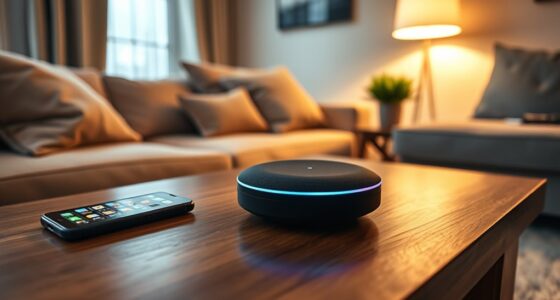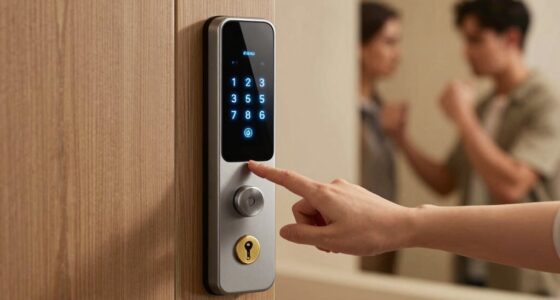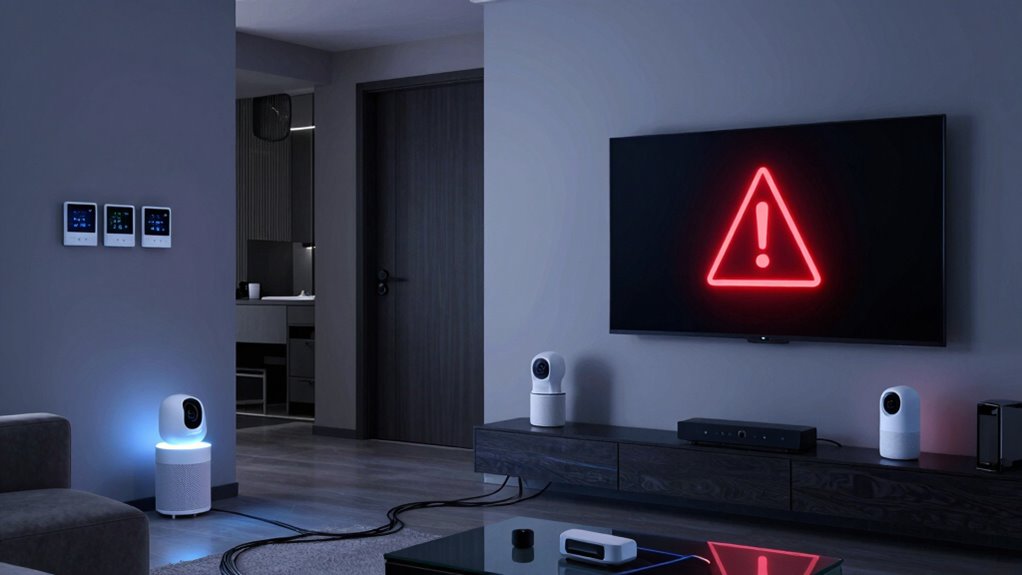

When your smart home goes offline, your automated systems and remote controls stop working, causing routines to disrupt and making energy management harder. Devices that rely on internet connection can’t adjust settings like temperature or lighting, often leading to inefficiencies and higher bills. Troubleshooting becomes more difficult, and you may need to perform manual checks. However, some devices keep working locally, and understanding these options can help guarantee your home stays safe and comfortable even during outages. More details are just ahead.

Get the latest gadgets delivered free — and shop member deals
- Fast, free delivery on millions of items
- Access to Prime Big Deal Days deals on October 6–7
- Prime Video, Amazon Music and more included
Key Takeaways
- Devices revert to manual control, reducing automation and remote management capabilities.
- Energy optimization features are disabled, potentially increasing utility bills during outages.
- Troubleshooting becomes more difficult without online access to apps or web portals.
- Some devices can operate locally, maintaining basic functions like temperature control or recording footage.
- Backup strategies and local controls are essential to ensure continuous operation during connectivity issues.
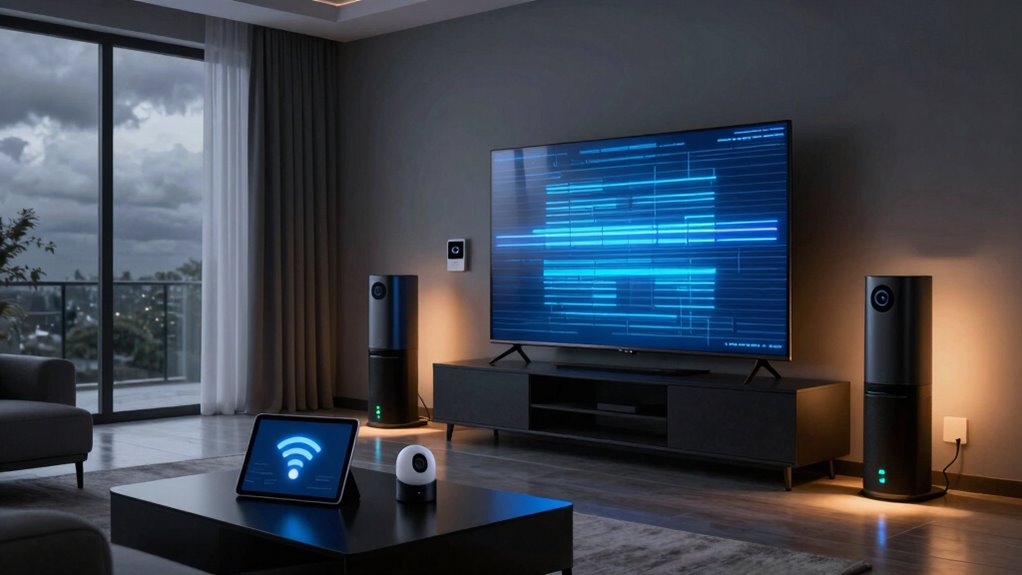
In today’s connected world, relying solely on smart home devices can leave you vulnerable when the system goes offline. Your automated lights, thermostats, security cameras, and voice assistants all depend on a stable internet connection to function smoothly. When that connection drops, it’s easy to feel stranded, especially if you’ve become accustomed to the convenience of remote control and automation. Without access to these systems, your home can revert to manual operation, which might be less efficient and more time-consuming. You may find it harder to manage energy consumption effectively or troubleshoot issues quickly, leading to increased energy waste or security gaps.
If your smart home goes offline, your ability to monitor and adjust energy use diminishes. Many smart devices are designed to optimize energy conservation by adjusting temperatures, turning off unused appliances, or dimming lights based on your habits. When the system is offline, these features stop working, and you might inadvertently leave devices running longer than necessary, wasting energy and increasing your utility bills. This interruption highlights how deeply integrated these systems are into your daily routines and the importance of backup strategies to maintain energy efficiency even during outages.
Remote troubleshooting becomes considerably more challenging when your smart home system is offline. Usually, you can diagnose problems through an app or a web portal, making it easy to identify and fix issues without needing to call a technician. When the system goes offline, however, you lose that immediate access. You may need to physically inspect devices or routers, which can be inconvenient and time-consuming. This situation underscores the importance of having a clear troubleshooting plan and perhaps some manual backups, such as physical switches or controls, to keep your home running smoothly while you resolve the connectivity issues. Additionally, understanding which devices have local control options can help you stay operational during outages.
In these moments, it’s vital to remember that not all smart home components are reliant on constant internet access. Some devices can operate locally, meaning they can still perform basic functions even when offline. For example, certain smart thermostats can maintain temperature settings locally without internet, and security cameras with local storage can still record footage. Understanding which parts of your system can operate independently helps you stay in control and maintain safety and comfort until your internet connection is restored. Additionally, being aware of local storage options can significantly enhance your security and usability during outages. Recognizing that some devices have offline capabilities allows you to plan effectively for connectivity disruptions.
As an affiliate, we earn on qualifying purchases.
Frequently Asked Questions
Can I Still Control My Smart Devices Offline?
Yes, you can still control your smart devices offline if they support local device or offline control. Many smart home systems allow you to manage devices through a hub or a dedicated app on your smartphone, even without an internet connection. However, some features that rely on cloud services won’t work offline. To guarantee continuous control, choose devices with strong local control options, so you’re not entirely dependent on Wi-Fi or internet connectivity.
What Security Risks Are Involved When My Smart Home Is Offline?
When your smart home is offline, you face security vulnerabilities like offline hacking, where attackers exploit the system’s disconnect. Without active security measures, malicious actors might access or control your devices through weak points or outdated firmware. You should regularly update your devices, enable local controls, and disconnect unnecessary connections to reduce offline hacking risks. Staying vigilant helps protect your home even when offline.
How Long Can a Smart Home Operate Without Internet?
Sure, your smart home can keep running without internet, but only for offline maintenance or local control. You might enjoy a brief reprieve from constant connectivity, yet don’t expect your smart devices to function fully for long. Without online access, features relying on cloud services will halt, and security may weaken. So, if you love living in a tech bubble, enjoy the silence—just don’t forget, it’s temporary.
Will My Data Be Lost if the System Goes Offline?
Your data generally won’t be lost if your smart home system goes offline, thanks to data encryption and cloud backup. Data encryption protects your information during transmission, while cloud backup stores your data securely off-site. When offline, your system may temporarily lose access to real-time updates, but your saved data remains safe. Once you’re back online, your devices sync seamlessly, restoring full functionality without risking data loss.
How Do I Troubleshoot Offline Smart Home Devices Effectively?
Think of troubleshooting your offline smart home devices like being a detective on a mission. First, check your network connectivity—ensure your Wi-Fi is stable. Then, update the device firmware, as outdated software can cause issues. Restart your devices and router. If problems persist, reset the device or contact support. Staying patient and systematic helps you restore harmony and keep your smart home running smoothly, just like a well-conducted symphony.
As an affiliate, we earn on qualifying purchases.
Conclusion
When your smart home goes offline, everything suddenly feels unpredictable—lights flicker, locks hesitate, and your routines break apart. But what if this glitch isn’t just a temporary hiccup? Could it be a sign of something bigger lurking beneath the surface? As you scramble to regain control, one question lingers: will you discover a way to stay connected, or will the silence inside your smart home become the new normal? The choice is yours.
smart security cameras with local storage
As an affiliate, we earn on qualifying purchases.
As an affiliate, we earn on qualifying purchases.
manual switches for smart home devices
As an affiliate, we earn on qualifying purchases.
As an affiliate, we earn on qualifying purchases.
Fall Picks
fall essentials
As an affiliate, we earn on qualifying purchases.