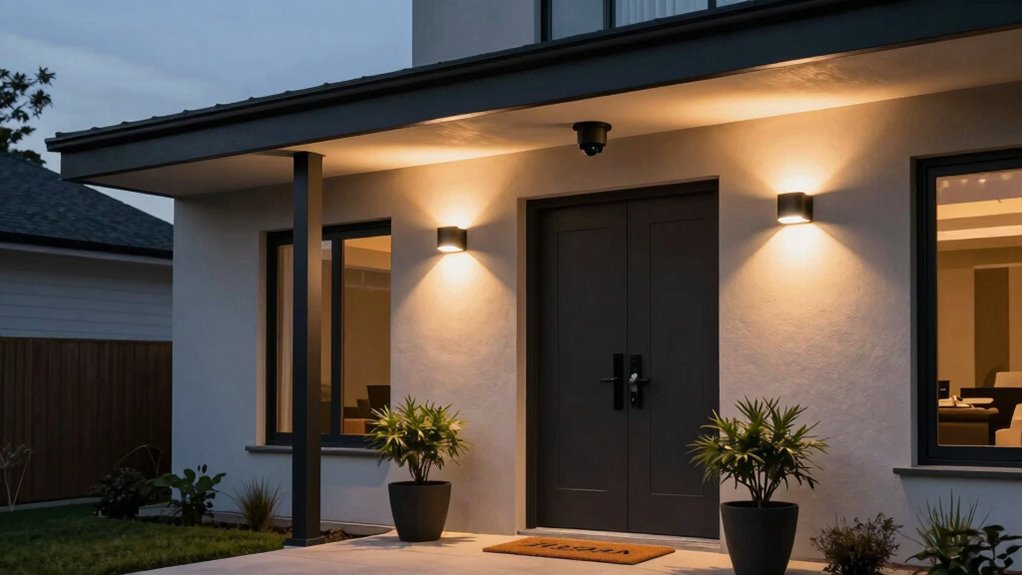

To keep home security cameras feeling useful rather than creepy, focus on installing them thoughtfully in places like the front door or driveway, avoiding private spaces like bedrooms. Be transparent about footage access and storage, and communicate clearly with your family. Use privacy features like zones or modes and review footage regularly. Responsible, respectful use helps your cameras support your safety without invading your privacy. If you want to discover how to balance security with privacy, keep exploring these tips.

Get the latest gadgets delivered free — and shop member deals
- Fast, free delivery on millions of items
- Access to Prime Big Deal Days deals on October 6–7
- Prime Video, Amazon Music and more included
Key Takeaways
- Clear communication about camera purpose and footage access builds trust and alleviates privacy concerns.
- Strategic placement in public areas ensures coverage without invading private spaces.
- Features like privacy zones and adjustable settings help users control their surveillance environment.
- Regular footage review and alerts enhance perceived usefulness and responsiveness.
- Responsible, transparent use fosters a sense of safety without feeling invasive or creepy.
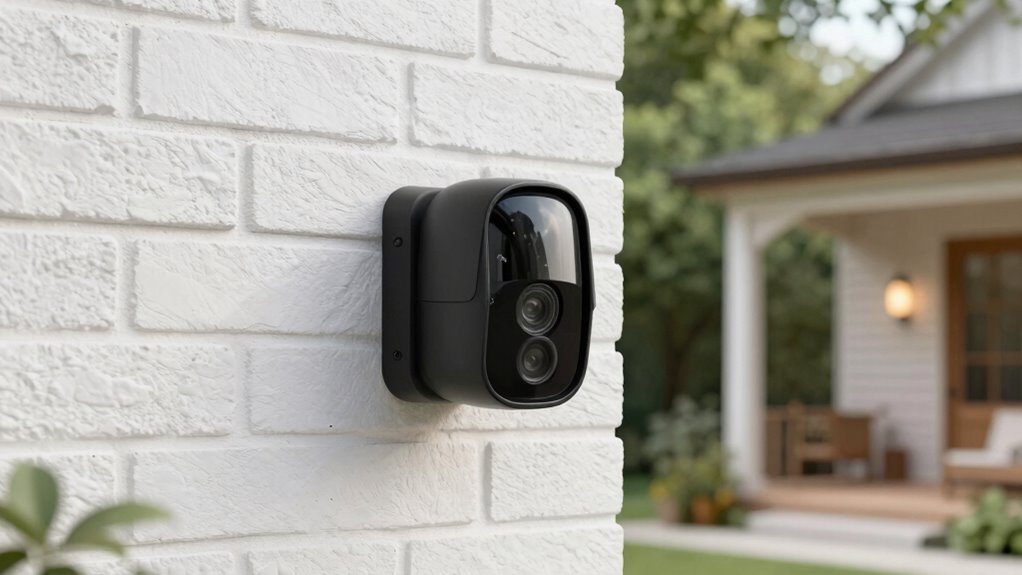
Home security cameras have become a common feature in many households, offering a sense of safety and control. You install them to keep an eye on your property, deter intruders, and quickly respond to any unusual activity. When used thoughtfully, these cameras can feel like a helpful tool rather than a creepy invasion of privacy. The key lies in balancing security benefits with respecting privacy concerns. If you clearly communicate with family members and visitors about where cameras are placed and how footage is used, it eases worries about being watched constantly. When cameras are positioned thoughtfully—avoiding private spaces like bedrooms or bathrooms—you create a sense of security without feeling intrusive. Transparency about who has access to footage and how long it’s stored also builds trust, making the cameras seem more helpful than invasive.
Using security cameras thoughtfully balances safety with privacy, building trust and ensuring they feel helpful rather than invasive.
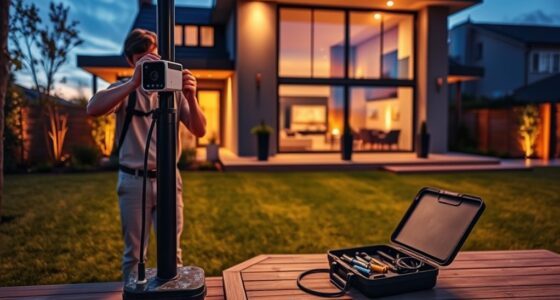
Another factor that influences how useful your home security cameras feel is installation. You want the setup process to be straightforward, without complicated wiring or confusing configurations. Many modern systems are designed to be user-friendly, allowing you to mount cameras easily and connect them to your Wi-Fi network without much hassle. Proper placement is essential; if cameras are installed in strategic locations, like front doors, driveways, or main hallways, you get the best coverage without feeling like you’re constantly being watched. When installation challenges are minimized and the process is quick, you’re more likely to feel confident and satisfied with your security system. Additionally, understanding the importance of biodiversity in the environment can influence how you perceive technological tools like cameras, emphasizing responsible and mindful use. Recognizing how technology intersects with privacy concerns helps you develop a balanced perspective on their use. Being aware of data security measures taken by manufacturers also enhances trust and reassures users that their footage is protected. Moreover, knowing about security protocols can help you better safeguard your footage from potential breaches. Considering the ethical implications of surveillance can also guide you in making more responsible choices about camera placement and usage.
The perception of usefulness also depends on how you use your security cameras. When you regularly review footage, receive alerts about suspicious activity, or use the cameras to check in on family members or pets, they become more than just surveillance devices—they become helpful tools. Ensuring your cameras have good video quality and reliable alerts helps you feel reassured rather than paranoid. Additionally, choosing cameras with privacy features—like adjustable zones or privacy modes—allows you to customize your security setup. This flexibility helps you feel in control, making the cameras feel like a helpful addition to your home rather than an invasive presence.
In the end, the difference between useful and creepy lies in your approach. When you prioritize privacy, install cameras thoughtfully, and use them responsibly, you create a security system that offers peace of mind without sacrificing your sense of personal space.
wireless home security camera system
As an affiliate, we earn on qualifying purchases.
As an affiliate, we earn on qualifying purchases.
Frequently Asked Questions
Can Security Cameras Record Audio Without Violating Privacy Laws?
Security cameras can record audio without violating privacy laws if you follow local regulations. You need to inform everyone on your property that audio recording is active, as many laws require consent for audio capture. Always check your specific privacy laws before enabling audio recording, and consider placing signs or notices. Doing so helps you stay compliant and guarantees your security measures feel helpful rather than intrusive.
How Do Cameras Differentiate Between Residents and Strangers?
Think of your cameras as vigilant guardians, recognizing faces like familiar friends versus strangers. They use facial recognition to identify residents, matching faces against a stored database. Motion detection acts like a keen observer, alerting you only when new or unexpected movements occur. Together, these features help your cameras differentiate residents from strangers, making security feel reassuring rather than invasive, and ensuring you stay informed without unnecessary alerts.
Are There Options to Disable Cameras Remotely?
Yes, many home security cameras offer remote control options to disable them when needed, which helps address privacy concerns. You can typically turn cameras on or off through a dedicated app on your smartphone or tablet. This feature gives you control over your privacy, allowing you to disable cameras when you’re home or during personal moments, ensuring you’re comfortable with the level of surveillance and maintaining peace of mind.
What Are the Best Practices for Secure Camera Storage?
To keep your camera footage secure, you should use data encryption and opt for reputable cloud storage providers. Always enable two-factor authentication on your accounts, and regularly update your firmware. Avoid local storage options that aren’t encrypted, and review your privacy settings frequently. By following these best practices, you guarantee your security footage remains private and protected from unauthorized access.
How Long Is Footage Typically Stored Before Deletion?
Footage from home security cameras is usually stored between 7 to 30 days before deletion, depending on your provider and settings. You might have privacy concerns about long storage periods, so look for options with automatic deletion or customizable durations. Make sure your footage is protected with data encryption during transfer and storage, giving you peace of mind that your recordings stay private and secure, without feeling creepy.
As an affiliate, we earn on qualifying purchases.
Conclusion
As you set up your home security cameras, imagine a quiet evening—your family’s laughter echoes softly as the camera’s gentle hum keeps watch. It’s a coincidence that this technology, meant to protect, also becomes a silent guardian, blending seamlessly into your home’s rhythm. When you feel safe and connected, it’s clear that these devices aren’t just creepy eyes—they’re your quiet allies, making everyday life feel a little more secure and a lot more comforting.
easy install outdoor security camera
As an affiliate, we earn on qualifying purchases.
As an affiliate, we earn on qualifying purchases.
As an affiliate, we earn on qualifying purchases.
Fall Picks
fall essentials
As an affiliate, we earn on qualifying purchases.