
To build your own mobile app without coding, you can use popular no-code platforms like Adalo, Thunkable, Bubble, and Glide. These tools offer drag-and-drop interfaces, pre-built templates, and easy integrations that make app creation simple and quick. Many support publishing directly to iOS and Android or creating web and PWA versions. By exploring these options, you’ll discover how to develop professional apps fast—continue below to learn more.
Key Takeaways
- No-code platforms like Adalo, Thunkable, and Glide enable users to build native and web mobile apps through drag-and-drop interfaces.
- These tools offer features such as integrations, real-time updates, offline access, and seamless app store publishing without coding.
- AI-powered app builders can generate configurations from natural language prompts, simplifying and accelerating development.
- Free trials and tiered paid plans make it accessible for beginners and small projects, with support resources like tutorials and community forums.
- Emerging trends include cross-platform compatibility and AI-driven customization, making app creation faster and more user-friendly.
Overview of Leading No-Code Mobile App Builders in 2025
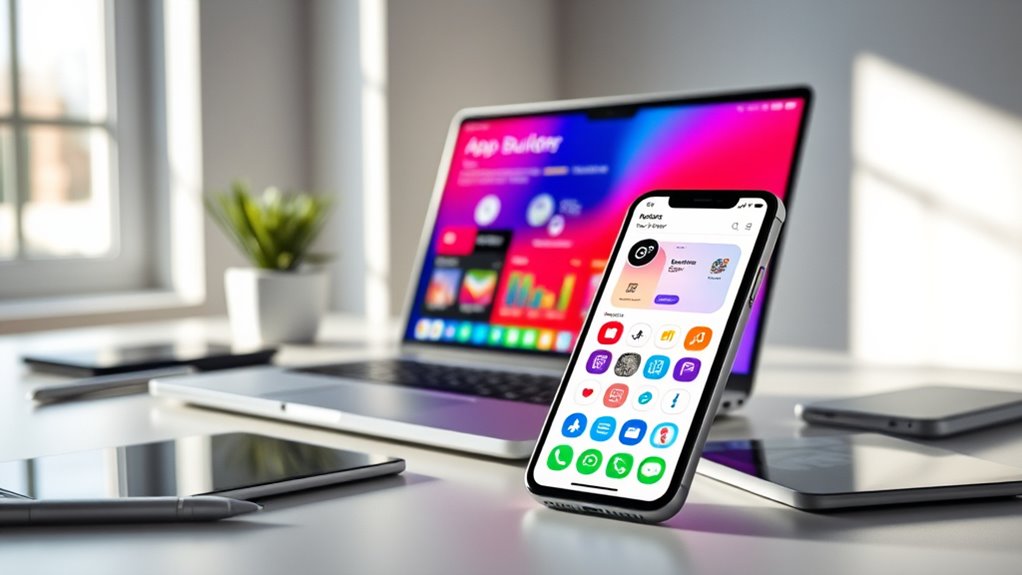
In 2025, no-code mobile app builders continue to revolutionize app development by making it accessible to non-technical users. Platforms like Adalo let you build native iOS and Android apps with drag-and-drop tools, supporting integrated databases, user authentication, and direct publishing to app stores. Thunkable offers block-based logic and AI-powered app generation, enabling rapid development without coding. Bubble, traditionally focused on web apps, now supports native mobile features, allowing complex workflows and database integration. Glide specializes in mobile-friendly web apps using spreadsheet logic, providing real-time updates and offline capabilities. Bravo Studio and Rapid MVP tools like Adalo and Glide are perfect for quick prototypes. These platforms empower you to create functional, professional apps without writing a single line of code. Additionally, leveraging European cloud servers can enhance your app’s security and sustainability, ensuring your development environment aligns with modern data protection standards.
Key Features That Make No-Code Platforms Stand Out
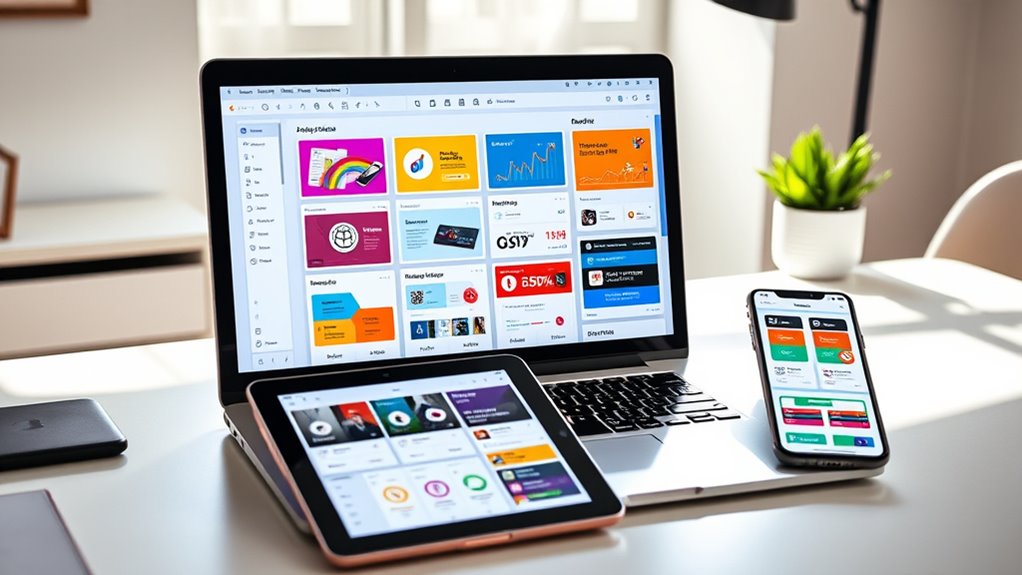
No-code platforms stand out primarily because of their intuitive features that simplify app creation. You can easily design your app with drag-and-drop interfaces, avoiding complex coding. These platforms often support third-party integrations, allowing you to add functionalities like payment gateways, analytics, or social media sharing without hassle. Many enable you to publish native iOS and Android apps directly from a single project, streamlining the deployment process. AI-assisted tools are emerging, helping generate app configurations from natural language prompts, speeding up development. Real-time updates, offline capabilities, and customizable branding are common features that enhance user experience. Additionally, smart home technology demonstrates how automation and connected devices can improve everyday tasks, inspiring innovative features in app development. Understanding color accuracy and its impact on visual presentation can also help in designing user interfaces that are both appealing and accessible. Moreover, leveraging integration capabilities enables seamless connectivity with existing systems, expanding your app’s potential functionalities. Implementing features like user feedback tools can further improve app quality by gathering valuable insights from users. Overall, these key features make no-code platforms accessible, efficient, and powerful tools for creating professional mobile apps without technical expertise.
Advantages of Using No-Code Tools for App Development

Using no-code tools speeds up app development by eliminating the need for extensive programming knowledge. You can build functional, visually appealing apps quickly with drag-and-drop interfaces and pre-designed templates. These platforms lower costs by reducing reliance on expensive developers and shortening project timelines. They make app creation accessible to entrepreneurs, small businesses, and non-technical users, empowering you to bring ideas to life without coding skills. No-code tools support cross-platform publishing, allowing you to launch native apps on iOS and Android from a single project. Additionally, many platforms offer integrations with third-party services, enhancing your app’s functionality effortlessly. They also enable rapid prototyping, testing, and iteration, helping you refine your app efficiently and bring it to market faster. Understanding accessibility features ensure your app can reach a wider audience and comply with inclusive design standards, which is especially important given the sound healing science that emphasizes creating environments conducive to health and well-being. Incorporating accessible design principles can further expand your app’s user base and improve overall user experience. Moreover, these tools often include features that support quality assurance, helping you identify and fix issues early in the development process. Considering user feedback mechanisms within no-code platforms can also help refine your app based on real-world usage.
Important Factors to Consider When Choosing a Platform

When choosing a no-code platform, you need to consider its compatibility with your target devices and whether it supports the features you require. Pricing options and support services also play a vital role in making a sustainable decision. Additionally, understanding the platform’s use of analytics cookies can help you assess how visitor interactions are tracked and improve your app’s performance. Incorporating high-quality content and engaging features can further enhance user retention and overall app credibility. Being aware of content quality standards and how they impact user experience is essential in selecting the right platform for your needs. Furthermore, understanding the Vibe coding capabilities of the platform can open new possibilities for customizing your app with minimal technical expertise. Evaluating the platform’s approach to sound design can also influence how effectively you can create engaging audio or multimedia elements within your app. By carefully considering these factors, you can select a platform that fits your needs and budget effectively.
Platform Compatibility and Limitations
Choosing the right platform depends heavily on its compatibility with your target devices and the specific features you need. Not all platforms support every device or operating system equally. Some excel at building native iOS and Android apps, while others focus on web or PWA formats. Guarantee the platform supports your desired integrations, design flexibility, and performance requirements. For instance, understanding device compatibility helps you select a platform that ensures your app functions seamlessly across all intended devices.
Pricing and Support Options
Ever wondered how to select a no-code platform that fits your budget and support needs? Pricing varies across platforms, with many offering free plans or trial periods to test features. For instance, Adalo’s plans start at around $36 per month, while Glide and Bravo provide affordable tiers for beginners. More advanced options like Bubble and Thunkable offer tiered pricing suited for individuals or enterprises, often including additional costs for premium plugins or integrations. Support options differ too; some platforms include community forums, tutorials, and email support, while others offer dedicated onboarding or premium support packages. Additionally, understanding the importance of technical support can help you choose a platform that offers reliable assistance when needed. Reliable customer service can be crucial for resolving issues quickly and keeping your project on track. When evaluating platforms, considering cost of ownership and ongoing maintenance needs can help prevent unexpected expenses and delays. Consider your budget, project scope, and need for assistance when choosing a platform. Transparent pricing and accessible support options can save you time and frustration as you build your app, especially when understanding the available resources to address technical issues or customization queries.
Pricing Structures and Accessibility for Different Users

Pricing structures for no-code app builders vary widely to accommodate users with different needs and budgets. Many platforms, like Adalo and Glide, offer free tiers suitable for testing or small projects, making them accessible for beginners or startups. Paid plans typically start around $36 per month and unlock features such as increased storage, advanced integrations, and app store publishing. Platforms like Bubble and Thunkable provide tiered pricing, catering to individuals, small teams, and enterprises, balancing cost with functionality. Some providers charge extra for premium plugins or custom features. Flexible pricing options ensure that users at any skill level can find an appropriate plan without financial strain. Additionally, pricing transparency helps users make informed decisions about the best plan for their needs. Overall, these Flexible pricing options guarantee that whether you’re a hobbyist, entrepreneur, or large organization, you can find a plan that fits your budget and project scope, making app creation accessible at different levels of expertise. Affordable options make it easier for newcomers to get started without a large upfront investment.
Emerging Trends Shaping the Future of No-Code App Creation

AI integration is making app creation faster and more intuitive, allowing you to generate and customize apps with simple prompts. Meanwhile, a focus on cross-platform design guarantees your apps work seamlessly across mobile, web, and PWA environments. These trends are transforming no-code development into a more powerful and flexible tool for everyone.
AI Integration Advancements
As no-code platforms continue to evolve, integrating artificial intelligence is revolutionizing how you build and customize apps. AI-powered tools now generate code, configure workflows, and suggest design improvements from natural language prompts, making app creation faster and more intuitive. For example, platforms like Thunkable and FlutterFlow use AI to interpret your descriptions and automatically set up app logic, reducing manual effort. AI also enhances personalization, enabling your app to adapt dynamically to user behaviors without complex coding. Additionally, AI-driven analytics help you optimize performance and user experience, giving you actionable insights effortlessly. These advancements democratize app development further, allowing non-technical users to create sophisticated, scalable apps with minimal friction while reducing reliance on traditional coding expertise.
Cross-Platform Design Focus
With the growing demand for seamless user experiences across devices, no-code platforms are increasingly emphasizing cross-platform design capabilities. You can now create apps that work smoothly on iOS, Android, web, and PWA environments from a single project. Platforms like Adalo, Thunkable, and Bubble focus on responsive layouts that adapt to different screen sizes, guaranteeing your app looks great everywhere. This trend reduces development time and complexity, allowing you to reach wider audiences effortlessly. Many tools offer pre-built templates optimized for multiple platforms, simplifying the process further. As cross-platform design becomes a priority, you’ll benefit from unified updates, consistent branding, and easier maintenance. Embracing these capabilities ensures your app remains accessible and engaging across all devices, shaping the future of no-code app creation.
Frequently Asked Questions
Can I Customize the App’s Design Beyond the Platform’s Templates?
Yes, you can customize your app’s design beyond the platform’s templates. Most no-code builders offer advanced design options, allowing you to adjust layouts, colors, fonts, and images to match your branding. Platforms like Bubble and Adalo provide flexible design tools, giving you control over the look and feel. You can also add custom CSS or code snippets if the platform supports it, making your app truly unique and tailored to your preferences.
How Secure Are No-Code Apps for Handling Sensitive User Data?
No-code apps can be secure for handling sensitive user data if you choose reputable platforms with robust security features. You should implement strong authentication, data encryption, and regular updates. Always review the platform’s security protocols, comply with relevant regulations like GDPR or HIPAA, and avoid storing unnecessary sensitive info. By taking these precautions, you can confidently protect user data while leveraging no-code tools for your app.
Is It Possible to Add Custom Code if Needed Later?
Sure, you can add custom code later—if you enjoy jumping through hoops. Most no-code platforms like Bubble, Adalo, and Thunkable support some level of custom code or integrations, but it’s often limited and not as smooth as traditional coding. So, if you have complex needs or plans for future tweaks, be prepared for a bit of a workaround and some frustration. It’s not impossible, but it’s definitely not as seamless as coding from scratch.
Which Platform Offers the Best Support for Complex Workflows?
You should consider Bubble for complex workflows. It offers advanced database management, custom workflows, and integrations that handle sophisticated app logic. Its visual editor lets you build intricate processes without coding, and you can extend functionality with plugins or custom code if needed. Bubble’s flexibility makes it ideal for creating scalable, feature-rich apps that require detailed automation and multi-step workflows, giving you full control over your app’s behavior.
How Do No-Code Platforms Handle App Updates and Maintenance?
Think of no-code platforms as your garden. When you need to update your app, you simply prune or plant new features directly in the platform’s interface. You publish these changes, and they go live instantly, like watering your garden. Maintenance is ongoing but straightforward—monitor performance, tweak design, or add integrations with a few clicks. No-code tools make keeping your app fresh and thriving easy, fast, and stress-free.
Conclusion
By embracing no-code tools, you’re proving that innovation isn’t reserved for developers alone. Just like the theory that anyone can create meaningful change, these platforms show you don’t need coding skills to build impactful apps. Trust in your creativity, leverage the right tools, and remember: sometimes, the simplest solutions can spark the greatest innovations. Your ideas are powerful—no-code just makes turning them into reality easier than ever.