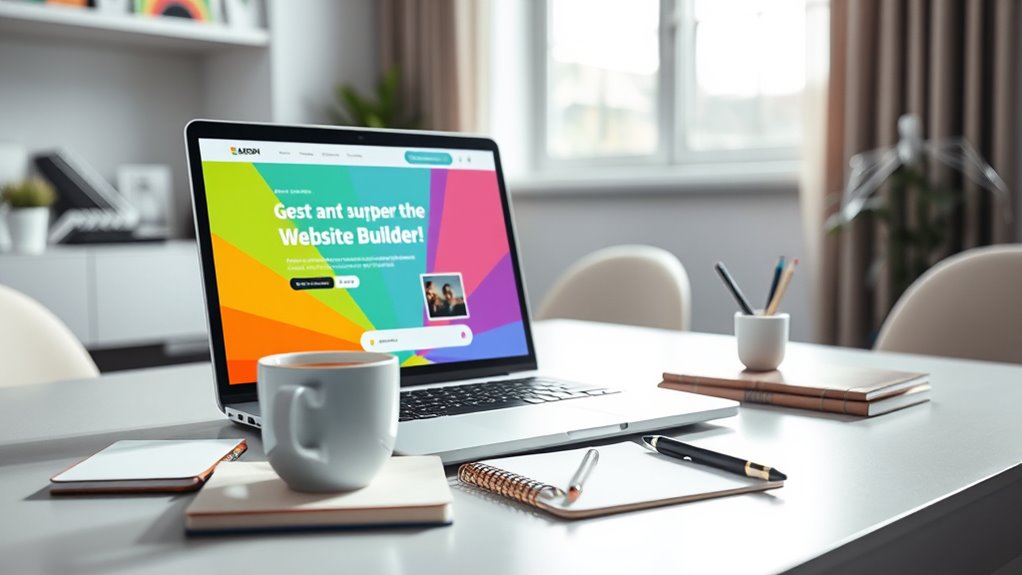

You can build a website in just 30 minutes without any coding by using user-friendly platforms like Wix, Weebly, or Squarespace. These tools offer intuitive drag-and-drop editors, customizable templates, and built-in features like contact forms and maps, so you can quickly create professional pages. Most templates are mobile-responsive, and publishing is as simple as clicking a button. Stay with us to discover how you can design your site fast and effortlessly.
Key Takeaways
- Choose a user-friendly website builder like Wix, Weebly, or Squarespace with drag-and-drop features.
- Select a customizable template relevant to your industry and personalize colors, images, and text easily.
- Create essential pages such as Home, About, Services, and Contact using simple menu options.
- Use built-in tools to add contact forms, maps, and images without third-party integrations.
- Preview your site in real-time, then publish with a click to go live within 30 minutes.
Create a Website in 30 Minutes Without Coding
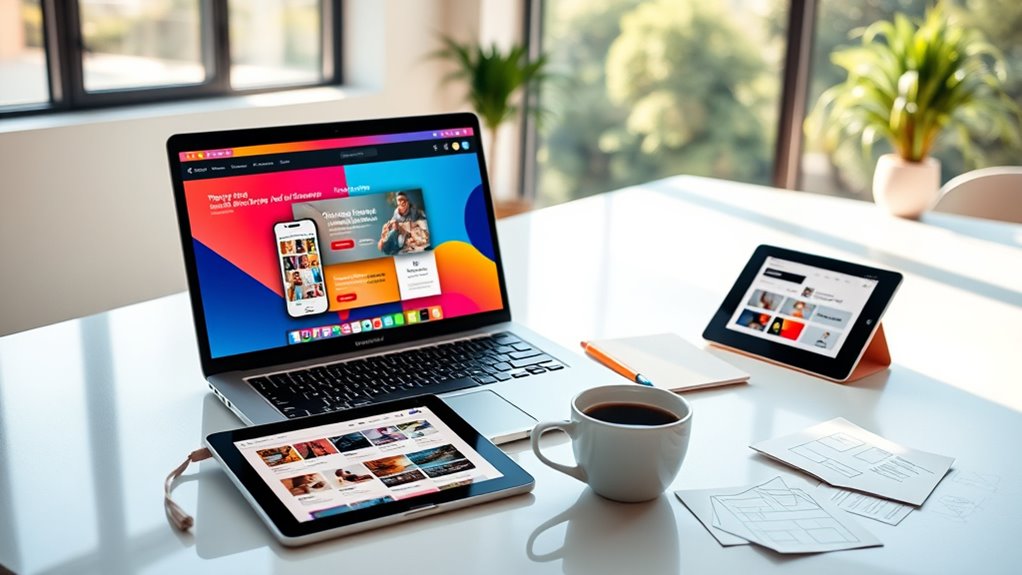
Ever wondered how quickly you can create a professional-looking website? The good news is, with the right tools and a bit of guidance, you can have your site up and running in just half an hour—no coding required. The key is choosing a user-friendly website builder that simplifies the process. Platforms like Wix, Weebly, or Squarespace offer intuitive drag-and-drop interfaces that let you design your site visually, without writing a single line of code. These builders come preloaded with templates tailored to various industries and styles, so you don’t need to start from scratch. Simply browse their template library, pick one that suits your needs, and customize it to reflect your personal or brand identity.
Once you’ve selected a template, you can begin customizing your website immediately. You’ll find options to change colors, fonts, images, and layout elements with a few clicks. Upload your logo or images to add a personal touch, and replace placeholder text with your own content. Many website builders also have built-in libraries of stock images, so you can find professional photos to enhance your pages without searching elsewhere. As you make adjustments, preview your site in real time to see how everything looks. This instant feedback helps you make quick decisions and get everything just right without wasting time.
Adding essential pages is straightforward. Most builders let you create pages like Home, About, Services, and Contact with a simple menu. Fill these pages with concise, compelling content that clearly communicates what you offer and how visitors can reach you. If you need forms or maps, these features are usually integrated into the platform, making it simple to embed contact forms or directions without third-party tools. Don’t forget to optimize your site for mobile devices—most templates are responsive, meaning your website will look good on phones and tablets without extra effort.
Finally, once everything looks perfect, hit the publish button. Many platforms offer free subdomains, or you can connect your own custom domain if you have one. Within a few clicks, your website is live and accessible to the world. While 30 minutes might seem tight, with a clear plan and the right tools, you’ll be amazed at how quickly you can establish an online presence. Remember, the key is keeping things simple and focusing on your main message. In no time, you’ll have a professional-looking website ready to showcase your ideas, products, or services confidently.
Frequently Asked Questions
Can I Customize My Website’s Design Later?
Yes, you can customize your website’s design later. Many website builders offer easy-to-use tools that let you change layouts, colors, fonts, and images whenever you want. You don’t need coding skills to make updates or improvements. So, as your style or needs evolve, you can adapt your site without hassle, ensuring it stays fresh and aligned with your vision over time.
What Domain Name Should I Choose?
Imagine your website’s address as a friendly signpost guiding visitors to your digital doorstep. Choose a domain name that’s simple, memorable, and relevant to your content or brand. Avoid complicated spellings and hyphens, as they can confuse your audience. Keep it short and easy to type, ensuring it’s available. This way, your visitors can find you effortlessly, and your online presence becomes a welcoming beacon.
Is Any Technical Experience Required?
No, you don’t need any technical experience to build a website with this guide. It’s designed for beginners, so you’ll use user-friendly tools and intuitive drag-and-drop features that make the process easy. Just follow the step-by-step instructions, and you’ll be able to create a professional-looking site in no time. No coding or prior tech knowledge is necessary—just your creativity and willingness to learn.
How Do I Add E-Commerce Features?
Adding e-commerce features is straightforward with website builders like Wix or Shopify. You just click on the “Add” button, select the store or cart option, and customize your checkout process. You don’t need any tech skills—these platforms handle payments, product listings, and shipping settings for you. Think of it as having a digital storefront that’s as easy to set up as your favorite social media profile, no tech wizardry required.
Can I Switch Website Builders Later?
Yes, you can switch website builders later, but it may take some effort. You’ll need to export your content from the current platform and then import it into the new one. Be prepared for potential layout adjustments and data transfer challenges. To minimize issues, choose a builder with easy import/export options and good customer support. Planning ahead helps guarantee a smoother transition without losing your site’s key features.
Conclusion
Now you’ve got the tools to build your website in just 30 minutes, with no coding required. Think of it as planting a seed and watching it grow into a vibrant digital garden—beautiful and functional. With a little time and effort, you’ve turned a blank canvas into a lively online space. So go ahead, immerse yourself, and watch your idea blossom into a stunning website that’s ready to welcome the world.