
To organize your files, photos, and emails, start by evaluating your storage and identifying clutter like duplicates and outdated content. Create clear folder structures with consistent naming conventions, including dates and project details. Clean up photos by deleting blurry images and categorizing them logically. Tackle your inbox by deleting unnecessary emails and setting up filters. Automate backups and schedule regular maintenance. Keep these habits steady to maintain an organized digital space—further tips will make this even easier.
Key Takeaways
- Assess storage to identify clutter, duplicate files, and outdated data, then delete unnecessary items to free space.
- Develop a clear folder hierarchy and consistent naming conventions for easy navigation and retrieval.
- Regularly clean up photos and emails by deleting duplicates, organizing into folders, and using filters or tags.
- Automate backups and schedule regular maintenance to keep files organized and prevent clutter buildup.
- Maintain digital order by reviewing, updating, and reorganizing files periodically using uniform naming and folder structures.
Assess Your Digital Storage and Identify Clutter

Have you ever wondered just how much digital clutter has accumulated on your devices? It’s easy to lose track of files, photos, and emails that pile up over time. To start decluttering, you need to assess your storage. Check your device’s storage space and identify what’s taking up the most room. Look for duplicate files, old downloads, or forgotten documents you no longer need. Don’t forget to review your email inbox and cloud storage as well. Make a list of categories or types of files that seem excessive or unnecessary. This initial step helps you understand where your digital clutter is hiding and what to prioritize. Paying attention to storage space management can significantly improve device performance and help maintain an organized digital environment. Additionally, utilizing European cloud servers can enhance data security and ensure your files are stored sustainably.
Create an Organized Folder Structure
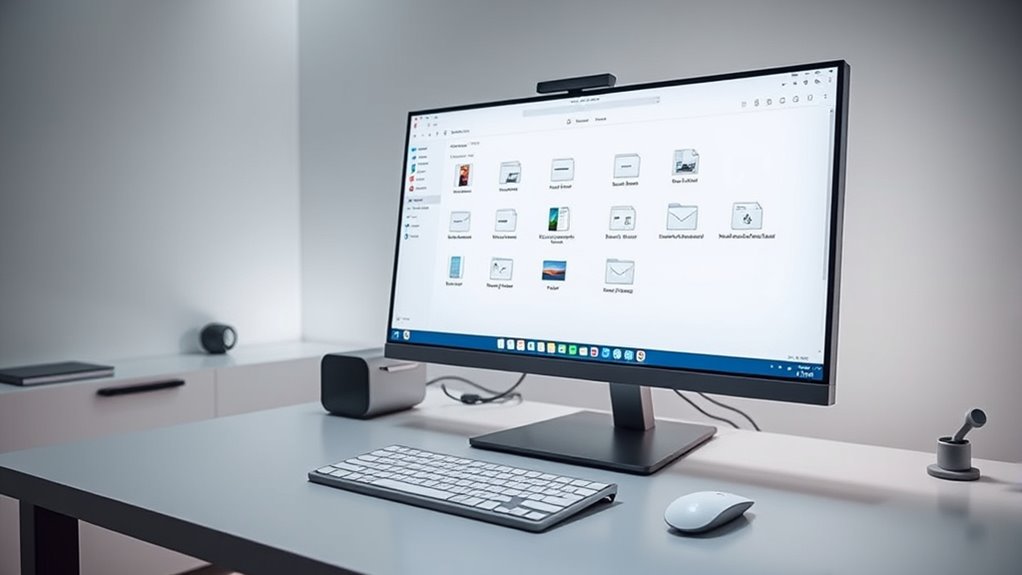
To keep your digital files organized, start by using clear and descriptive naming conventions for your folders and documents. Implement a consistent hierarchy so you can easily locate items without confusion. This approach saves time and keeps your digital space tidy and accessible. Incorporating logical folder arrangements can further enhance your ability to find files quickly and efficiently. Additionally, applying proper file naming practices ensures each item is easy to identify at a glance, reducing the time spent searching. To optimize your system, consider integrating digital organization tools that automate or assist with maintaining order and consistency. Moreover, establishing standardized naming protocols helps maintain uniformity across your entire digital collection. Developing consistent naming conventions can also significantly improve overall clarity and searchability.
Use Clear Naming Conventions
Using clear naming conventions is essential for creating an organized folder structure that’s easy to navigate. When naming folders and files, use descriptive words that quickly convey their contents. Avoid vague labels like “Misc” or “Untitled.” Incorporate dates in a consistent format, such as YYYY-MM-DD, to keep items chronologically ordered. Keep names concise but informative, so you can identify files at a glance. Use underscores or hyphens instead of spaces to improve readability across different devices. Be consistent in your naming style throughout all folders and files. This consistency helps prevent confusion and saves you time searching for documents later. Clear, logical names ensure your digital space remains streamlined, making it easier to find what you need without frustration. Additionally, applying content organization principles from chemistry insights can enhance your overall digital filing system.
Implement Consistent Hierarchy
Creating a consistent folder hierarchy is key to maintaining an organized digital space. Start by establishing broad top-level categories that reflect your main areas, like Work, Personal, or Finances. Within each, create subfolders that break down these categories into specific topics or projects, ensuring they’re logically grouped. Use uniform naming conventions across all folders to make navigation intuitive. For example, under Work, you might have Projects, Reports, and Meetings. Avoid creating too many nested layers, which can make locating files cumbersome. Regularly review and streamline your hierarchy to remove redundant or outdated folders. A clear, predictable structure saves time searching and keeps your files accessible, so you stay productive and avoid clutter piling up. Consistency is your best tool for a tidy digital environment. Incorporating local automation can further optimize your organization by automating routine file sorting and backups.
Develop a Consistent Naming Convention
Establishing a consistent naming convention is essential for keeping your digital files organized and easily accessible. When you name files systematically, you can quickly identify their contents without opening each one. Choose a clear, logical structure that includes key details like dates, project names, or versions. For example, use a format like “2024-04-27_ClientReport_v2” to keep files sorted chronologically and by version. Avoid vague names like “Document1” or “Misc.” Instead, be specific and consistent across all files. Use underscores or hyphens to separate elements for clarity. Regularly review and update your naming system to adapt to new types of files or projects. Consistent naming conventions also help prevent misfiled documents and improve overall digital workflow. Implementing organized digital filing systems can further enhance efficiency and ensure that important files are always easy to locate. Adopting standardized file labeling strategies streamlines your workflow and reduces the time spent searching for files. A good naming convention saves time, reduces confusion, and keeps your digital workspace neat.
Clean Up and Manage Your Photos
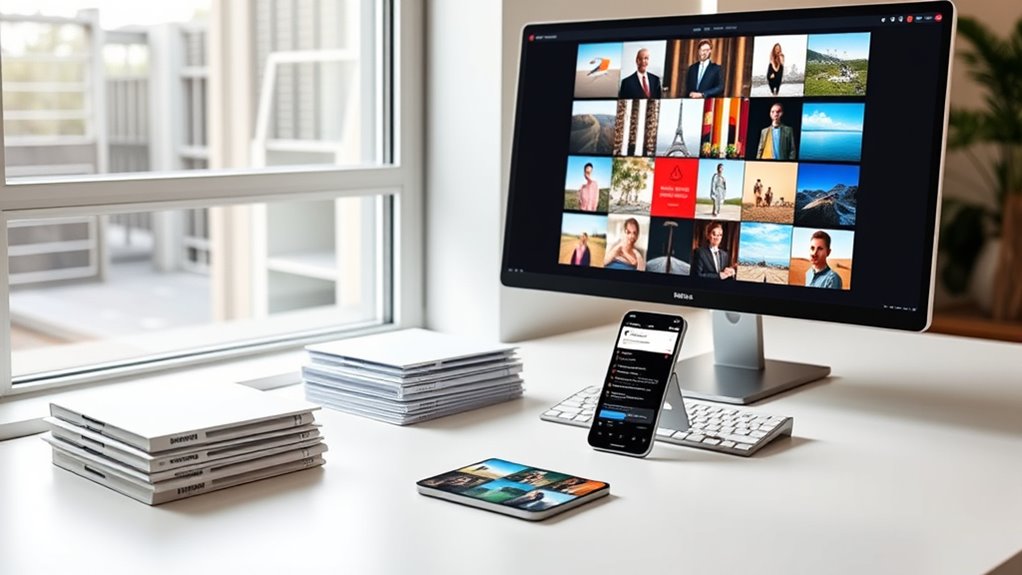
After setting up a consistent naming system for your files, it’s time to turn your attention to your photo collection. Start by deleting duplicates and blurry shots. Then, organize remaining photos into folders by date, event, or location. Use keywords or tags to make searching easier later. Regularly review your collection to prevent clutter from piling up. To help visualize your organization, consider this approach:
| Purge Unwanted Photos | Categorize by Events | Backup Regularly |
|---|---|---|
| Remove duplicates and poor quality images | Group photos by occasion for easy retrieval | Save copies to an external drive or cloud |
Implementing a file management system can further streamline this process. Incorporating digital organization techniques based on proven strategies can help maintain order and efficiency over time. Developing a consistent naming convention ensures that your files and photos remain easy to find and sort. Additionally, utilizing metadata tagging can significantly enhance searchability within your collection. Establishing regular review routines can keep your digital space tidy and prevent clutter from accumulating again. Keeping your photos tidy guarantees you can quickly find memories without sifting through chaos.
Tackle Your Email Inbox Efficiently
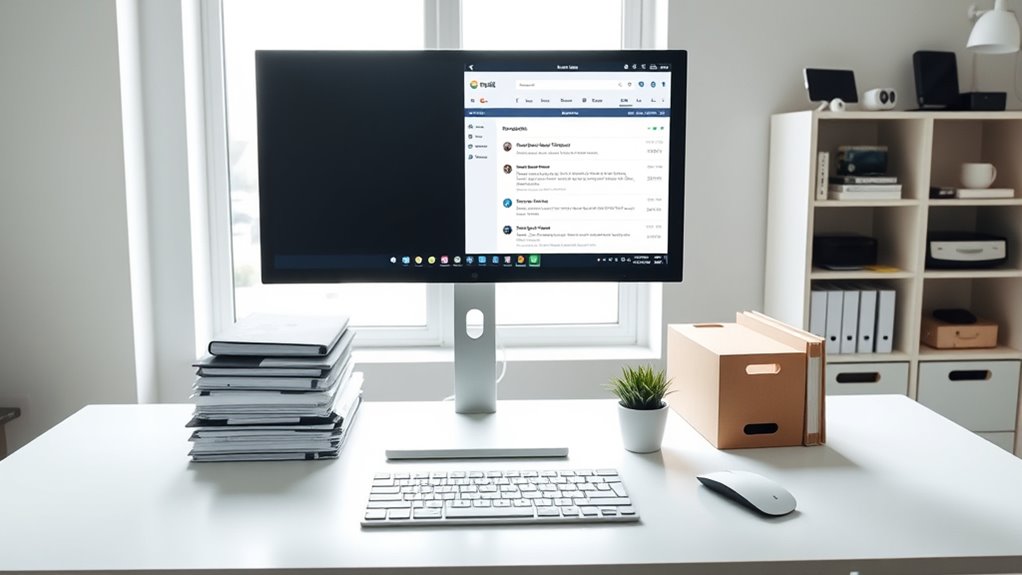
To manage your email inbox effectively, start by sorting through your messages and deleting unnecessary ones. Remove spam, promotions, and outdated emails to clear space. Next, categorize important messages into folders such as work, personal, or bills, so you can find them easily later. Use filters or rules to automatically direct incoming emails to specific folders, reducing clutter. Unsubscribe from newsletters or mailing lists that no longer serve you to prevent future accumulation. Set aside regular times each day to check and process your inbox, avoiding constant interruptions. Respond to urgent messages promptly, and archive or delete the rest. Keeping your inbox organized saves time, reduces stress, and ensures you don’t miss important emails. Implementing privacy policies and understanding cookie management can also help you maintain a safer digital environment. Additionally, utilizing cookie preferences to customize your browsing experience can enhance your overall online privacy and security. Being aware of vetted sources, such as reputable websites about wave and wind, can also help you make informed decisions when managing your digital files.
Automate Backups and Regular Maintenance

Once your inbox is organized, shifting focus to backing up your data guarantees your digital life stays protected. Automating backups saves you time and reduces the risk of data loss. Start by choosing a reliable backup method, like cloud services or external drives. Next, set up automatic schedules so backups occur regularly without manual intervention. Finally, perform periodic maintenance to verify your backups and delete outdated files. Here are three key steps: 1. Select a trusted backup platform that fits your needs 2. Schedule automatic backups daily or weekly 3. Review and update your backup files every month. Remember to maintain your backup system by checking for updates and ensuring all files are correctly stored. Incorporate automated backup schedules to streamline the process and ensure consistency in your data protection efforts. Additionally, understanding your backup options can help you choose the most appropriate solution for your needs, especially considering reliable methods that align with your technical comfort level.
Maintain Your Digital Organization System
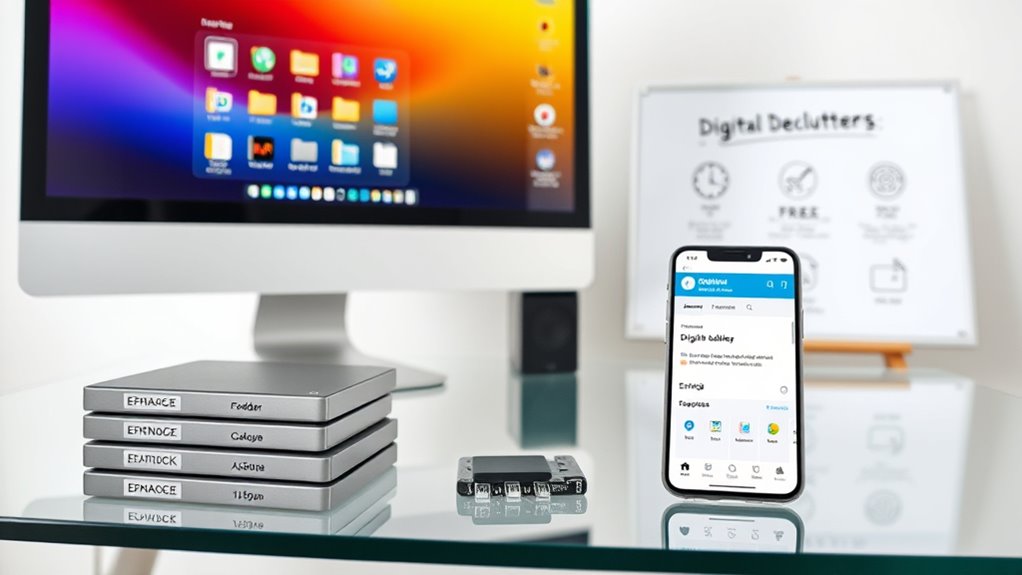
To keep your digital system organized, you should regularly review your files and folders to catch any clutter or inconsistencies. Using consistent naming conventions helps you find and manage documents quickly. Making these practices a habit guarantees your digital space stays tidy and efficient over time.
Regular System Audits
Have you ever wondered if your digital files and folders are still organized and useful? Regular system audits help you stay on top of your digital clutter. During these audits, focus on three key steps:
- Review and delete outdated or duplicate files to free up space.
- Reorganize folders to reflect your current priorities and projects.
- Make certain everything has a clear, consistent location for easy access later.
Consistent Naming Conventions
Maintaining consistent naming conventions is essential for keeping your digital files organized and easy to find. When you use clear, uniform names, you reduce confusion and save time searching. Develop a system that includes key details like dates, project titles, or versions, and stick to it. For example, use a format like “YYYY-MM-DD_ProjectName_Version” to keep files sorted chronologically. Avoid vague names like “Document1” or “Photo,” which don’t convey useful information. Consistency helps you quickly identify the contents without opening each file. Review and update your naming conventions periodically to guarantee they still serve your needs. By applying a thoughtful, consistent approach, you make your digital organization system more reliable and efficient.
Frequently Asked Questions
How Often Should I Review and Update My Digital Organization System?
You should review and update your digital organization system at least once every three to six months. This helps you stay on top of new files, delete duplicates, and guarantee everything remains easy to find. Regular check-ins prevent clutter from piling up and keep your system efficient. Set reminders or schedule dedicated time to tidy up, so your digital space stays organized and manageable without becoming overwhelming.
What Tools Can Help Automate File and Email Organization?
Think of automation tools as your digital butlers, streamlining your organization. You can use tools like IFTTT or Zapier to automatically sort emails into folders, backup files, or rename photos. Email clients like Outlook and Gmail also offer filters and rules that work behind the scenes to keep your inbox tidy. These tools act like a magic wand, saving you time and keeping your digital space neat without constant manual effort.
How Do I Securely Delete Files I No Longer Need?
To securely delete files you no longer need, use specialized tools like Eraser, CCleaner, or Secure Delete. These programs overwrite your files multiple times, making recovery impossible. First, back up any important data. Then, select the files or folders you want to delete, run the secure erase process, and confirm the action. This way, you verify your sensitive information is permanently gone and can’t be recovered.
How Can I Recover Accidentally Deleted Files or Emails?
Think of your deleted files like a lost spaceship in space—sometimes, they’re just hidden in the background. You can recover accidentally deleted files or emails from your computer’s Recycle Bin or Trash folder, or check your email’s Trash or Deleted Items. If they’re not there, use backup services like Time Machine or cloud backups. Act quickly, because files often get permanently erased after a certain time.
What Are Best Practices for Organizing Files Across Multiple Devices?
You should use cloud storage services like Google Drive or Dropbox to sync files across devices, ensuring you have access everywhere. Create a consistent folder structure and naming system to keep things organized. Regularly back up your files to avoid loss, and delete duplicates or outdated versions. Install file management apps that help you search and categorize easily, making your workflow smoother across all your devices.
Conclusion
By decluttering your digital world, you’re planting seeds of clarity and order. Each organized file and photo becomes a guiding lighthouse, illuminating your path through the chaos. Regular upkeep is your steady compass, steering you away from digital storms. As you nurture this system, your devices transform into a peaceful garden, where everything blooms in harmony. Keep tending to it, and your digital landscape will remain a sanctuary of simplicity and calm.