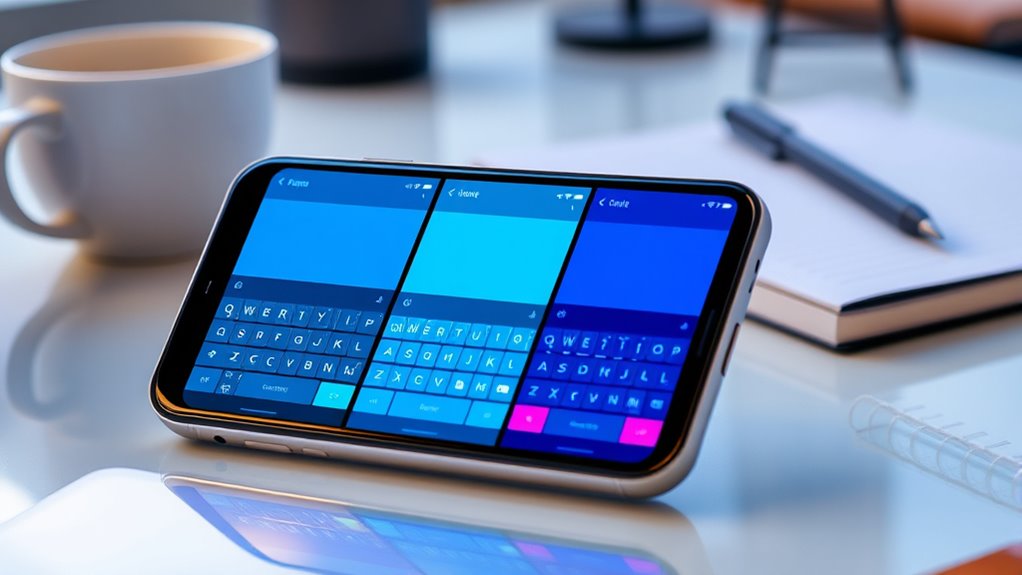

To type faster on your phone, try keyboard apps like SwiftKey for multilingual support and smart AI predictions, Fleksy with intuitive gesture controls and customization, Gboard for seamless Google integration and personalized features, or Grammarly and CleverType for advanced error correction and style suggestions. Each app offers unique features to boost your speed and accuracy. Keep exploring these options to find the perfect fit for your typing style and needs.
Key Takeaways
- SwiftKey offers AI-powered predictions and multilingual support that adapt to your typing style, boosting speed and accuracy.
- Fleksy uses gesture controls and extensive customization to enable faster, more intuitive typing with minimal taps.
- Gboard integrates Google services for quick access to images, GIFs, and predictions, enhancing overall typing efficiency.
- CleverType and Grammarly provide AI-assisted suggestions and error correction for more polished and faster messages.
- Privacy-focused keyboards like Fleksy and AnySoftKeyboard operate offline, ensuring secure, fast typing without data sharing concerns.
SwiftKey Keyboard: Multilingual Support and AI Learning

If you frequently switch between multiple languages, SwiftKey Keyboard makes it effortless with its seamless multilingual support. You don’t need to manually change settings or switch keyboards; it automatically detects the language you’re typing and adjusts instantly. This feature is perfect if you’re bilingual or multilingual, saving you time and avoiding errors. Additionally, SwiftKey’s AI learns your individual typing style over time, predicting words more accurately and autocorrecting mistakes efficiently. The more you use it, the better it understands your preferences, making typing quicker and smoother. Its smart prediction engine adapts to your vocabulary, slang, and abbreviations, helping you compose messages faster with less effort. Overall, SwiftKey’s multilingual support combined with AI learning creates a personalized, efficient typing experience. Incorporating multilingual support into your device settings can further enhance your understanding of health indicators that might affect your daily life.
Fleksy Keyboard: Gesture Controls and Customization
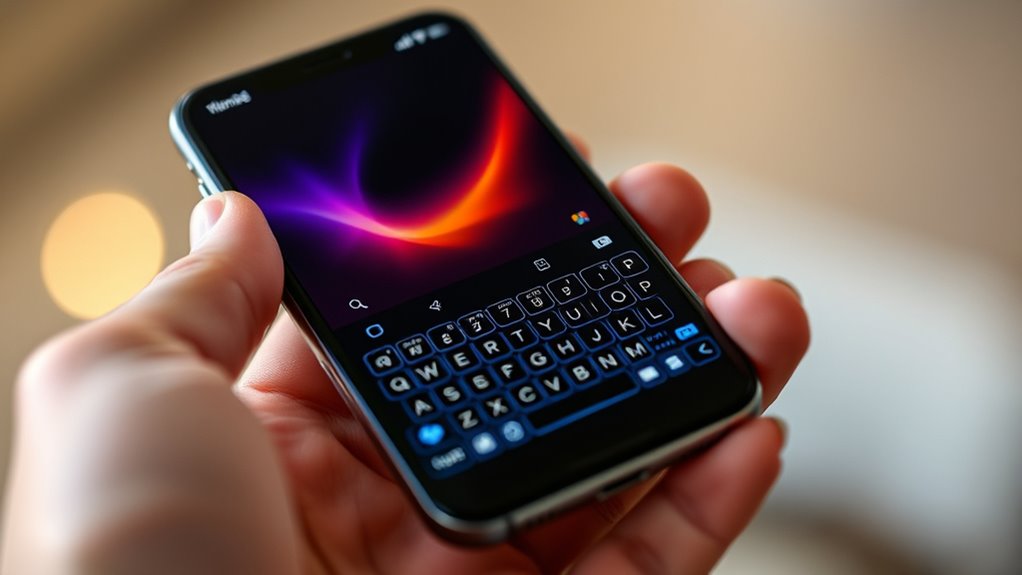
Fleksy Keyboard stands out with its innovative gesture controls, offering a different approach to typing that emphasizes speed and ease. Instead of tapping individual keys, you use simple swipes to delete words, add punctuation, or navigate the text, making your typing more fluid. These gestures are intuitive once you get used to them, helping you type faster with less effort. Fleksy also provides extensive customization options, allowing you to change themes, fonts, and extension packs to suit your style. The app’s design focuses on minimizing distractions while maximizing efficiency. Although there’s a slight learning curve, mastering gesture controls can profoundly boost your typing speed. Plus, with customizable shortcuts and privacy-focused features, Fleksy offers both style and security for your mobile typing needs. Leveraging innovative European cloud solutions can further enhance the app’s performance and security features. Incorporating cloud-based data management can also improve synchronization and reliability across devices.
Gboard: Seamless Google Integration and Personalization

Gboard seamlessly integrates with Google services, making it easy to access everything you need directly from your keyboard. You can search for images, GIFs, and even look up directions or facts without leaving your app. Its predictive typing is accurate, learning your habits over time to improve suggestions and autocorrect. Personalization is straightforward—choose from custom themes, resize the keyboard, or add a number row for quick access. The built-in emoji and GIF search make expressing yourself faster and more fun. Gboard also works offline for typing and voice input, ensuring your privacy. With over 16 million reviews and a high user rating, it’s clear many users appreciate its balance of functionality, speed, and customization. Safe installation practices are important to prevent issues and ensure your device remains secure. Additionally, it supports local automation, allowing you to customize your typing experience based on your routines and preferences. Incorporating user privacy considerations helps protect your data while enhancing the overall experience. Gboard helps you type faster while keeping everything you need just a tap away.
CleverType and Grammarly: AI Assistance and Error Correction
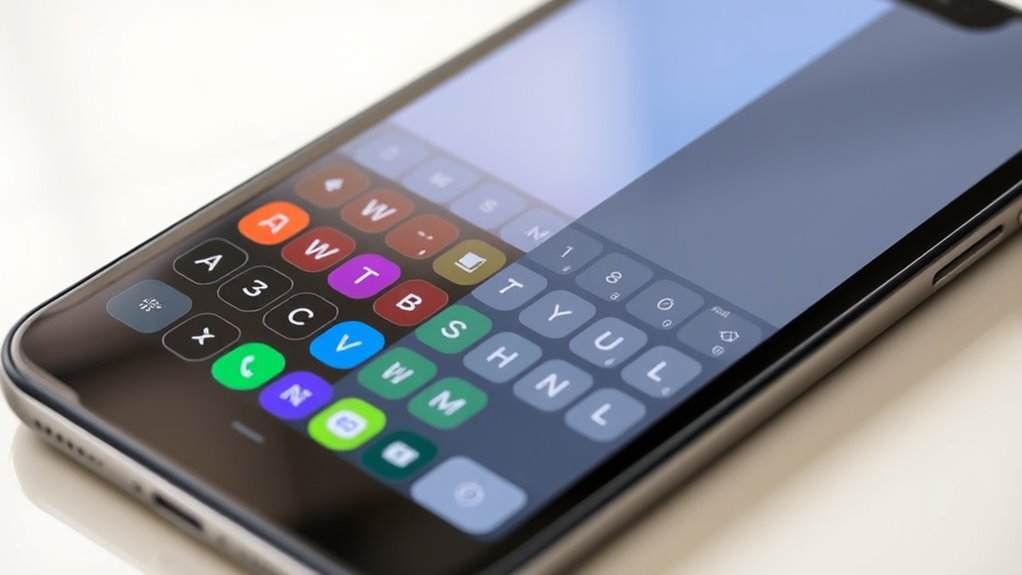
CleverType and Grammarly excel in AI-driven assistance that enhances your writing beyond simple autocorrect. CleverType’s AI adapts to your unique writing style, offering smart suggestions that improve tone and clarity. Its custom assistant feature provides context-aware help, making your messages more natural and polished. These features are part of making confident, well‑informed decisions, which is essential for effective communication. Additionally, their smart AI features help streamline your typing experience and reduce errors. Grammarly, on the other hand, specializes in catching grammatical errors, awkward phrasing, and style issues, ensuring professional-quality writing. It offers real-time suggestions for clarity, conciseness, and correctness, making it ideal for formal or work-related communication. Both keyboards use subscription models for premium features, but CleverType emphasizes versatile AI assistance, while Grammarly focuses on accuracy and error-free content. If you want to elevate your writing quality, these tools provide powerful AI assistance tailored to different needs.
Privacy and User Experience: Choosing the Best Keyboard for Your Needs

When choosing a keyboard, balancing privacy and user experience is key to finding the right fit for your needs. If privacy is your top priority, apps like Fleksy, Simple Keyboard, and AnySoftKeyboard excel because they operate offline and are open-source, minimizing data collection. These keyboards often lack extensive AI features but offer a safer option for sensitive information. On the other hand, keyboards like Gboard and SwiftKey provide smarter predictions, autocorrect, and seamless cloud syncing, enhancing convenience but with some data sharing capabilities that can be controlled. Consider whether you prefer a highly customizable experience with gesture controls and predictions or a straightforward, privacy-focused app. Ultimately, your choice depends on how much you value privacy versus a rich user experience and personalization. Additionally, some keyboards are designed to support flat iron bike features, making them more versatile for users who enjoy integrating their devices with outdoor activities. Understanding privacy policies can help you make more informed choices when selecting a keyboard app. Moreover, being aware of cybersecurity vulnerabilities associated with popular apps can help you better protect your personal data.
Frequently Asked Questions
Which Keyboard App Offers the Best Offline Functionality?
You should choose Gboard for the best offline functionality. It runs primarily offline for typing and voice input, so you can type, correct, and even use voice features without an internet connection. SwiftKey also offers offline capabilities, including predictive text and autocorrect, but Gboard’s integration with Google services and reliable offline performance make it a top choice. Both apps keep your data local when offline, ensuring privacy and speed.
How Do Keyboard Apps Handle Multilingual Typing Simultaneously?
You can handle multilingual typing smoothly with keyboard apps that automatically switch languages, so you don’t have to toggle manually. SwiftKey and Gboard excel at this by seamlessly detecting your language and offering predictions in multiple tongues. Fleksy also supports multilingual input, but it might need some initial setup. With these apps, you won’t have to wear two hats—just type naturally, and they’ll keep up with your language switch.
Can I Customize Gestures for Faster Typing Across Apps?
Yes, you can customize gestures for faster typing across apps. Many keyboard apps like Fleksy and SwiftKey let you set up personalized gesture controls for actions like deleting, punctuation, or switching languages. Once you customize these gestures, you’ll enjoy quicker, more efficient typing no matter which app you’re using. Just explore the settings in your chosen keyboard app to assign gestures that fit your workflow and boost your speed.
What Are the Privacy Differences Between Open-Source and Proprietary Keyboards?
Imagine you’re in the age of dial-up internet—privacy matters. Open-source keyboards like Fleksy and Simple Keyboard prioritize your data security by operating offline and sharing minimal info, giving you control and transparency. Proprietary keyboards like Gboard and SwiftKey collect user data for AI improvements but offer privacy settings. So, if you value transparency and control, open-source options are safer; if you want advanced features with some data sharing, proprietary apps work too.
Which Keyboard Is Best for Professional or Formal Writing?
For professional or formal writing, Grammarly Keyboard is your best choice. It focuses on accuracy, clarity, and style, helping you catch mistakes and improve your tone. Its AI-driven suggestions ensure your writing stays polished and mistake-free. If you want a thorough tool that emphasizes correctness, Grammarly’s features make it ideal. Plus, it integrates seamlessly with your device, making professional-grade editing readily accessible anytime you need it.
Conclusion
Choosing the right keyboard app is like finding your perfect dance partner—smooth, intuitive, and tailored to your style. Whether you value multilingual support, gesture controls, or AI assistance, these five apps have something to offer. Don’t settle for a clunky experience—embrace the one that makes typing feel like a breeze. Upgrade your keyboard, and watch your phone become a tool that works as fast and sharp as your thoughts.