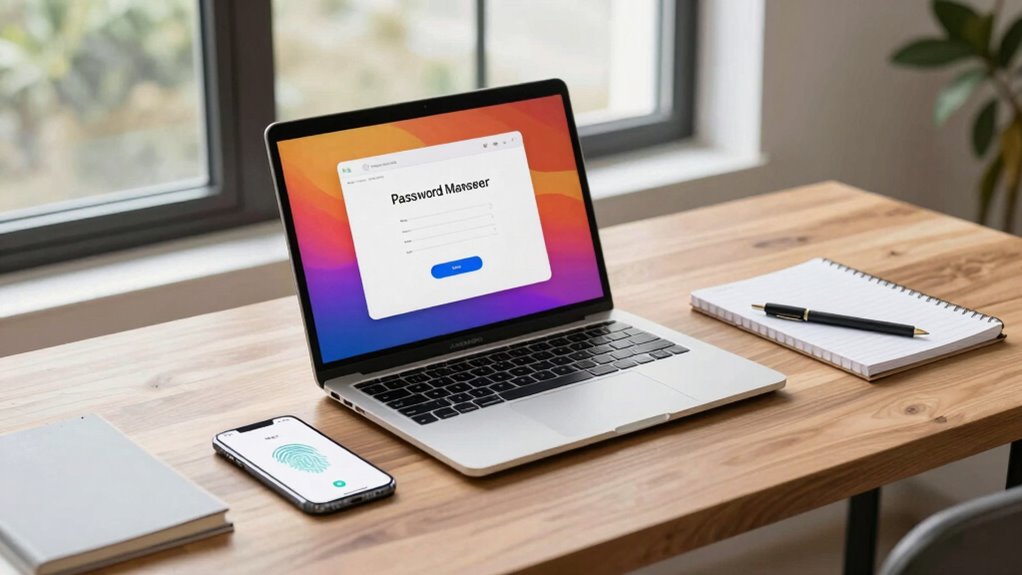

Password managers securely store your login details, making it easy to access your accounts without the hassle of remembering multiple passwords. They use strong encryption to protect your data and often include multi-factor authentication or biometrics for added security. Regular updates help fix vulnerabilities and keep your information safe. These tools simply make your online life more convenient and secure. If you keep going, you’ll discover how these features work to boost your protection even further.
Listen free for 30 days with Audible
Thousands of audiobooks and originals — cancel anytime.
As an affiliate, we earn on qualifying purchases.
Key Takeaways
- Password managers securely store all credentials, making login quick and easy with just one strong master password.
- They use advanced encryption to protect your data, ensuring it’s unreadable without the decryption key.
- Multi-factor and biometric authentication add extra layers of security without complicating access.
- Regular updates and improved security measures keep your stored information safe from emerging threats.
- Transparent security features focus on protection and convenience, avoiding unnecessary fear or alarm.

In today’s digital world, managing numerous passwords can feel overwhelming, but a reliable password manager makes it simple. Instead of trying to remember dozens of complex passwords, you only need to remember one strong master password. The password manager securely stores all your login details, making it easy to access your accounts without the hassle of recalling each password individually. This process relies heavily on robust user authentication methods, ensuring that only you can access your stored data. Most password managers use multi-factor authentication or biometric verification, adding extra layers of security to prevent unauthorized access.
One major concern people have about using password managers is data security. That’s where data encryption plays a critical role. When you save your passwords and other sensitive information, the password manager encrypts this data using advanced algorithms. Encryption transforms your data into a coded format that’s unreadable without the decryption key. This means that even if hackers somehow gain access to the storage, they won’t be able to read your passwords without the key. Reputable password managers use end-to-end encryption, which ensures your data remains protected from the moment it leaves your device until it’s decrypted on your trusted device. Encryption techniques exemplify how advanced methods can enhance overall security—similarly, home theatre projectors can incorporate encryption features to strengthen data protection. Additionally, regular software updates help address potential security vulnerabilities, keeping your data safer with up-to-date security features. Incorporating secure storage practices further enhances the protection of your information against emerging threats.
best password manager for Windows
As an affiliate, we earn on qualifying purchases.
As an affiliate, we earn on qualifying purchases.
Frequently Asked Questions
Are Password Managers Safe for Storing Sensitive Information?
Yes, password managers are generally safe for storing sensitive information. They use strong encryption and biometric authentication, like fingerprint or facial recognition, to protect your data. Many also offer offline storage options, ensuring your information isn’t vulnerable to online threats. As long as you choose reputable providers and keep your master password secure, a password manager can be a reliable shield for your sensitive data.
Can Password Managers Generate Completely Unbreakable Passwords?
Yes, password managers can generate unbreakable passwords, especially when they use strong encryption protocols like AES-256. These tools create complex, random passwords that are nearly impossible to crack. To keep them secure, you need to guarantee your master password is strong and unique, as it protects all stored data. Proper master password security and robust encryption protocols make password managers a reliable way to generate and store unbreakable passwords.
Do All Password Managers Work Across Different Devices?
Most password managers do work across different devices, thanks to their device compatibility features. They typically support various platforms like Windows, macOS, Android, and iOS. With cross-platform synchronization, you can access your passwords seamlessly on all your devices, ensuring convenience and security. However, it’s crucial to verify each password manager’s compatibility and sync capabilities before choosing one, so you’re confident it’ll serve your multi-device needs effectively.
How Do Password Managers Handle Data Breaches?
Password managers handle data breaches by using strong encryption protocols to protect your data. Even if a breach occurs, your passwords remain safe because only you hold the master key. They also use cloud synchronization to keep your passwords updated across devices securely. Most reputable managers monitor for breaches and alert you if your data might be compromised, so you can change passwords promptly and stay protected.
Is It Necessary to Change Passwords Periodically if Stored in a Manager?
You don’t need to change passwords frequently if you use a reliable password manager, but following security best practices is wise. Regular password updates enhance your security, especially if a breach occurs. Use unique, strong passwords for each account, and update them periodically based on your risk level or if you hear about a breach. Ultimately, a password manager helps manage this process, making security maintenance easier and more effective.
multi-factor authentication hardware key
As an affiliate, we earn on qualifying purchases.
As an affiliate, we earn on qualifying purchases.
Conclusion
Just as Atlas bore the weight of the world, a good password manager carries your digital security. It’s not about fear, but empowerment—taking control of your online life without the burden of remembering every password. Remember, the strongest fortress is built with smart, layered defenses. By trusting a reliable password manager, you’re not just protecting data; you’re safeguarding your story, your identity, your future—an act of resilience in a world that constantly tests your defenses.
encrypted password storage device
As an affiliate, we earn on qualifying purchases.
As an affiliate, we earn on qualifying purchases.
biometric fingerprint security device
As an affiliate, we earn on qualifying purchases.
As an affiliate, we earn on qualifying purchases.
NFL season / tailgating Picks
team gear
As an affiliate, we earn on qualifying purchases.