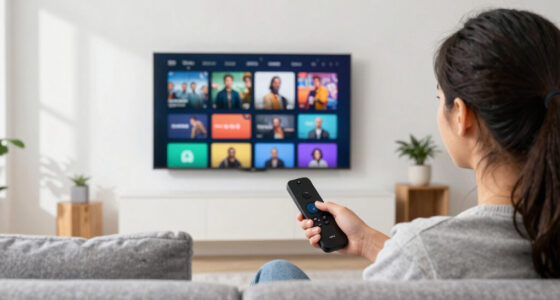

Switching from cable to streaming can save you money, give you more control, and expand your content options, especially if you prefer on-demand viewing. Consider your watching habits, device compatibility, and internet speed to guarantee smooth access. Be aware of potential extra charges and contract terms. If you’re willing to manage multiple platforms and fine-tune your setup, you might find cutting the cord worthwhile—more details await if you keep exploring.

Get the latest gadgets delivered free — and shop member deals
- Fast, free delivery on millions of items
- Access to Prime Big Deal Days deals on October 6–7
- Prime Video, Amazon Music and more included
Key Takeaways
- Streaming services offer flexible, lower-cost options without long-term contracts, making them a cost-effective alternative to cable.
- Access to a wide variety of content, including originals and niche titles, can meet diverse entertainment preferences better than cable.
- Device compatibility and reliable internet are essential for a seamless streaming experience and may require setup adjustments.
- Cutting cable reduces equipment and hidden fees but requires managing multiple subscriptions to avoid higher costs.
- Assess your viewing habits and content needs to determine if streaming provides sufficient access and convenience for your entertainment.
Evaluating Your Viewing Habits

Before you consider cutting the cord, it’s important to evaluate your current viewing habits. Think about what shows and channels you watch regularly. Are you mostly streaming on-demand content, or do you still rely on live TV for news and sports? Take note of how often you watch cable versus streaming platforms. Consider the types of shows you prefer and whether they’re available on streaming services. Also, reflect on your schedule—do you watch mostly during prime time, or do you binge late at night? Understanding your habits helps you identify what you truly need and whether switching to streaming will meet those needs. This evaluation guarantees you make an informed decision that aligns with your entertainment preferences and habits. Additionally, assessing your content accessibility can help determine if streaming services provide enough variety and coverage for your interests.
Comparing Costs and Budget Impact

When you compare the costs of your current cable subscription to streaming options, you’ll often find significant savings. Cable bills tend to be high, including equipment fees, taxes, and bundled channels you may not watch. Streaming services usually cost less per month and offer more flexibility. For example, subscribing to multiple streaming platforms might still be cheaper than a single cable package. Plus, many streaming services have no long-term contracts, so you can cancel or switch plans easily. Keep in mind that prices vary, and some services add up quickly if you subscribe to several. But overall, cutting cable can help you better manage your monthly entertainment budget, giving you more control and potentially saving hundreds over the course of a year. Additionally, understanding projector technology can help you make more informed choices about your home entertainment setup. Being aware of content delivery methods also ensures you select the most suitable streaming devices for your needs. Exploring streaming device options can further optimize your viewing experience and maximize savings, especially with advancements in smart home integration. Moreover, being aware of body jewelry measurements can be useful if you decide to incorporate personalized accessories into your setup or wardrobe, emphasizing the importance of proper sizing and materials.
Assessing Content Availability and Selection
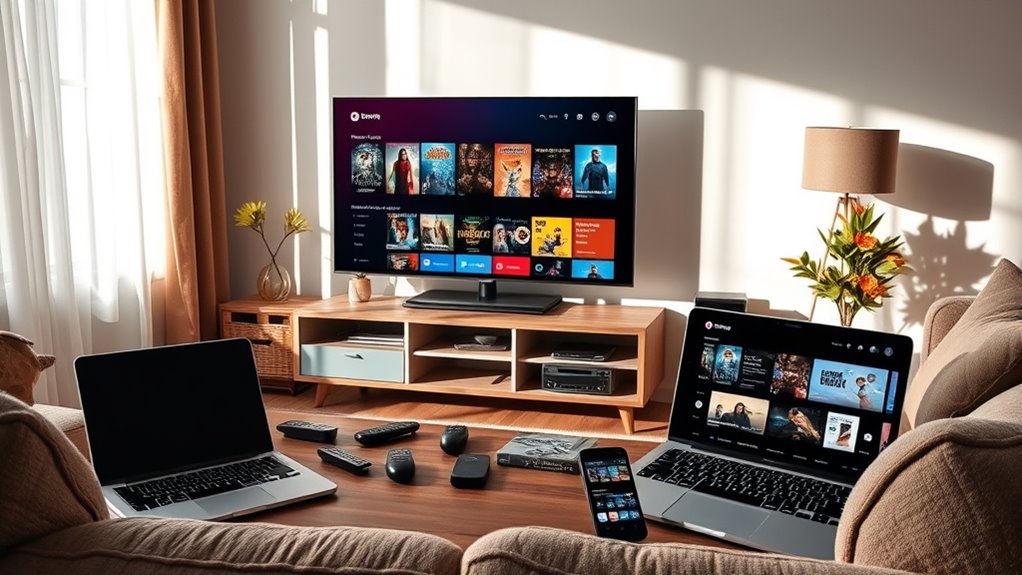
When evaluating streaming services, you need to consider the variety of content they offer, including exclusive originals that can set them apart. Make sure the platform is compatible with your devices and easy to access whenever you want to watch. By evaluating these factors, you can choose a service that truly matches your viewing preferences and lifestyle. Additionally, reviewing the essential oils for mood enhancement can inspire you to create a relaxing environment while enjoying your favorite shows. Considering the content availability across different platforms can also help ensure you won’t miss out on popular shows and movies. To further enhance your viewing experience, exploring the range of supported devices can ensure seamless access across your preferred gadgets. Incorporating cybersecurity measures such as secure login options and encryption can also protect your personal information while streaming. Ensuring the platform supports diverse content genres, like those found in vibrant restaurant scenes with live music or cultural performances, can enrich your entertainment options.
Content Diversity and Range
Evaluating content diversity and range involves examining how well a streaming service offers a variety of titles across genres, formats, and target audiences. You want to see if it provides enough options to meet your interests, from dramas and comedies to documentaries and foreign films. Consider whether the platform includes content suitable for different age groups and preferences. Some services focus heavily on specific genres, limiting your choices, while others offer a broad spectrum. Check the availability of classic titles, recent releases, and niche content. A diverse library ensures you won’t get bored quickly and can explore new genres or discover hidden gems. Incorporating European cloud innovation can also enhance content delivery, ensuring faster access and higher quality streaming across diverse content types. Additionally, a platform’s content licensing strategies can impact the variety and exclusivity of available titles. Ultimately, a wide range of content helps you maximize your streaming experience and keeps your entertainment options fresh and engaging.
Exclusive Streaming Originals
Are exclusive streaming originals worth prioritizing in your content choices? These shows and movies often feature fresh stories and unique perspectives you can’t find elsewhere. However, their availability varies across platforms, meaning your favorite genre may be limited to one service. To help decide:
- Check if the originals align with your interests, like niche genres or popular franchises.
- Consider the platform’s library size—some offer a wide array of exclusives, while others focus on a few.
- Review whether the originals are critically acclaimed or culturally significant, ensuring your subscription feels worthwhile.
- Keep in mind that content availability across different platforms can change over time, affecting your access to these exclusives.
While exclusive originals can be a major draw, they shouldn’t be your only factor. Balance these with other content options to maximize your streaming experience.
Platform Compatibility and Accessibility
Platform compatibility and accessibility play a crucial role in determining how easily you can access and enjoy your favorite streaming content. Not all services work seamlessly across every device, so you need to check if your smart TV, tablet, or smartphone supports the platform. Some services require specific operating systems or apps, which can limit your options. Additionally, consider content availability; certain shows or movies may only be accessible in specific regions or through particular subscriptions. Accessibility features like subtitles, audio descriptions, or adjustable interfaces are also important if you have specific needs. Ensuring that a streaming service is compatible with your devices and offers the content you want guarantees a smoother, more enjoyable viewing experience without frustration or limitations. Device compatibility is also essential to consider, as it directly impacts how well the platform integrates with your existing technology setup. Understanding content licensing can help you determine which shows or movies are available in your region and through your chosen service. Moreover, reviewing platform updates can inform you about new features or improvements that enhance content accessibility and user experience. Staying informed about device specifications can help you avoid potential compatibility issues before subscribing, and being aware of software requirements can prevent unexpected technical problems during setup or use.
Understanding Device Compatibility and Setup
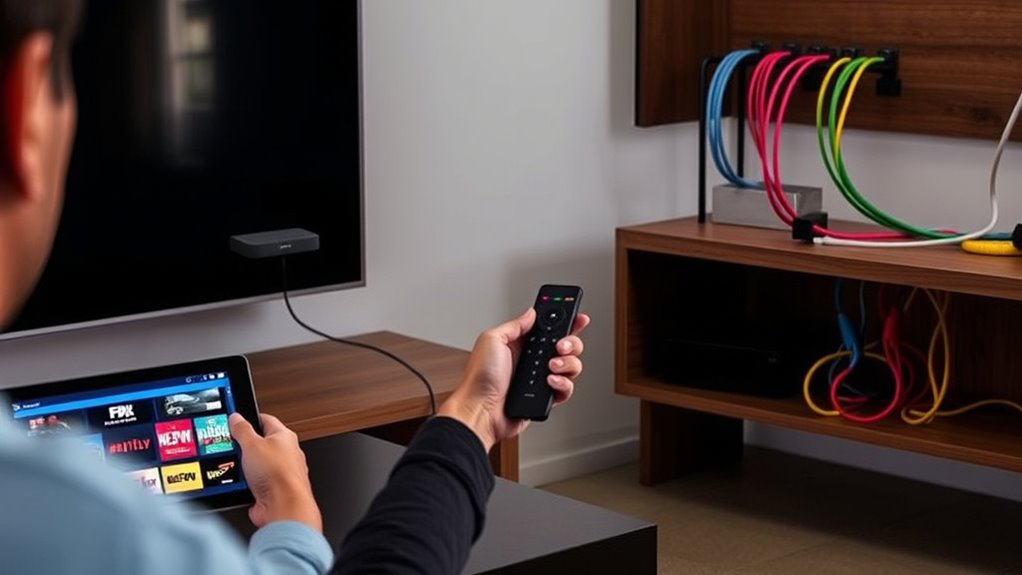
Before you set up your streaming devices, it’s important to check their compatibility with your TV and internet service. The setup process is usually straightforward, but understanding each step can save you time and frustration. If issues pop up, troubleshooting common problems can help you get everything running smoothly. Additionally, being aware of your device’s SWIFT/BIC code can be useful when managing payments or subscriptions related to your streaming services. Familiarizing yourself with digital asset management concepts can also help you organize and secure your digital subscriptions effectively. Incorporating device compatibility testing into your setup routine ensures a smoother transition to streaming. Paying attention to your power supply requirements can prevent potential setup delays and protect your equipment from electrical issues. Ensuring your devices are correctly software updates can also improve performance and security during your transition.
Device Compatibility Requirements
To successfully cut the cord and enjoy streaming without interruptions, your device must meet certain compatibility requirements. First, verify your device supports the streaming apps you want to use, like Netflix or Hulu. Second, check that your device’s operating system is up to date, which helps prevent glitches and security issues. Third, confirm that your device has enough processing power and storage to handle streaming smoothly. This might mean upgrading older hardware or switching to newer models. Additionally, confirm your device has a reliable internet connection and compatible outputs, such as HDMI or Wi-Fi, for connecting to your display. Meeting these requirements ensures seamless streaming and a better overall viewing experience without technical hiccups.
Setup Process Overview
Have you checked that your device meets all the necessary compatibility and setup requirements before starting your streaming journey? First, verify your device supports the streaming app or platform you plan to use, whether it’s a smart TV, smartphone, tablet, or streaming device like Roku or Fire TV. Next, connect your device to a stable internet connection with sufficient bandwidth for smooth streaming. If needed, update your device’s firmware or app to the latest version for peak performance. Some devices may require additional setup steps, such as signing into your account or linking your streaming service. Once everything is compatible and configured, you’re ready to browse and watch your favorite shows without any hiccups. Proper setup ensures a seamless streaming experience from the start.
Troubleshooting Common Issues
When you encounter streaming issues, understanding device compatibility and setup is often the key to resolving them. First, check if your device supports the streaming app or service; some older devices may need updates or aren’t compatible. Second, ensure your device is connected to a stable internet connection, preferably via Ethernet or a strong Wi-Fi signal. Third, verify your account credentials and app settings; incorrect login info or misconfigured preferences can cause playback problems. Additionally, update your device’s firmware and app to the latest version to prevent bugs. If issues persist, restart your device or reinstall the app. By systematically checking compatibility, connection, and configuration, you can troubleshoot most common issues quickly and get back to streaming seamlessly.
Analyzing Internet Requirements and Speeds
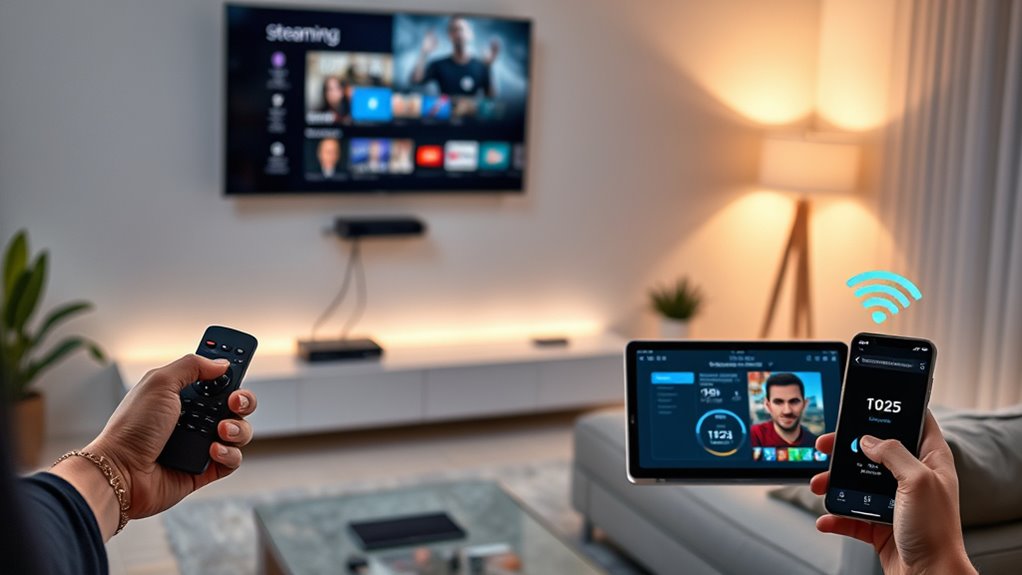
Ever wondered how much internet speed you really need to stream, browse, and work smoothly? The answer depends on your activity. For basic browsing and email, 3-5 Mbps usually suffices. If you stream videos in HD, aim for at least 10-15 Mbps to avoid buffering. For 4K streaming or multiple devices, you’ll want 25 Mbps or higher per user. Gaming and video calls require low latency and stable connections, often around 20-30 Mbps. Keep in mind, internet providers often advertise speeds that are maximums, not guarantees. Running a speed test helps you determine your actual bandwidth. Remember, the more devices connected simultaneously, the more bandwidth you’ll need to maintain smooth performance across all activities.
Considering Contractual Obligations and Flexibility
Before committing to an internet plan, it’s essential to review the contract terms carefully. You want to understand any restrictions or obligations that may limit your flexibility. Here are three key factors to contemplate:
- Contract Length – Check whether you’re locked into a long-term agreement or can opt for month-to-month plans. Longer contracts often come with early termination fees.
- Automatic Renewals – See if your plan renews automatically, and how easy it is to cancel before renewal periods.
- Flexibility to Upgrade or Downgrade – Confirm if you can easily adjust your plan’s speed or package without penalties, giving you the agility to adapt as your needs change.
Being aware of these details helps you avoid surprises and maintain control over your streaming setup.
Identifying Hidden Fees and Extra Charges
Are there hidden fees lurking in your internet plan that could unexpectedly inflate your bill? Many streaming services and internet providers slip in extra charges that catch you off guard. Look out for equipment fees, which might be charged if you don’t return devices or rent special hardware. Data caps can also lead to extra costs if you go over your limit, especially with high-quality streaming. Some platforms charge for premium content or add-on channels that aren’t included in the base price. Additionally, installation or activation fees may appear during signup. Always read the fine print before committing. By understanding these potential charges upfront, you can better compare plans, avoid surprises, and make smarter choices about cutting the cord.
Weighing the Pros and Cons of Cutting the Cord
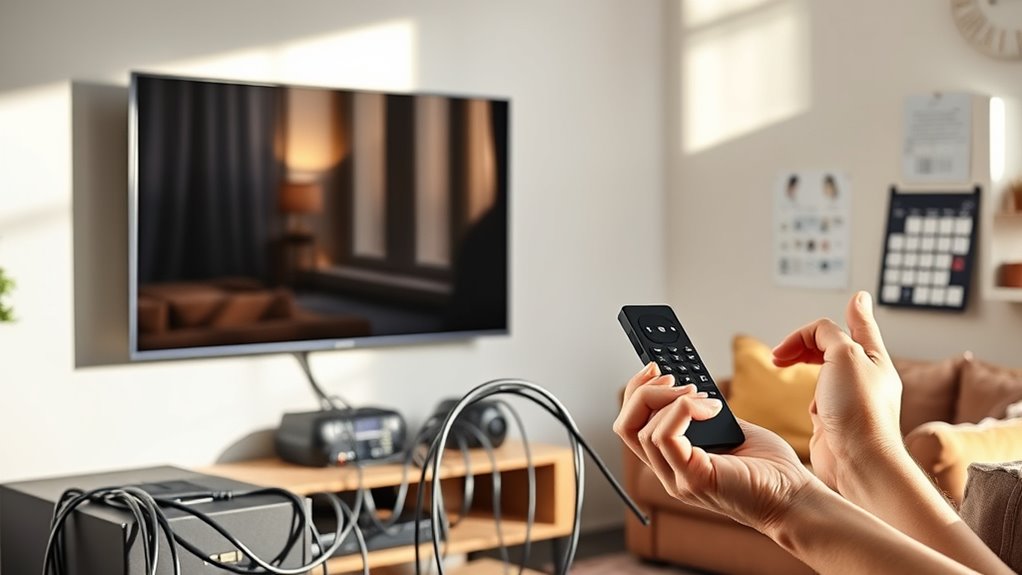
Deciding whether to cut the cord involves weighing the benefits against the potential drawbacks. You’ll gain flexibility and save money, but you might lose access to certain channels and live sports. Consider these points:
Weigh the benefits of savings and flexibility against potential content limitations before deciding to cut the cord.
- Cost savings: Streaming can reduce your monthly bills, but subscription fees can add up.
- Content variety: You get more control over what you watch, yet some shows may be harder to find.
- Convenience: Streaming offers on-demand viewing, but steering through multiple platforms can be time-consuming.
You need to determine if the savings and flexibility outweigh the possible inconvenience and content limitations. Think about your viewing habits and priorities before making the leap. This balance will help you decide if cutting the cord is right for you.
Frequently Asked Questions
How Do Streaming Services Handle Live Events and Sports Coverage?
Streaming services handle live events and sports coverage by offering dedicated channels or apps that stream these events in real-time. You typically subscribe to specific sports packages or add-ons, which provide access to games and events. Some platforms also offer free trials or single-event purchases. Keep in mind, streaming quality depends on your internet speed, and coverage may vary compared to traditional cable, so check your preferred service’s offerings beforehand.
What Are the Best Options for Parental Controls and Content Restrictions?
You want strong parental controls and content restrictions, and streaming services deliver. You can set PIN codes, restrict mature content, and customize profiles for each child. You get to decide what’s accessible, what’s hidden, and what’s off-limits. With easy-to-use options, you keep your kids safe, maintain control, and foster responsible viewing habits. Streaming platforms put you in charge, giving peace of mind while enjoying your favorite shows together.
Can I Access Local Channels Through Streaming Platforms?
Yes, you can access local channels through streaming platforms. Many services like Hulu + Live TV, YouTube TV, and Sling TV offer local channels in their packages, depending on your location. You just need to check if your area is covered and select a plan that includes your preferred channels. Using an antenna with your streaming device can also pick up local broadcasts for free.
How Do Streaming Services Support Multiple User Profiles?
Streaming services support multiple user profiles by allowing you to create separate accounts within a single subscription. You can customize each profile with individual watch histories, preferences, and recommendations. To set this up, simply go to your account settings, select “Manage Profiles” or similar, and add a new profile. This way, everyone in your household can have personalized viewing experiences without interfering with each other’s watchlists.
What Is the Process to Cancel or Switch Streaming Subscriptions?
To cancel or switch streaming subscriptions, log into your account on the service’s website or app. Find the account or billing section, then select the option to cancel or manage your subscription. Follow the prompts to confirm your choice. If you want to switch plans, choose the new plan and confirm your selection. Make sure to review any billing details before finalizing the process to avoid unwanted charges.
Conclusion
Ultimately, ditching cable isn’t a decision to take lightly—think of it as choosing between a rotary phone and a smartphone. By weighing your habits, costs, and tech needs, you can decide if streaming fits your lifestyle better. Just remember, in this digital age, sticking with cable might feel like carrying a flip phone—outdated, yet familiar. Make your move wisely, and embrace the future of entertainment on your own terms.
Fall Picks
fall essentials
As an affiliate, we earn on qualifying purchases.