
To avoid common smart home mistakes, focus on strong security by changing default passwords, updating firmware, and using secure networks. Don’t overload your Wi-Fi with too many devices, and choose quality, compatible products for reliable performance. Customize automations to fit your routines, keeping them simple yet effective. Regularly update your devices and perform maintenance to keep everything running smoothly. Staying mindful of these tips will help you maximize safety, efficiency, and convenience in your smart home.

Get the latest gadgets delivered free — and shop member deals
- Fast, free delivery on millions of items
- Access to Prime Big Deal Days deals on October 6–7
- Prime Video, Amazon Music and more included
Key Takeaways
- Use strong, unique passwords and update device firmware regularly to prevent security breaches.
- Limit the number of connected devices to avoid Wi-Fi congestion and maintain optimal performance.
- Choose high-quality, compatible products to ensure reliable integration and security.
- Personalize and automate routines thoughtfully to enhance usability without overcomplicating systems.
- Keep software updated and perform routine maintenance to protect against vulnerabilities and ensure smooth operation.
As an affiliate, we earn on qualifying purchases.
Neglecting Proper Security Measures

Neglecting proper security measures can leave your smart home vulnerable to cyberattacks and unauthorized access. If you don’t set strong, unique passwords for your devices and Wi-Fi network, hackers can easily gain control. Failing to keep firmware and software updated creates security gaps that cybercriminals exploit. Without enabling two-factor authentication where available, your accounts remain less protected. Additionally, using default login credentials is a common mistake; always change them immediately. You should also avoid connecting devices to unsecured networks or public Wi-Fi, which can expose your data. Regularly reviewing device permissions and disconnecting unused gadgets minimizes risks. Incorporating security best practices like strong passwords and regular updates ensures your smart home remains safe. Maintaining network security by segmenting your smart devices from your primary network further reduces potential vulnerabilities. Ignoring these security protocols can drastically increase the risk of data breaches and unauthorized device control. Implementing device management practices helps in monitoring access and preventing unauthorized use. By neglecting these security steps, you jeopardize not only your privacy but also the safety of your entire smart home ecosystem.
As an affiliate, we earn on qualifying purchases.
Overloading Your Network With Devices
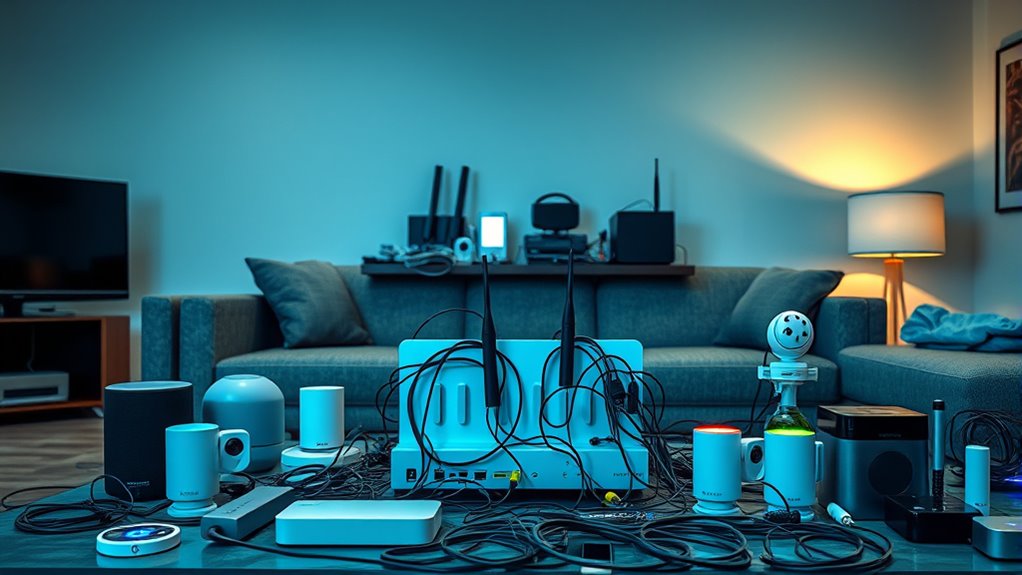
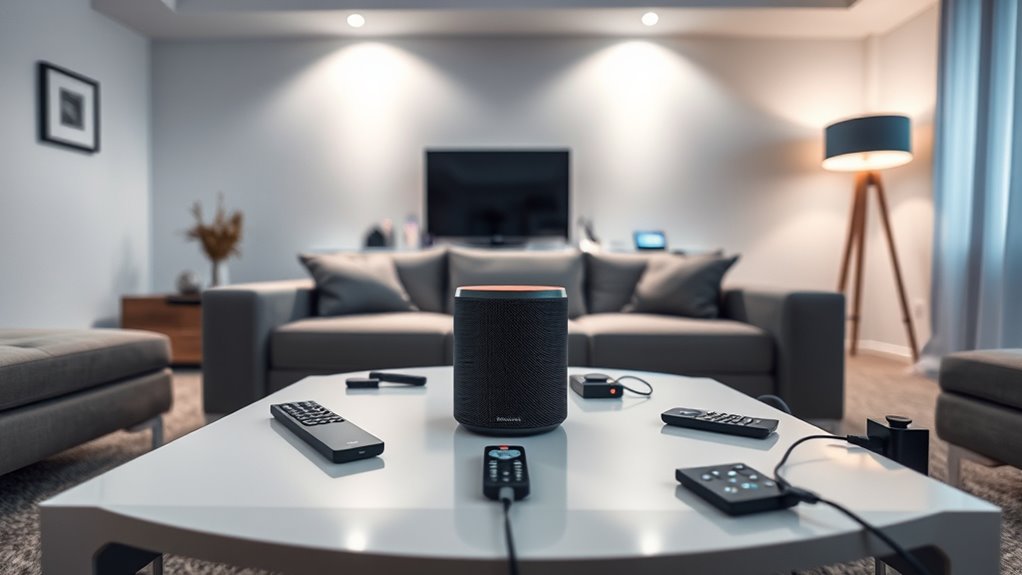
While securing your smart home is essential, overloading your network with too many devices can cause significant issues. When you connect numerous gadgets, your Wi-Fi can become congested, leading to slow speeds or dropped connections. This congestion can also impact the network bandwidth available for each device, reducing overall efficiency. Devices that require constant data exchange, like security cameras or smart thermostats, are especially affected. To avoid problems, prioritize essential devices and limit the number of connected gadgets. Use a robust router that can handle multiple connections simultaneously, and consider creating separate networks for different device groups. Regularly review your network to identify and disconnect unused devices. Managing your device load and understanding network congestion is crucial for maintaining optimal smart home performance. Additionally, implementing device management tools can help monitor and control the number of connected devices, ensuring your network remains stable and efficient. Adopting smart network optimization strategies can further enhance your system’s reliability and speed, which involves configuring your network to reduce Wi-Fi interference and improve data flow.
As an affiliate, we earn on qualifying purchases.
Choosing Incompatible or Low-Quality Products
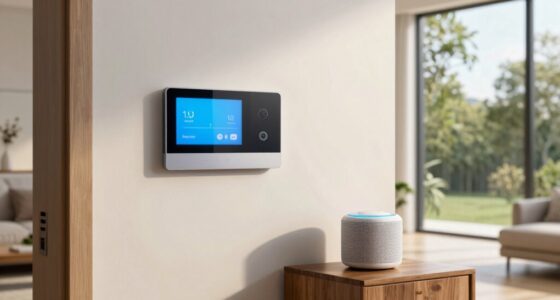
Have you ever bought a smart device only to find it doesn’t work well with your existing setup? Choosing incompatible or low-quality products can lead to frustration and wasted money. When selecting devices, guarantee they’re compatible with your current ecosystem and Wi-Fi standards. Low-quality products might be unreliable, have limited features, or lack security updates. To avoid issues, check reviews, verify compatibility, and prioritize reputable brands. Avoid devices that don’t support your hub or app ecosystem, as they won’t integrate smoothly. Skimping on quality might save money initially but can cause ongoing problems and security risks. Additionally, product compatibility is crucial to ensure seamless integration within your smart home system, especially when considering devices with vacuum features to consider that could enhance your cleaning routine. Ensuring interoperability standards are met can help your devices work together more effectively and reduce setup headaches. Moreover, understanding smart home ecosystems can help you select products that work harmoniously within your setup, minimizing compatibility issues. Proper device setup and ongoing maintenance are also key to avoiding future connectivity problems and ensuring your smart home functions smoothly.
As an affiliate, we earn on qualifying purchases.
Failing to Customize and Automate Effectively
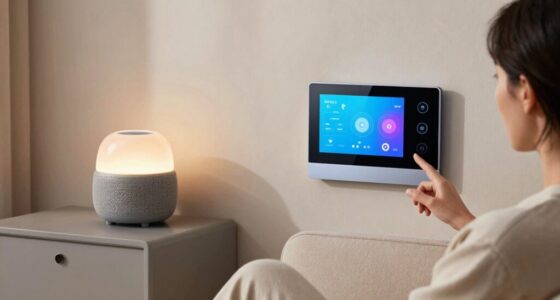
Choosing the right devices is only part of creating a smart home that truly works for you. If you don’t personalize and automate them effectively, your system can feel disjointed or useless. Take time to set up routines that match your daily habits, like having lights turn on at sunset or your thermostat adjust when you leave the house. Use automation to streamline tasks and save energy, but avoid overcomplicating your setup. Keep your system simple and intuitive so you can easily adjust settings when needed. Regularly review and refine your automations to ensure they serve your lifestyle. Without proper customization, your smart home may not deliver the convenience you expected, leaving you frustrated and missing out on its full potential. Incorporating user preferences into your automation setup can significantly enhance overall satisfaction and efficiency. Additionally, understanding the importance of system simplicity can help you avoid unnecessary complications and improve overall usability. Taking the time to tailor your automations to your specific routines ensures a more cohesive and satisfying experience. Remember that proper system configuration is essential for maximizing the benefits of your smart home technology.
Ignoring Regular Updates and Maintenance
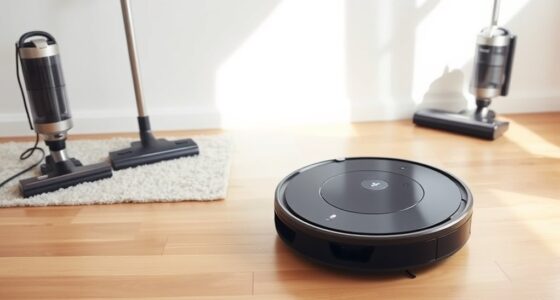
Neglecting regular updates and maintenance can quickly compromise your smart home’s performance and security. When you ignore software updates, your devices may become vulnerable to hacking or bugs, and new features won’t be available. Without routine maintenance, devices can slow down or malfunction, leading to frustration and reduced efficiency. Staying on top of updates and maintenance is essential to keep everything running smoothly and securely. Additionally, understanding navigation and mapping features of your household robots is crucial for optimal operation and avoiding issues such as missed spots or collisions. Regularly reviewing device security settings helps prevent unauthorized access and keeps your smart home safe from cyber threats. Incorporating system diagnostics can also help identify potential problems early and ensure your devices are functioning at their best. Moreover, being aware of software version updates can ensure compatibility and improved performance across your smart home ecosystem.
Frequently Asked Questions
How Can I Improve My Smart Home’s Overall Security?
To improve your smart home’s security, start by updating all device firmware regularly to patch vulnerabilities. Use strong, unique passwords for each device and enable two-factor authentication where available. Secure your Wi-Fi network with a robust password and WPA3 encryption. Limit device access to trusted users and disable remote access if unnecessary. Regularly review connected devices and monitor activity logs to detect any suspicious behavior promptly.
What Is the Ideal Number of Devices for My Network?
Think of your smart home network as a garden; too many devices are like weeds choking out the good plants. To keep it healthy, stick to around 10-15 devices, prioritizing the ones you use daily. This balance prevents overload and security risks. Regularly review and disconnect unused gadgets. By managing your network wisely, you guarantee smooth operation and protect your smart home from potential threats.
How Do I Identify Compatible Smart Home Products?
You identify compatible smart home products by checking if they support the same protocols like Zigbee, Z-Wave, or Wi-Fi. Read product descriptions and specifications carefully, and look for compatibility logos or app requirements. Visit manufacturer websites or user reviews to confirm they work with your existing hub or ecosystem. You can also ask store associates for guidance and verify that your devices integrate seamlessly into your setup.
What Automation Routines Are Most Effective for Beginners?
Start with simple routines like setting your lights to turn on at sunset or adjusting your thermostat when you leave home. Use automation to improve daily comfort and energy savings without complicating things. You can also create routines that activate your security system when you lock the door or send reminders for chores. Keep routines straightforward, test them regularly, and gradually add complexity as you get more comfortable.
How Often Should I Perform Maintenance on My Smart Devices?
You should perform maintenance on your smart devices every few months to keep things running smoothly. Regularly update firmware, check for connectivity issues, and clean sensors or cameras. Think of it as giving your tech a tune-up; neglecting it can lead to bigger headaches down the line. Staying on top of these tasks guarantees your smart home remains reliable, efficient, and ready to assist you whenever you need it.
Conclusion
By avoiding these common smart home mistakes, you’ll keep your setup secure, efficient, and reliable—no need to be a tech wizard. Remember to stay vigilant and keep everything updated, like a wise old sage guarding their secrets. Don’t let your smart home become a castle of cards; treat it with care and attention. With a little effort, your smart home will serve you well, making life easier without turning into a waterlogged ship in a storm.
Fall Picks
fall essentials
As an affiliate, we earn on qualifying purchases.