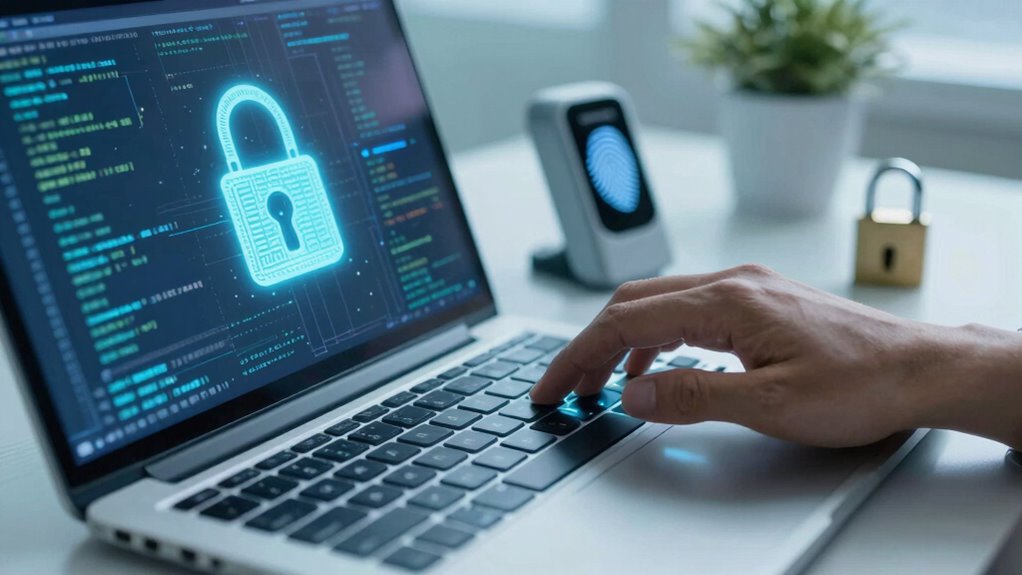

Securing your digital life means actively protecting your personal info, devices, and online activities from risks. You do this by using strong passwords, enabling two-factor authentication, and keeping software updated. Managing privacy policies and settings helps limit data sharing. Using encryption keeps your data safe from hackers. Developing good digital habits and staying aware of threats boosts your defense. If you want to learn how to strengthen these protections, you’ll find useful tips ahead.

Get the latest gadgets delivered free — and shop member deals
- Fast, free delivery on millions of items
- Access to Prime Big Deal Days deals on October 6–7
- Prime Video, Amazon Music and more included
Key Takeaways
- Implement strong data encryption to protect sensitive information from unauthorized access.
- Regularly update software and use multi-factor authentication for enhanced security.
- Manage privacy settings and understand data collection policies of online services.
- Practice good digital habits like avoiding suspicious links and using password managers.
- Continuously improve digital literacy to stay informed about emerging threats and security best practices.
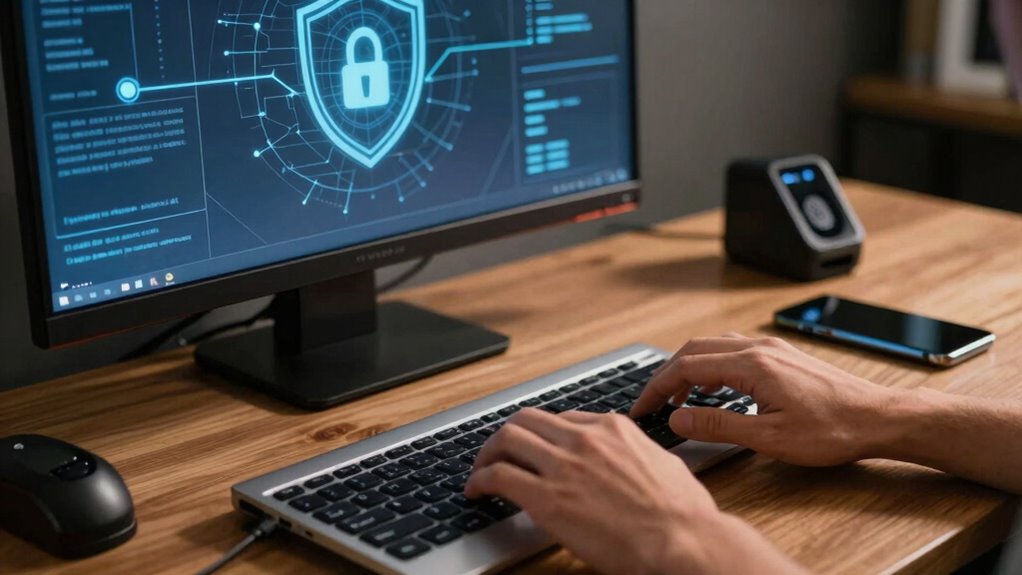
In today’s connected world, safeguarding your digital life is more important than ever. Every click, share, and transaction adds to your digital footprint, making it essential to understand how to protect your information from prying eyes. Securing your digital life isn’t just about installing antivirus software or creating strong passwords; it’s about adopting a comprehensive approach that prioritizes your privacy and data integrity. One of the most effective tools you can use is data encryption, which scrambles your information so that only authorized parties can access it. Whether you’re sending emails, storing files in the cloud, or conducting online banking, encryption acts as a barrier, preventing hackers from intercepting or deciphering your sensitive data. It’s like locking your digital valuables behind a secure vault, giving you peace of mind that your information stays private.
Data encryption protects your sensitive information, keeping your digital valuables safe from hackers and unauthorized access.
Equally important is understanding and scrutinizing privacy policies. Many online services and apps collect a vast amount of your personal data, often sharing or selling it to third parties. By reading privacy policies carefully, you gain insight into how your data is being used, stored, and protected. This knowledge empowers you to make informed decisions about which platforms to trust and how to configure your privacy settings. Don’t just accept the default options—adjust your privacy preferences to limit data sharing and control what information you reveal. Being proactive in managing your privacy policies ensures you’re not unknowingly exposing yourself to risks or enabling practices that compromise your security. Additionally, awareness of data collection practices can help you recognize potential privacy risks and take steps to mitigate them. Understanding the mechanisms behind data encryption can further enhance your ability to protect sensitive information. Incorporating good habits, such as regularly reviewing your app permissions and understanding privacy policies, can also significantly strengthen your digital security. Staying informed about cybersecurity best practices enables you to adapt to new threats and vulnerabilities as they emerge.
Securing your digital life also involves maintaining good habits, like regularly updating your software, avoiding suspicious links, and using multi-factor authentication whenever possible. These steps add layers of security that make it more difficult for cybercriminals to gain access. Additionally, consider using password managers to generate and store complex, unique passwords for each account, reducing the chance of someone cracking your login details. It’s about creating a security framework that’s resilient, adaptable, and aligned with your digital habits. Moreover, understanding the importance of digital literacy can help you recognize and respond to emerging online threats more effectively.
Ultimately, securing your digital life means taking control of your online presence and being vigilant about who can access your information. It’s a continuous process that involves understanding the tools at your disposal—like data encryption—and staying informed about privacy policies. By doing so, you protect yourself from potential threats and ensure your digital activities remain private and secure. Remember, in the digital age, your privacy is your right, and safeguarding it requires deliberate actions and ongoing awareness.
As an affiliate, we earn on qualifying purchases.
Frequently Asked Questions
How Often Should I Update My Passwords for Optimal Security?
You should update your passwords every three to six months to maintain ideal security. Regular password rotation helps prevent unauthorized access, especially if a breach occurs. Incorporate strong, unique passwords for each account and develop security habits like enabling two-factor authentication. By staying consistent with your password updates and security practices, you reduce vulnerabilities and protect your digital life effectively. Keep your security habits fresh and proactive for the best protection.
What Are the Best Tools to Detect Identity Theft?
Think of identity theft detectors as your digital watchdogs. You should use tools that offer multi-factor verification and biometric authentication, like credit monitoring services and identity theft protection platforms, to catch threats early. These tools scan for suspicious activity, alerting you quickly if someone’s trying to steal your identity. By combining these advanced features, you strengthen your digital defenses and stay one step ahead of cybercriminals.
How Can I Securely Back up My Digital Data?
To securely back up your digital data, start by choosing a reputable cloud service that offers encryption, ensuring your data stays private during transfer and storage. Enable backup redundancy by maintaining copies in multiple locations or devices, so if one fails, your data remains protected. Regularly update your backups, and use strong, unique passwords to safeguard your accounts. This approach keeps your digital life resilient against data loss or cyber threats.
Is Using Public Wi-Fi Safe for Online Banking?
Using public Wi-Fi for online banking isn’t safe because these networks are often insecure, making your sensitive information vulnerable. Hackers can easily intercept your data on unprotected networks. If you must access your bank, use a trusted Virtual Private Network (VPN) to encrypt your connection, or wait until you’re on a secure, private Wi-Fi network. Protecting your online banking activities is essential to maintaining your digital security.
What Are Common Signs of a Digital Security Breach?
You’ll notice signs of a digital security breach if your accounts suddenly get locked or show unfamiliar activity. Watch for phishing scams that trick you into revealing personal info, and malware infections that slow down your device or cause pop-ups. Unusual emails, strange login locations, or unexpected password resets are red flags. Stay alert and regularly update your security settings to protect yourself from these common breaches.
multi-factor authentication device
As an affiliate, we earn on qualifying purchases.
As an affiliate, we earn on qualifying purchases.
Conclusion
Secure your digital life by staying vigilant, vigilant against vulnerabilities and vigilant about updates. Remember, safeguarding your data is a continuous journey, not a one-time task. By balancing boundaries with backups, you build a barrier against breaches, bolstering your digital defenses. Stay smart, stay secure—shield your space with savvy strategies and steadfast safeguards. Your digital domain deserves diligence, dedication, and a dash of discipline to truly keep it safe and sound.
As an affiliate, we earn on qualifying purchases.
privacy settings management tool
As an affiliate, we earn on qualifying purchases.
As an affiliate, we earn on qualifying purchases.
Halloween Picks
halloween
As an affiliate, we earn on qualifying purchases.