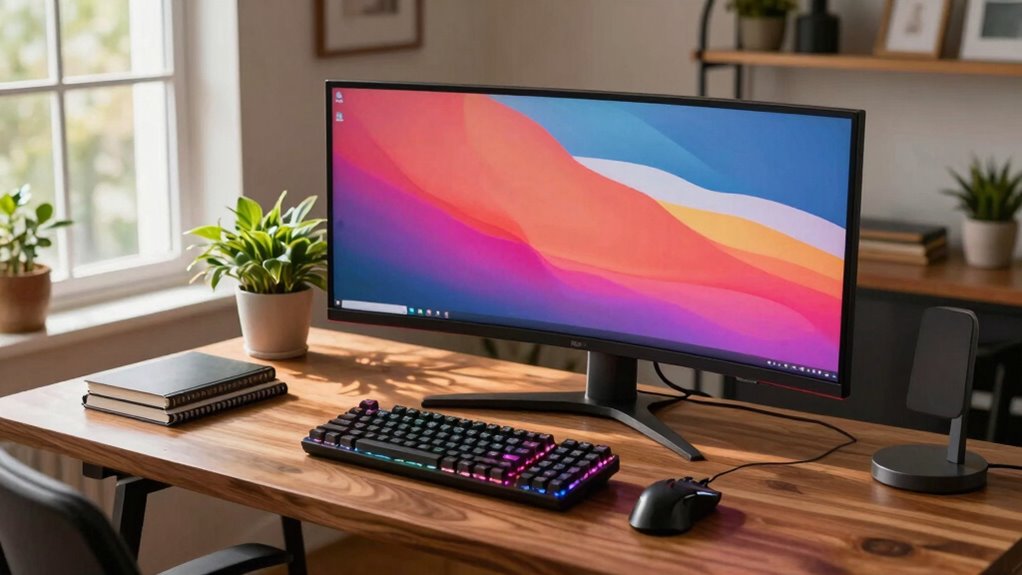

A desktop is still better in some homes because it offers stronger performance, better cooling, and easier upgrades. You can swap out components like graphics cards and RAM to keep up with new games and software. Desktops also last longer, thanks to simpler repairs and maintenance. Plus, they provide more connectivity options and room for future expansion. If you want to know more about why desktops might suit your home setup, keep exploring the details below.

Get the latest gadgets delivered free with Prime
- Fast, free delivery on millions of items
- Prime Video, Amazon Music and more included
- Member-only deals all year
Key Takeaways
- Desktops offer superior gaming performance with better graphics cards and cooling systems.
- They are more customizable and easier to upgrade over time.
- Desktops provide better heat dissipation, ensuring sustained performance during long sessions.
- They have more connectivity options and expansion slots for peripherals and hardware.
- Desktops are generally more durable and easier to repair or troubleshoot.

Deciding between a desktop and a laptop often depends on your specific needs and home setup. If gaming is a priority, a desktop generally holds an edge because of its superior gaming performance. Desktops typically have more powerful graphics cards, faster processors, and better cooling systems, which all contribute to smoother gameplay and higher frame rates. Laptops, on the other hand, often compromise on these components to save space and reduce weight, which can limit gaming performance. If you’re serious about gaming and want the best experience, a desktop lets you push the settings higher and enjoy more immersive titles without worrying about overheating or throttling.
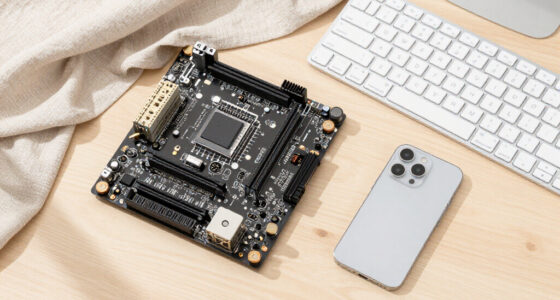
Another reason desktops often come out ahead is their upgradeability options. With a desktop, you can swap out components like the graphics card, RAM, storage drives, or even the CPU when you want to boost performance or keep up with new technology. This flexibility means you don’t have to buy a whole new system every few years; instead, you can upgrade parts gradually, saving money in the long run. Laptops tend to be more limited in this regard. Many have integrated components that can’t be upgraded, and even when they do, the process can be complicated and expensive. If you like tinkering or plan to extend your system’s lifespan, a desktop provides more control and customization options.
Size and portability are obvious advantages of laptops, but they come with trade-offs. While laptops are perfect if you need mobility, they often can’t match the raw power and upgrade options of a desktop. If your home setup allows for a dedicated space, and you’re looking for a machine that can grow with your needs, a desktop proves to be more future-proof. You also benefit from better heat dissipation, which helps maintain performance under load, especially during long gaming sessions or heavy workloads. Additionally, desktops typically have better cooling solutions, which helps maintain consistent performance. Upgrading or repairing desktops is generally more straightforward, contributing to their long-term viability. Moreover, desktops usually have more expansion slots, allowing for additional peripherals or hardware upgrades to further enhance their capabilities. The ability to easily troubleshoot and replace parts further underscores their long-term value. Furthermore, desktops often provide better connectivity options, which can be crucial for various setups and peripherals.
As an affiliate, we earn on qualifying purchases.
Frequently Asked Questions
How Does a Desktop’s Upgradeability Compare to a Laptop’s?
A desktop’s upgradeability is generally better than a laptop’s because you have more customization options. You can easily swap out components like RAM, storage, or graphics cards, keeping your system up-to-date. While upgrading a laptop can be more limited and costly, desktops often have straightforward access to internal parts, reducing cost implications and making future upgrades more affordable and manageable for you.
Are Desktops More Energy-Efficient Than Laptops?
Desktops generally aren’t more energy-efficient than laptops because they consume more power due to their larger components and constant power draw. This higher power consumption can increase environmental impact through greater energy use. However, desktops often have better upgrade options, potentially extending their lifespan and reducing waste. If energy efficiency is a priority, laptops are usually the better choice, but desktops can still be optimized with energy-saving settings.
Can Desktops Support Multiple Monitors More Easily?
Absolutely, desktops make supporting multiple monitors feel like a walk in the park. You can easily connect several screens, creating an expansive workspace that boosts productivity. Plus, they allow for better keyboard comfort and an ergonomic setup, helping you work comfortably for hours. Unlike laptops, desktops give you the flexibility to customize your setup effortlessly, making multi-monitor support seamless and enhancing your overall efficiency and comfort.
What Are the Security Benefits of Desktops Over Laptops?
Desktops often offer better security benefits because you can easily install extensive antivirus protection and manage data encryption directly on the device. Unlike laptops, desktops stay stationary, making it easier to secure networks and physical access. You can also customize security settings more thoroughly, reducing risks of theft or hacking. This makes desktops a safer choice for sensitive data, especially in environments where security is a top priority.
How Does Maintenance Differ Between Desktops and Laptops?
Think of maintenance as tending a garden—desktops are like spacious plots, making hardware customization and repairs straightforward, like pruning branches. Laptops, however, are like delicate bonsais, where repair complexity increases with their compact design. You can upgrade and fix desktops more easily, turning it into a DIY project. Laptops demand more patience, often requiring professional help, making maintenance more challenging but manageable with the right tools and care.
As an affiliate, we earn on qualifying purchases.
Conclusion
So, in some homes, a desktop still stands tall like a mighty stone castle, offering stability, power, and customization that laptops just can’t match. You might feel like you’re back in a cozy, vintage library, surrounded by the reassuring hum of a desktop’s tower. While laptops are sleek and portable, desktops provide that dependable, unshakeable presence—proof that sometimes, old-school still beats the latest tech trend. After all, not everything needs to fit in your pocket.
As an affiliate, we earn on qualifying purchases.
As an affiliate, we earn on qualifying purchases.
Columbus Day / Indigenous Peoples' Day Picks
long weekend sales
As an affiliate, we earn on qualifying purchases.