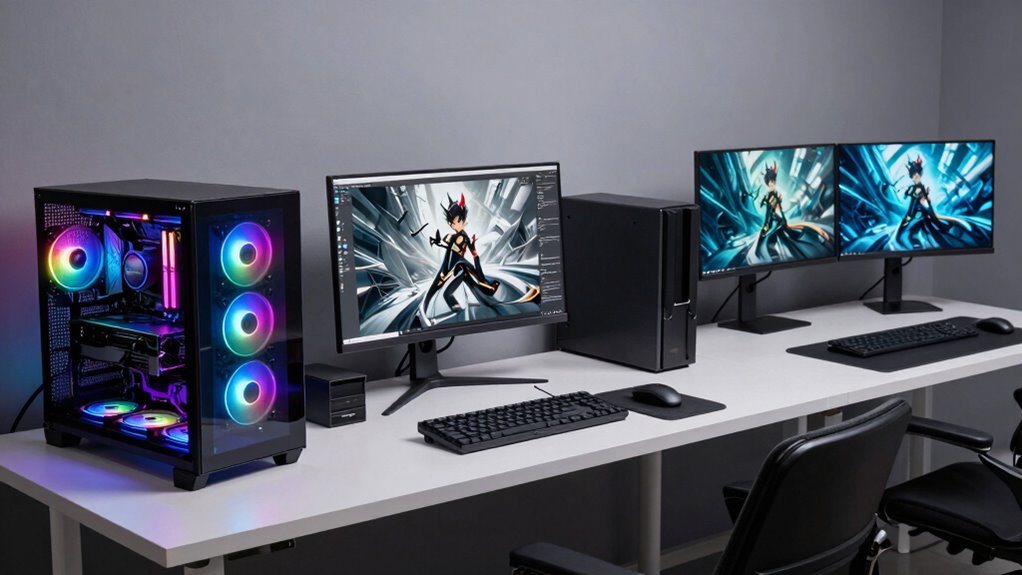

Gaming PCs prioritize high frame rates and smooth visuals with powerful GPUs and robust power supplies for fast-paced gameplay. Creator PCs balance performance and stability, using high-end GPUs and ample RAM for tasks like video editing and 3D modeling. Workstations focus on reliability and precision, incorporating enterprise-grade components for engineering, scientific work, and data analysis. Understanding these differences can help you choose the right system for your needs—continue to explore where each type excels.

Get the latest gadgets delivered free with Prime
- Fast, free delivery on millions of items
- Prime Video, Amazon Music and more included
- Member-only deals all year
Key Takeaways
- Gaming PCs prioritize high frame rates and powerful GPUs for smooth, fast-paced gameplay.
- Creator PCs feature professional-grade GPUs and balanced components for video editing and 3D work.
- Workstations use enterprise-grade hardware for stability, reliability, and large-scale data or scientific computations.
- Power supplies in gaming PCs are high-wattage, while workstations focus on stability and long-term durability.
- Component selection varies based on workload, with workstations emphasizing error correction and system longevity.
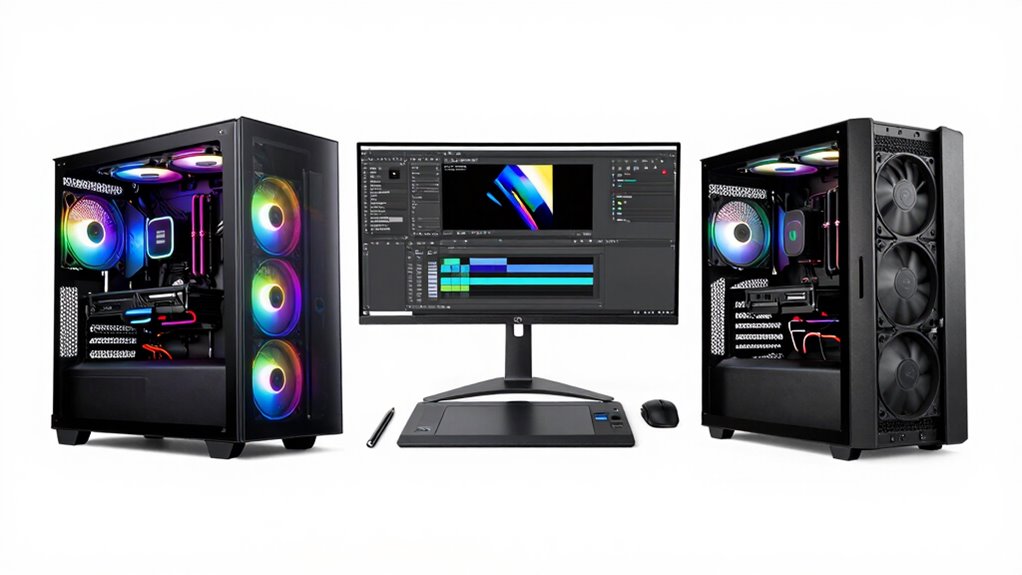
When choosing a computer, understanding the key differences between gaming PCs, creator PCs, and workstations can help you pick the right one for your needs. Each type is designed with specific tasks in mind, and the components reflect those priorities. For gaming PCs, the focus is on delivering high frame rates and smooth visuals during fast-paced gameplay. To achieve this, a powerful graphics card is essential. A high-end GPU handles real-time rendering of complex graphics, making games look stunning and run smoothly. Alongside the graphics card, the power supply must be robust enough to support these demanding components, often requiring a higher wattage to ensure stability during intensive gaming sessions. A well-chosen power supply also safeguards your investment by providing reliable energy delivery and preventing potential hardware failures.
In contrast, creator PCs are tailored for tasks like video editing, 3D modeling, and digital content creation. These workloads benefit from a balanced setup that combines a capable graphics card with strong processing power. While a good GPU accelerates rendering and visual effects, a high-performance CPU and ample RAM are equally important. Creator PCs often feature professional-grade graphics cards optimized for rendering tasks, which might differ from gaming GPUs but still demand a reliable power supply to handle extended use. When selecting components, you’ll want to ensure your power supply can handle the overall load, especially if you’re adding multiple drives, memory modules, or other peripherals that contribute to power consumption. Additionally, power supply quality is crucial for maintaining system stability and longevity, particularly in demanding professional environments. Ensuring you have a reliable power supply can help prevent unexpected shutdowns or hardware issues during intensive work sessions.
Workstations are built for professional use, such as engineering simulations, scientific modeling, or large-scale data analysis. They usually feature specialized hardware that prioritizes stability, long-term reliability, and precision. The graphics card in a workstation isn’t just about visuals; it’s about support for complex computations and multi-monitor setups. These systems often incorporate ECC (Error-Correcting Code) memory and enterprise-grade GPUs. A high-quality power supply becomes even more critical here, as it must consistently deliver clean, stable power over prolonged periods. This ensures that your workstation remains reliable during critical tasks, minimizes downtime, and protects sensitive data.
Products Worth Considering

Apple MacBook Air 13.6-inch with M5 Chip, 16GB Memory, 512GB SSD, Sky Blue

EcoFlow Delta 3 Portable Power Station – 1024 Wh, 1800 W

EcoFlow Delta 3 Max Portable Power Station – 2048 Wh LiFePO4 Battery, 2400 W Output (3400 W X‑Boost)
As an affiliate, we earn on qualifying purchases.
Frequently Asked Questions
Can a Gaming PC Double as a Workstation?
Yes, a gaming PC can double as a workstation, especially if it offers good multitasking versatility and hardware compatibility. Modern gaming PCs often feature powerful CPUs, ample RAM, and high-end GPUs that handle creative tasks like video editing or 3D rendering. However, for professional-grade work, you might need to upgrade components like the storage or add specialized hardware to guarantee peak performance and reliability for demanding tasks.
What Are the Best GPUS for Each PC Type?
Think of GPUs as the heart of your system, beating strongest in their own specialized chambers. For gaming PCs, you’ll want a high-performance card like the NVIDIA GeForce RTX 3080, which offers excellent GPU compatibility and cooling solutions for smooth gameplay. Creator PCs thrive with GPUs like the RTX 3090, optimized for rendering. Workstations benefit from professional cards such as the NVIDIA Quadro series, designed for stability, GPU compatibility, and efficient cooling.
How Important Is Noise Level in These PCS?
Noise level is pretty important because it affects your overall experience, whether you’re gaming, creating, or working. Good sound insulation and noise reduction features help keep the PC quiet, so you’re not distracted or disturbed. You should look for systems with efficient cooling solutions and quiet fans. Prioritizing noise reduction makes for a more comfortable environment, especially if you spend long hours on your PC or work in shared spaces.
Do Creator PCS Require Specialized Software?
Creator PCs often require specialized software to maximize their hardware capabilities, especially for tasks like video editing, 3D rendering, or graphic design. You’ll need software tailored for your hardware to guarantee smooth performance and compatibility. This software helps you leverage the full potential of your system, reducing bottlenecks and ensuring hardware compatibility. So, yes, creator PCs typically depend on specialized software to deliver peak results.
Are Upgrade Options Different Across These PC Types?
You know what they say, “a chain is only as strong as its weakest link.” When it comes to upgrade options, your choice of PC type affects hardware compatibility and upgrade flexibility. Gaming PCs often prioritize graphics upgrades, while creator and workstation PCs focus on RAM and CPU enhancements. Creator PCs usually offer more upgrade flexibility, but all three need compatible parts to guarantee smooth upgrades and longevity.
Conclusion
So, now that you know the key differences, it’s clear each PC type serves a unique purpose. But the real question is—are you ready to choose the one that’ll truly elevate your experience? The right decision could transform your entire workflow or gaming universe. Remember, it’s not just about specs; it’s about what you need to access your full potential. Are you prepared to make that leap and discover what’s truly possible?