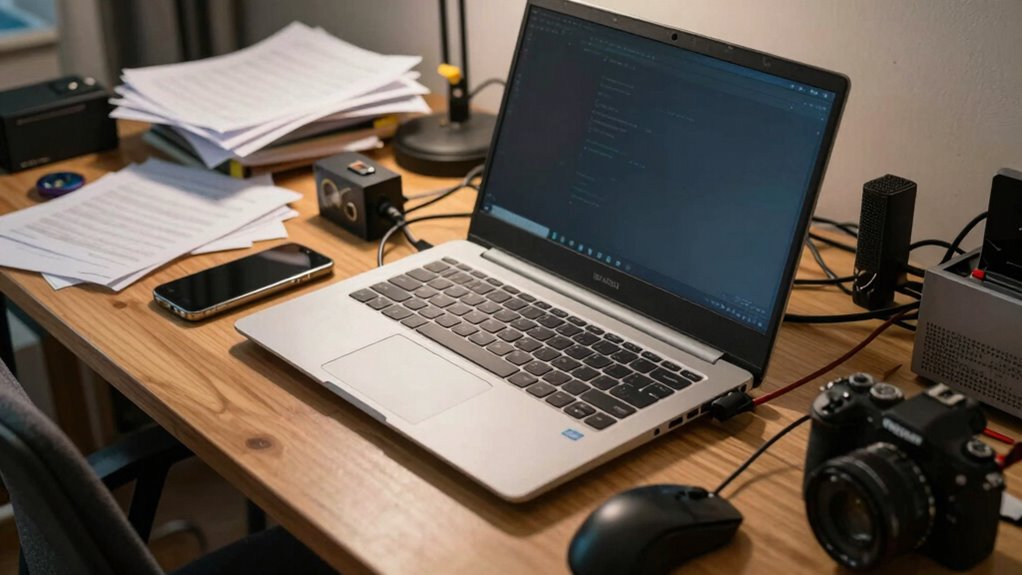

When buying a laptop, you often make mistakes by overspending on brand-name models or high-end specs you don’t need. You might also choose a cheaper option that underperforms or get swayed by sleek designs over functionality. Relying on brand bias or skipping research can limit good options. Focusing on long-term value, durability, and comparing features helps avoid costly errors. Stick around to learn more about making smart choices that last.
Key Takeaways
- Overspending on high-end specs or brand-name models unnecessary for basic needs.
- Relying on brand reputation instead of researching specifications and reviews.
- Prioritizing aesthetics over essential functionality and performance features.
- Failing to compare options and thoroughly research before making a purchase.
- Ignoring long-term durability and support, leading to costly early replacements.

Buying a laptop can seem straightforward, but many people make costly mistakes in the process. One of the most common pitfalls is falling into budget pitfalls. You might be tempted to stretch your budget for a brand-name model, thinking it guarantees quality. However, that’s not always the case. Overspending on a laptop that’s more powerful than you need can lead to unnecessary financial strain, especially if your usage doesn’t require high-end specs. Conversely, going too cheap can result in a device that underperforms, crashes often, or breaks easily. The key is to identify what features are essential for your needs and set a realistic budget. Researching options within that range helps you avoid impulse buys or overspending on features you won’t utilize. Remember, a higher price doesn’t necessarily mean better quality for your particular use case.
Avoid overspending or underspending by identifying essential features and setting a realistic budget for your needs.
Another mistake many make involves brand biases. You might have preconceived notions that certain brands are always superior, or that sticking to well-known names is the safest bet. While established brands often have reliable reputations, they aren’t the only options. Some lesser-known brands offer innovative features, better warranties, or more competitive pricing. Relying solely on brand loyalty can limit your choices and cause you to overlook models that suit your needs better. It’s wise to compare specifications, reviews, and after-sales support across multiple brands, rather than dismissing options based solely on brand recognition. This approach helps you find a laptop that matches your requirements and offers good value, regardless of the brand name on it. Additionally, understanding the importance of projector technology can influence your decision if you’re considering using your laptop for multimedia presentations or entertainment.
Furthermore, many buyers make the mistake of prioritizing aesthetics over functionality. You might be drawn to sleek designs and thin profiles, but that can sometimes mean sacrificing performance or durability. It’s better to focus on core features like processor speed, RAM, storage capacity, and battery life, rather than just how the laptop looks. When you consider these practical aspects, you ensure your investment will serve your needs well, whether you’re working, gaming, or streaming.
Ultimately, avoiding these common mistakes—like falling into budget pitfalls and letting brand biases influence your decision—puts you in a stronger position. Take the time to research, compare, and determine what’s truly important for your usage. This way, you’ll buy a laptop that not only fits your budget but also meets your expectations and lasts longer. Making thoughtful choices now can save you time, money, and frustration in the long run.
best budget laptops for students
As an affiliate, we earn on qualifying purchases.
As an affiliate, we earn on qualifying purchases.
Frequently Asked Questions
How Do I Determine the Best Screen Size for My Needs?
You determine the best screen size by considering your typical usage and portability needs. If you prioritize portability, opt for a 13-14 inch display with high display resolution for clear visuals. For tasks like video editing, a larger screen, like 15-17 inches, may work better. Also, check screen durability, ensuring it resists scratches and damage, especially if you travel often. Balance size, resolution, and durability to find your ideal laptop screen.
What Is the Importance of Battery Life in Choosing a Laptop?
Your laptop’s battery life is like the fuel that keeps your digital world running—don’t underestimate its importance. Prioritize battery longevity and power efficiency because they determine how long you can work, stream, or game without constantly searching for an outlet. A laptop with poor battery life can turn your productive day into a frustrating chase for power, so choose one that offers reliable endurance for your on-the-go lifestyle.
Should I Prioritize a Lightweight Laptop Over Performance?
You should consider portability considerations when choosing between a lightweight laptop and performance. If you prioritize ease of transport, a lightweight model is ideal, but it might sacrifice some power. Conversely, if you need high performance for tasks like gaming or video editing, you might need a heavier, more powerful machine. Balance weight vs. power based on your daily needs, ensuring your laptop aligns with your lifestyle and work demands.
How Does Warranty and After-Sales Service Impact My Purchase?
Warranty and after-sales service greatly impact your purchase because they guarantee peace of mind. An extended warranty can cover repairs after the standard period, saving you money on potential issues. Good after-sales support means quick, helpful assistance if problems arise. You’ll want a brand known for reliable service, so you’re not left stranded. This support enhances your overall experience, making your investment more secure and less stressful over time.
What Are the Hidden Costs Associated With Buying a Laptop?
Sure, your shiny new laptop may seem perfect, but watch out for hidden expenses sneaking up on you. You might overlook upgrade costs for RAM or storage, or accessories like cases and extended warranties that aren’t included. These sneaky costs can drain your wallet faster than you imagined. So, don’t just buy on looks—think ahead about upgrade expenses and accessories to avoid surprise bills later.
laptop with high durability and long battery life
As an affiliate, we earn on qualifying purchases.
As an affiliate, we earn on qualifying purchases.
Conclusion
Avoiding common mistakes can save you time and money when buying a laptop. Did you know that nearly 40% of buyers regret their purchase within the first year? By focusing on your needs, researching specs, and setting a realistic budget, you can make a smarter choice. Remember, a well-informed decision guarantees your laptop will serve you well for years to come. Don’t rush—your perfect device is out there waiting for you.
affordable laptops for basic use
As an affiliate, we earn on qualifying purchases.
As an affiliate, we earn on qualifying purchases.
laptops with good reviews for performance
As an affiliate, we earn on qualifying purchases.
As an affiliate, we earn on qualifying purchases.