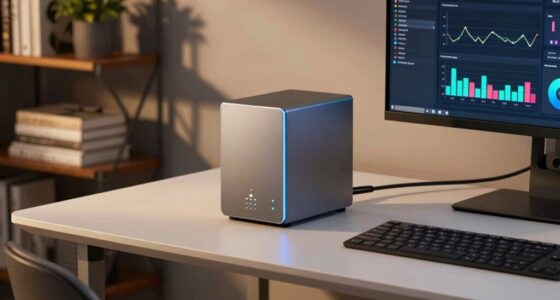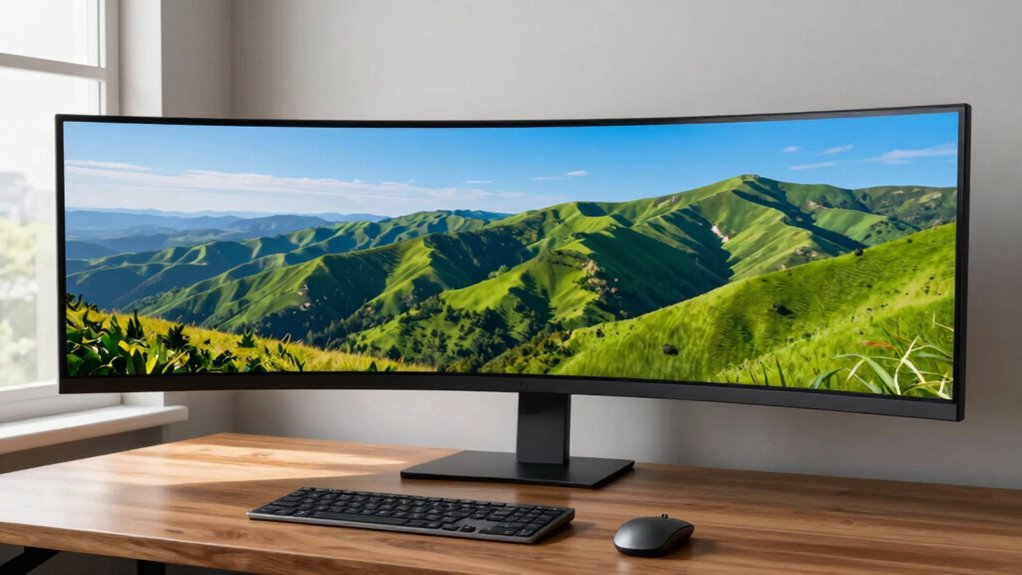

Ultrawide monitors give you a wider, immersive view that boosts productivity, gaming, and multitasking. They provide more screen space, reducing clutter and the need for multiple monitors. You’ll find it easier to focus with less distraction from bezels or mismatched screens. Features like curved screens and ergonomic design add comfort for long use. If you want to understand how they fit different needs and setup options, keep exploring further.

Get the latest gadgets delivered free with Prime
- Fast, free delivery on millions of items
- Prime Video, Amazon Music and more included
- Member-only deals all year
Key Takeaways
- Ultrawide monitors offer a broader viewing area for immersive experiences and multitasking without needing multiple screens.
- They improve productivity by reducing window toggling and clutter, making workflows smoother.
- Important features include aspect ratio, size, resolution, and ergonomic setup for comfort and clarity.
- Limitations include larger physical size, potential compatibility issues, and the need for proper placement.
- Their benefits depend on matching the monitor’s features to specific workspace or gaming needs.
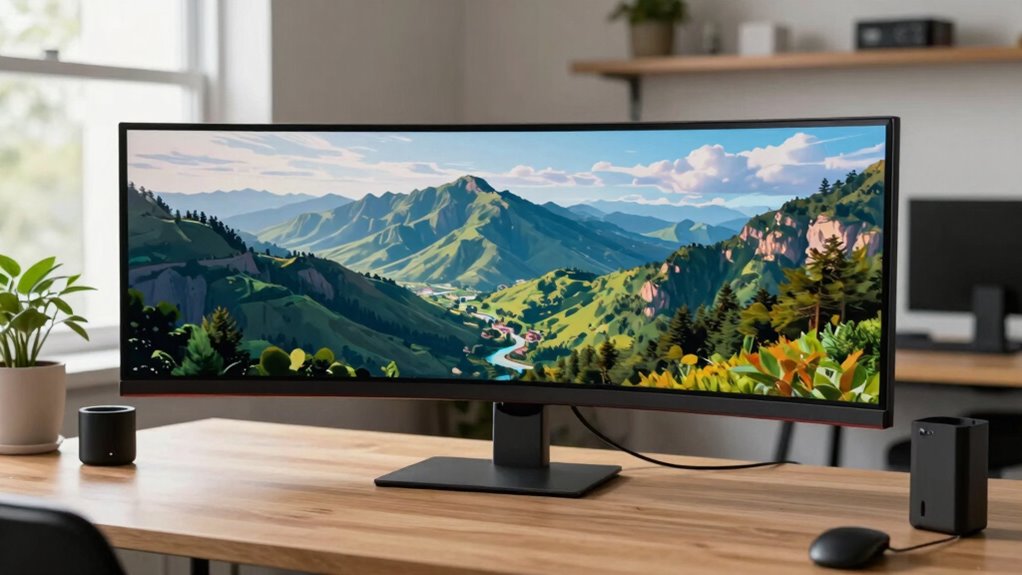
Have you ever wondered how ultrawide monitors can revolutionize your workspace or gaming setup? These displays are designed to stretch across a wider field of view, offering a seamless experience that can boost both your gaming performance and workspace efficiency. When you use an ultrawide monitor, you gain a panoramic view that’s impossible to achieve with traditional screens. This extra screen real estate means you can keep more tabs, tools, or game elements open at once without constantly switching or resizing windows. For gamers, this translates into a more immersive experience, where the wider field of view can enhance situational awareness and give you a competitive edge. Consequently, instead of feeling confined to a small part of the screen, you’re fully enveloped in the game world, making actions feel more natural and fluid.
Ultrawide monitors provide immersive views, enhancing gaming, multitasking, and workspace efficiency with more screen real estate.
In terms of workspace efficiency, an ultrawide monitor minimizes the clutter of multiple monitors. Instead of managing different screens, you work more fluidly on a single, expansive display. This setup is especially helpful if your tasks involve multitasking, like editing videos, working with multiple documents, or designing. You can dedicate sections of the screen to different applications, which streamlines your workflow and reduces the time spent toggling between tabs or windows. Plus, with fewer distractions caused by bezels or mismatched screens, your focus improves, and productivity gets a boost. Additionally, understanding the aspect ratio of ultrawide monitors can help you better evaluate how well they will fit into your workspace and meet your specific needs. Furthermore, considering the size and resolution can ensure you get the right balance between clarity and comfort for extended use. Also, the curved design of some ultrawide monitors can enhance your viewing experience by reducing glare and distortion, making long hours easier on your eyes. Moreover, being aware of the ergonomic setup can help you position the monitor for optimal comfort and prevent strain during prolonged use.
While ultrawide monitors are praised for their advantages, it’s important to recognize that they aren’t necessarily a one-size-fits-all solution. They can be quite large, which might require a bigger desk and more careful placement to avoid neck strain or awkward viewing angles. Not all software is optimized for ultrawide screens, which can sometimes result in display issues or letterboxing in certain applications. Hence, it’s worth checking if your preferred programs support the aspect ratio before investing.
Ultimately, ultrawide monitors are about making your digital experience more seamless and immersive. They can transform your workspace into a more efficient environment and elevate your gaming performance by giving you a broader view and easier multitasking. But, like any technology, they work best when matched to your specific needs and workspace setup. With the right choice, you’ll find yourself working smarter and gaming sharper, all on a single, expansive screen.
ultrawide monitor 34 inch curved
As an affiliate, we earn on qualifying purchases.
As an affiliate, we earn on qualifying purchases.
Frequently Asked Questions
How Do Ultrawide Monitors Affect Gaming Performance?
Ultrawide monitors enhance your gaming performance by providing an immersive experience with a wider aspect ratio, making you feel more involved in the game world. However, they can also demand more from your graphics card, potentially affecting frame rates. If your hardware can handle it, you’ll enjoy smoother visuals and better peripheral awareness. But, if not optimized, the wider screen might cause some performance dips or require adjustments in game settings.
Are Ultrawide Monitors Suitable for Professional Photo Editing?
While ultrawide monitors offer immersive workspace, they might not be ideal for professional photo editing. Their curved screens can distort color accuracy, vital for precise edits, despite their expansive view. However, if you choose models with high resolution, accurate color profiles, and an ergonomic design, you can still benefit from the wide workspace. Balance your needs carefully, considering whether the immersive experience outweighs the importance of perfect color fidelity.
What Are the Best Desk Setups for Ultrawide Monitors?
The best desk setups for ultrawide monitors prioritize ergonomic positioning and aesthetic integration. Place the monitor at eye level to reduce neck strain, and keep it directly in front of you for maximum comfort. Use a clean, organized workspace that complements your monitor’s size, incorporating adjustable stands or mounts for flexibility. Incorporate cable management solutions to maintain a sleek look, ensuring your setup is both functional and visually appealing.
Do Ultrawide Monitors Require Special Graphics Cards?
Absolutely, ultrawide monitors usually need specialized support from your graphics card to handle the wide screen real estate. While most modern cards can manage the resolution and screen curvature, you might need to calibrate your monitor for perfect picture quality. Check if your graphics card supports the monitor’s resolution and curve, ensuring seamless screen spans and smooth multitasking. Upgrading your GPU guarantees a great, glitch-free viewing experience.
How Do Ultrawide Monitors Impact Multitasking Efficiency?
Ultrawide monitors boost your multitasking efficiency by providing ample screen real estate, reducing the need to switch between windows. You’ll enjoy ergonomic benefits, as the wide display minimizes neck and eye strain by keeping everything in your visual field. Plus, the immersive experience enhances focus, making it easier to work across multiple applications simultaneously. This setup streamlines your workflow and keeps you more engaged with your tasks.
ergonomic ultrawide monitor stand
As an affiliate, we earn on qualifying purchases.
As an affiliate, we earn on qualifying purchases.
Conclusion
Now that you know the ins and outs of ultrawide monitors, you’re better equipped to decide if one fits your needs. Imagine gaining an extra 33% of screen real estate compared to standard monitors—imagine the productivity boost. With their growing popularity, over 25 million units are expected to be sold worldwide by 2025. Whether for work or play, ultrawide monitors can transform your experience, making tasks more immersive and efficient.
As an affiliate, we earn on qualifying purchases.
dual monitor mount for ultrawide
As an affiliate, we earn on qualifying purchases.
As an affiliate, we earn on qualifying purchases.
Halloween Picks
halloween
As an affiliate, we earn on qualifying purchases.