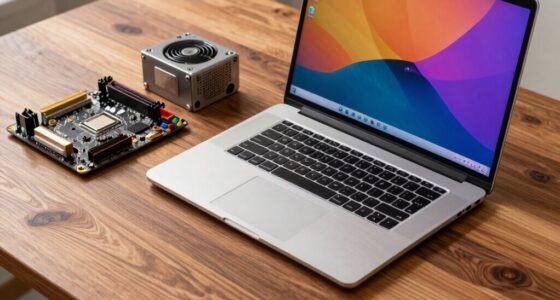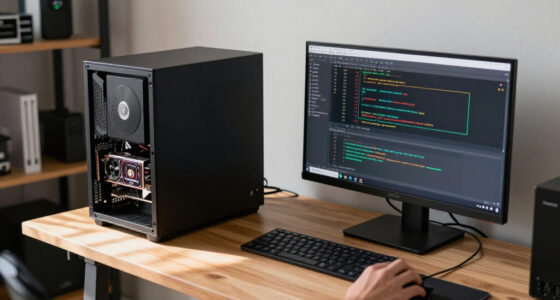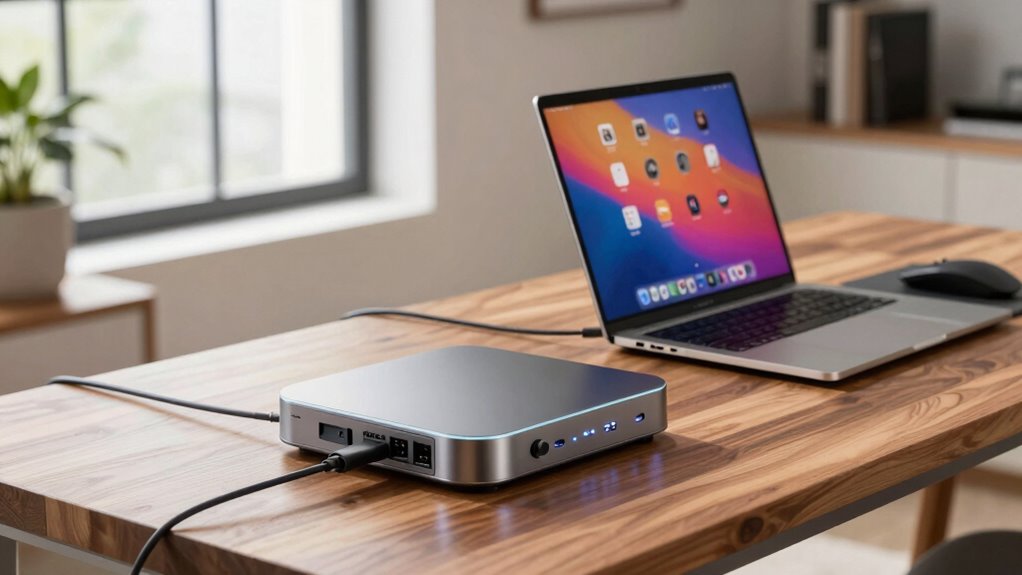

A docking station connects all your peripherals, like monitors, keyboards, and printers, through a single cable, reducing clutter and making your workspace more organized. It also supports wireless devices with built-in Wi-Fi and Bluetooth, ensuring seamless data transfer and connectivity. Plus, it supplies power to your laptop and accessories, so you don’t need multiple chargers. With smart security and versatile ports, a docking station turns your laptop into a powerful, efficient workstation—more benefits await if you keep exploring.

Get the latest gadgets delivered free with Prime
- Fast, free delivery on millions of items
- Prime Video, Amazon Music and more included
- Member-only deals all year
Key Takeaways
- Centralizes connections for monitors, peripherals, and accessories, reducing cable clutter and simplifying setup.
- Provides seamless wireless connectivity via built-in Wi-Fi and Bluetooth support.
- Supplies power to the laptop and accessories simultaneously, enabling fast charging and reducing multiple chargers.
- Enhances security and connectivity options for devices, data protection, and smart home integration.
- Optimizes workspace by transforming a laptop into a powerful, organized, and efficient workstation.
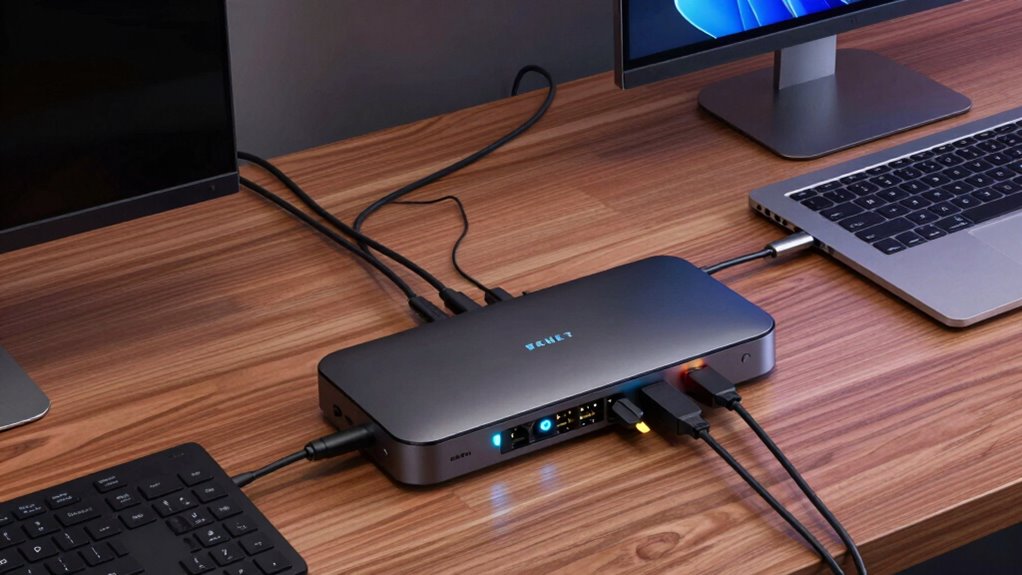
A docking station can substantially enhance your laptop setup by providing a centralized hub for all your peripherals and accessories. Instead of plugging and unplugging multiple devices each time you move your laptop, a docking station keeps everything connected seamlessly. This setup saves you time and reduces wear on your laptop’s ports. With a docking station, you can connect multiple monitors, external keyboards, mice, printers, and other peripherals through a single connection—often via USB-C or Thunderbolt. This streamlined approach means fewer cables cluttering your workspace and more efficiency in your daily tasks.
A docking station simplifies connectivity, reduces port wear, and streamlines your workspace for greater efficiency.
Wireless connectivity is another major benefit. Many modern docking stations come equipped with built-in Wi-Fi and Bluetooth support, allowing you to connect wireless devices effortlessly. Instead of dealing with tangled cables or limited ports for wireless peripherals, you can enjoy a clean, organized workspace. This is especially useful if you frequently switch between different wireless devices or need reliable, high-speed connections for video conferencing, data transfer, or streaming. The convenience of wireless connectivity guarantees you stay connected without sacrificing speed or stability, giving you a more flexible and clutter-free environment.
Power management is a pivotal feature of many docking stations that directly impacts your productivity. Instead of using separate chargers for your laptop and peripherals, a docking station can supply power to your device while simultaneously charging connected accessories. This means your laptop stays charged throughout the day, even during intensive workloads, without needing to hunt for a wall socket. Plus, power delivery features enable fast charging, so you can quickly top up your battery during short breaks. The docking station manages power distribution intelligently, preventing overloads and ensuring your devices run smoothly without interruption. Additionally, understanding the importance of contrast ratio can help you optimize your display setup for clearer visuals and better overall performance. This integrated power management simplifies your setup and keeps your workspace tidy by reducing the number of chargers and power strips needed.
Furthermore, integrating connectivity options into your workspace setup allows for greater flexibility and efficiency, especially in environments where multiple devices and peripherals are used. Incorporating security features can also safeguard your data and devices from unauthorized access, which is crucial in professional settings. A well-designed docking station can also support smart home integration, enabling you to control connected devices like smart lights or security cameras directly from your workstation, creating a more connected and secure environment. This integrated power management simplifies your setup and keeps your workspace tidy by reducing the number of chargers and power strips needed.
In essence, a docking station acts as a command center for your laptop, combining wireless connectivity and power management to create a more efficient, organized, and flexible workspace. It reduces cable clutter, improves device connectivity, and guarantees your laptop and peripherals are powered reliably. Whether you’re working from home, in an office, or on the go, a docking station makes your laptop more capable and your workflow more seamless. It’s an investment that transforms a simple portable device into a powerful, all-in-one workstation. With enhanced connectivity options and smarter power management, you’ll find yourself working more comfortably and productively every day.
USB-C docking station for laptops
As an affiliate, we earn on qualifying purchases.
As an affiliate, we earn on qualifying purchases.
Frequently Asked Questions
Can a Docking Station Improve Laptop Performance?
A docking station can improve your laptop setup by enhancing connectivity and data transfer speeds, though it doesn’t directly boost your laptop’s processing power. It allows you to connect multiple peripherals, like monitors and external drives, easily. With better wireless connectivity options, you experience fewer disruptions. Overall, it streamlines your workspace, making your laptop more efficient for multitasking, but it doesn’t inherently increase your laptop’s performance.
Is a Docking Station Compatible With All Laptop Brands?
A docking station isn’t universally compatible with all laptops, but many offer universal compatibility, making them suitable for a range of brands. You should check if your device supports brand-specific docks or universal models. Compatibility hinges on ports, connectors, and power requirements. So, whether you’re using a Windows, Mac, or Chromebook, verify you select a docking station designed for your specific brand or one that offers broad compatibility to streamline your setup.
How Does a Docking Station Affect Battery Life?
A docking station can impact your laptop’s battery life through its influence on power management and battery optimization. When connected, it supplies power, reducing strain on your battery during use. However, if left plugged in constantly, it might lead to battery wear over time. To maximize battery life, use power management settings wisely, unplug when fully charged, and choose a docking station that supports efficient power delivery.
Can I Connect Multiple Monitors Simultaneously?
Can you connect multiple monitors simultaneously? Absolutely! A good docking station offers standalone capabilities and port versatility, allowing you to connect two, three, or even more displays at once. With the right setup, you can extend your workspace seamlessly, boosting productivity. It’s like transforming your laptop into a desktop experience, all while maintaining a sleek, clutter-free desk. So, go ahead—expand your view and multitask effortlessly!
Are Docking Stations Suitable for Gaming Laptops?
Yes, docking stations can be suitable for gaming laptops, especially if you want to enhance gaming performance and enjoy a better setup. They provide additional ports and better connectivity, improving gaming enhancements. However, consider portability considerations, as some docking stations can be bulky, affecting your mobility. If you prioritize a balance between gaming improvements and portability, choose a compact, lightweight dock that meets your gaming needs without sacrificing convenience.
Thunderbolt 3 docking station with multiple ports
As an affiliate, we earn on qualifying purchases.
As an affiliate, we earn on qualifying purchases.
Conclusion
A docking station is like a magic wand for your laptop setup, transforming a simple device into a powerful workstation. It streamlines your workspace, boosting productivity and making connections effortless. With just a click, you release a symphony of screens, ports, and peripherals working in harmony. Embrace a docking station, and watch your laptop evolve from a portable partner into the heart of a seamless, efficient workspace—your gateway to a smarter, more organized day.
wireless Bluetooth docking station
As an affiliate, we earn on qualifying purchases.
As an affiliate, we earn on qualifying purchases.
laptop power delivery docking station
As an affiliate, we earn on qualifying purchases.
As an affiliate, we earn on qualifying purchases.
Halloween Picks
halloween
As an affiliate, we earn on qualifying purchases.