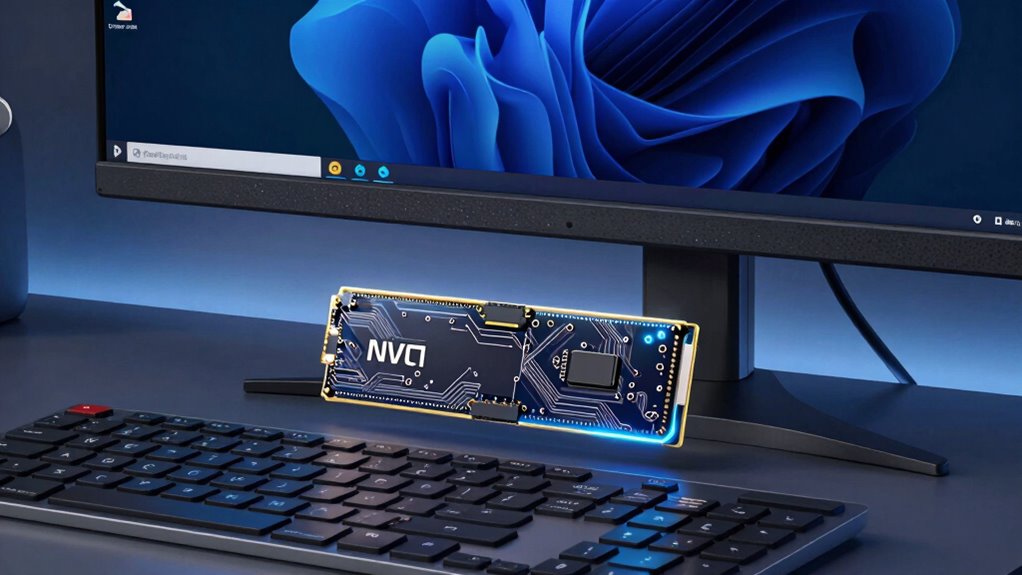

For many users, storage speed matters more than capacity because faster drives boost responsiveness and reduce wait times. Quick data access makes tasks like gaming, video editing, and using large applications much smoother. While more storage might seem appealing, a high-speed drive guarantees your system runs efficiently and feels more responsive. To access the full potential of your setup and discover how speed can improve your experience, keep exploring these essential insights.

Get the latest gadgets delivered free with Prime
- Fast, free delivery on millions of items
- Prime Video, Amazon Music and more included
- Member-only deals all year
Key Takeaways
- Faster storage improves user experience by reducing load times and enabling quick access to files and applications.
- High-speed drives enhance performance for demanding tasks like gaming, video editing, and software development.
- Speed-focused storage minimizes system bottlenecks, leading to smoother multitasking and overall responsiveness.
- Compatibility with hardware ensures optimal utilization of high-speed drives, maximizing system efficiency.
- Prioritizing speed over capacity helps future-proof systems by supporting upgrades and reducing performance limitations.
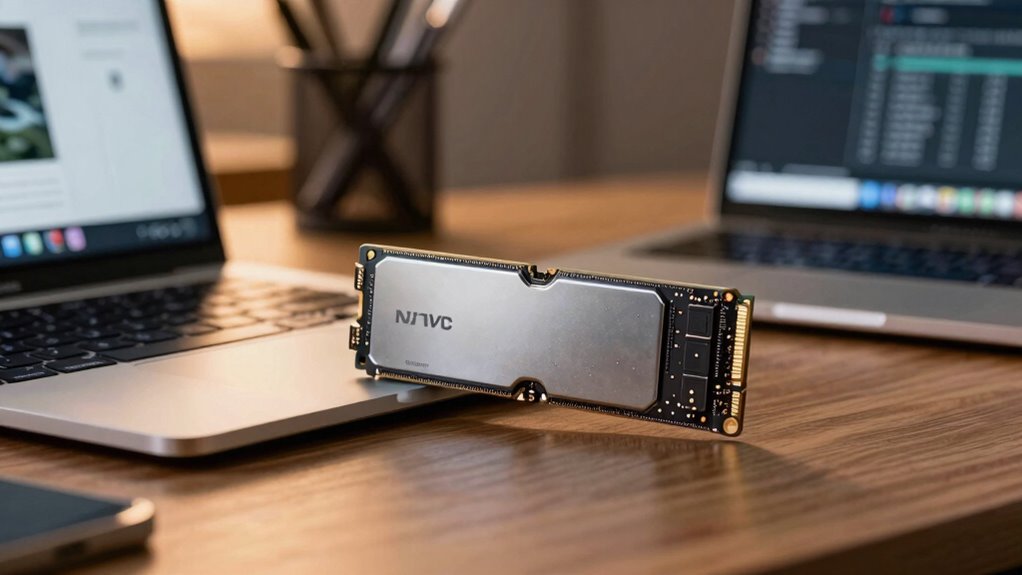
When it comes to choosing storage solutions, speed often outweighs capacity in importance. You might think that having the largest storage drive is the best way to go, but for many users, quick data access is far more valuable. Fast storage means your files, applications, and system processes load quickly, saving you time and making your work or leisure activities more seamless. Data transfer efficiency plays a critical role here; the faster your storage device can read and write data, the less time you spend waiting for files to open or save. This is especially true if you’re engaged in tasks that demand rapid data movement, like video editing, gaming, or running complex software. Instead of sacrificing speed for the sake of storage size, you get a smoother, more responsive experience that keeps you productive and entertained.
Another vital aspect to consider is hardware compatibility. Not all storage solutions work equally well with your existing setup. High-speed drives, such as NVMe SSDs, require compatible motherboards and interfaces to realize their full potential. If your hardware isn’t designed to support these fast drives, you’ll be limited to slower transfer speeds, nullifying the advantages you hoped for. Therefore, understanding your system’s compatibility is crucial before investing in a high-speed storage device. When you choose hardware that aligns well with your system, you unlock the true potential of rapid data transfer efficiency, making your storage solution an asset rather than a bottleneck. Additionally, selecting the right storage option can impact your overall system performance and longevity, especially when considering hardware compatibility and future upgrades. Ensuring your hardware supports the latest storage standards can also help you maximize the benefits of high-speed drives and maintain optimal performance over time. Moreover, being aware of system bottlenecks can help you identify where upgrading your storage will have the greatest impact. Recognizing performance limitations in your current setup can guide you to prioritize the right components for a more efficient system.
As an affiliate, we earn on qualifying purchases.
Frequently Asked Questions
How Does Storage Speed Affect Overall System Performance?
Storage speed directly impacts your system’s performance by affecting data transfer rates, which determine how quickly your computer accesses and processes information. Faster storage minimizes lag, boosting system responsiveness and allowing you to open files, run applications, and transfer data more efficiently. When your storage is speedy, your overall experience feels smoother, making tasks easier and reducing wait times, especially during intensive data operations or multitasking.
What Are the Main Types of Fast Storage Drives?
Imagine you’re racing against time—fast storage drives are your turbocharged engines. The main types include SSDs (Solid State Drives), NVMe drives, and PCIe drives. These drives excel in data transfer speeds and drive longevity, letting you access files instantly and last longer under heavy use. For example, NVMe drives drastically cut load times, making your workflow smoother, just like a well-tuned engine powering your race to productivity.
Can a Slow Drive Still Meet My Daily Needs?
A slow drive might still meet your daily needs if your tasks involve basic data transfer and don’t demand quick access. However, it could cause noticeable latency, slowing down activities like opening files or booting your system. For smoother performance, especially during multitasking or large file handling, a faster drive reduces latency and improves data transfer speeds, making your daily tasks more efficient and less frustrating.
How Does Storage Speed Impact Gaming or Video Editing?
Think of storage speed as the heartbeat of your gaming or video editing rig. Faster drives reduce storage latency, making data transfer seamless and instant. This means smoother gameplay, quicker load times, and efficient editing workflows. When your storage responds swiftly, it keeps your creative and gaming experiences fluid, preventing lag or stutter. Ultimately, a speedy drive transforms your system into a well-coordinated orchestra, where every note plays in perfect harmony.
Is Upgrading Storage Speed Cost-Effective Compared to Capacity?
Upgrading storage speed is often more cost-effective than increasing capacity because faster drives improve performance without the hefty price tag of larger storage. The upgrade benefits include quicker load times, smoother multitasking, and reduced lag, especially for gaming or editing tasks. While capacity matters for storing files, prioritizing speed upgrades offers immediate performance gains that enhance your overall experience without substantially impacting your budget.
M.2 PCIe SSD for gaming and video editing
As an affiliate, we earn on qualifying purchases.
As an affiliate, we earn on qualifying purchases.
Conclusion
So, when choosing your storage, remember—speed isn’t just a feature; it’s the heartbeat of your entire digital world. If you opt for slow drives, you might as well be trapped in a digital swamp, stuck waiting for files to load and apps to open. Prioritize speed, and you’ll disclose lightning-fast performance that feels like magic. Because, honestly, living with slow storage is like trying to run a race with bricks on your feet—just not worth it.
As an affiliate, we earn on qualifying purchases.
system upgrade high performance SSD
As an affiliate, we earn on qualifying purchases.
As an affiliate, we earn on qualifying purchases.
Fall Picks
fall essentials
As an affiliate, we earn on qualifying purchases.