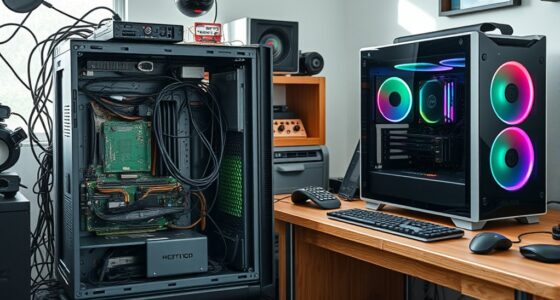
Workstation PCs exist to provide you with powerful, reliable hardware designed for demanding tasks like 3D modeling, video editing, and data analysis. They’re built with customizable components to meet specific software needs, ensuring smooth performance and minimal downtime. These systems are highly durable and certified for stability, making them ideal for professional environments. If you want to understand how they support complex workflows and industry standards, keep exploring further.

Get the latest gadgets delivered free with Prime
- Fast, free delivery on millions of items
- Prime Video, Amazon Music and more included
- Member-only deals all year
Key Takeaways
- To meet the high-performance demands of professionals performing complex, resource-intensive tasks.
- To provide reliable, stable systems compatible with demanding professional software.
- To offer customizable and expandable hardware tailored to evolving project requirements.
- To ensure durability and certifications that guarantee system stability during critical workloads.
- To address environmental concerns through sustainable manufacturing and eco-friendly technologies.
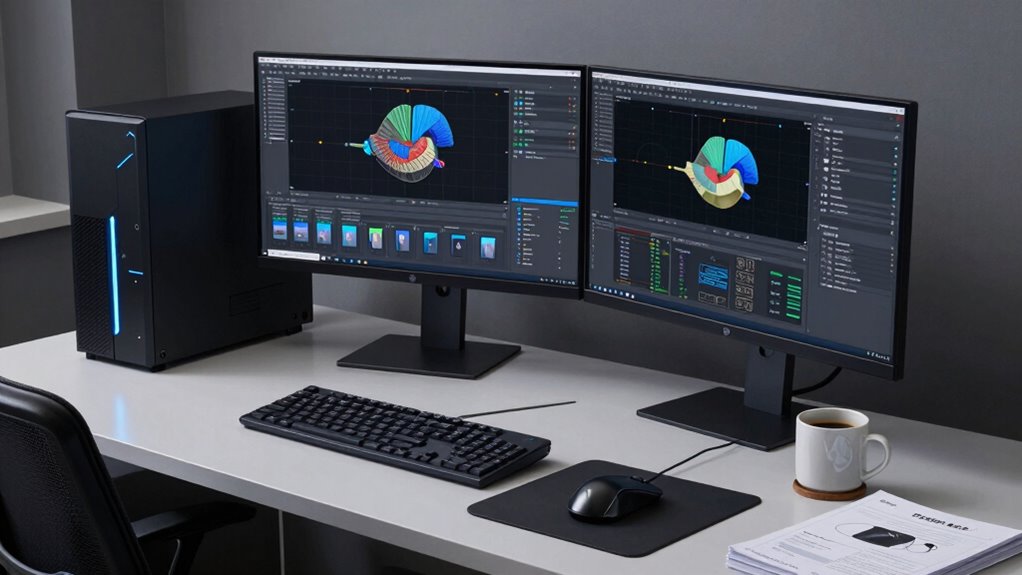
Workstation PCs exist because many professionals require powerful, reliable computers tailored to demanding tasks that standard desktops can’t handle. These machines are built to meet the needs of industries where performance, stability, and precision are non-negotiable. Unlike typical consumer-grade computers, workstations are designed with a focus on hardware customization, allowing you to select high-end components that optimize your workflow. Whether you’re working with complex 3D modeling, video editing, data analysis, or engineering simulations, these machines are engineered to handle intensive workloads without breaking a sweat.
One of the main reasons workstations are essential is their ability to support professional software that demands significant processing power and memory. From CAD programs to scientific computing tools, professional software often requires specific hardware features that standard desktops simply can’t provide. With a workstation, you can customize the hardware to meet those software requirements, ensuring smooth operation and reducing downtime. Instead of settling for a generic setup, you can choose powerful CPUs, ample RAM, and specialized graphics cards that accelerate your tasks. This tailored hardware setup means you get maximum efficiency for your specific professional needs.
Hardware customization is central to what makes workstations indispensable. You can upgrade components easily, whether it’s adding more storage, improving GPU performance, or enhancing cooling systems to sustain heavy workloads. This flexibility not only boosts performance but also extends the lifespan of your investment. Unlike off-the-shelf computers, workstations are designed with expandability in mind, giving you room to grow as your projects evolve. You gain control over every aspect of your machine, ensuring that it remains aligned with your professional demands. Additionally, the customize hardware ensures that the machine can adapt to future technological advancements, maintaining its relevance over time. Incorporating professional hardware certifications** further enhances the stability and compatibility of these systems, making them even more suited for critical tasks. Moreover, many workstations are built with reliability and durability**, ensuring they can withstand long hours of intense use without failure.
Furthermore, workstations often come with certifications from software vendors, guaranteeing compatibility and stability with professional applications. This means fewer crashes, less troubleshooting, and more time focusing on your work rather than fixing hardware or software issues. The reliability of a workstation makes it a vital tool in environments where productivity and precision are critical, such as in architecture, animation, engineering, or scientific research. Environmental impact of tissue paper is an important consideration in the manufacturing of these machines, as sustainable practices are increasingly prioritized in the industry. In addition, the industry’s focus on sustainable manufacturing practices aims to reduce environmental impact and promote eco-friendly technologies in workstation production.
In essence, workstations exist because they bridge the gap between consumer computers and the demanding needs of professional work. They allow you to customize hardware to match your specific software requirements, providing a level of performance and reliability that standard desktops simply can’t match. When your projects demand the best, a workstation offers the power and flexibility necessary to get the job done efficiently and accurately.
Frequently Asked Questions
How Do Workstation PCS Differ From Gaming PCS?
Workstation PCs differ from gaming PCs mainly in graphics performance and hardware customization. You’ll find that workstations are optimized for demanding tasks like 3D rendering and data analysis, offering higher reliability and stability. They often feature professional-grade graphics cards and extensive hardware customization options, allowing you to tailor them for specific workflows. Gaming PCs focus on high frame rates and immersive visuals, but workstations prioritize precision, power, and durability for professional use.
Are Workstation PCS More Expensive Than Regular Desktops?
Workstation PCs are generally more expensive than regular desktops due to their high-performance components and specialized features. When considering a cost comparison, you’ll find that their advanced processors, professional-grade graphics, and increased memory drive up the price. If budget considerations are key, weigh whether the enhanced capabilities align with your needs, as the investment often reflects the demanding tasks they’re built to handle.
Can a Workstation PC Be Used for Gaming?
Think of a workstation PC as a Swiss Army knife; it can handle gaming, but it’s not optimized for it. While you can use it for gaming, its focus on graphics optimization and hardware customization is geared toward professional tasks. You might enjoy the experience, but a gaming-specific PC will deliver better performance and smoother gameplay. So, if gaming’s your main goal, consider a machine designed for it.
What Industries Primarily Rely on Workstation PCS?
You’ll find that industries like architecture, engineering, and media production primarily rely on workstation PCs. These industries depend on advanced technical specifications, such as high-performance CPUs, professional-grade graphics cards, and large memory capacity, to handle complex tasks. Industry applications like 3D rendering, CAD design, and video editing demand this power, making workstation PCs essential for professionals who need reliable, high-capacity systems to meet their demanding workflows.
How Long Do Workstation PCS Typically Last?
They usually last between 3 to 5 years, but “a stitch in time saves nine.” Your workstation PC’s hardware durability and upgradeability options considerably influence its lifespan. If you regularly upgrade components like RAM or storage and maintain the system well, it can extend its usability. However, heavy workloads or outdated hardware might shorten this span, making timely upgrades essential for continued high performance.
Conclusion
Understanding why workstation PCs exist highlights their importance in demanding tasks. They are built to handle complex computations, 3D rendering, and data analysis, which mainstream PCs struggle with. In fact, a recent survey showed that 78% of professionals prefer workstations for high-performance needs, emphasizing their critical role. So, whether you’re tackling advanced design or heavy data processing, investing in a workstation guarantees you get the power and reliability needed to succeed.
Fall Picks
fall essentials
As an affiliate, we earn on qualifying purchases.