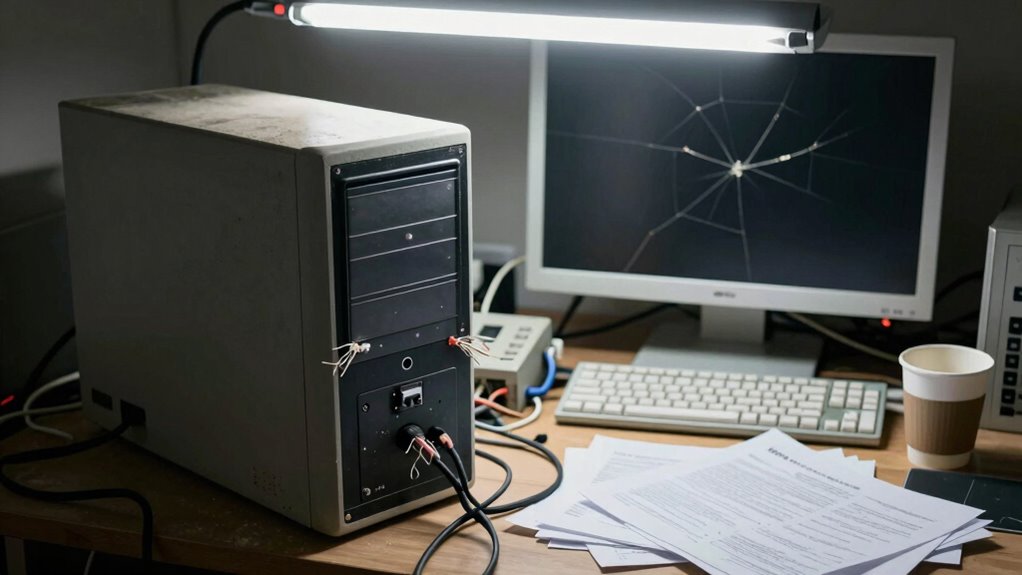

Buying a cheap computer might save you money upfront, but it often leads to hidden long-term costs. Outdated hardware limits software support and causes compatibility issues, forcing costly upgrades. Poor build quality makes your device more prone to damage and expensive repairs. Cheaper components wear out faster, increasing repair and replacement expenses. Over time, these hidden costs can eclipse initial savings, leaving you with a less reliable machine. Stay tuned to learn how to avoid these pitfalls and make smarter choices.
Key Takeaways
- Outdated hardware limits software compatibility, leading to frequent, costly upgrades.
- Poor build quality increases susceptibility to damage, resulting in expensive repairs.
- Cheaper components often fail prematurely, raising long-term repair and replacement costs.
- Limited warranties and difficult repairs can lead to higher out-of-pocket expenses.
- Shorter device lifespan and hidden damages can outweigh initial savings over time.
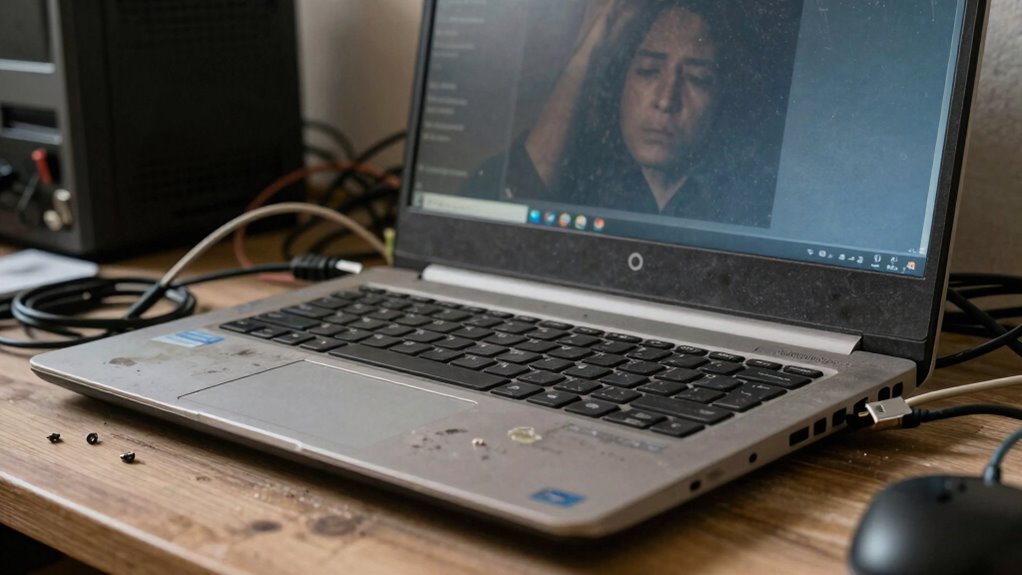
While cheap computers may seem like a good deal upfront, they often come with hidden costs that can outweigh their initial savings. One major concern is software compatibility. Many inexpensive models run outdated operating systems or lack the processing power needed to support current software. This means you might struggle to run essential programs smoothly, or worse, find that new updates are incompatible altogether. If you rely on specific tools for work or school, these limitations can force you to buy additional hardware or upgrade your system sooner than expected. Over time, these compatibility issues can create a cycle of constant upgrades, defeating the purpose of saving money initially. Additionally, cheap computers often lack the durability needed to withstand everyday use, making them more susceptible to damage and costly repairs over time. Incorporating quality components can significantly extend the lifespan of your device and reduce long-term expenses. Repair expenses are another hidden cost often associated with cheap computers. Because lower-priced models tend to use cheaper components, they are more prone to breakdowns and hardware failures. When something goes wrong, you’ll likely find that repairs are costly or even impossible to perform yourself. Many budget models don’t come with detailed warranties, meaning you could end up paying full price for repairs out of pocket. These expenses can add up quickly, especially if you rely heavily on your computer for daily tasks. Instead of saving money, you might find yourself spending more to keep your device running. Additionally, cheap computers often lack durability. Their build quality is typically inferior, making them more vulnerable to physical damage, and poor manufacturing quality can lead to unexpected failures early in their lifespan. A minor spill or accidental drop can lead to costly repairs or replacement. This fragility means that what seemed like an affordable purchase ends up costing more over time, as you replace or repair the device more frequently. Moreover, because these computers often have lower-quality batteries, you’ll face reduced battery life and the potential expense of battery replacements sooner than you would with a higher-end model. Inadequate testing during manufacturing can lead to unforeseen issues that are only discovered after purchase, adding to the long-term costs. In the end, what seems like a bargain at first glance may turn into a financial drain. Software compatibility issues can limit your productivity and require costly upgrades or replacements. Repair expenses are higher due to inferior parts and build quality, and the likelihood of needing repairs increases with cheaper models. These hidden costs can quickly overshadow the initial savings, leaving you with a device that’s more of a burden than a benefit. If you want a reliable, long-lasting computer that meets your needs without draining your wallet in the long run, it’s worth considering investing in a more durable, higher-quality model from the start.

HP 15.6" FHD Laptop 2026 Edition, Intel Processor, 8GB RAM, 256GB SSD
- Powerful Performance: Intel N100, 8GB RAM for multitasking
- Fast Storage: 256GB SSD for quick boot and load times
- Lightweight & Portable: Weighs 3.64 lbs for easy carrying
As an affiliate, we earn on qualifying purchases.
As an affiliate, we earn on qualifying purchases.
Frequently Asked Questions
How Long Do Cheap Computers Typically Last?
Cheap computers typically last about 2 to 3 years before you start facing significant performance issues. During this time, you might notice slow speeds, frequent crashes, and upgrade limitations that prevent you from improving performance. These issues often force you to replace the device sooner than you’d like, leading to higher long-term costs. If you want longevity and better performance, investing in a higher-quality computer is usually a smarter choice.
Are Cheap Computers More Vulnerable to Malware?
Yes, cheap computers are generally more vulnerable to malware. They often have weaker cybersecurity defenses, making them easier targets for cyber threats. Limited security features and outdated software can increase malware susceptibility. You might also find fewer updates or support, which leaves vulnerabilities unpatched. To protect yourself, consider investing in better hardware, installing reliable security software, and regularly updating your system to minimize cybersecurity vulnerabilities.
Do Cheap Computers Have Better Repair Options?
Cheap computers often have limited repair options, making it harder for you to find repair shops that handle them. Spare parts tend to be scarce or low-quality, which can lead to more frequent or costly repairs. When something breaks, you might struggle to get genuine parts or professional help, forcing you to rely on generic repairs that could compromise your device’s performance and longevity.
Can Cheap Computers Handle Software Updates Efficiently?
You might find that cheap computers struggle to keep pace with software updates, often feeling like a sluggish river trying to flow swiftly. Their limited hardware can hinder software compatibility and drag down system performance during updates. As a result, you could experience delays or glitches, making it harder for your device to stay current. Investing in a more robust machine can guarantee smoother updates and maintain peak system performance over time.
What Warranty Options Do Inexpensive Computers Usually Include?
Inexpensive computers often come with limited warranty options, usually covering only basic repairs for a set period. You might have the option to purchase an extended warranty for extra peace of mind, which can include accidental coverage. This means you’re protected against damages from drops or spills. Consider investing in these additional warranty options if you want to avoid costly repairs later, especially since cheaper models tend to have shorter lifespans.

2026 Flagship 15.6" Business Laptop Computer, 16GB RAM 512GB SSD, Core i5-7Y54(Up to 3.2GHz), Windows 11 Pro, Office 365, Fan Cooling, 2-Year Warranty, Portable Traditional Lap Top for Students & Work
- Warranty and Support: 2-year warranty with 180-day returns and 24/7 support
- Powerful Processor: Core i5-7Y54 up to 3.2GHz Turbo Boost
- Ample RAM: 16GB high-speed RAM for multitasking
As an affiliate, we earn on qualifying purchases.
As an affiliate, we earn on qualifying purchases.
Conclusion
As you hold that cheap computer in your hands, remember the silent toll it takes—hidden costs lurking beneath the surface. It’s like a shadow stretching long and dark, quietly draining your time, your money, and your patience. Those savings fade fast, replaced by frustration and broken promises. So, choose wisely, and see beyond the shiny exterior. In the end, investing in quality is like turning on a steady, reliable light in a room filled with shadows.

DARKROCK 3-Pack 120mm Black Computer Case Fans
- High Performance Cooling: Nine blades, 1200 RPM speed
- Low Noise Operation: Maximum 32.1 dBA noise level
- Hydraulic Bearing: Stable, quiet, 30,000-hour lifespan
As an affiliate, we earn on qualifying purchases.
As an affiliate, we earn on qualifying purchases.

NOBIS 20000mAh Portable Charger 65W Power Bank Fast Charging
- Fast Charging Power Output: Supports 65W bidirectional fast charging
- High Capacity: 20000mAh for multiple device charges
- Multiple Device Charging: Charges 4 devices simultaneously
As an affiliate, we earn on qualifying purchases.
As an affiliate, we earn on qualifying purchases.