
High refresh rate gaming feels so different because your screen updates more frequently, making movements smoother and reducing motion blur. This quick update speed means your actions, like aiming or dodging, appear instantly, giving you a competitive edge. It also helps you track fast-moving objects and stay aware of your surroundings better. Plus, higher refresh rates lessen eye strain during long sessions. Keep exploring to discover more about how this enhances your gaming experience.
Key Takeaways
- Higher refresh rates deliver smoother, more fluid visuals, reducing motion blur and creating a more natural gaming experience.
- Faster screen updates improve response times, making gameplay feel more responsive and giving a competitive edge.
- Enhanced visual clarity helps in accurately tracking fast-moving objects and enemies, increasing situational awareness.
- Reduced flickering and consistent refresh rates decrease eye strain and fatigue during extended gaming sessions.
- Overall, high refresh rates create a more immersive, vivid, and comfortable gaming environment.
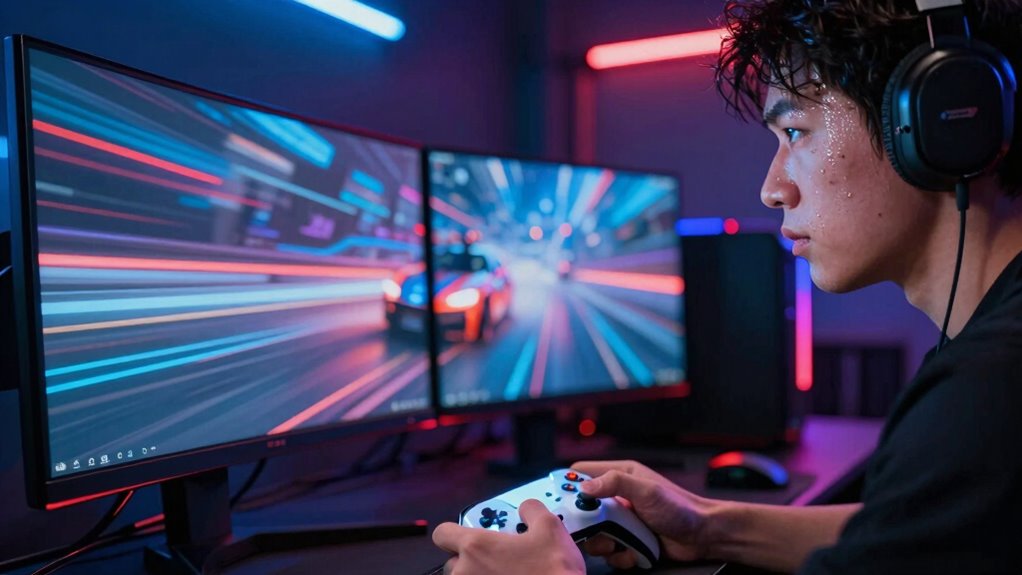
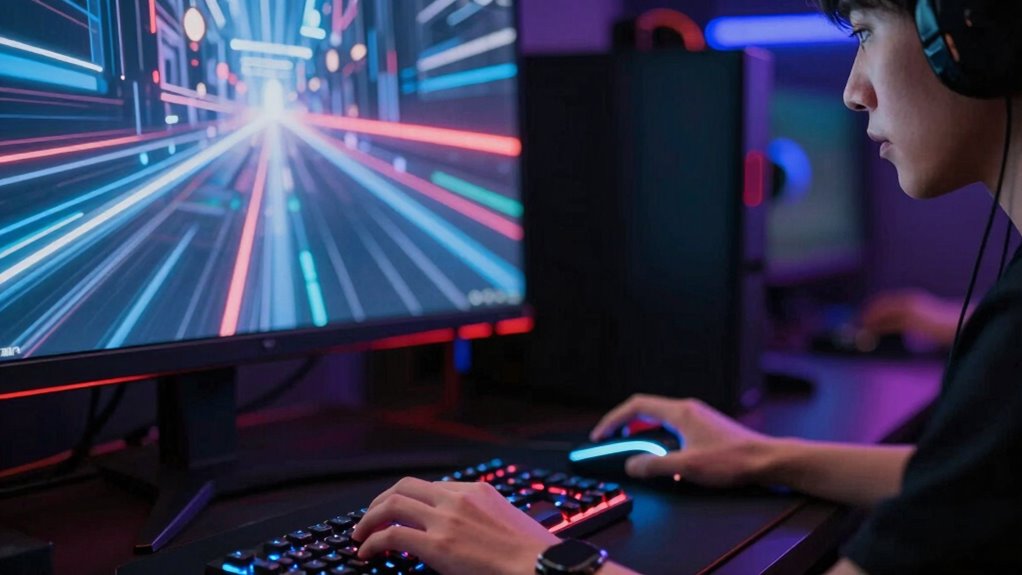
If you’ve ever played a game on a high refresh rate monitor, you’ve likely noticed how much smoother and more responsive it feels compared to standard displays. That’s because higher refresh rates significantly enhance visual fluidity, making in-game movements appear seamless and natural. When your monitor updates more frequently—say, 120Hz or 144Hz compared to 60Hz—you experience less motion blur and stuttering, which translates into a more immersive gaming experience. The increased refresh rate reduces the gap between your actions and what you see on screen, giving you a clearer, more continuous view of fast-paced gameplay.
High refresh rates create smoother, more responsive gameplay with less motion blur and stuttering.
This improvement in visual fluidity directly impacts response speed, one of the most critical elements for competitive gaming. When your monitor refreshes more often, your actions—like aiming, shooting, or dodging—are reflected on screen almost instantly. This means your input feels more immediate, giving you a tangible edge over players using standard displays. Faster response times can make the difference between landing a crucial headshot or missing it altogether, especially in high-stakes multiplayer matches. The quick updates allow you to react to in-game events more efficiently, reducing lag and motion delay.
You also notice that with a high refresh rate, your peripheral vision and rapid head movements become smoother. This improved visual fluidity helps your brain process fast-moving objects more accurately, making it easier to track enemies or projectiles. As a result, your overall situational awareness increases, and you’re less likely to be caught off guard. The combination of enhanced response speed and fluid visuals creates a more natural and less jarring experience, which can help reduce eye strain during long gaming sessions. Additionally, understanding the refresh rate concept can help you make more informed choices when upgrading your gaming setup. Moreover, a higher refresh rate can also contribute to a more stable image, minimizing flickering and further improving visual comfort for extended play.
Furthermore, maintaining consistent regulatory standards for displays can ensure your monitor delivers reliable performance and safety, enhancing your gaming experience. A higher refresh rate can also reduce motion blur, making fast movements clearer and easier to follow.
Finally, the importance of color accuracy in gaming displays cannot be overlooked, as it helps render in-game visuals more vividly and precisely, enhancing overall immersion.
As an affiliate, we earn on qualifying purchases.
Frequently Asked Questions
How Does Refresh Rate Affect Overall Gaming Experience?
A higher refresh rate improves your overall gaming experience by making motion feel smoother and more responsive. It reduces motion blur, allowing you to see fast-moving objects clearly, which is essential in competitive gameplay. You’ll notice enhanced visual fluidity, giving you a more immersive and precise experience. This means quicker reactions and less eye strain, making your gaming sessions more enjoyable and less tiring over time.
Are High Refresh Rates Beneficial for Casual Gamers?
You might think high refresh rates are only for pro gamers, but they actually boost visual clarity and motion smoothness for everyone. Ironically, casual gamers can benefit just as much, feeling less eye strain and experiencing sharper images during fast-paced scenes. So, yes, high refresh rates are beneficial for casual players too—they make gameplay feel more fluid and immersive, turning everyday gaming into a surprisingly slick experience.
What Hardware Is Necessary for High Refresh Rate Gaming?
To enjoy high refresh rate gaming, you need a monitor with display technology supporting at least 120Hz or higher, like G-Sync or FreeSync compatibility. Your hardware must include a powerful graphics card capable of rendering at high frame rates smoothly. Additionally, make sure your CPU and RAM are up to the task. Compatibility between your graphics card and monitor is vital for a seamless experience, so check that your system supports the desired refresh rate.
Can High Refresh Rates Improve Competitive Gaming Performance?
High refresh rates can considerably improve your competitive gaming performance by reducing motion blur and making fast movements clearer. You’ll notice smoother gameplay, which helps you react quicker. Frame interpolation might be less necessary, but it can sometimes introduce artifacts, so sticking with a high refresh rate monitor offers the best experience. Ultimately, a higher refresh rate helps you stay more accurate and responsive during intense matches.
Do High Refresh Rates Cause Increased Power Consumption?
High refresh rates can cause increased power consumption, leading to faster battery drain on portable devices. This is because the display updates more frequently, requiring more energy. You might also notice screen flickering or stuttering if your device struggles to keep up with the higher refresh rate, especially during intensive gaming sessions. To balance performance and battery life, consider adjusting your refresh rate settings when you’re not gaming or need longer device usage.

Sceptre New 22-Inch Gaming Monitor, FHD 1080p, Up to 144Hz, HDMI, DisplayPort, Built-in Speakers, Machine Black (E225W-FW144 Series, 2026)
- Built-in Speakers: Rich, seamless audio for work and gaming
- Blue-Light Shift Technology: Reduces blue light for eye comfort
- Minimal Bezel Design: Provides an unobstructed, immersive view
As an affiliate, we earn on qualifying purchases.
As an affiliate, we earn on qualifying purchases.
Conclusion
Stepping into high refresh rate gaming is like opening a secret door—suddenly, movement becomes a dance, sharp and fluid. It’s not just about visuals; it’s a pulse, a heartbeat that syncs with your own. With every frame, you’re riding a wave of clarity and speed, where the game breathes and moves with you. Embrace this rhythm, and you’ll find yourself truly immersed, as if the screen is a mirror reflecting your own quickening pulse.

SANSUI 32 Inch Curved 240Hz Gaming Monitor High Refresh Rate, FHD 1080P Gaming PC Monitor HDMI DP1.4, 1500R Curvature, 1Ms MPRT, HDR,Metal Stand,VESA Compatible(DP Cable Incl.)
- Screen Size and Curve: 32 Inch 1500R curved display
- Refresh Rate: 240Hz high refresh rate
- Resolution: Full HD 1920x1080P
As an affiliate, we earn on qualifying purchases.
As an affiliate, we earn on qualifying purchases.
gaming monitor with low response time
As an affiliate, we earn on qualifying purchases.
As an affiliate, we earn on qualifying purchases.