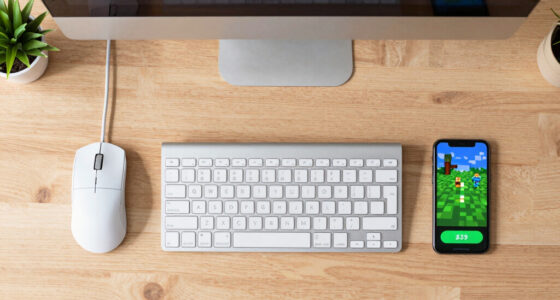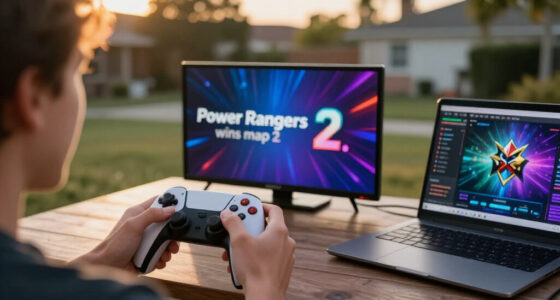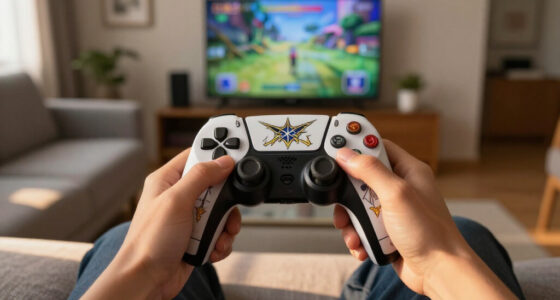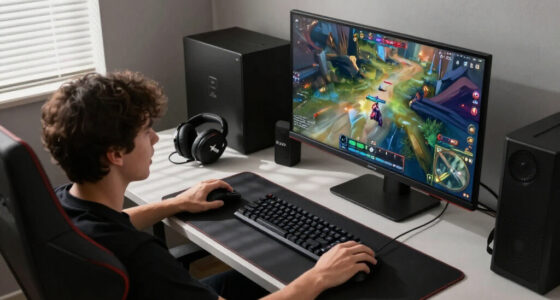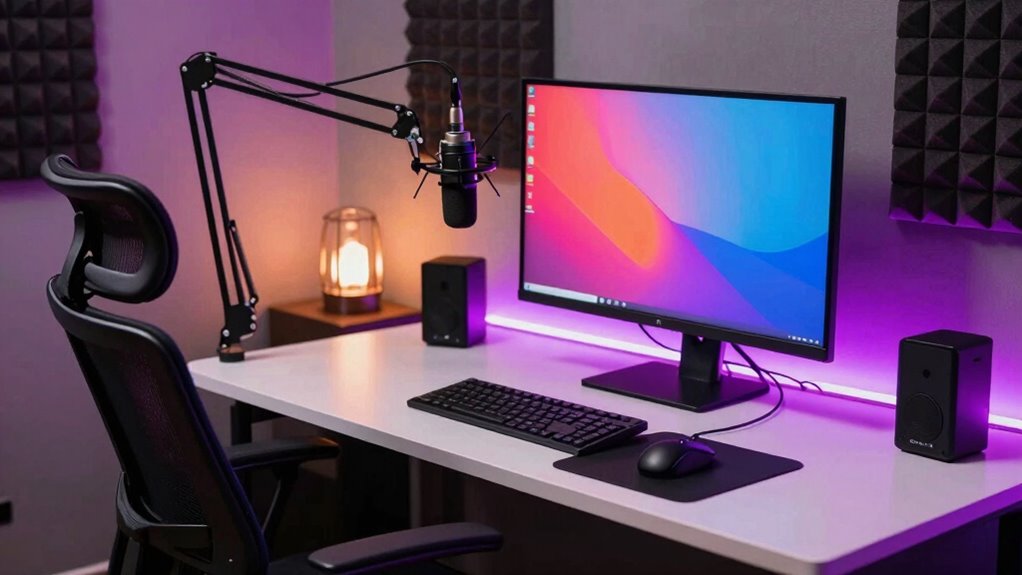

A good streaming setup for beginners involves reliable equipment like a clear microphone and decent webcam to connect with your audience. Proper lighting, such as ring lights or natural light, makes your streams more engaging. Make sure your internet connection is stable and fast enough to prevent buffering. Create a quiet, clutter-free space and use headphones to minimize background noise. With these essentials, you’ll improve your quality and grow your streams—learn more to boost your setup even further.

Get the latest gadgets delivered free — and shop member deals
- Fast, free delivery on millions of items
- Access to Prime Big Deal Days deals on October 6–7
- Prime Video, Amazon Music and more included
Key Takeaways
- Use reliable, high-quality microphone and webcam to ensure clear audio and engaging visuals.
- Set up proper lighting with natural light or affordable ring lights to enhance visibility.
- Ensure your computer or console has sufficient hardware specs for smooth streaming.
- Maintain a quiet, clutter-free environment to minimize distractions and background noise.
- Use a stable, high-speed internet connection, preferably via Ethernet, to prevent buffering.
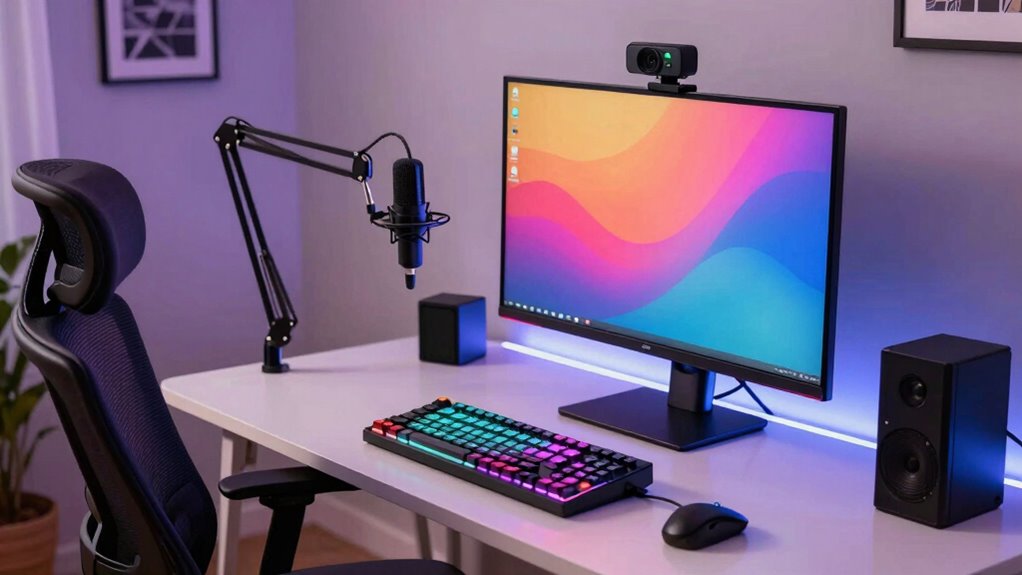
Starting your streaming journey can feel overwhelming, but with the right setup, you’ll be live in no time. The core of a good streaming setup begins with understanding what equipment and techniques will deliver quality content without breaking the bank. Your primary focus should be on creating a stable, clear broadcast that draws viewers in. This involves investing in essential gaming accessories, like a reliable microphone and a webcam, to guarantee your audio and video are crisp. High-quality microphones may seem like a luxury, but they’re essential for engaging your audience and providing clear communication. Similarly, a decent webcam captures your expressions and reactions, making your streams more personal and relatable.
Lighting techniques play an indispensable role in your overall presentation. You don’t need expensive professional lighting to improve your stream’s look; simple tricks like using natural light or affordable ring lights can make a big difference. Proper lighting ensures your face is well-illuminated, reducing shadows and making you more visible and appealing on camera. Experiment with different angles and intensities until you find a setup that highlights you without washing out your face or creating glare. Good lighting can also help your viewers feel more connected, as they can see your expressions clearly, enhancing the interaction and entertainment. Incorporating lighting techniques that suit your environment can significantly improve the overall quality of your stream.
A solid streaming setup also involves a good computer or gaming console capable of handling your game and streaming software simultaneously. Your hardware should support your streaming software without lagging or crashing, which means checking that your CPU, GPU, and RAM are up to the task. Additionally, understanding projector contrast ratio can help you create a more visually appealing background or environment for your stream. Ensuring your hardware and software are compatible and optimized is essential for a smooth streaming experience. It’s also beneficial to consider power protection solutions to safeguard your equipment from power surges or outages, helping to prevent data loss or hardware damage during your broadcasts. Proper hardware optimization can make a significant difference in stream stability and quality.
Networking is another essential aspect. A stable, high-speed internet connection guarantees your stream runs smoothly without buffering or interruptions. Consider using an Ethernet cable instead of Wi-Fi to reduce lag and improve stability, especially if you’re streaming high-quality video. It’s also beneficial to monitor your upload speed regularly to ensure it meets the requirements of your streaming quality. Finally, your environment matters. Choose a quiet, clutter-free space that minimizes background noise and distractions. Use gaming accessories like headphones with noise cancellation to focus on your game and communication. With these elements—gaming accessories, lighting techniques, a solid setup, and a good environment—you set yourself up for success. Starting small and upgrading as you go will help you grow into a confident streamer, making your broadcast more professional and enjoyable for viewers.
USB condenser microphone for streaming
As an affiliate, we earn on qualifying purchases.
As an affiliate, we earn on qualifying purchases.
Frequently Asked Questions
How Much Does a Basic Streaming Setup Cost?
A basic streaming setup costs around $200 to $500. You’ll need good lighting equipment to guarantee clear visuals and decent microphone quality for clear audio. Start with an affordable webcam and a USB microphone, which can be upgraded later. Keep in mind, investing in proper lighting and a quality microphone considerably enhances your stream’s professionalism. Budget wisely, and focus on essential gear to get started comfortably.
What Software Is Best for Beginner Streamers?
Imagine your stream as a cozy room—software like OBS Studio or Streamlabs OBS works wonders for beginners, offering easy-to-navigate tools. To guarantee your audio quality shines and your lighting setup highlights your best features, these programs help you fine-tune sound and visuals effortlessly. They’re free, user-friendly, and perfectly suited for newcomers wanting professional-looking streams without the steep learning curve.
Do I Need a Gaming PC for Streaming?
No, you don’t necessarily need a gaming PC for streaming. It’s more about hardware compatibility and ensuring your setup can handle the streaming software and accessories. A mid-range PC or even a powerful laptop can work if it meets your streaming needs. To optimize, invest in quality streaming accessories like a good microphone, webcam, and a reliable internet connection. Focus on balancing your hardware and accessories for a smooth streaming experience.
How Important Is Internet Speed for Streaming Quality?
Think of internet speed as the backbone of your streaming ship—without stable internet, your broadcast can crash like the Titanic. Your internet stability and bandwidth requirements are vital for smooth streaming. A fast, reliable connection ensures high-quality video and minimal lag. Aim for at least 5 Mbps for HD streams, but more bandwidth helps if you’re streaming in 4K or sharing your connection with others, keeping your stream crisp and consistent.
Can I Stream With a Laptop Instead of a PC?
Yes, you can stream with a laptop instead of a PC, but make certain your hardware is compatible with your streaming software and accessories. Check that your laptop has enough processing power, RAM, and a good graphics card. Additionally, using essential streaming accessories like a quality microphone, webcam, and stable internet connection enhances your stream. Upgrading hardware or adding external devices can help improve your streaming quality if needed.
As an affiliate, we earn on qualifying purchases.
Conclusion
Starting your streaming journey is like planting a seed—you don’t need the biggest tools from the start, just the right ones and patience. When I first began, I thought I needed every fancy gadget, but I learned that clear audio and good lighting made a bigger difference. Remember, even the tallest trees grow from humble beginnings. With consistent effort and the right setup, you’ll watch your channel flourish, just like a seed turning into a thriving plant.
As an affiliate, we earn on qualifying purchases.
high-speed Ethernet cable for internet
As an affiliate, we earn on qualifying purchases.
As an affiliate, we earn on qualifying purchases.
Fall Picks
fall essentials
As an affiliate, we earn on qualifying purchases.