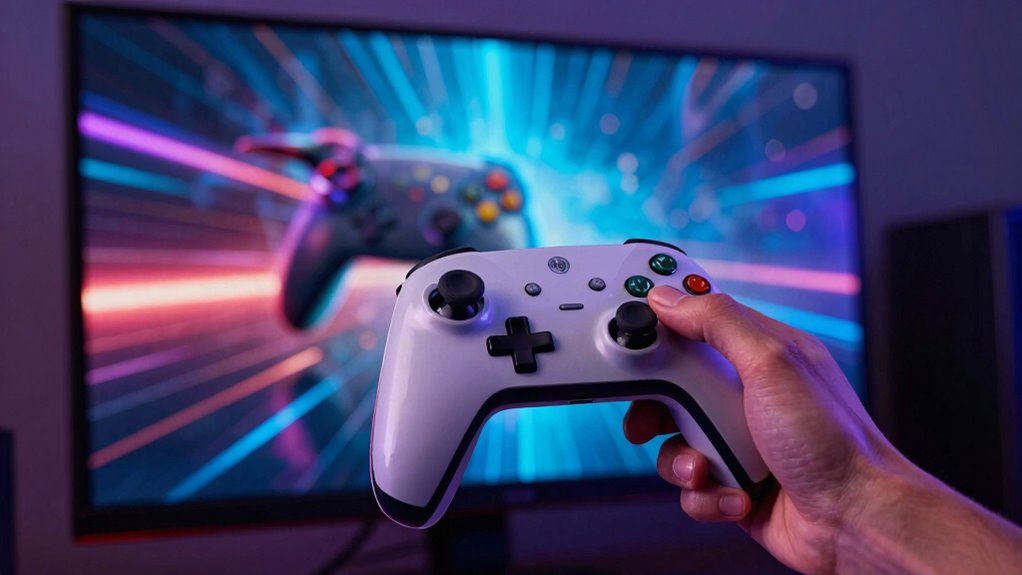

In today’s fast-paced gaming world, input lag and latency matter more than ever because they directly affect how quickly your actions respond and register on screen. Any delay can cause missed shots, mis-timed moves, and lost fights, especially in competitive multiplayer games. Minimizing lag gives you better control, precision, and a smoother experience, increasing your chances of winning. Stay with us to uncover how optimizing your setup can give you the edge you need.

Get the latest gadgets delivered free with Prime
- Fast, free delivery on millions of items
- Prime Video, Amazon Music and more included
- Member-only deals all year
Key Takeaways
- Fast-paced games demand minimal input lag for accurate, real-time responses critical to success.
- Increased online multiplayer competition heightens the need for stable, low-latency connections.
- Advanced hardware and display technologies amplify the importance of reducing input delay for optimal performance.
- Competitive gaming and eSports require precise timing, making low latency essential for victory.
- As gaming becomes more immersive and interactive, minimizing input lag enhances overall experience and satisfaction.
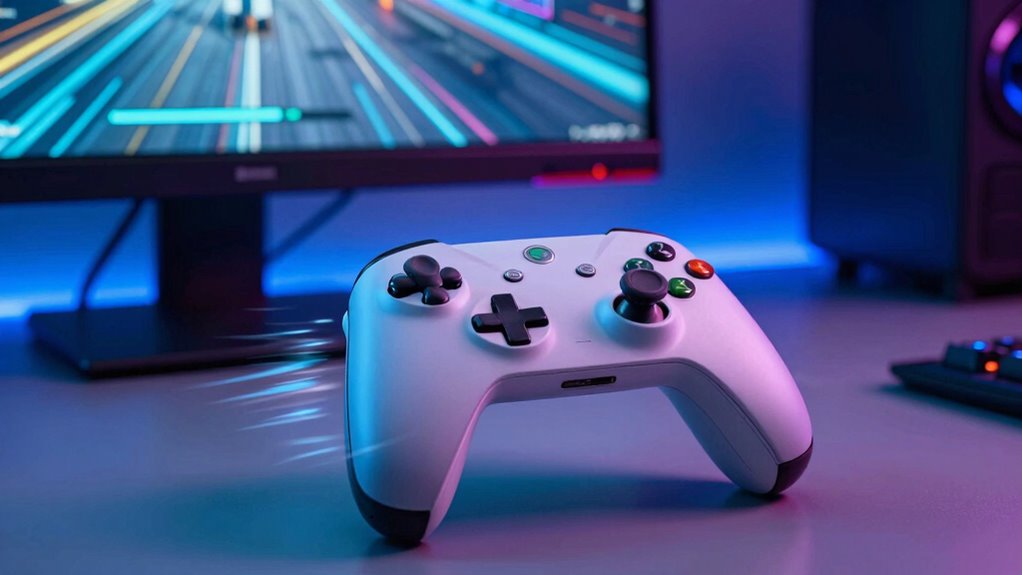
When playing fast-paced video games or using interactive applications, understanding input lag and latency is vital because these delays can greatly influence your experience. If you notice a lag between your controller inputs and the on-screen response, it’s often due to issues with controller responsiveness. Low latency ensures that every button press or joystick movement registers instantly, giving you a competitive edge. Inaccurate or delayed responses can lead to missed shots, mis-timed moves, or frustrating errors, especially in multiplayer or precision-demanding games. To improve your gameplay, it’s essential to minimize input lag by choosing controllers with better responsiveness and making sure your setup is optimized for quick reactions.
Minimize input lag with responsive controllers and optimized setups for faster, more accurate gaming experiences.
Network stability plays an important role in how input lag manifests, especially in online gaming. A stable connection means data packets travel smoothly between your device and the game servers, reducing the chances of delays or interruptions. When your network is unstable—due to high ping, packet loss, or jitter—you may experience noticeable lag that hampers your ability to react promptly. Even if your controller is highly responsive, poor network stability can introduce delays that nullify these advantages, making gameplay feel sluggish or unresponsive. This is especially true for fast-paced multiplayer games where split-second decisions are critical. Investing in a reliable internet connection and reducing network congestion can help maintain low latency, ensuring your inputs translate into immediate, on-screen actions. Recognizing the significance of network stability helps gamers prioritize their connection quality and avoid unnecessary frustration. Additionally, understanding controller responsiveness and how hardware choices influence input lag can be key to optimizing your gaming setup.
It’s also worth considering how your hardware interacts with input lag. Modern gaming consoles and PCs often have settings that can affect responsiveness, such as display refresh rates and input polling rates. Adjusting these settings can make a difference in how quickly your inputs are processed. Additionally, using wired controllers instead of wireless ones can considerably reduce latency, as wireless signals are more prone to interference and delays. Ensuring your gaming environment is optimized—like reducing background network activity, updating firmware, and using quality cables—can all contribute to maintaining high controller responsiveness and network stability. Recognizing hardware interactions and their impact on input lag helps gamers make informed choices to optimize their setups. Furthermore, being aware of hardware limitations can assist gamers in understanding potential sources of delay and how to mitigate them.
In today’s gaming landscape, where milliseconds matter, input lag and latency have become more than just technical terms—they’re vital factors that can determine your success or failure. Whether you’re competing in a tournament or just trying to beat your personal best, minimizing these delays enhances your control and keeps you in sync with the game. By paying attention to your controller’s responsiveness and making sure your network remains stable, you give yourself the best chance to perform at your peak. The faster and more accurately your inputs register, the more immersed and competitive your gaming experience becomes. Recognizing the impact of input lag allows gamers to understand the importance of optimizing their setup for the best possible performance.
Products Worth Considering

Samsung 27-inch Odyssey OLED G6 QD-OLED QHD Gaming Monitor

LG UltraGear 27-Inch QHD OLED Gaming Monitor, 240Hz, 0.03ms, G-SYNC Compatible, FreeSync Premium Pro, HDMI 2.1

Samsung 27-Inch Odyssey QD-OLED G8 4K 240Hz Gaming Monitor
As an affiliate, we earn on qualifying purchases.
Frequently Asked Questions
How Does Input Lag Affect Competitive Gaming Performance?
Input lag directly impacts your competitive gaming performance by delaying controller responsiveness, making your actions feel less immediate. When your display refresh rate isn’t high enough, it adds to this delay, causing your reactions to be slower. These delays can mean the difference between winning or losing, especially in fast-paced games. To stay competitive, you need minimal input lag, a responsive controller, and a high display refresh rate for smoother, quicker gameplay.
What Are the Best Devices to Reduce Latency?
Think of your gaming setup as a finely tuned race car—smooth, swift, precise. To reduce latency, choose gaming monitors with high refresh rates and low response times. Wireless controllers have come a long way, offering quick, reliable input without the tangle of cords. These devices act as the turbo boost, ensuring your commands reach the game engine faster, keeping your reflexes sharp and your gameplay seamless.
Can Latency Issues Cause Motion Sickness?
Yes, latency issues can cause motion sickness. When your device’s delay creates visual discomfort or a sensory mismatch between what you see and feel, your brain struggles to process the conflicting signals. This disconnect can lead to symptoms like dizziness, nausea, and disorientation. Reducing input lag helps synchronize visual feedback with your movements, minimizing sensory mismatch and making your experience more comfortable and immersive.
How Does Internet Speed Impact Game Latency?
Imagine your game is a race car, and internet speed is your fuel. When your speed is slow, network congestion and distant server locations turn that fuel into molasses, dramatically increasing game latency. This delay makes your reactions feel sluggish, as if you’re driving through mud. Faster internet minimizes these issues, ensuring your commands reach the server swiftly, keeping your gameplay smooth, responsive, and far less frustrating.
Are There Specific Settings to Minimize Input Lag?
To minimize input lag, you should adjust your display refresh rate to match your game’s frame rate, ensuring smoother visuals and responsiveness. Also, calibrate your controller properly to reduce delays between your inputs and the game’s response. Turning off V-Sync can help, but be aware it might cause screen tearing. Regularly update your graphics drivers and game settings for maximum performance, making your gaming experience more responsive and enjoyable.
Conclusion
Think of input lag and latency as the heartbeat of your gaming experience. When they’re offbeat, it’s like trying to dance to a song out of sync—frustrating and disconnecting you from the rhythm. As technology advances, these factors become even more vital, shaping whether your gameplay feels seamless or stutters like a broken record. Stay aware, fine-tune your setup, and keep the beat steady—your perfect gaming flow depends on it.