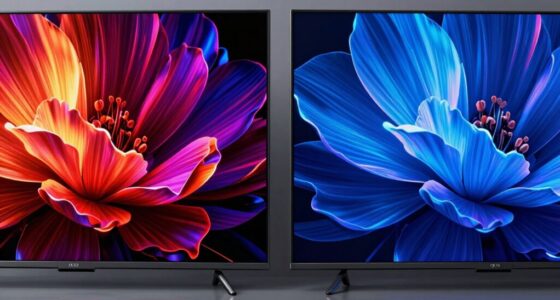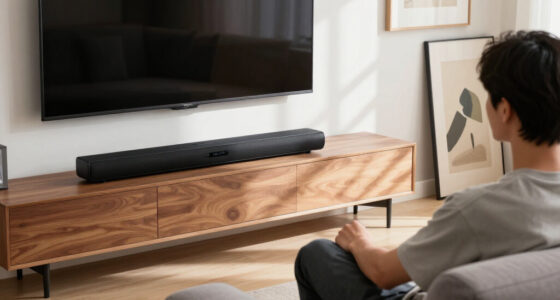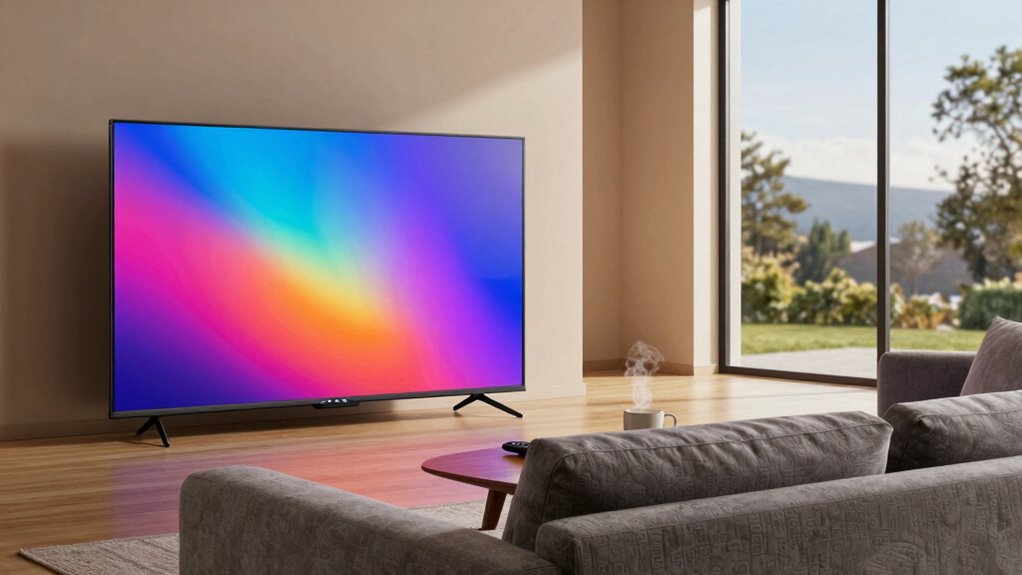
Choosing the right screen size and viewing distance depends on your space, resolution, and comfort needs. Larger screens can cause overwhelm in small rooms, while sitting too close to a low-resolution display results in pixelation and eye strain. For ideal clarity and comfort, match your screen size with appropriate resolution and keep a suitable distance—about 20-30 inches for smaller monitors. If you want to discover smarter setup tips, keep exploring this topic.

Get the latest gadgets delivered free — and shop member deals
- Fast, free delivery on millions of items
- Access to Prime Big Deal Days deals on October 6–7
- Prime Video, Amazon Music and more included
Key Takeaways
- Larger screens require greater viewing distances to prevent eye strain and maintain comfort.
- Optimal screen size depends on resolution; high-resolution displays allow closer proximity without pixelation.
- Proper ergonomic setup, including eye-level positioning, enhances comfort regardless of screen size.
- Smaller screens can cause eye strain if viewed too closely, while overly large screens in small spaces can be overwhelming.
- Matching screen size with suitable viewing distance improves image clarity, immersion, and reduces fatigue.
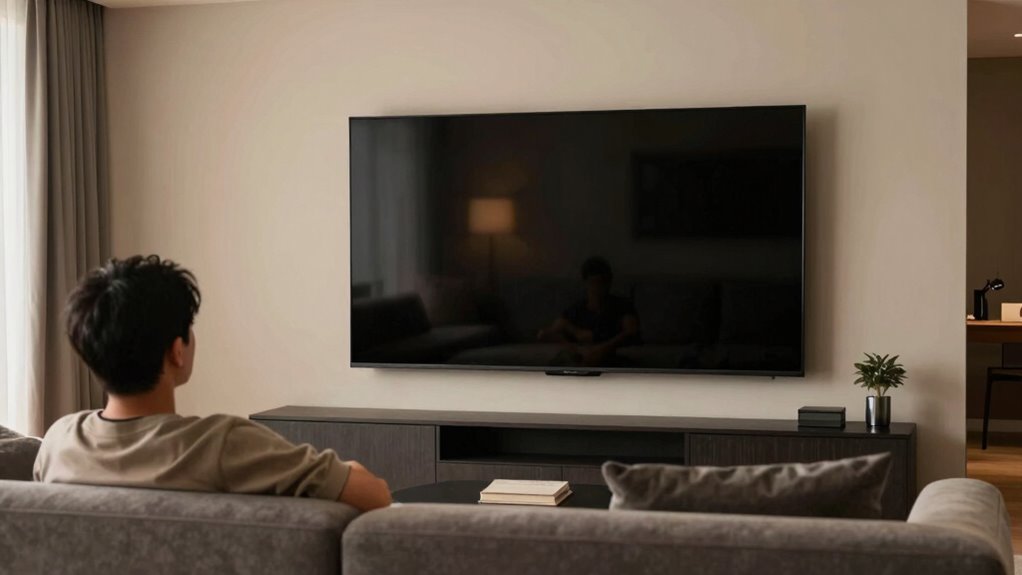
Have you ever wondered how to choose the right screen size for your viewing space? Picking the ideal size isn’t just about aesthetics or fitting the room; it directly impacts your viewing experience and comfort. The key is understanding how screen size interacts with your viewing distance and the resolution quality of your display. If your screen is too small, you might strain your eyes to see details, especially if you sit close. Conversely, a screen that’s too large can overwhelm your space and lead to a less comfortable ergonomic setup. Finding the right balance ensures you enjoy crisp images without sacrificing comfort.
Choosing the right screen size enhances comfort and clarity for your viewing space.
When considering resolution quality, bigger isn’t always better. A large screen with low resolution can produce pixelated images, diminishing clarity and detail. On the other hand, a high-resolution display, like 4K or 8K, allows you to sit closer without sacrificing image sharpness. This means you can enjoy larger screens at shorter viewing distances, which enhances immersion and reduces eye strain. Your goal should be to match your screen size with your resolution to create an ideal viewing experience that feels natural and comfortable. For example, with 4K resolution, you can comfortably sit closer to the screen, making the image appear more detailed and lifelike, which is especially beneficial for gaming, movies, or professional work.
Your ergonomic setup plays a critical role in determining the suitable screen size and viewing distance. When your monitor is positioned correctly, your eyes should be level with the top of the screen, and you should be able to view the display without tilting your head or straining your neck. The distance from your eyes to the screen should allow you to see the entire display comfortably without leaning forward or craning your neck. Generally, for a standard 24-inch monitor, sitting about 20-30 inches away works well, but larger screens require greater distances for a balanced view. By adjusting your setup to keep your neck relaxed and your eyes at a comfortable angle, you minimize fatigue and maximize comfort. Additionally, understanding the optimal viewing distance helps you prevent unnecessary eye strain and ensures a more enjoyable experience over extended periods.
ergonomic computer monitor stand
As an affiliate, we earn on qualifying purchases.
As an affiliate, we earn on qualifying purchases.
Frequently Asked Questions
How Does Screen Resolution Affect Optimal Viewing Distance?
Higher screen resolution improves resolution clarity, allowing you to see finer details. As a result, you can sit closer without noticing pixelation because of increased pixel density. Conversely, lower resolution screens require you to sit farther away to avoid pixelation and enjoy a clear image. Your ideal viewing distance depends on the screen’s resolution, with higher resolution screens allowing for a closer, more immersive experience.
Are Larger Screens Better for Small Rooms?
Larger screens can be beneficial even in small rooms, especially if you prioritize immersive viewing. Studies show that a screen size of 1.5 to 2.5 times the distance from your eyes enhances comfort and clarity. However, consider room acoustics, as bigger screens may demand more space and impact sound quality. Selecting a suitably sized screen guarantees a balanced experience without overwhelming your small room’s layout.
What Is the Ideal Viewing Angle for Different Screen Sizes?
The ideal viewing angle varies with screen size, typically around 30 degrees for perfect color accuracy and sound quality. For smaller screens, aim for a closer distance to avoid distortion, while larger screens require a wider angle to fully enjoy vivid colors and clear audio. Keep the viewing angle balanced to guarantee you experience true colors and immersive sound, enhancing your overall entertainment experience.
How Does Ambient Lighting Influence Screen Size Choice?
Ambient lighting influences your screen size choice because it affects how well you see details and colors. When your room has bright or variable lighting, a larger screen helps you enjoy better color accuracy and clarity without straining your eyes. Conversely, in dim lighting, smaller screens work fine, but you might miss subtle color nuances. So, your environment subtly guides your choice, revealing how lighting shapes your viewing experience.
Does Screen Size Impact Eye Strain Over Time?
Yes, screen size can impact eye strain over time. Larger screens help improve screen ergonomics, reducing the need for you to squint or lean forward, which lessens eye fatigue. If your screen is too small, you might strain your eyes trying to see details clearly. Choosing a screen size that fits your viewing distance and workspace helps prevent discomfort and promotes healthier eye habits during prolonged use.
As an affiliate, we earn on qualifying purchases.
Conclusion
Remember, choosing the right screen size and viewing distance isn’t just about numbers—it’s about creating a cozy experience where your eyes and screen dance in harmony. Think of your perfect setup as a tailored suit, fitting just right to keep you comfortable and immersed. So, don’t just follow the rules; find what feels right for you, and let your viewing space be as inviting as a warm hug, making every movie or game a delight.
adjustable monitor arm for ergonomic setup
As an affiliate, we earn on qualifying purchases.
As an affiliate, we earn on qualifying purchases.
high resolution gaming monitor 32 inch
As an affiliate, we earn on qualifying purchases.
As an affiliate, we earn on qualifying purchases.
Fall Picks
fall essentials
As an affiliate, we earn on qualifying purchases.