
Two-factor authentication (2FA) protects your accounts by adding an extra layer of security beyond just your password. It requires a second verification, like a code sent to your phone or a biometric feature such as a fingerprint or facial recognition. This makes it much harder for attackers to access your account, even if your password is stolen or weak. To discover how 2FA can keep your online life safer, keep exploring the details.
Key Takeaways
- 2FA requires a second verification step, making unauthorized access significantly more difficult even if passwords are compromised.
- It combines something you know (password) with something you have or biometric data, adding multiple security layers.
- Biometric methods like fingerprint or facial recognition are hard for attackers to replicate, enhancing protection.
- 2FA reduces risks from password reuse and weak passwords by adding an extra, difficult-to-bypass security barrier.
- It acts as a proactive defense, preventing cybercriminals from gaining access even if they steal or crack your password.
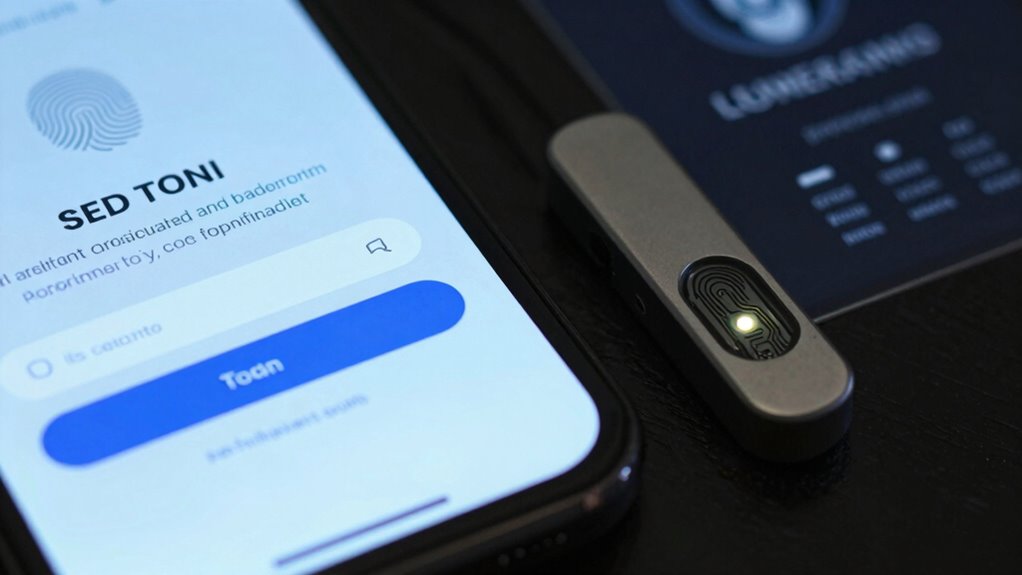
In today’s digital world, protecting your online accounts is more important than ever, and two-factor authentication (2FA) offers an effective way to do that. When you enable 2FA, you’re adding an extra layer of security beyond just your password. It works by requiring a second form of verification, which makes it significantly harder for someone to access your accounts even if they have your password. This second step can be a code sent to your phone, a fingerprint, or even a biometric security measure. By combining these methods, 2FA ensures that only you can log in, reducing the risk of unauthorized access.
One of the key ways 2FA protects your accounts is by addressing the vulnerabilities associated with password management. Many people reuse passwords across multiple sites or choose simple passwords that are easy to guess. Even with strong passwords, if someone manages to steal or crack them, your account could be compromised. 2FA mitigates this risk by requiring a second verification step, which is usually impossible for an attacker to obtain without physical access to your secondary device or biometric data. This means that even if your password falls into the wrong hands, your account remains secure because the attacker can’t complete the login process without that second factor.
2FA adds a vital extra layer, protecting your accounts from stolen or cracked passwords.
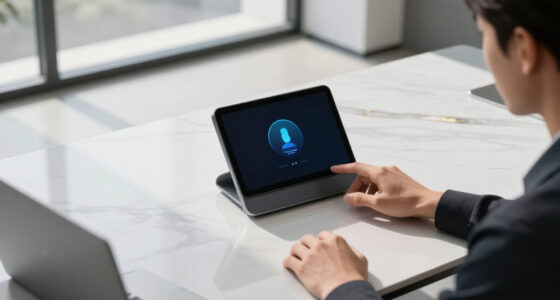
Biometric security plays a critical role in modern 2FA implementations. Instead of relying solely on codes sent via text or email, many systems now use fingerprint scans, facial recognition, or other biometric methods for authentication. These biometric measures are unique to you, making them incredibly difficult for someone else to impersonate. When you use biometrics as your second factor, you’re adding a highly secure and convenient layer that’s hard to replicate or steal. This not only enhances your security but also simplifies the login process, since you don’t need to remember or carry around extra codes. Additionally, understanding cybersecurity tactics like 2FA can help you recognize how technological advancements contribute to secure and innovative solutions. Incorporating security best practices into your routine can further strengthen your defenses against cyber threats.
Ultimately, 2FA strengthens your online defenses by making it exponentially harder for hackers to access your accounts. It complements good password management practices by reducing reliance on passwords alone. Instead of risking weak or reused passwords, you add a biometric security step that’s uniquely yours. This combined approach ensures your personal data, financial information, and online identity stay protected. In a world where cyber threats are constantly evolving, using 2FA is one of the smartest steps you can take to secure your digital life.
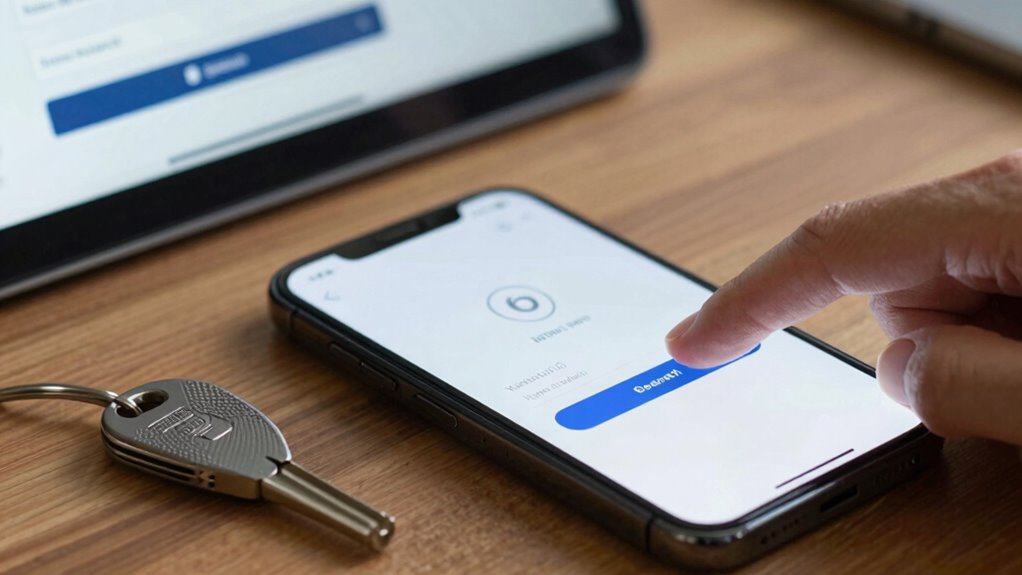
two-factor authentication security key
As an affiliate, we earn on qualifying purchases.
As an affiliate, we earn on qualifying purchases.
Frequently Asked Questions
Can Two-Factor Authentication Be Bypassed by Hackers?
Yes, hackers can bypass two-factor authentication, especially through phishing vulnerabilities where they trick you into revealing codes or credentials. Hardware token risks also exist if devices are stolen or compromised. While 2FA greatly enhances security, it isn’t foolproof. Always stay vigilant, update your security settings, and be cautious of phishing attempts to minimize the chances of hackers bypassing your accounts.
Is Sms-Based Two-Factor Authentication Secure?
SMS-based two-factor authentication isn’t entirely secure because SMS security can be compromised through methods like SIM swapping or interception. Hackers can hijack your phone number or intercept messages, bypassing this layer of protection. Authentication apps, on the other hand, offer stronger security since they generate codes locally on your device, making them less vulnerable to interception. For better protection, consider switching to authentication apps instead of relying solely on SMS.
What Are Alternative Methods to Two-Factor Authentication?
You can use biometric verification, like fingerprint or facial recognition, as a secure alternative to traditional two-factor authentication. Hardware tokens, such as USB devices, provide a physical layer of security you carry with you. Both methods are more resistant to phishing and hacking. By choosing these options, you add extra protection to your accounts, making it harder for unauthorized users to gain access without your biometric data or hardware token.
How Often Should I Change My Two-Factor Authentication Settings?
You should update your two-factor authentication settings whenever you notice unusual activity or periodically, like every few months, to keep things fresh. Regular password management and biometric security updates enhance your account safety. Staying vigilant helps prevent potential breaches. Think of it as maintaining your security routine; changing your settings often guarantees your defenses stay strong against evolving threats and keeps your personal information safe.
Can Two-Factor Authentication Be Used on All Devices?
Yes, two-factor authentication (2FA) can be used on most devices, but device compatibility varies. Many services support popular platforms like iOS, Android, Windows, and macOS, ensuring cross-platform usability. You might need specific apps or hardware tokens, but generally, 2FA is flexible across devices. Always check the service’s compatibility requirements so you can enable 2FA seamlessly, protecting your accounts regardless of the device you’re using.
As an affiliate, we earn on qualifying purchases.
Conclusion
Think of two-factor authentication as a sturdy fortress guarding your digital castle. It’s like adding a secret gate that only you can open, even if someone else gets the key. With this extra lock, your accounts become a castle protected by both a strong wall and a vigilant guard. So, embrace two-factor authentication—it’s your digital shield, turning potential breaches into mere shadows. Keep your online world secure, one lock at a time.
As an affiliate, we earn on qualifying purchases.
As an affiliate, we earn on qualifying purchases.