To lock down your home Wi-Fi, start by choosing strong encryption standards like WPA3 or WPA2/WPA3 transitional mode, and update your firmware regularly. Set complex passwords and change them often, while disabling features like WPS and unnecessary ports. Manage your network visibility by hiding your SSID and segment devices for better control. Keep an eye on activity for signs of unauthorized access. Continuing with these steps will help you secure your network effectively.

Get the latest gadgets delivered free — and shop member deals
- Fast, free delivery on millions of items
- Access to Prime Big Deal Days deals on October 6–7
- Prime Video, Amazon Music and more included
Key Takeaways
- Use WPA3 or WPA2/WPA3 transitional mode with strong, unique passwords and enable Protected Management Frames for enhanced security.
- Keep your router firmware and Wi-Fi device drivers updated regularly from official sources.
- Disable WPS, UPnP, and broadcast of SSID to reduce attack surfaces and network visibility.
- Segment your network by creating separate guest and device-specific networks to limit access.
- Regularly monitor connected devices, scan for rogue access points, and review logs for suspicious activity.
As an affiliate, we earn on qualifying purchases.
Choose Strong Encryption Standards for Your Network
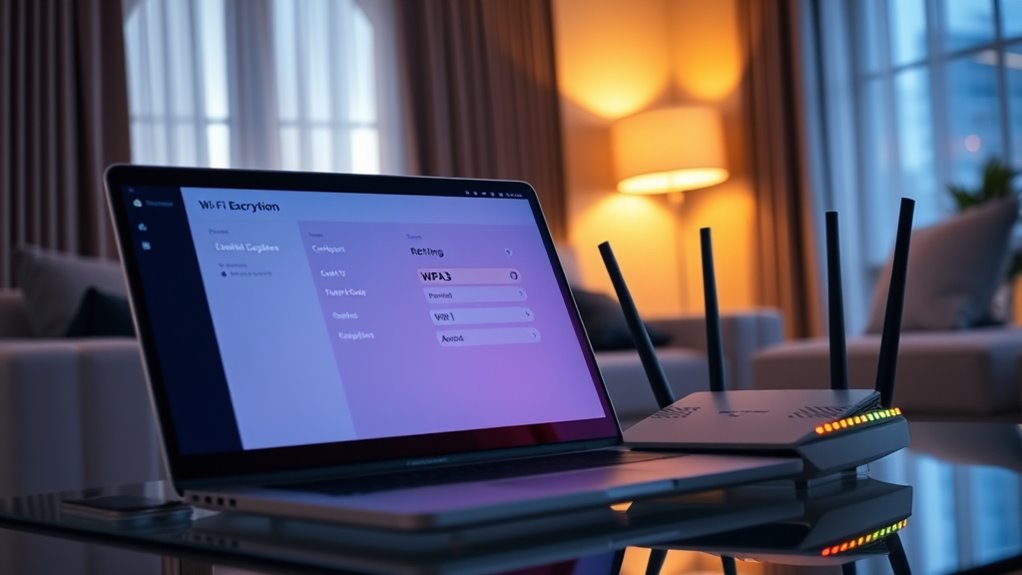
Choosing strong encryption standards is essential to protect your home Wi-Fi from unauthorized access and data theft. You should use WPA3 Personal or the WPA2/WPA3 Transitional mode for the best balance of security and compatibility. Avoid outdated protocols like WEP, WPA Personal, TKIP, or open networks, as they’re vulnerable to hacking. Remember, the weakest device on your network can limit your overall security, so make certain all devices support current encryption standards. Enable Protected Management Frames (PMF) to prevent management frame tampering and attacks. Regularly verify that your access points follow up-to-date encryption standards to avoid silent data capture. Staying informed about encryption practices helps you maintain a secure network and adapt to emerging threats. By staying current on encryption standards, you markedly reduce the risk of malicious intrusion and safeguard your sensitive information effectively. Maintaining encryption protocols also involves periodically updating firmware to ensure you have the latest security features, which is crucial for defending against new vulnerabilities. Additionally, network security best practices, such as changing default passwords and disabling remote management, further enhance your defenses. In addition, regularly reviewing your network’s security settings can help identify potential weaknesses before they are exploited.
As an affiliate, we earn on qualifying purchases.
Create and Enforce Robust Access Controls
You should set strong, complex passwords on your router and Wi-Fi network to block unauthorized access. Enabling two-factor authentication adds an extra layer of security, making it harder for intruders to get in. Regularly updating these controls helps keep your network safe from evolving threats. Additionally, implementing encryption standards ensures that data transmitted over your network remains protected from eavesdropping. To further enhance your security, consider security zone info, which provides insight into optimal practices for safeguarding your home network. Maintaining an awareness of network security best practices can also help you stay ahead of potential vulnerabilities. Understanding heat distribution and how it affects network performance can help optimize your router placement for better coverage. Incorporating knowledge about water-related outdoor security can also help in protecting your home from environmental risks that may impact your network equipment.
Strong Password Policies
Strong password policies are essential for creating and maintaining robust access controls on your home Wi-Fi network. You should always use complex passwords that combine uppercase and lowercase letters, numbers, and special characters. Avoid common or easily guessed passwords like “password123” or “admin.” Change your Wi-Fi and router passwords regularly to reduce the risk of unauthorized access. Enable unique, strong passwords for each device or account associated with your network. Don’t reuse passwords across different services. Consider using a password manager to generate and store complex passwords securely. Enforce these policies consistently, and educate everyone in your household about the importance of strong, private passwords. This approach considerably enhances your network’s security and helps prevent unauthorized intrusions. Regularly updating your passwords ensures your security measures stay effective against emerging threats. Incorporating password policies into your security strategy ensures a more resilient wireless network. Additionally, implementing multi-factor authentication where possible adds an extra layer of security beyond just passwords.
Enable Two-Factor Authentication
Enabling two-factor authentication (2FA) adds an extra layer of security to your home Wi-Fi access by requiring a second verification step beyond just a password. This makes it harder for attackers to gain entry even if they crack your password. Not all routers support 2FA, but if yours does, enable it immediately. Check your device’s settings or admin interface for 2FA options, often via email or authentication apps. Implementing Free Floating security measures like 2FA can significantly reduce the risk of unauthorized access to your network. Additionally, regularly updating your router’s firmware and network security settings helps protect your connected devices from emerging vulnerabilities. Understanding wireless network protocols can also help you choose more secure configurations for your home setup, especially as nanotechnology advances enable new security solutions for wireless environments. Keeping informed about security best practices ensures your network remains resilient against evolving threats.
Wi-Fi network segmentation devices
As an affiliate, we earn on qualifying purchases.
As an affiliate, we earn on qualifying purchases.
Manage Network Visibility and Broadcast Settings
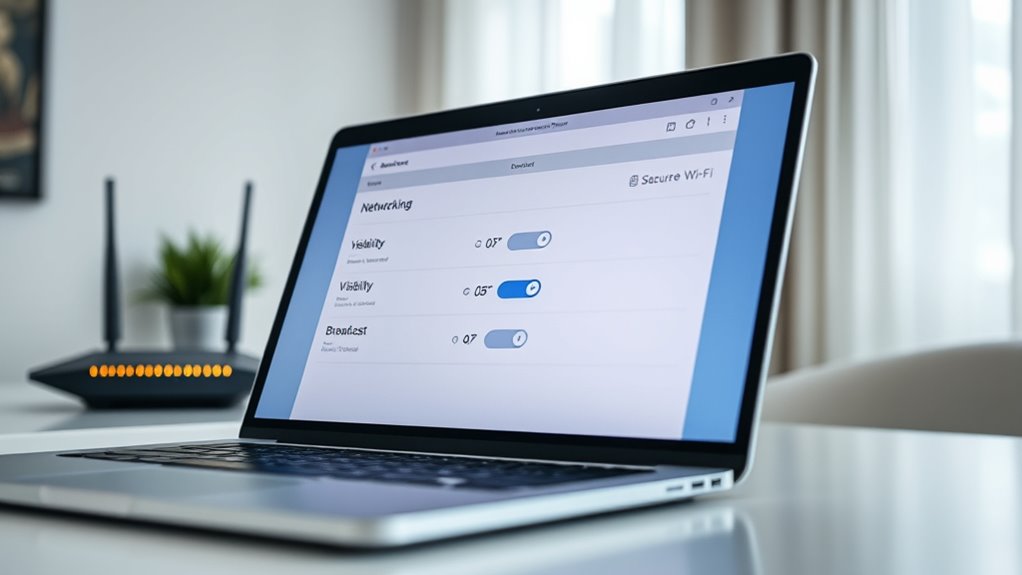
You might consider disabling your Wi-Fi’s SSID broadcast to make it less visible to outsiders, but keep in mind this doesn’t fully hide your network. Segmentation helps keep different devices or user groups isolated, boosting security. Regularly scanning for rogue access points guarantees no unauthorized devices are impersonating your network. Additionally, understanding how maximize your network’s potential allows you to optimize security settings effectively. Being aware of network security best practices can further enhance your protection and prevent potential breaches. Implementing proper wireless configuration can also improve overall network security and performance. Incorporating wireless encryption protocols is essential for safeguarding the data transmitted across your network. Incorporating local automation features can help monitor and react to unusual activity, enhancing your network’s security.
Hiding SSID Risks
Hiding your Wi-Fi network’s SSID can seem like a simple way to enhance privacy, but it doesn’t guarantee complete security. When you disable SSID broadcast, your network becomes less visible, but motivated attackers can still detect it through specialized tools. Relying solely on hiding the SSID may give you a false sense of safety. It’s better to combine this with strong encryption and access controls.
| Pros | Cons |
|---|---|
| Reduces casual discovery | Can complicate device connectivity |
| Adds a layer of obscurity | Doesn’t prevent determined attackers |
| Limits accidental connection | May cause network management issues |
| Enhances privacy slightly | Not a substitute for robust security measures |
Segment Networks Effectively
Effective network segmentation helps you control access and reduce exposure by dividing your home Wi-Fi into separate zones for different device groups or users. You can create separate networks for your smart devices, work devices, and guest access, limiting each group’s visibility to others. Turning off SSID broadcast can hide your main network name, making it less obvious to outsiders, but remember it doesn’t fully conceal your network. Use logical or physical separation to isolate sensitive resources, preventing unauthorized access. Regularly scan for rogue access points that might impersonate your network. Maintaining a clear network topology helps you manage visibility and access effectively. network topology visualization tools can assist in planning and monitoring your network structure. By segmenting your network, you minimize potential attack surfaces and protect your data from accidental exposure. Monitoring your network regularly helps identify vulnerabilities and unauthorized devices, enhancing your overall security.
Detect Rogue Access Points
How can you guarantee that no unauthorized devices are masquerading as part of your network? Regularly scan for rogue access points (APs) that mimic your legitimate network. Use network monitoring tools to detect unfamiliar SSIDs or unexpected devices. Look for signals on your network that don’t match your authorized hardware. Implement a process to verify all connected devices and confirm they’re legitimate. Below is a table to understand common rogue AP tactics:
| Tactic | Detection Method |
|---|---|
| Fake SSID broadcasting | Use Wi-Fi scanning tools |
| Unauthorized device access | Check device MAC addresses |
| Hidden rogue APs | Perform active network sweeps |
| Signal interference patterns | Analyze signal strength anomalies |
| Mimicked network names | Cross-reference with authorized list |
As an affiliate, we earn on qualifying purchases.
Keep Firmware and Software Up to Date

Keeping your firmware and software up to date is essential for maintaining a secure home Wi-Fi network. Updated firmware patches known vulnerabilities, preventing attackers from exploiting them. To stay protected, you should:
Regularly updating firmware and software keeps your Wi-Fi secure by patching vulnerabilities.
- Install firmware updates on routers and access points immediately when available.
- Keep Wi-Fi drivers and network-related software on your devices current.
- Verify updates come from official sources to avoid compromised files.
- Regularly monitor vendor security advisories for new threats or patches.
Monitor Your Network for Suspicious Activity

Are you regularly checking your Wi-Fi network for signs of unauthorized activity? Monitoring helps you catch intruders early and protect your data. Use network tools or your router’s admin interface to review connected devices and traffic patterns. Look for unfamiliar devices or sudden bandwidth spikes. Set up alerts for unusual activity.
| Recognized Devices | Unknown Devices |
|---|---|
| Authorized devices | Rogue access points |
| Trusted equipment | Unauthorized users |
| Known MAC addresses | Suspicious activity |
| Monitoring Method | Purpose |
| Device list review | Verify authorized access |
| Traffic analysis | Spot anomalies |
| Log inspection | Detect breaches or intrusion attempts |
Regular monitoring keeps your network secure and helps you respond swiftly to threats.
Disable Unnecessary Features and Protocols
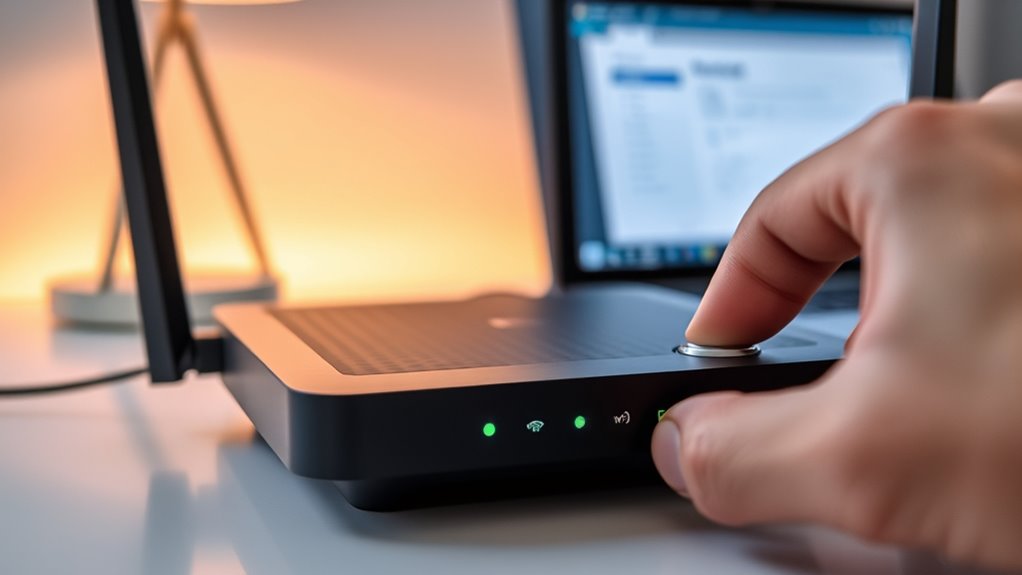
Disabling unnecessary features and protocols on your router is a crucial step in reducing potential attack vectors. It prevents hackers from exploiting default or active services that aren’t essential. Here’s what you should do:
Disabling unused router features reduces attack vectors and boosts your network’s security.
- Turn off Universal Plug and Play (UPnP) to block automatic device discovery and connection vulnerabilities.
- Disable WPS (Wi-Fi Protected Setup) to avoid brute-force PIN attacks.
- Change default login credentials to unique, complex usernames and passwords.
- Block unused ports and disable services that aren’t necessary for your network’s operation.
Taking these steps minimizes your router’s attack surface and enhances your network’s security. Regularly review your router’s settings to ensure no unnecessary features are active, keeping your home Wi-Fi safer from threats.
Segment Your Network for Enhanced Security
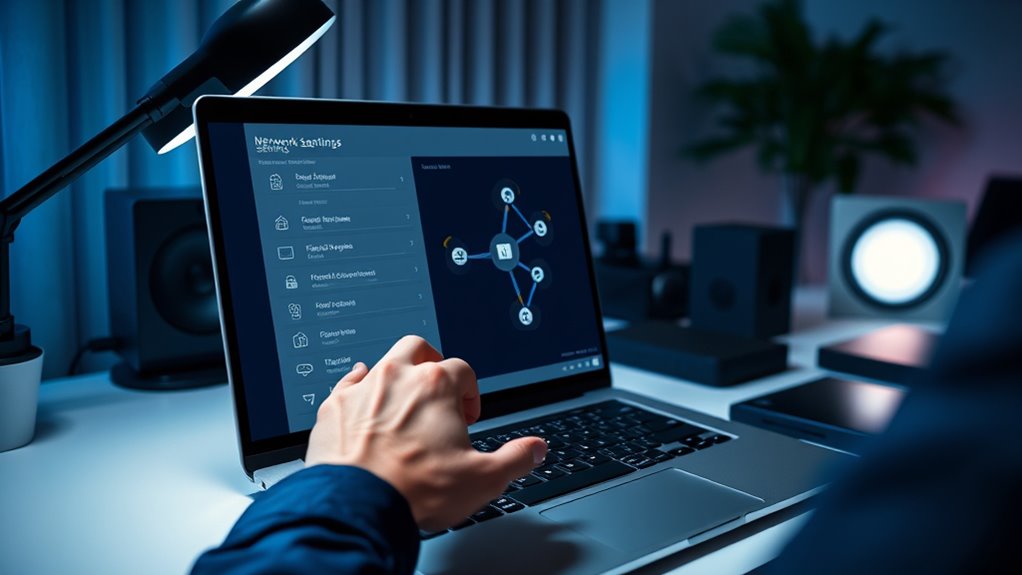
Segmenting your network creates separate zones for different device groups, reducing the risk of a security breach spreading across all your devices. By setting up a dedicated guest network, you isolate visitors from your main devices like computers and smart home systems. This way, if a guest device gets compromised, your primary network stays protected. Use VLANs or subnetting to logically separate devices, making it harder for attackers to move laterally. Additionally, assign distinct Wi-Fi names and passwords for each segment, and disable access between them where possible. Regularly review and update your segmentation setup to guarantee it remains effective. Proper segmentation not only improves security but also enhances network management, giving you better control over who accesses what.
Frequently Asked Questions
How Can I Verify My Router’s Encryption Is Currently the Strongest Available?
You can verify your router’s encryption by logging into its admin panel, usually through a web browser. Check the wireless security settings to confirm it uses WPA3 Personal or WPA2/WPA3 Transitional. Make certain that protocols like WEP, WPA, or TKIP aren’t enabled. If your router supports WPA3, switch to it for the strongest encryption. Regularly review your settings to keep your connection secure and up to date.
What Are the Best Practices for Setting up a Secure Guest Network?
You should set up a separate guest network with a strong, unique password different from your main one. Enable WPA3 or WPA2/WPA3 *interim* encryption for security. Disable device sharing and network discovery on the guest network to protect your main devices. Limit access to essential internet services only. Regularly update your router firmware, monitor activity, and keep the guest network isolated to prevent unauthorized access and potential threats.
How Do I Identify and Remove Rogue Access Points in My Vicinity?
Oh, you think your Wi-Fi’s safe? Think again! To spot rogue access points, scan your network with tools like Wireshark or Fing. Look for unfamiliar devices or networks claiming your name. Once identified, remove them by blocking their MAC addresses or changing your Wi-Fi password. Regularly audit your network, and keep your firmware updated to prevent sneaky impersonators from crashing your party.
Which Tools Are Recommended for Continuous Wi-Fi Network Monitoring?
You should use tools like Wireshark, Fing, and NetSpot for continuous Wi-Fi network monitoring. These tools help you detect unauthorized devices, monitor traffic, and identify potential threats in real time. Set up alerts for unusual activity and regularly review logs to catch suspicious behavior early. Keep your software up to date, and combine these tools with your network security practices for thorough protection against intrusions.
How Often Should I Update My Router’s Firmware for Optimal Security?
You should update your router’s firmware at least once a month—think of it as giving your network a superhero shield against hackers! Regular updates patch vulnerabilities, fix bugs, and improve security features. Don’t wait for a breach; stay ahead of cyber villains by checking for firmware updates weekly or enabling automatic updates if your router supports them. This simple habit keeps your Wi-Fi fortress strong and impenetrable.
Conclusion
Think of your home Wi-Fi as a castle—every door and window needs to be fortified. By following these simple steps, you’re locking every entry point, making it nearly impossible for intruders to breach your defenses. Regular updates and vigilant monitoring are your watchtowers, spotting threats before they strike. Stay proactive, keep your network secure, and your digital fortress will stand strong against any attack. Your peace of mind is worth the effort.
Evergreen bestsellers Picks
bestsellers
As an affiliate, we earn on qualifying purchases.