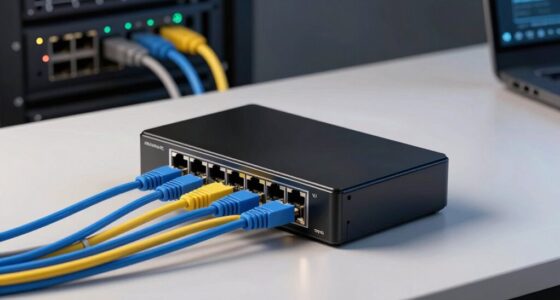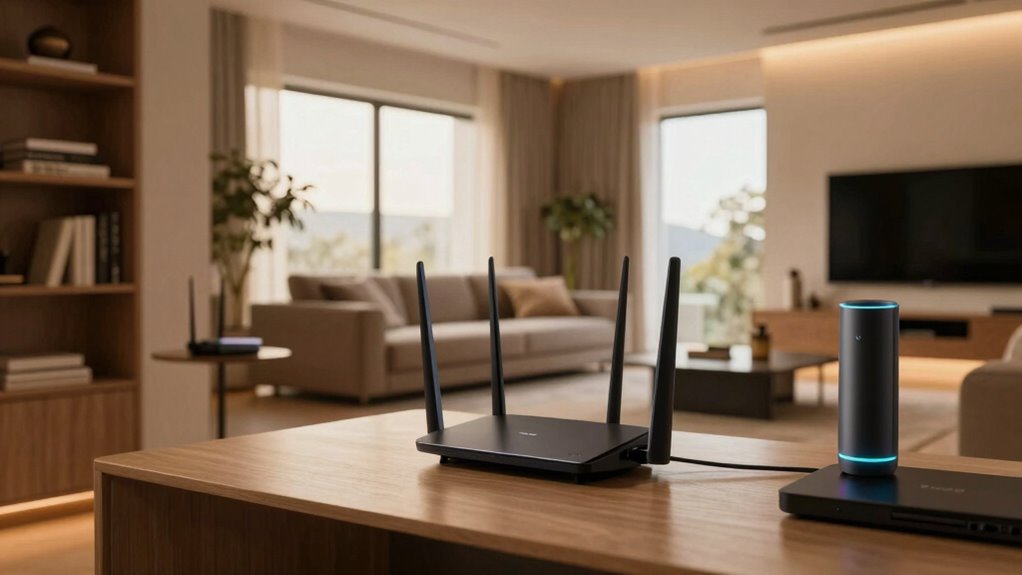

Mesh networks create a web of interconnected nodes that spread Wi-Fi coverage throughout larger, complex homes. They replace a single router by dynamically rerouting data for better stability and fewer dead zones. Their intelligent system fights interference from walls and electronics, ensuring smooth streaming and gaming. Plus, centralized security keeps your network safe. If you want to know how these features work together to improve your home connection, there’s a lot more to explore.

Get the latest gadgets delivered free — and shop member deals
- Fast, free delivery on millions of items
- Access to Prime Big Deal Days deals on October 6–7
- Prime Video, Amazon Music and more included
Key Takeaways
- Mesh networks create a web of interconnected nodes to provide wider, more reliable coverage in larger homes.
- They automatically reroute data to avoid interference, ensuring seamless connectivity across complex layouts.
- Centralized management enhances security protocols and simplifies monitoring for multiple devices.
- Designed to combat signal disruptions from walls, floors, and electronic devices, improving overall performance.
- Ideal for supporting high-quality entertainment, gaming, and remote work with stable, high-speed connections.

Have you ever wondered how your devices stay connected even when one link fails? That’s the magic of mesh networks. In larger homes, traditional Wi-Fi setups often struggle to deliver consistent coverage, especially as you move from room to room or try to connect multiple smart devices at once. Mesh networks solve this problem by creating a web of interconnected nodes that work together to blanket your entire space with reliable internet access. Instead of relying on a single router, you have multiple devices — or nodes — that communicate with each other, ensuring that your signal doesn’t drop out if one node encounters issues. This setup not only improves coverage but also enhances overall network stability.
When it comes to wireless security, mesh networks offer an added layer of protection. Because all nodes are interconnected and managed through a central system, it’s easier to implement security protocols across the entire network. You can set up encrypted connections between nodes, which helps prevent unauthorized access and keeps your data safe. Plus, mesh systems often come with user-friendly apps that allow you to monitor and control the network’s security settings easily. This way, you’re less likely to fall victim to common Wi-Fi threats, such as hacking or data interception. The centralized management also means you can quickly identify any suspicious activity or compromised nodes, making your network more resilient against cyber threats.
One significant advantage of mesh networks over traditional Wi-Fi is their ability to combat signal interference. Large homes often have thick walls, multiple floors, or electronic devices that can disrupt wireless signals. Signal interference can cause dead zones or sluggish internet speeds, frustrating your online experience. Mesh systems are designed to adapt to these challenges by dynamically rerouting data through the clearest, least congested paths. If one node faces interference or congestion, the network automatically adjusts, ensuring your devices stay connected without noticeable lag. This intelligent routing keeps your streaming, gaming, or remote work sessions smooth and uninterrupted, even in complex home layouts. Additionally, understanding wireless signal strength and how it affects connectivity can help optimize your network setup for better coverage. Recognizing the importance of network bandwidth can further improve your overall internet experience by prioritizing high-demand activities. Furthermore, a well-configured mesh network can help mitigate issues caused by electromagnetic interference, which is common in homes with many electronic devices.
To maximize performance, it’s also beneficial to understand how interference sources in your environment can impact your wireless network and take steps to minimize their effects. In essence, mesh networks are tailored for bigger homes that demand more than just a basic Wi-Fi setup. They deliver consistent coverage, strengthen wireless security, and intelligently navigate signal interference. As a result, you get a seamless internet experience across every corner of your house, with fewer dropped connections and better overall performance. If you’re tired of dead zones and unreliable Wi-Fi, investing in a mesh network could be the game-changer you need. Additionally, understanding the importance of high refresh rates and low input lag can enhance your home entertainment and gaming experiences, making mesh networks an even smarter choice for tech-savvy households.
mesh Wi-Fi system for large homes
As an affiliate, we earn on qualifying purchases.
As an affiliate, we earn on qualifying purchases.
Frequently Asked Questions
How Do Mesh Networks Handle Device Prioritization?
Mesh networks handle device prioritization through device management features that assign priority levels to certain devices or activities. This helps optimize your network by ensuring critical devices get better bandwidth. You can typically set these priorities via your network’s app or admin panel. As a result, your mesh system improves network optimization, giving you smoother streaming, gaming, or work experiences while managing multiple devices efficiently.
Can Mesh Networks Be Expanded Easily Over Time?
Yes, mesh networks are designed to be expanded easily over time. As you add more nodes, you seamlessly integrate smart device features and reduce signal interference, creating a stronger, more reliable network. Imagine your smart home growing effortlessly, with each new device connecting smoothly, thanks to the adaptive mesh system. This flexibility guarantees your network stays robust, even as your device ecosystem expands and your home’s layout evolves.
What Are the Security Features of Mesh Networks?
Mesh networks prioritize security through robust encryption protocols like WPA3, protecting your data from unauthorized access. They also often feature firewall integration, which helps monitor and block malicious traffic. You can enhance security further by changing default passwords and keeping firmware updated. These features work together to keep your network safe, even as it expands over time, giving you peace of mind while enjoying seamless connectivity throughout your bigger home.
Do Mesh Networks Require Professional Installation?
No, mesh networks typically don’t require professional installation. You can usually set them up yourself using simple app-guided steps, which is great for integrating home automation devices. They are designed to minimize signal interference, ensuring reliable connectivity across your bigger home. Just position the nodes strategically, and you’ll have a strong, seamless Wi-Fi signal for all your smart devices without the need for expert help.
How Does Mesh Wi-Fi Affect Internet Speeds?
Think of your internet as a bustling city’s traffic, where mesh Wi-Fi acts like a smart traffic controller. It optimizes bandwidth allocation, ensuring each device gets enough speed without congestion. This setup enhances signal stability, reducing dead zones. As a result, your internet speeds stay fast and consistent across your larger home, allowing seamless streaming, gaming, and browsing without the frustrating lag or interruptions, even as multiple devices connect simultaneously.
As an affiliate, we earn on qualifying purchases.
Conclusion
So, you thought bigger homes meant endless Wi-Fi frustrations, huh? Turns out, a mesh network might just be the hero you didn’t know you needed—covering every corner with ease. Who knew that the solution to dead zones would be so simple? Now, you can finally enjoy seamless streaming and smooth video calls without breaking the bank or tearing your hair out. Ironically, all it took was a few clever nodes to transform your Wi-Fi chaos into calm.
wireless mesh router with security
As an affiliate, we earn on qualifying purchases.
As an affiliate, we earn on qualifying purchases.
As an affiliate, we earn on qualifying purchases.
Halloween Picks
halloween
As an affiliate, we earn on qualifying purchases.