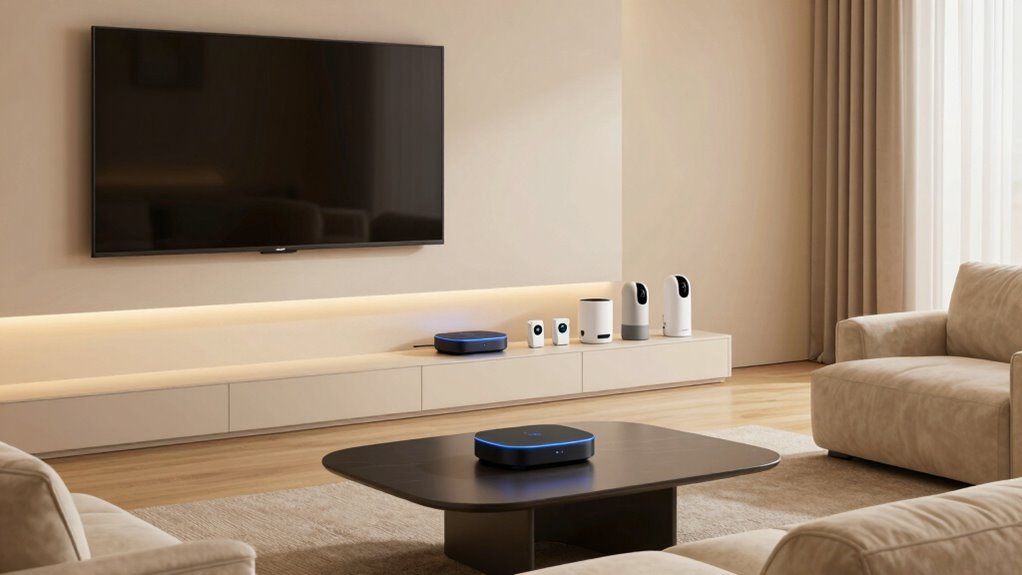

In your smart home, better networking means your devices work smoothly and securely. A stable, strong Wi-Fi guarantees all your smart lights, cameras, and thermostats stay connected and respond quickly. It also protects your data from hackers through proper encryption and updates. Poor network performance can cause lag, disconnections, or delays. Investing in quality equipment and proper setup can make your smart home safer, more efficient, and effortless—so you get the best experience possible. Keep exploring to discover more tips.

Get the latest gadgets delivered free — and shop member deals
- Fast, free delivery on millions of items
- Access to Prime Big Deal Days deals on October 6–7
- Prime Video, Amazon Music and more included
Key Takeaways
- Reliable Wi-Fi ensures seamless communication between multiple smart devices, preventing lag and disconnections.
- Strong network security protects sensitive data exchanged among smart home devices from hacking.
- Optimized networking reduces interference and bandwidth issues, improving device responsiveness.
- Effective management supports the increasing number of smart devices, maintaining overall home automation efficiency.
- Regular maintenance and quality equipment enhance security, reliability, and user experience in smart homes.
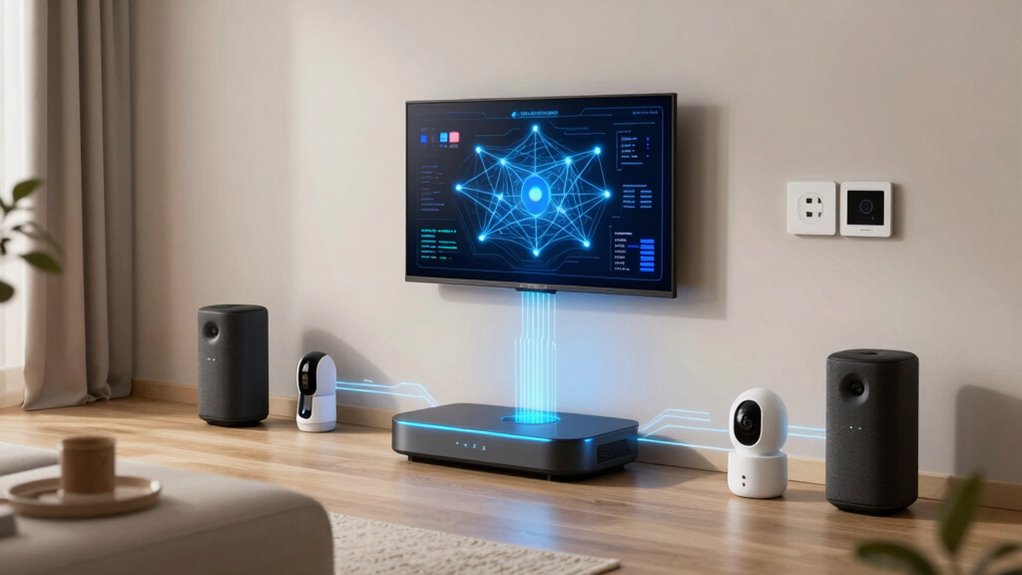
Have you ever wondered how your smart home devices seamlessly communicate and work together? It’s all thanks to a sturdy and well-designed network that keeps everything connected smoothly. In a smart home, your devices—whether they’re smart lights, security cameras, thermostats, or voice assistants—depend on a dependable Wi-Fi connection to function properly. This makes wireless security a top priority because, with so many devices exchanging sensitive data, safeguarding your network from potential threats is essential. If your wireless security isn’t tight, hackers could access your personal information or even take control of your devices, turning your smart home into a vulnerable space. Ensuring strong encryption and keeping your firmware updated are critical steps in protecting your network.
But even the best security measures can be undermined if your network isn’t functioning properly. That’s where effective network troubleshooting comes into play. When devices start lagging, disconnecting randomly, or failing to respond, it’s easy to get frustrated. By understanding common issues—such as signal interference, bandwidth overload, or outdated hardware—you can troubleshoot more efficiently. For example, placing your router in a central location can improve signal strength, while limiting the number of devices connected simultaneously can prevent congestion. Regularly restarting your router and updating its firmware also help maintain peak performance. When problems persist, knowing how to identify whether the issue lies with your hardware or your internet provider can save you time and prevent unnecessary stress. Additionally, maintaining a robust network infrastructure is essential for supporting multiple devices and ensuring consistent connectivity. Investing in quality networking equipment can further enhance your smart home’s reliability and security. A properly configured network also minimizes disruptions and enhances overall device performance. Proper network design and management are crucial for avoiding interference issues that degrade your connection quality.
Why does better networking matter so much in smart homes? Because your devices are interconnected and rely on a stable network to deliver the convenience, security, and automation you expect. A weak or poorly managed network can lead to slow responses, missed commands, or even security breaches. With more devices constantly connecting and transmitting data, network management becomes an ongoing task. Investing in quality equipment, implementing strong wireless security, and staying proactive about network maintenance ensure your smart home remains efficient, safe, and responsive. When your network works flawlessly, you’ll enjoy a smarter, more secure living space where every device syncs seamlessly—making your everyday routines easier and more reliable.
As an affiliate, we earn on qualifying purchases.
Frequently Asked Questions
How Does Network Security Impact Smart Home Devices?
Network security directly impacts your smart home devices by protecting your data from unauthorized access. When you use data encryption, it keeps your information safe during transmission. Regular firmware updates are essential because they fix vulnerabilities and improve security features. Without proper security, hackers could gain control of your devices, risking your privacy and safety. Ensuring strong network security keeps your smart home functioning securely and your data protected.
Can Existing Wi-Fi Networks Support Multiple Smart Devices Effectively?
Think of your Wi-Fi as a busy highway; with too many smart devices, traffic jams happen. Your existing Wi-Fi can struggle to support multiple smart devices effectively, causing lag or disconnects. Mesh networks and signal boosters act like traffic controllers, spreading the load evenly and boosting weak signals. This setup guarantees your smart home runs smoothly, without frustrating interruptions, even when several devices are streaming, gaming, or controlling your smart appliances.
What Is the Average Downtime Caused by Network Issues in Smart Homes?
You might experience about 15 to 30 minutes of downtime per week due to network outages or connectivity interruptions in your smart home. These interruptions can be caused by router issues, signal interference, or service provider problems. When your network goes down, smart devices like security cameras, thermostats, or lights may become unresponsive, disrupting your daily routines. Improving your network setup can considerably reduce this downtime and ensure smoother smart home operation.
How Do Different Smart Home Brands Ensure Network Compatibility?
Different smart home brands guarantee network compatibility by prioritizing brand interoperability and seamless device integration. They often use standardized protocols like Zigbee, Z-Wave, or Wi-Fi, which allow devices from various brands to communicate smoothly. Some brands also develop their own ecosystems, encouraging users to stick within their product lines for easier setup and reliable performance. This focus on compatibility minimizes connectivity issues and enhances your smart home experience.
What Are the Signs of a Weak or Unreliable Home Network?
Your network feels as slow as a snail on a treadmill, and that’s a clear sign it’s unreliable. You’ll notice frequent disconnections or buffering, especially during device congestion. Weak signal strength causes devices to struggle for connection, leading to inconsistent performance. If your smart home devices lag or drop out unexpectedly, it’s time to boost your network’s reliability, ensuring smooth, seamless operation for all your connected gadgets.
mesh Wi-Fi system for multiple devices
As an affiliate, we earn on qualifying purchases.
As an affiliate, we earn on qualifying purchases.
Conclusion
In the world of smart homes, better networking isn’t just a convenience—it’s the backbone that keeps everything running smoothly. Think of your network as the nervous system, sending signals that keep your devices in sync and your home secure. Without a strong connection, your smart home risks becoming a tangled web of frustration. Invest in quality networking, and you’ll gain access to a seamless, efficient living experience—turning your house into a well-orchestrated symphony of technology.
network security firewall for home
As an affiliate, we earn on qualifying purchases.
As an affiliate, we earn on qualifying purchases.
As an affiliate, we earn on qualifying purchases.
Halloween Picks
halloween
As an affiliate, we earn on qualifying purchases.