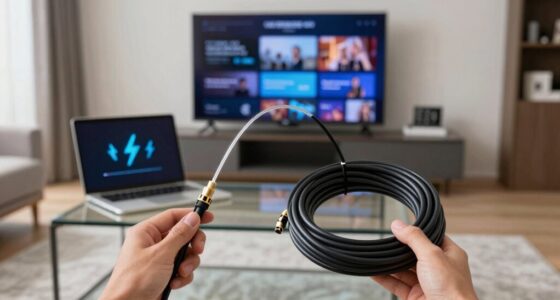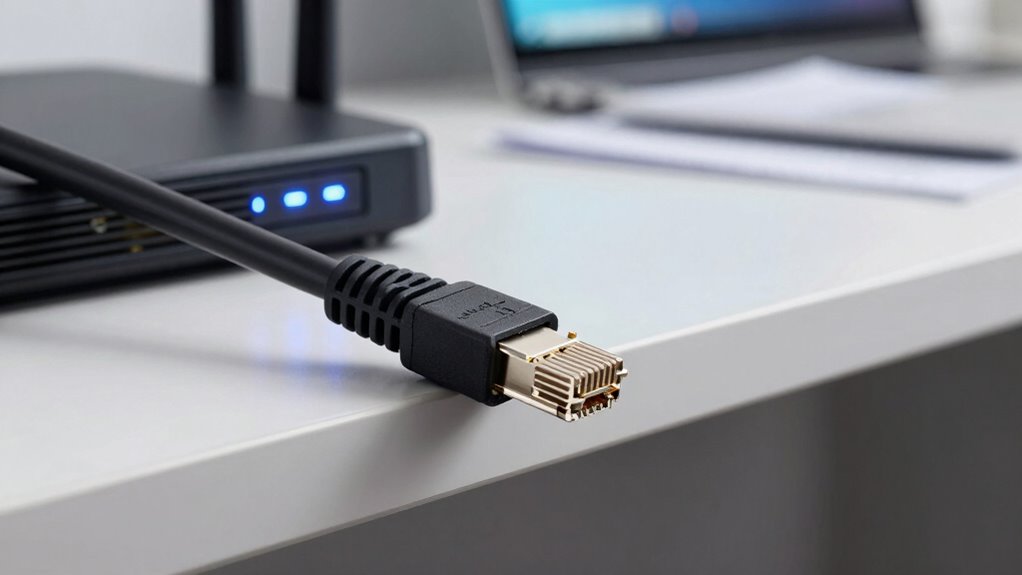

Ethernet still beats wireless in many situations because it offers a more stable, secure connection that’s less prone to interference. You get high-speed performance, which is vital for activities like gaming, large data transfers, or professional work. Installation can be complex, but once set up, managing Ethernet is easier. If you want reliable, high-quality network performance, Ethernet remains the better choice. Keep exploring to discover more about why it continues to lead.

Get the latest gadgets delivered free with Prime
- Fast, free delivery on millions of items
- Prime Video, Amazon Music and more included
- Member-only deals all year
Key Takeaways
- Ethernet provides more stable and consistent connections, reducing disruptions caused by wireless interference or signal degradation.
- Wired Ethernet offers higher security, making it harder for unauthorized users to intercept or access sensitive data.
- Installation complexity is offset by Ethernet’s long-term reliability and easier ongoing management in demanding environments.
- Ethernet supports higher data transfer speeds crucial for professional tasks, gaming, and large data transfers.
- Technological advancements continue to enhance Ethernet’s robustness, maintaining its advantage over wireless in critical applications.
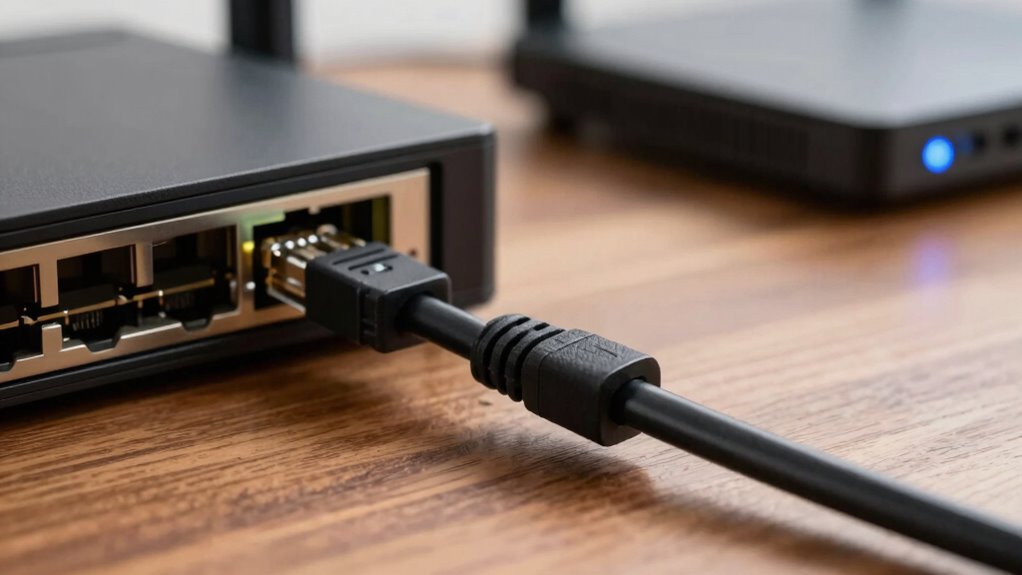
When choosing between Ethernet and wireless connections, understanding their differences can help you make the right decision for your needs. Ethernet connections have long been favored in situations where reliability and security are paramount. Unlike wireless, Ethernet provides a direct, wired link to your network, considerably reducing the risk of interference or unauthorized access. Network security is one of its biggest advantages; a wired connection makes it far harder for outsiders to tap into your data streams compared to wireless signals, which can be intercepted if not properly encrypted. For sensitive work or environments where data protection is critical, Ethernet offers a level of security that wireless simply can’t guarantee without additional safeguards.
Ethernet offers superior security and reliability for sensitive data and critical tasks.
Installation complexity is another factor that often tilts the scale in favor of Ethernet. Setting up a wired network initially requires more effort—routing cables through walls, installing ports, and ensuring proper connections. This can be especially challenging in older buildings or spaces where drilling and wiring are complicated. However, once installed, Ethernet tends to be more stable and easier to manage because it doesn’t rely on fluctuating signals or interference from other devices. Wireless networks, on the other hand, are typically easier to set up initially, needing only a router and some configuration, but they can suffer from ongoing issues such as signal degradation, dead zones, or the need for frequent troubleshooting. Additionally, the compatibility of Ethernet with various devices makes it a reliable backbone for more complex networks. Moreover, ongoing technological improvements have made Ethernet more adaptable and easier to implement in various settings.
You might find that Ethernet’s robustness makes it worth the extra effort during installation. If you’re working in an environment where stable, high-speed connectivity is essential—such as a home office with large data transfers, gaming setups, or professional workstations—Ethernet consistently outperforms wireless. Its resistance to interference means your connection remains steady, even with multiple devices competing for bandwidth. Conversely, wireless is often more convenient, especially for mobile devices, but that convenience comes with potential trade-offs in speed and stability. In addition, advancements in Ethernet technology have further enhanced its performance, making it an even more compelling choice for demanding applications. Ultimately, while wireless offers flexibility and easy access, Ethernet’s advantages in network security and installation stability make it a smarter choice for many situations. When security, reliability, and consistent performance matter most, Ethernet still beats wireless in more scenarios than many realize. You might prefer wireless for casual browsing or flexible setups, but for critical tasks and secure environments, Ethernet remains the superior option. Its proven stability, security, and reliability continue to make it the go-to solution in many professional and personal contexts.
As an affiliate, we earn on qualifying purchases.
Frequently Asked Questions
Can Ethernet Cables Affect Network Speed Over Long Distances?
Yes, Ethernet cables can affect network speed over long distances. Cable shielding helps reduce electromagnetic interference, which can improve signal quality. Without proper shielding, signal degradation occurs, weakening the data transmission and slowing your network. Over long runs, especially beyond 100 meters, this degradation becomes more noticeable, causing slower speeds and unstable connections. Choosing high-quality, shielded Ethernet cables can help maintain peak network performance over extended distances.
How Does Physical Interference Impact Wireless Signal Quality?
Physical interference, like walls or metal objects, disrupts your wireless signal by causing radio frequency issues. This interference leads to signal degradation, weakening your connection and reducing speed. Think of radio waves bouncing off obstacles, much like light reflecting in a funhouse mirror. These obstacles block or distort signals, making your Wi-Fi less reliable. To improve, minimize obstacles and keep your device closer to the router for a stronger, clearer signal.
Are Ethernet Connections More Secure Than Wireless?
Yes, Ethernet connections are generally more secure than wireless. You benefit from encryption protocols built into Ethernet, which protect data during transmission, and signal stability that prevents eavesdropping or interference. Wireless networks can be vulnerable to hacking if not properly secured, while wired Ethernet offers a direct, physical connection that’s harder for outsiders to access. So, if security matters most, Ethernet is the safer choice.
What Are the Maintenance Costs for Ethernet Versus Wireless Networks?
You might find that Ethernet’s maintenance costs are generally lower over time because of its cabling durability and simpler infrastructure. While initial setup can be more expensive, you avoid frequent wireless upgrades or troubleshooting. Wireless networks often require ongoing expenses for hardware updates and signal management. With Ethernet, you save on ongoing costs, making it a more cost-effective solution, especially in environments where stability and durability are priorities.
How Does Network Latency Differ Between Ethernet and Wireless?
You’ll notice that Ethernet, especially with fibre optic cables, generally offers lower network latency compared to wireless. Fibre optic signals experience less attenuation and interference, resulting in faster data transfer and more consistent performance. Wireless networks can suffer from higher latency due to signal attenuation, obstacles, and interference, which can cause delays. So, if low latency is critical, Ethernet with fibre optics provides a more reliable, faster connection.
network switch for wired connections
As an affiliate, we earn on qualifying purchases.
As an affiliate, we earn on qualifying purchases.
Conclusion
While wireless offers convenience and mobility, Ethernet remains the steadfast champion in speed and reliability. You might enjoy the freedom of wireless, but when it comes to streaming, gaming, or large downloads, Ethernet’s consistent connection outperforms wireless. It’s the difference between a smooth, uninterrupted experience and frustrating lag. So, you can embrace wireless for everyday browsing, but don’t forget—when performance matters most, Ethernet still rules the roost.
As an affiliate, we earn on qualifying purchases.
professional Ethernet cable tester
As an affiliate, we earn on qualifying purchases.
As an affiliate, we earn on qualifying purchases.
Halloween Picks
halloween
As an affiliate, we earn on qualifying purchases.