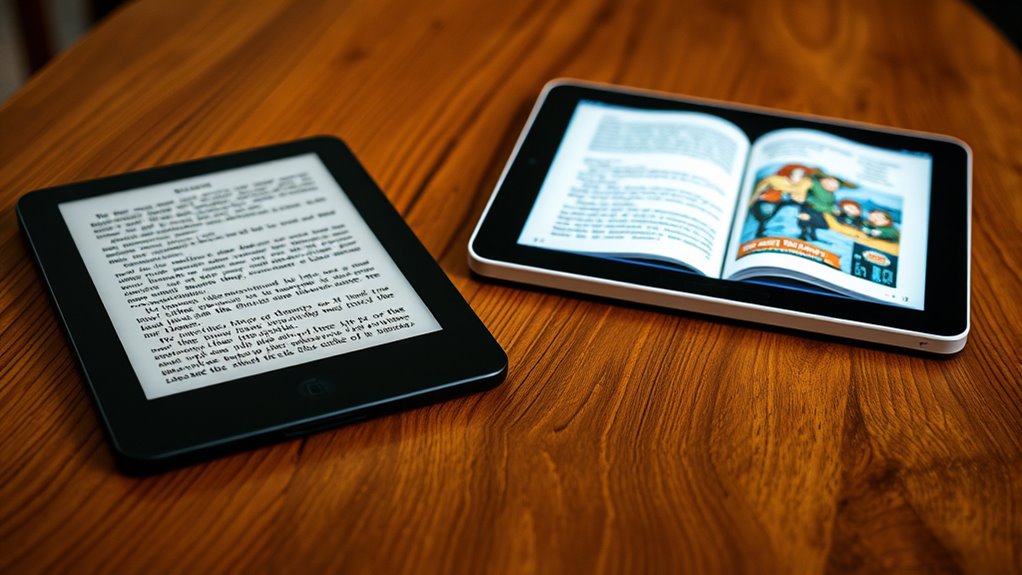

If you want a device that’s lightweight, easy to carry, and offers a comfortable, glare-free experience, an e-reader fits best. It’s ideal if you prefer long, distraction-free sessions in sunlight and want long battery life. On the other hand, a tablet provides the flexibility to enjoy multimedia, interactive content, and customization but is heavier and consumes more power. Keep reading to explore which option matches your habits and environment perfectly.
Key Takeaways
- E-readers excel in glare-free, paper-like displays, ideal for long reading sessions and outdoor use, reducing eye strain.
- Tablets offer versatile multimedia capabilities and customization, suitable for users wanting both reading and entertainment options.
- E-readers have significantly longer battery life and greater durability, making them better for extended, portable reading.
- Content ecosystems differ: e-readers support extensive e-book libraries, while tablets provide broader access to multimedia and interactive content.
- For dedicated book lovers, e-readers offer a cost-effective, focused, and comfortable reading experience; tablets suit those seeking multifunctionality.
Design and Portability
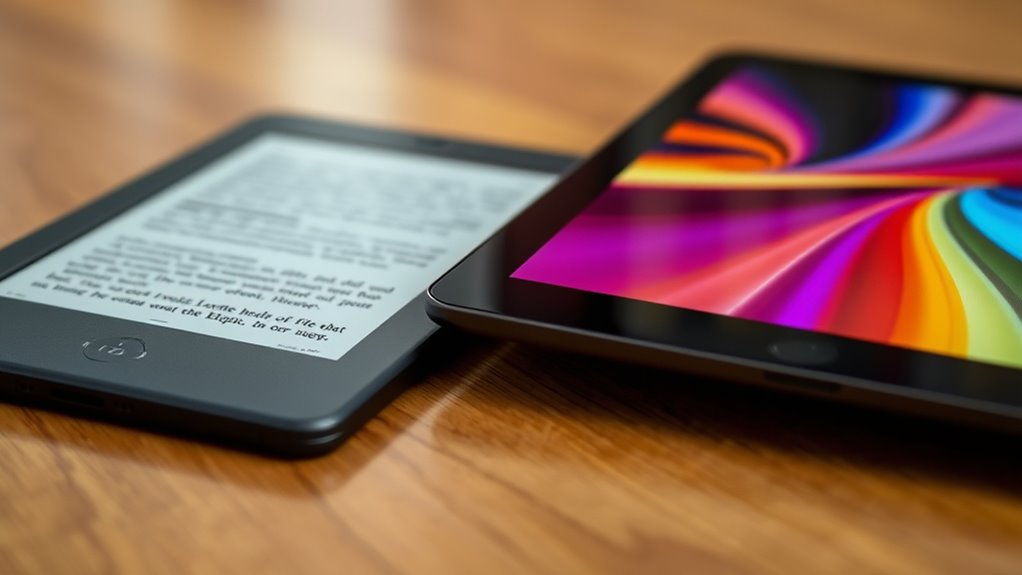
When comparing e-readers and tablets, design and portability often come down to how easily you can carry and handle each device. E-readers are typically slim, lightweight, and compact, making them easy to slip into a bag or pocket. Their minimalist design minimizes bulk, so you won’t feel weighed down during long reading sessions or outings. Tablets, on the other hand, tend to be larger and heavier, offering more versatility but sacrificing some portability. They usually have a more robust build with additional features that add to their size. If portability is a priority, e-readers win because they’re designed specifically for easy handling on the go. Free Floating devices are often optimized for reading, emphasizing simplicity and ease of use. Additionally, the performance ratings of e-readers are typically focused on display quality and battery life, making them ideal for extended use without frequent recharging. For those seeking a dedicated reading device, e-readers often provide a more focused experience, free from distractions. When considering user interface, e-readers tend to have simpler controls that enhance the reading experience without unnecessary complexity, further emphasizing their suitability for reading. Moreover, e-readers usually feature glare-free displays that improve readability in various lighting conditions, which is essential for comfortable reading outdoors. Tablets excel when you want a multifunction device but may be less convenient for extended reading outside of your home or office.
Screen Technology and Reading Comfort
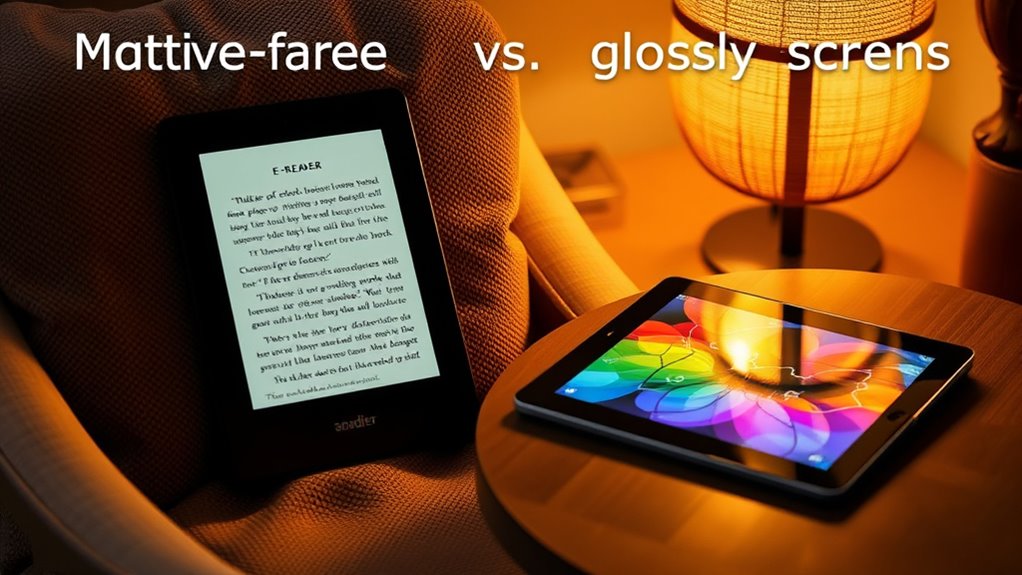
Screen technology plays a crucial role in determining reading comfort on e-readers and tablets. With e-ink displays, you get a paper-like experience that reduces eye strain, especially in bright sunlight. Conversely, tablets use LCD or OLED screens, offering vibrant colors and sharper images but possibly causing more eye fatigue over long reading sessions. Imagine:
- E-ink screens mimicking real paper, easy on your eyes during extended reading.
- LCD screens providing brilliant colors, perfect for comics or illustrated books.
- The glare-free surface of e-ink screens, even in direct sunlight, versus the reflective nature of tablet screens under bright light.
- Contrast ratio and screen technology influence how vivid and comfortable your reading experience feels, especially over prolonged use.
- Proper airflow around the device can help prevent overheating, which is especially important when using tablets for prolonged periods.
- Additionally, selecting devices with energy-efficient displays can extend battery life and reduce eye strain associated with prolonged use.
Choosing the right screen technology depends on your reading habits and environment, directly affecting your comfort and overall experience.
Battery Life and Usage Duration
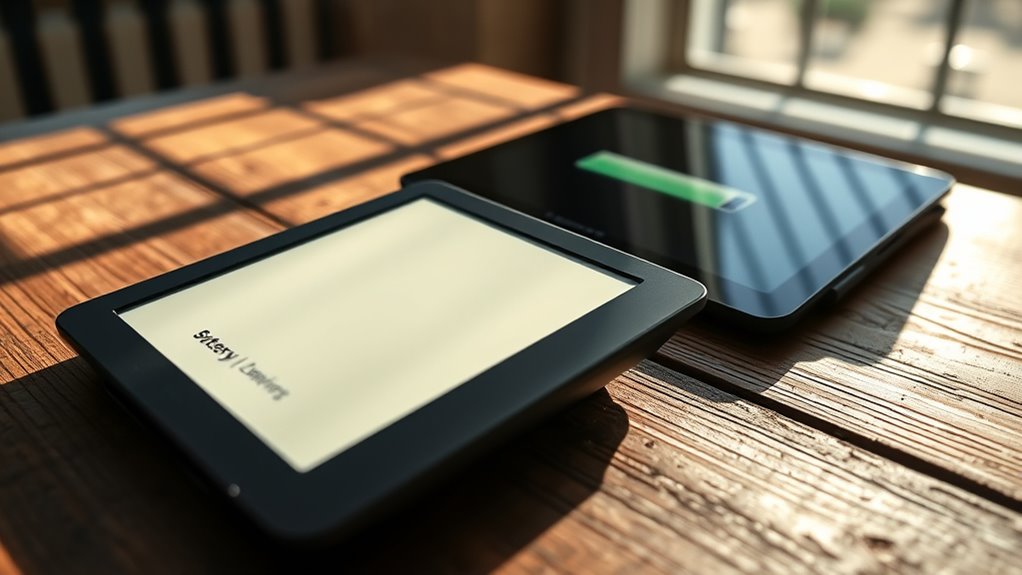
You’ll notice that e-readers generally have much longer battery life than tablets, often lasting weeks on a single charge. Tablets tend to drain power quickly due to higher screen brightness and multitasking, limiting their usage time. Comparing their overall battery longevity helps you decide which device best fits your reading habits.
E-Reader Battery Longevity
E-readers typically excel in battery longevity, often lasting for weeks on a single charge, unlike tablets that require frequent recharging. When you use an e-reader, you can enjoy extended reading sessions without worrying about running out of power. Imagine:
- Picking it up in the morning and finishing a week’s worth of books before needing to recharge.
- Leaving it on your nightstand, still with plenty of juice after days of nightly use.
- Taking it on long trips, knowing it won’t die halfway through your favorite novel.
This long-lasting battery is thanks to their minimal power consumption, primarily for e-ink displays that mimic paper. It’s perfect for book lovers who want uninterrupted reading without constant charging hassles.
Tablet Power Consumption
While tablets offer versatile features and high-performance capabilities, their battery life tends to be considerably shorter than that of e-readers. You’ll notice that after a few hours of continuous use—browsing, streaming, or using apps—your tablet’s battery can drain quickly. Heavy tasks like gaming or video editing consume even more power, reducing usage time markedly. Unlike e-readers, which can last weeks on a single charge, tablets often need daily recharging if you’re a heavy user. Bright screens, high resolution, and multiple background processes all contribute to faster power consumption. If you prefer long reading sessions without interruptions, you may find yourself frequently plugging in your device. Managing screen brightness and closing unused apps can help extend your tablet’s battery life somewhat, but overall, it won’t match the endurance of an e-reader. Additionally, power consumption varies depending on the device’s features and settings, which can influence how long a tablet lasts between charges. Being aware of battery optimization techniques can help maximize your device’s usage time, though it still generally falls short of the longevity offered by dedicated e-readers. For instance, background processes can significantly impact power drain, making it essential to monitor and manage running apps. Moreover, display technology plays a crucial role in power efficiency, with some screens consuming less energy than others.
Usage Time Comparison
Have you ever wondered how long you can keep your device powered during a typical reading or browsing session? With e-readers, you’ll often get days or even weeks of use from a single charge. Imagine this:
- Reading your favorite book for hours without worrying about recharging.
- Browsing articles or flipping through pages all afternoon.
- Using the device for a week-long trip without plugging in.
- The power efficiency of e-readers means they consume less energy, allowing for extended usage periods. Additionally, e-readers are designed with energy conservation in mind, which further prolongs their battery life during extended use. The battery technology used in e-readers is optimized for low power consumption, making them ideal for prolonged reading sessions without frequent recharging. Their optimized display technology, such as e-ink screens, also contributes to lower energy usage compared to traditional screens.
Furthermore, some e-readers feature solar charging capabilities, enabling even longer periods of use in outdoor settings.
In contrast, tablets usually last about 8 to 12 hours, depending on usage. Heavy streaming or gaming drains the battery faster, meaning you’ll need to recharge more frequently. So, if long-lasting battery life is your priority, an e-reader keeps you going far longer than a tablet during extended reading sessions.
Compatibility and Content Availability

When choosing between an e-reader and a tablet, you need to consider device ecosystem compatibility to ensure your apps and content work seamlessly. The size of the content library also matters, as tablets often offer a broader range of apps and multimedia, while e-readers focus mainly on books and documents. Additionally, understanding the net worth of popular figures can help you gauge the value of different devices and their associated ecosystems. If you are concerned about device durability and ease of maintenance, e-readers usually provide a simpler, more easy-to-clean option compared to tablets. Moreover, considering smart home integration can enhance your reading experience, especially if you already use smart devices to control lighting or other environments. For example, some tablets support body piercing themed apps or features that cater to personal interests, making them more versatile. Also, evaluating content formats compatibility is crucial since different devices support various file types, which can influence your reading and media experience. Ultimately, your decision depends on which content types and platform integrations are most important to you.
Device Ecosystem Compatibility
Device ecosystem compatibility considerably influences your e-reader or tablet experience, as it determines how seamlessly your device integrates with other gadgets and services. When your device works smoothly within a system, you can:
- Sync your books across smartphones, tablets, and computers without hassle.
- Access exclusive apps and services tailored for your ecosystem, like Kindle or Apple Books.
- Share content easily through integrated cloud storage and messaging platforms.
If you’re invested in a particular ecosystem, like Apple or Amazon, you’ll benefit from streamlined content transfer and better app selection. Conversely, mismatched ecosystems can limit your content options and create frustrating barriers. Choosing a device compatible with your existing gadgets ensures a unified, effortless reading experience.
Content Library Size
How extensive and accessible a device’s content library is can considerably influence your reading choices. With an e-reader, you typically access a vast selection of e-books from dedicated stores like Kindle or Kobo, often featuring extensive catalogs and exclusive titles. These platforms usually support formats optimized for e-ink screens, making reading smooth and comfortable. Tablets, on the other hand, offer a broader range of content, including e-books, audiobooks, magazines, and even streaming media, thanks to app compatibility with various stores like Apple Books, Google Play, and others. This diversity means you can easily find almost any type of content you desire. If your goal is having a wide, versatile library at your fingertips, tablets generally provide more extensive options. However, e-readers excel at offering a focused, distraction-free reading environment.
Multimedia Functionality and Versatility

While e-readers excel at delivering a focused reading experience, tablets offer far greater multimedia functionality and versatility. With a tablet, you can:
- Stream high-definition videos that bring stories to life on vibrant screens.
- Play interactive games and access multimedia-rich educational apps.
- Listen to audiobooks or music, enhancing your relaxation or study sessions.
These features turn your device into an all-in-one entertainment hub, allowing you to switch seamlessly from reading to watching or listening. Unlike e-readers, which are primarily designed for text, tablets support a wide range of multimedia content, making them ideal if you want more than just books. This versatility provides a richer, more dynamic digital experience suited to diverse interests.
User Interface and Ease of Navigation
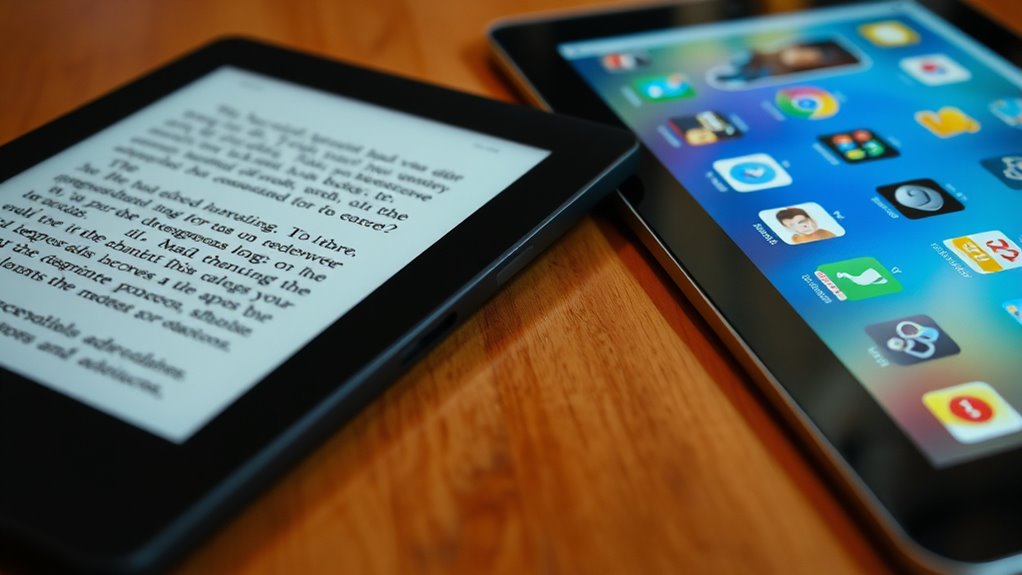
Your experience with an e-reader or tablet depends heavily on how intuitive their menus are and how responsive the touchscreen feels. You’ll notice that customization options can make navigation more personal and easier to manage. These interface elements directly impact how smoothly you can access and enjoy your content.
Intuitive Menu Design
When comparing e-readers and tablets, the ease of maneuvering their menus plays a crucial role in user experience. E-readers typically feature simple, streamlined menus that keep your focus on reading. You’ll notice:
- Clear categories like Library, Store, and Settings, easy to access with minimal taps.
- Sparse icons that eliminate clutter, guiding you directly to your book or adjustment.
- A consistent layout that makes navigation predictable, even after updates.
Tablets, on the other hand, often have more complex menus with nested options, multiple app icons, and customizable layouts. While they offer more features, their menus can sometimes feel overwhelming, requiring more effort to find what you need quickly.
Touchscreen Responsiveness
Touchscreen responsiveness considerably impacts how smoothly you navigate an e-reader or tablet. If your device reacts quickly to your touch, flipping pages or opening menus feels effortless. Slow responses can frustrate you, disrupting your reading flow. E-readers often have less sensitive screens, prioritizing battery life over speed, while tablets generally offer more precise and faster touch interactions. Consider the table below to compare responsiveness:
| Device Type | Response Speed | User Experience |
|---|---|---|
| E-Reader | Slight delay | Focused on reading |
| Tablet | Quick response | Seamless navigation |
| Both | Varies by model | Affects overall ease |
Choosing a device with high responsiveness ensures you enjoy a smooth, intuitive interface, making reading and navigation more pleasant.
Customization Options
Both e-readers and tablets offer various customization options that can substantially enhance your reading experience. With e-readers, you can adjust font size, style, and line spacing to suit your preferences, making long reading sessions comfortable. Tablets, on the other hand, provide more flexibility, allowing you to change themes, switch between different reading apps, and customize your home screen layout. Imagine:
- A soothing dark mode to reduce eye strain during late-night reading.
- Bright, colorful themes that make browsing more lively.
- Personalized navigation menus that allow quick access to your favorite books and settings.
These options make it easier to tailor your device to your liking, whether you prefer a minimalist interface or a vibrant, feature-rich environment. Your choice depends on how much control you want over your reading interface.
Reading Features and Customization Options
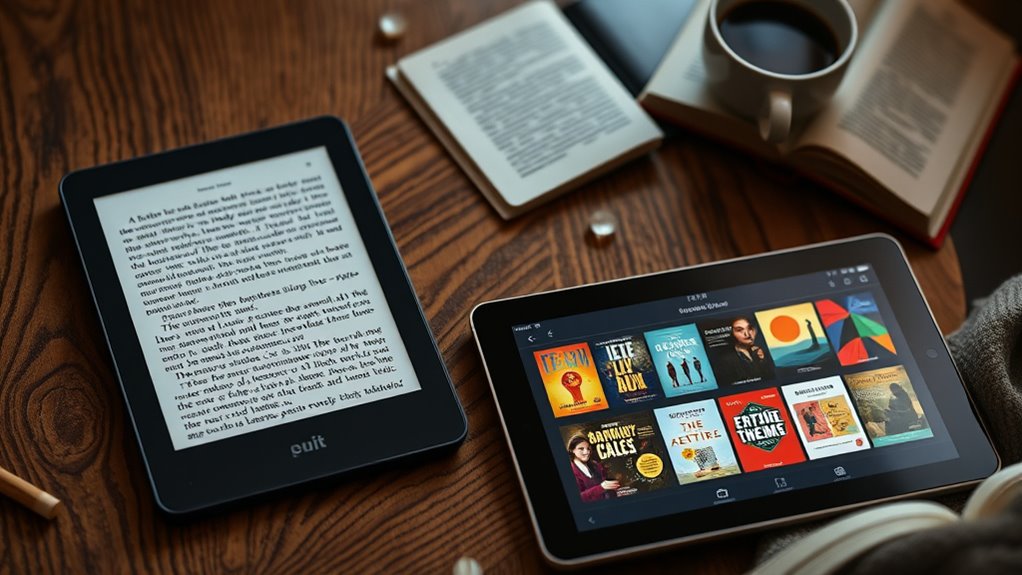
E-readers and tablets offer distinct reading features and customization options that can considerably influence your reading experience. With e-readers, you get features like adjustable front lighting, e-ink screens that mimic paper, and customizable font styles and sizes. These options reduce eye strain and make long reading sessions more comfortable. You can also switch between different reading modes, such as sepia or night mode, to suit your environment. Tablets, on the other hand, provide more versatile customization, allowing you to resize text, change background colors, and access a variety of font styles. They also support features like highlighting, note-taking, and dictionary lookups, enhancing your interaction with the content. Your choice depends on whether you prioritize a focused, paper-like reading experience or a more interactive and flexible reading environment.
Price Range and Value for Money
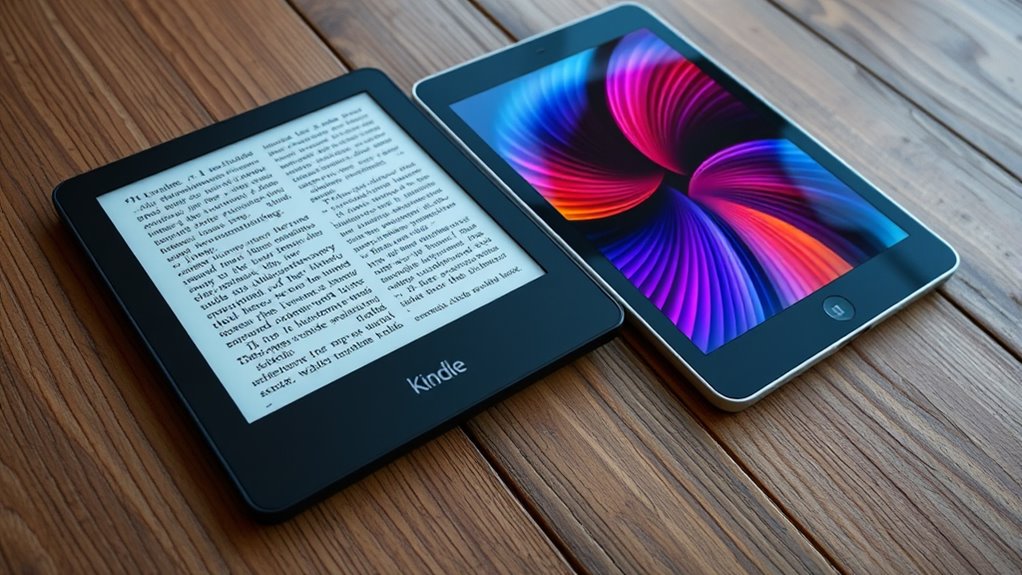
When comparing price ranges and value for money, e-readers generally cost less upfront than tablets, making them a more budget-friendly choice for dedicated readers. An e-reader’s lower price often means you can buy one for about $100 to $150, compared to tablets costing $300 or more. Imagine this:
- You see a sleek, lightweight device tucked into your bag, ready for daily reading without breaking the bank.
- You imagine saving money for additional e-books instead of splurging on apps and games.
- You feel confident knowing your budget stretches further, letting you enjoy a dedicated device without sacrificing other essentials. Overall, if you mainly want to read, an e-reader offers excellent value for money, focusing your spending directly on your reading experience.
Durability and Maintenance
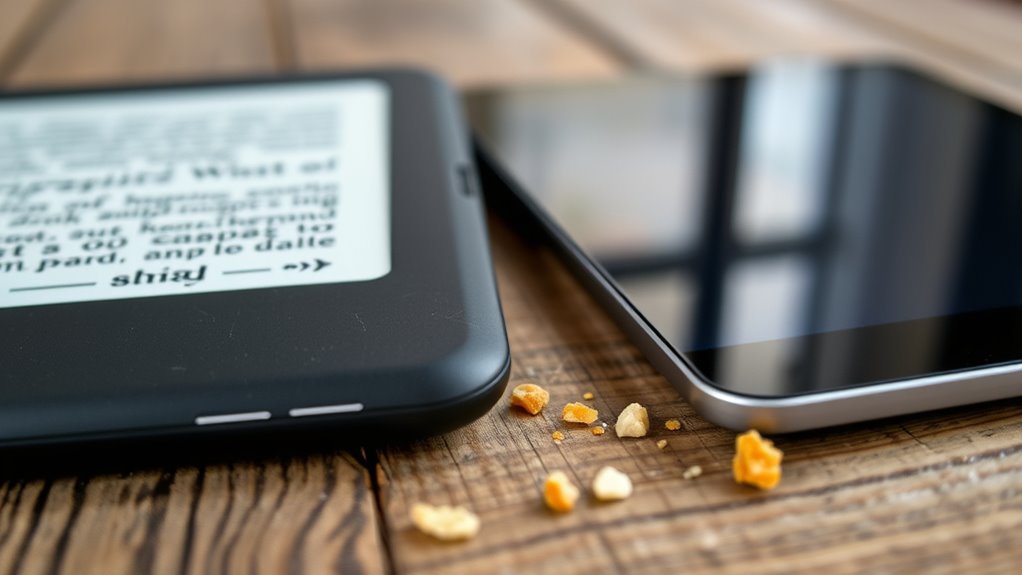
While e-readers are designed to withstand everyday use, they tend to be more durable than tablets because they have fewer fragile components and are often built with shatter-resistant screens. This means you’re less likely to worry about accidental drops or bumps damaging your device. E-readers typically require minimal maintenance; cleaning the screen with a soft cloth is usually enough to keep them in good shape. On the other hand, tablets have more delicate screens and internal parts, making them more prone to damage. They may need repairs or screen replacements if mishandled. Additionally, e-readers generally have longer battery life, so you won’t need to charge them as often, reducing wear on the charging port. Overall, e-readers need less maintenance and are built to last longer in everyday use.
Ideal Use Cases for Different Reading Preferences
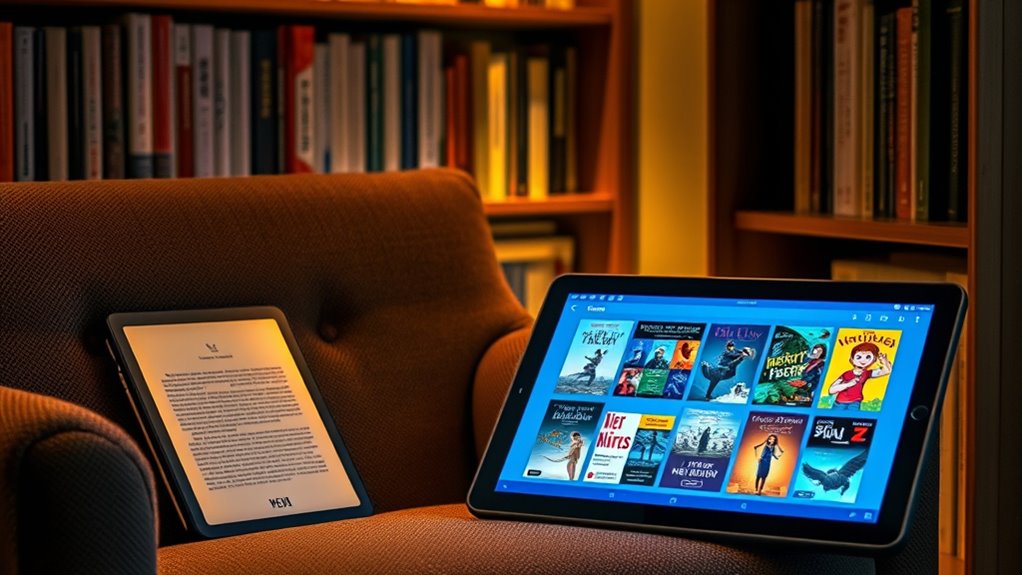
Choosing between an e-reader and a tablet depends largely on your reading habits and preferences. If you prefer a simple, focused reading experience, an e-reader suits you best. Imagine holding a device that feels like a real book, with high readability in sunlight. For those who enjoy multimedia, such as videos or interactive content, a tablet is ideal. Picture browsing colorful pages, flipping through images, or annotating with ease. Finally, if portability matters, an e-reader is lightweight and lasts days on a single charge. Visualize slipping it into your bag for a quick read during commutes. Whether you seek a distraction-free device or a versatile tablet, understanding these use cases helps you choose what aligns with your reading style.
Frequently Asked Questions
How Do E-Readers and Tablets Compare in Terms of Environmental Impact?
E-readers tend to have a lower environmental impact because they use less energy and last longer, reducing waste. Tablets, however, consume more power and contain more complex materials, making their production and disposal more harmful to the environment. If you’re eco-conscious, choosing an e-reader helps minimize your carbon footprint, especially if you read regularly. Recycling and proper disposal are also vital for both devices to lessen environmental harm.
Can E-Readers and Tablets Support Accessibility Features for Visually Impaired Readers?
Yes, both e-readers and tablets support accessibility features for visually impaired readers. You can enable text-to-speech, adjust font size and contrast, and use screen readers to navigate the devices easily. Tablets often offer more customizable options, while e-readers focus on low-glare screens and simple interfaces. You’ll find these features helpful in making reading more accessible, ensuring you enjoy your books comfortably and independently.
Are There Any Health Concerns Associated With Prolonged Use of Tablets Versus E-Readers?
Prolonged use of tablets can cause eye strain for about 60% of users, leading to discomfort and headaches, while e-readers with e-ink screens markedly reduce eye fatigue. You might notice that reading on a tablet for hours causes more visual discomfort than on an e-reader. To protect your eyes, take regular breaks and consider switching to an e-reader for extended reading sessions.
How Do Software Updates Affect the Longevity of E-Readers and Tablets?
Software updates can extend the lifespan of your e-reader or tablet by fixing bugs, improving security, and adding new features. When you keep your device updated, you guarantee it stays compatible with the latest apps and services, preventing obsolescence. However, frequent updates may sometimes slow down older devices or cause compatibility issues. To maximize longevity, install updates thoughtfully and avoid unnecessary upgrades that could strain your device’s hardware.
What Are the Security Considerations When Using E-Readers and Tablets for Reading?
You might think e-readers are safer than tablets, but both pose security risks if not managed properly. Keep your devices updated to patch vulnerabilities, avoid connecting to unsecured Wi-Fi, and be cautious when installing third-party apps or downloading files. Use strong passwords and enable encryption features to protect your data. Regularly review privacy settings and be mindful of permissions, ensuring your reading habits stay private and secure.
Conclusion
Whether you choose an e-reader or a tablet, think of it as finding your perfect reading buddy. An e-reader is like a trusty paperback—light, focused, and easy on the eyes—while a tablet is your versatile sidekick, ready to entertain and inform. Your ideal pick depends on your reading style and lifestyle. Whichever you choose, let it be the window to countless adventures, turning every page into a journey worth savoring.