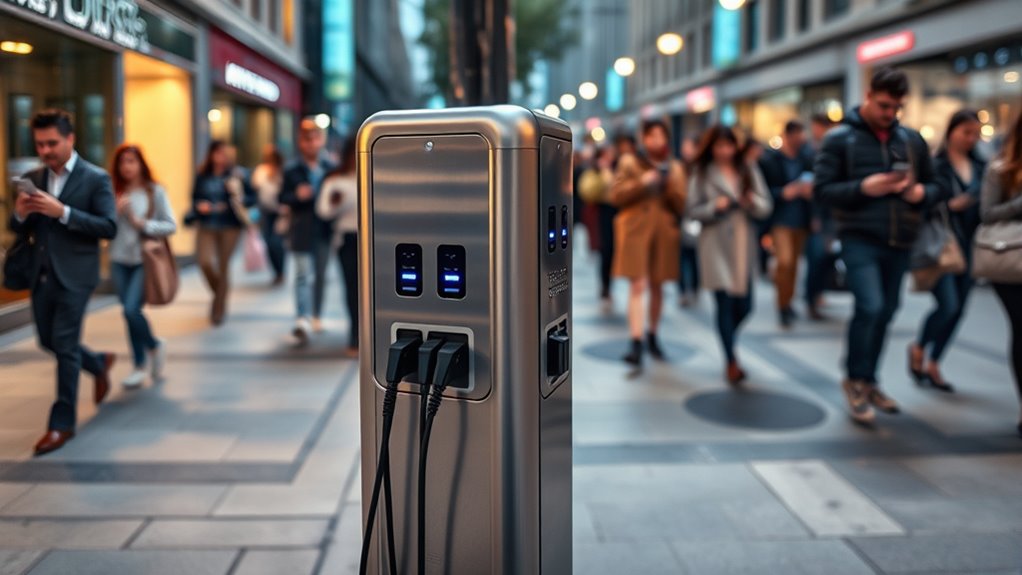

Public phone charging stations can pose serious security risks, including malware injection, data theft, and hardware tampering, making them unsafe if used carelessly. Cybercriminals often exploit these stations for “juice jacking,” where malicious devices steal your information or infect your phone. To stay safer, consider using your own portable charger or a trusted power source. For practical tips on avoiding these hazards and protecting your device, keep exploring further.
Get ready for Prime Big Deal Days — try Prime free
Exclusive member deals on October 6–7, plus fast free delivery. Cancel anytime.
As an affiliate, we earn on qualifying purchases.
Key Takeaways
- Public charging stations can pose cybersecurity risks like malware, data theft, and hardware tampering.
- Signs of unsafe stations include physical damage, loose parts, and signs of tampering or neglect.
- Using personal power banks and trusted outlets minimizes exposure to risks associated with public stations.
- Protective tools like USB data blockers and device security features help prevent malware transfer.
- Future technologies such as encrypted stations and biometric authentication aim to improve charging safety.
Understanding the Risks of Public Charging Stations
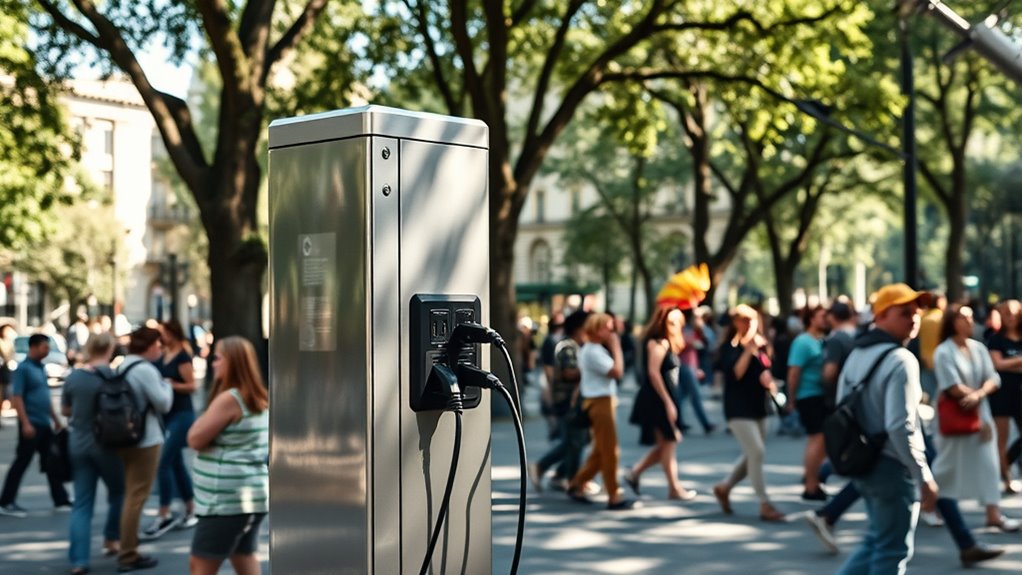
While public charging stations offer a convenient way to power up your devices, they also pose certain security risks that you should be aware of. When you connect your phone to an unknown station, you risk exposing your data and personal information. Malicious devices can be designed to intercept your data or install malware without your knowledge. These stations may also be tampered with to create vulnerabilities, making it easier for cybercriminals to access your device once connected. Even if the station looks legitimate, there’s a chance it could be compromised. It’s important to understand that using public chargers isn’t just about finding a power source—it’s about safeguarding your digital privacy and security. Staying cautious helps prevent potential threats before they happen. Additionally, understanding the role of technology in these devices can help you recognize signs of tampering or malicious intent. Being aware of cybersecurity risks associated with public chargers enables you to take proactive steps to protect your personal information. Techniques such as data encryption can help secure your data even when using public charging options. Knowing about device security features can also provide additional layers of protection during such connections.
How Cybercriminals Exploit Charging Ports
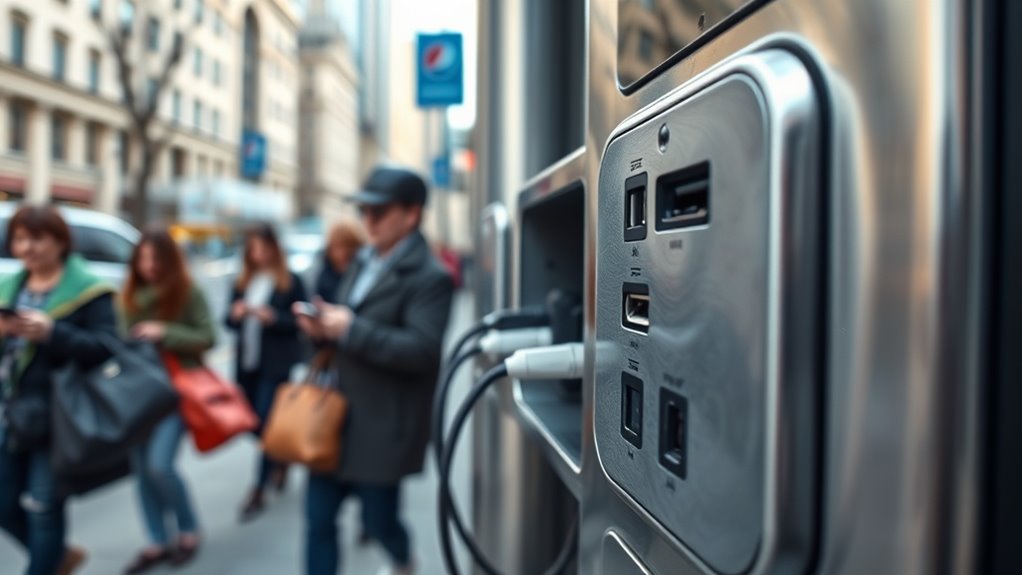
Cybercriminals can exploit public charging ports to steal your data or infect your device with malware. When you connect your phone, they might access personal information or install malicious software without your knowledge. Staying aware of these risks helps you protect your device and your privacy. Additionally, using safety precautions, such as portable chargers or USB data blockers, can help mitigate these threats. Implementing security measures like these reduces the chances of falling victim to cyberattacks through charging stations. Understanding hardware vulnerabilities can further inform you about the specific risks associated with compromised ports and how to avoid them. Being aware of public charging station risks can help you make safer choices when using these facilities, especially considering the potential data theft that can occur through compromised ports.
Data Theft Risks
Charging stations can be convenient, but they also pose significant data theft risks. Cybercriminals can exploit charging ports through a technique called “juice jacking,” where malicious software is transferred to your device during charging. When you connect your phone to an infected station, hackers may access your data, including contacts, messages, and even banking information, without your knowledge. They can also install malware that remains hidden, waiting to be activated later. Public stations often lack security measures, making it easier for cybercriminals to set up fake or compromised charging points. To protect yourself, avoid using unfamiliar stations, carry your own charger and power bank, and never grant access to your device’s data unless you’re certain the station is secure. Understanding navigation and mapping features of some charging stations can help identify legitimate locations from malicious ones. Being aware of public Wi-Fi vulnerabilities can further enhance your security when using these stations. Additionally, being mindful of vetted charging stations with security measures in place can reduce potential risks. Always stay informed about cybersecurity best practices to better safeguard your devices in public spaces. Recognizing security indicators on charging stations can help you identify safer options and prevent potential threats.
Malware Injection Threats
Hackers can exploit charging ports to inject malware directly into your device, often without your knowledge. When you connect to an infected public charging station, cybercriminals may use a technique called “juice jacking” to transfer malicious software. This malware can then steal your personal data, login credentials, or even take control of your device remotely. Since most users trust the charging process, they often don’t realize they’re compromised until it’s too late. Cybercriminals might also embed malicious code into the charging port itself, making the threat even harder to detect. To protect yourself, avoid using unknown or untrusted charging stations. Consider carrying a portable charger or using your own power bank, and never grant access permissions to suspicious software or pop-ups during charging. Cybersecurity awareness can help you recognize and avoid these kinds of threats before damage occurs. Additionally, understanding device vulnerabilities related to public charging can help you better safeguard your personal information. Being aware of public charging risks and employing protective measures such as using a USB data blocker can further reduce your exposure to these dangers. Investing in security tools designed specifically for mobile devices can also provide added protection against such attacks. Staying informed about emerging cyber threats can help you remain vigilant when using public charging stations.
The Concept of Juice Jacking and Its Implications
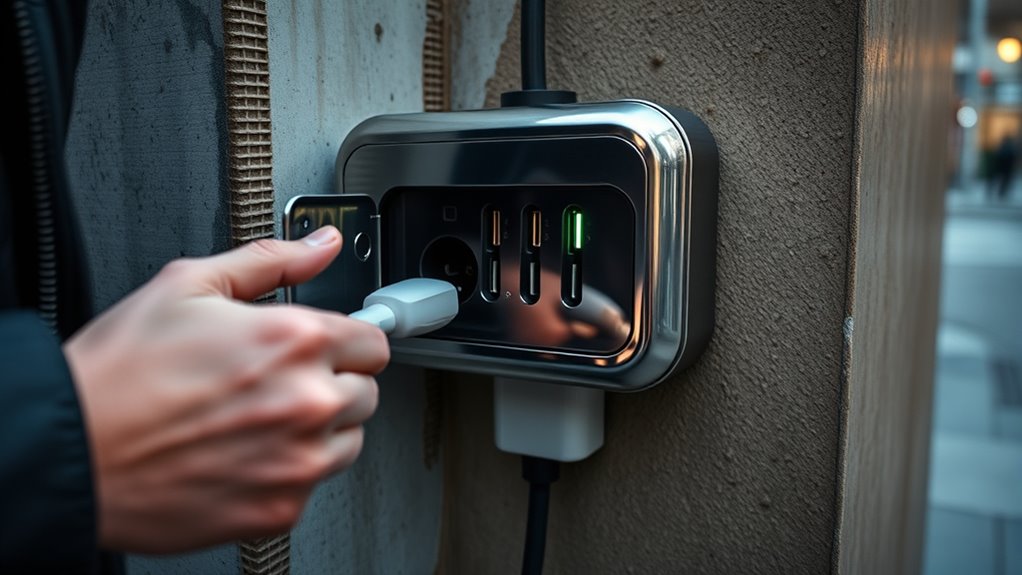
Juice jacking happens when cybercriminals create fake charging stations or tamper with legitimate ones to steal your data or install malware. When you connect your device, malicious software can access your personal information without your knowledge. To stay safe, always use trusted chargers or bring your own power banks, and avoid using unfamiliar stations. Understanding pool safety practices can help you recognize secure environments and prevent potential risks. Being aware of Vetted – My Dogs’ Names can also help you identify trustworthy sources for pet-related products and advice. Additionally, selecting safe electronic accessories can further reduce exposure to cyber threats during charging. Educating yourself about cybersecurity best practices is essential for safeguarding your personal data in public charging scenarios. Recognizing the importance of device security measures can also enhance your protection when using public charging stations.
How Juice Jacking Works
When you plug your phone into an unfamiliar public charging station, you might unknowingly expose it to malicious software or data theft. Juice jacking occurs when hackers tamper with charging stations or USB ports to deliver malware or steal data. They might install malicious hardware or software inside the station, which activates once you connect your device. As your phone charges, the attacker can access your files, contacts, or even install harmful programs without your knowledge. Sometimes, they use fake or compromised charging stations designed to look legitimate. The danger is that your device remains vulnerable while charging, especially if you don’t take precautions. Understanding how juice jacking works helps you recognize the risks and avoid falling victim to this type of cyber attack.
Preventative Safety Measures
To protect your device from juice jacking, taking simple preventative measures can make a significant difference. First, avoid plugging into unfamiliar or unsecured charging stations. Use your own charging cable and connect it to a trusted power source, like a wall outlet. Consider carrying a portable power bank, so you don’t have to rely on public stations. If you must use a public charger, use a USB data blocker, which prevents data transfer even if the cable connects to your device. Also, enable your phone’s security features, such as lock screens and two-factor authentication. Regularly update your device’s software to patch vulnerabilities. By staying cautious and prepared, you reduce the risk of falling victim to juice jacking and keep your personal information safe.
Signs That a Charging Station Might Be Unsafe

A charging station that appears damaged, poorly maintained, or shows visible signs of wear should raise immediate concerns about safety. Frayed or exposed wires, loose components, or scorch marks indicate potential electrical hazards. If the station’s casing is cracked, broken, or missing parts, it could expose you to internal wiring or other dangerous elements. Unstable or crooked installations might suggest it’s not securely anchored, increasing the risk of falls or tampering. Additionally, look for signs of tampering, such as glued or taped parts, which could indicate malicious modifications. Poor cleanliness, grime, or corrosion can also point to neglect and increased safety risks. Trust your instincts—if something feels off or looks suspicious, it’s best to avoid using that station altogether.
Safe Alternatives to Public Charging Stations
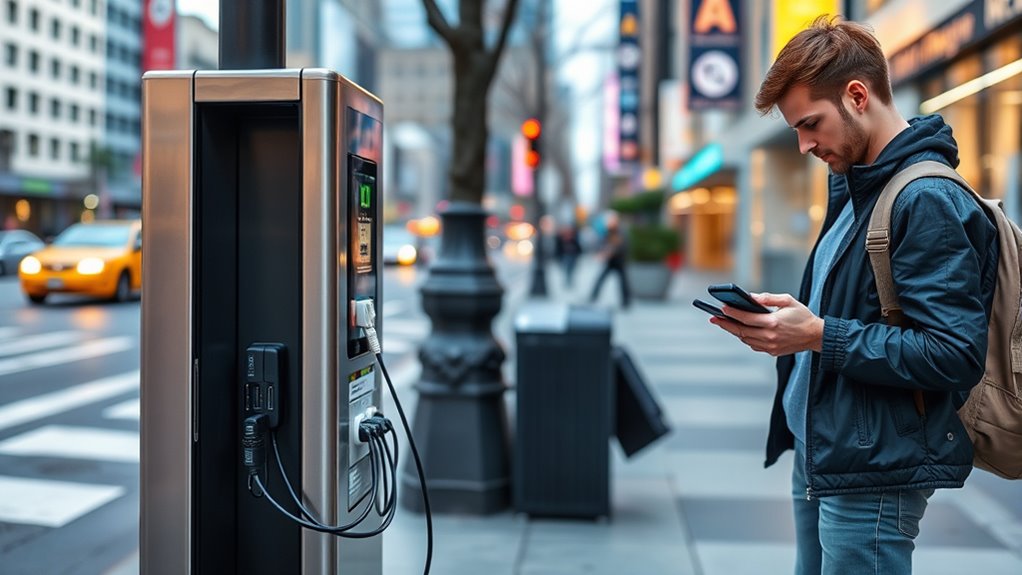
If public charging stations seem risky or unreliable, exploring safer alternatives can protect your device and personal safety. One good option is carrying your own portable charger or power bank. These devices ensure you have power without relying on uncertain public outlets. Another alternative is using your device’s USB cable with a trusted power source, like a hotel or café outlet.
| Alternative | Benefits |
|---|---|
| Portable Power Bank | On-the-go charging, no need for public stations |
| Charging at Trusted Locations | Safe, secure outlets in familiar places |
| Charging via Personal Devices | Use your laptop or car charger for power |
| Battery Conservation | Reduce power consumption to extend battery life |
Using Portable Chargers and Power Banks
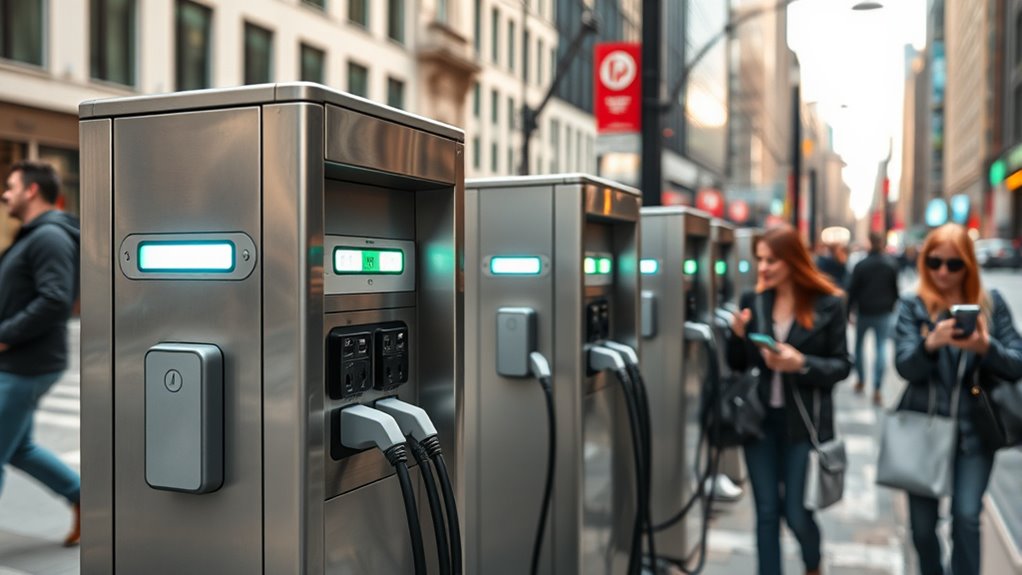
Using portable chargers and power banks offers a reliable way to keep your devices powered without relying on public charging stations, which can sometimes be risky. When choosing a power bank, select one from a reputable brand with proper safety features, like overcharge and short-circuit protection. Always use the original charging cables or certified alternatives to prevent damage to your device. Keep your power bank clean and store it in a cool, dry place to guarantee maximum performance. Charging your device with a trusted power bank reduces exposure to potential malware or data theft that can occur with compromised public stations. Carrying a fully charged power bank means you’re less dependent on uncertain public outlets, giving you greater control over your device’s safety and your convenience.
Protecting Your Device With Security Measures
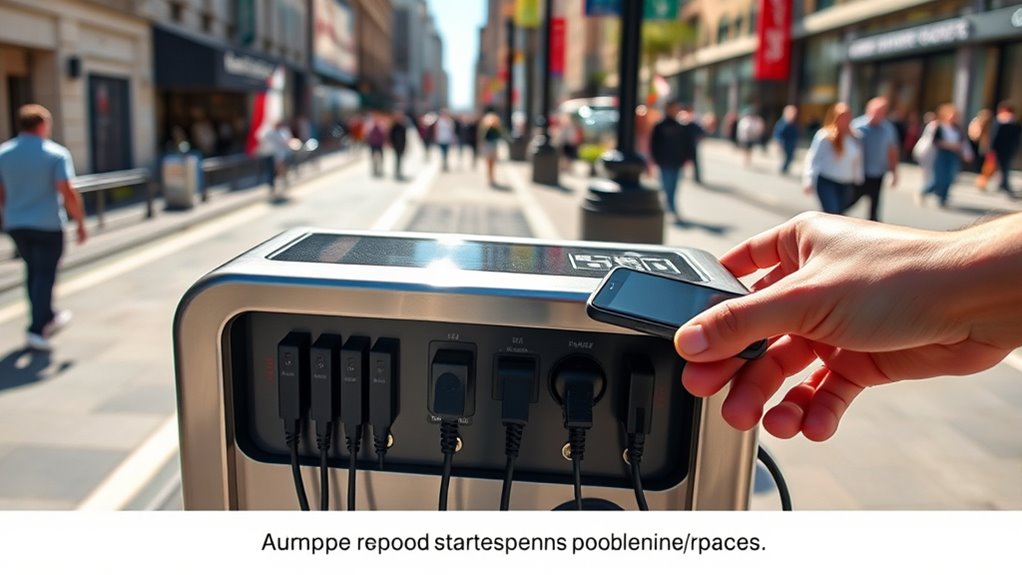
Protecting your device with security measures is essential when using public charging stations or even personal devices. Public ports can be gateways for malicious software or data theft. To stay safe, consider these security tips:
- Use a USB data blocker, which prevents data transfer and only supplies power.
- Enable your device’s lock screen and auto-lock features to prevent unauthorized access.
- Keep your device’s software updated to patch security vulnerabilities.
These steps help shield your personal information from potential threats. Avoid connecting your device to unknown or suspicious stations, and never ignore warning messages about security risks. Taking proactive measures ensures your device remains safe, even in unfamiliar environments. Staying vigilant protects your data and preserves your privacy.
Best Practices for Safe Public Charging
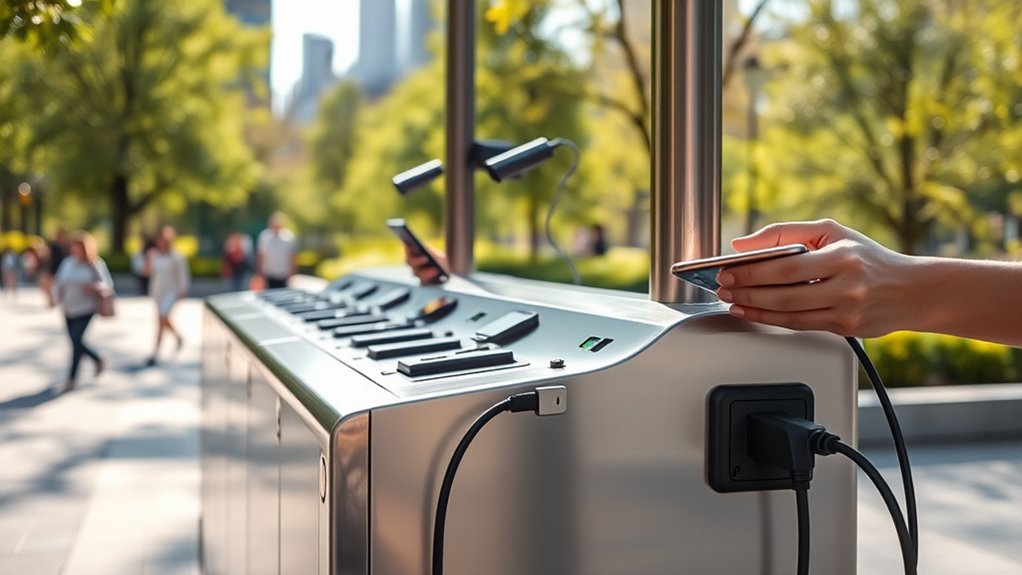
To guarantee your safety when using public charging stations, it’s important to follow best practices that minimize risks. Always prefer using your own charging cable and avoid connecting to unknown or suspicious stations. If possible, bring a portable power bank instead of relying on public chargers. Disable any data transfer options, such as USB debugging or file sharing, before plugging in. Consider using a USB data blocker, which prevents data transfer while charging. Inspect the station for signs of tampering, like damaged ports or unusual wiring. Avoid charging in shady or poorly maintained locations. If your device prompts for suspicious permissions or behaves oddly during charging, disconnect immediately. Following these practices helps protect your device and personal information from potential threats.
Future Technologies and Solutions for Secure Charging

Advancements in technology are paving the way for safer charging solutions that address many of the risks associated with public stations. Innovations like USB data blocker adapters prevent data transfer, making sure your device only charges. Secure kiosk designs incorporate biometric authentication, reducing unauthorized access. Additionally, encrypted charging stations protect your device from malicious software.
Emerging tech like data blockers and biometric stations enhance safety at public charging points.
Here are some future solutions to watch for:
- Smart Charging Cables – detect malicious activity and disable data transfer automatically.
- Biometric-Enabled Stations – require fingerprint or facial recognition for access.
- Blockchain-Verified Stations – ensure the integrity and safety of charging hardware through decentralized verification.
These technologies aim to keep you safe while staying connected in public spaces.
Frequently Asked Questions
Can Public Charging Stations Infect My Device With Malware?
Yes, public charging stations can infect your device with malware if they are compromised. Hackers sometimes install malicious software or hardware to steal data or hijack devices during charging. To protect yourself, avoid using unknown or untrusted stations, and consider carrying a portable charger or using your own power bank. You can also use a USB data blocker to prevent data transfer while charging, keeping your device safe.
Are There Legal Risks Associated With Using Insecure Charging Stations?
Yes, using insecure charging stations can land you in legal hot water, like a fish caught in a net of fines. If you’re caught tampering with or hacking into the station, you could face criminal charges. Even just using an unverified station might violate local laws or regulations. So, while you might think it’s just a quick charge, remember, you’re risking more than just a dead phone—law enforcement’s watchful eye could be on you.
How Do I Identify a Fake or Tampered Charging Station?
You can spot a fake or tampered charging station by inspecting its physical appearance. Look for loose or mismatched parts, unusual labels, or missing branding. Be cautious if the station has no security seals or if cables seem cheaply made. If something looks off, avoid using it. Also, check for any suspicious devices attached, like USB sniffer tools. Trust your instincts—if it feels wrong, find an alternative charging source.
Does Using a Public Charging Station Void My Device Warranty?
Using a public charging station typically doesn’t void your device warranty, but it’s essential to be cautious. If your device sustains damage due to faulty or tampered equipment, your warranty might not cover the repairs. To protect yourself, avoid using questionable stations, and consider carrying your own charger or portable power bank. Always be aware of potential risks, especially when plugging into unfamiliar or suspicious charging points.
Are There Specific Devices More Vulnerable to Juice Jacking Attacks?
Some devices are more vulnerable to juice jacking attacks, especially older smartphones and those without updated security patches. Imagine hackers sneaking into your device like digital ninjas hiding in the shadows, ready to steal your data at lightning speed. Your device’s age, operating system, and security features determine its vulnerability. Always use trusted charging sources and consider portable chargers to keep your data safe from sneaky cyber pirates.
Conclusion
Remember, an ounce of prevention is worth a pound of cure. While public charging stations can be convenient, they come with risks that you shouldn’t ignore. Stay vigilant, look for signs of tampering, and consider safer options like portable chargers. Your devices hold your personal information—protect them as you would your most valuable possessions. By staying cautious, you’ll avoid falling into cyber traps and keep your data secure. Better safe than sorry, after all.
Fall yard work Picks
leaf blowers
As an affiliate, we earn on qualifying purchases.