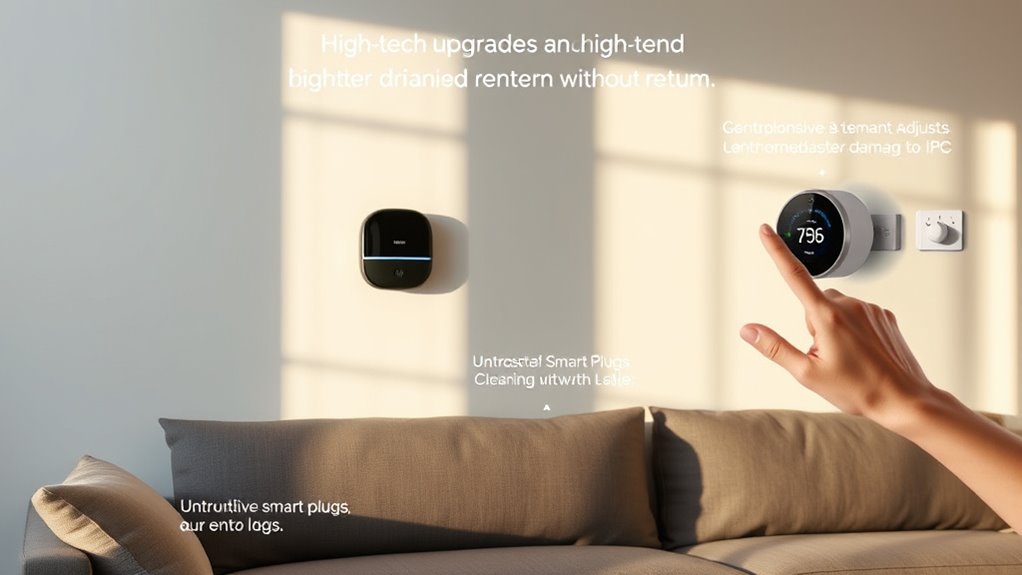
As a renter, you can upgrade your home with smart tech that’s damage-free by choosing wireless, portable devices like smart bulbs, security cameras, and plugs that require no drilling or wiring. Use adhesive mounts or magnetic attachments for easy repositioning, and manage everything via smartphone apps. Battery-powered locks and thermostats can also be installed without harm. Want to discover simple tips for installing, managing, and removing these smart upgrades? Keep exploring to learn more.
Key Takeaways
- Use damage-free, wireless, and portable smart devices like smart plugs, sensors, and battery-powered security cameras.
- Opt for adhesive or magnetic mounts that require no drilling for easy, non-invasive installation.
- Choose wireless lighting and smart assistants that connect via Wi-Fi or Bluetooth, avoiding wall modifications.
- Reposition and remove devices easily through mobile apps, ensuring surfaces are restored when relocating.
- Manage devices remotely to create routines and monitor home security without permanent or damaging alterations.
Choosing Wireless Smart Devices for Easy Installation
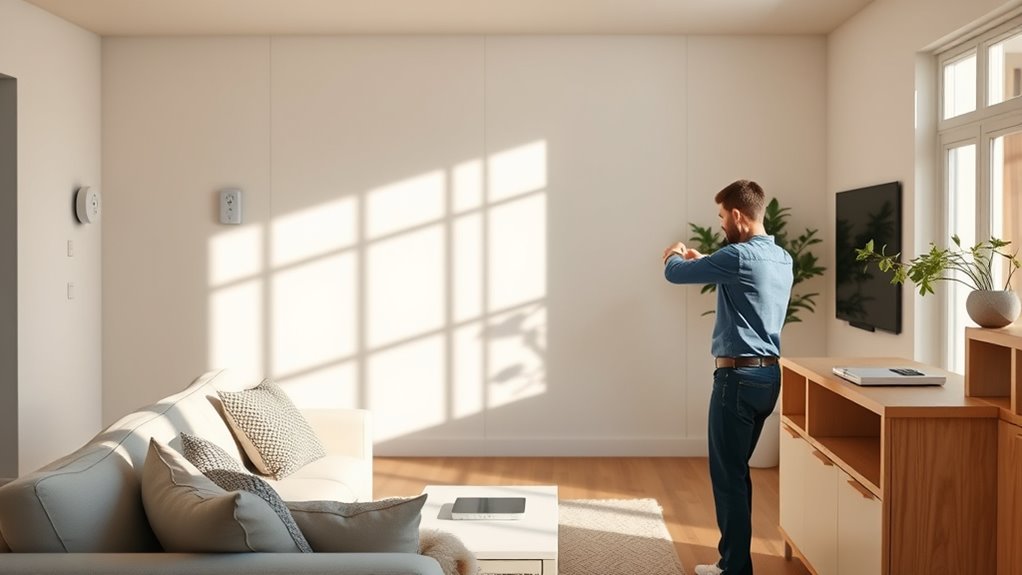
When selecting wireless smart devices, ease of installation should be a top priority, especially for renters who want to avoid permanent modifications. Look for products that require no drilling or wiring, such as plug-and-play options. Many devices come with adhesive mounts or magnetic attachments, making setup simple and damage-free. Consider smart bulbs, Wi-Fi-enabled plugs, or battery-powered sensors, which you can install in minutes without tools. Wireless devices also offer flexibility; you can reposition or remove them easily when needed. Check for compatibility with your existing Wi-Fi network and ensure they have user-friendly apps for quick setup. Additionally, reviewing installation guides can help ensure your setup remains damage-free. Choosing devices that are battery-powered can further simplify the process and prevent damage to walls or surfaces. Additionally, selecting damage-free mounting options ensures that your setup remains renter-friendly and avoids any risk of wall damage. Opting for wireless connectivity can streamline your smart home setup and reduce the need for complicated wiring. Incorporating simple installation methods can also minimize setup time and prevent accidental damage, making your smart upgrades hassle-free. By choosing devices designed for easy installation, you can upgrade your home security and automation without risking your security deposit or damaging walls.
Using Portable Smart Security Cameras and Sensors
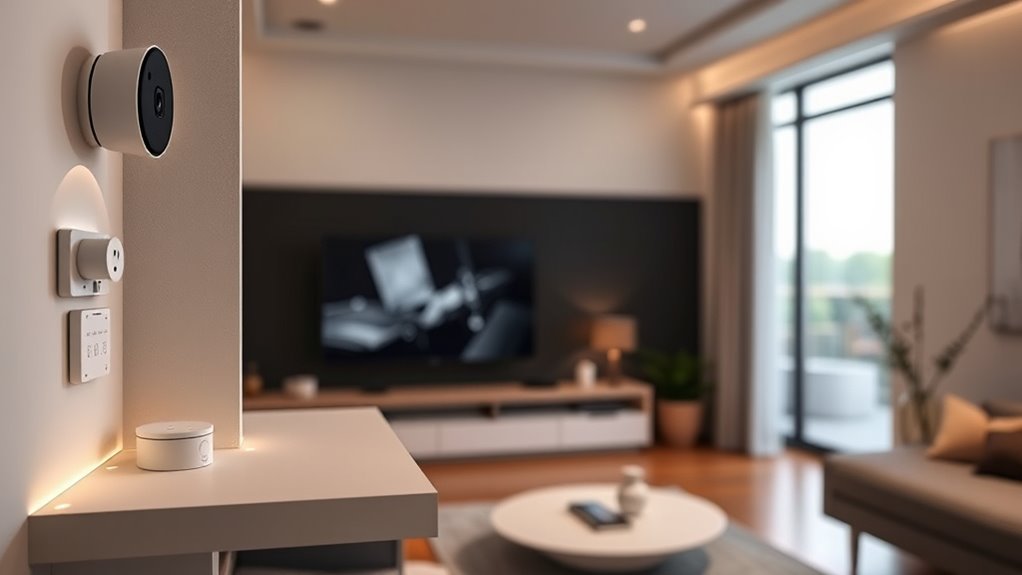
Portable smart security cameras and sensors are ideal for renters because they offer flexible, non-permanent protection for your home. You can easily set them up in key areas like entrances, hallways, or near valuables without drilling holes or damaging walls. These devices connect wirelessly to your Wi-Fi, allowing you to monitor your space remotely via apps on your phone. Many cameras feature motion detection, two-way audio, and night vision, giving you real-time alerts and peace of mind. Sensors can be placed on doors or windows to notify you of any unauthorized entry. Since they’re portable, you can move or remove them when you change apartments, leaving no residue or damage behind. Incorporating portable security devices can further enhance your home’s safety without the need for permanent modifications. Using wireless connectivity ensures seamless operation and easy integration with your existing smart home setup. Additionally, easy installation makes these devices accessible even for those with limited technical experience. Portable smart security devices provide an effective, damage-free way to enhance your home’s security. Incorporating local automation options can further streamline your security routines without permanent modifications.
Smart Lighting Solutions That Require No Wiring

Wireless bulb options make it easy to upgrade your lighting without any wiring. With app-controlled lighting, you can turn lights on or off and adjust brightness from anywhere. These solutions offer convenience and flexibility, perfect for renters who want smart lighting without hassle. Additionally, some systems support natural aesthetics that blend seamlessly with outdoor or backyard settings. Many of these smart lighting options also feature energy efficiency benefits, helping to reduce power consumption and lower utility bills. Incorporating European cloud servers can further enhance the security and reliability of your smart home systems, ensuring your data remains protected.
Wireless Bulb Options
If you’re looking to upgrade your lighting without the hassle of wiring, wireless bulb options offer an easy and flexible solution. These bulbs connect to your Wi-Fi or Bluetooth, allowing you to control them directly from your smartphone or voice assistant. You can turn lights on or off, adjust brightness, and even change colors without any tools or electrical work. Installation is straightforward: just screw the bulb into a standard socket, download the app, and pair it with your device. Wireless bulbs are compatible with most smart home ecosystems, making them a versatile upgrade for renters. They provide instant customization and convenience, all without risking damage to walls or ceilings. Plus, many models are energy-efficient, helping you save on electricity bills. Additionally, these smart lighting solutions can be seamlessly integrated into your home automation systems, enhancing your overall lifestyle convenience. Utilizing wireless connectivity technology, these bulbs can be managed remotely and integrated with other smart devices for a cohesive smart home experience.
App-Controlled Lighting
App-controlled lighting offers a simple way to customize your home’s ambiance without any wiring or hardware changes. With smart bulbs or plug-in modules, you can adjust brightness, color, and schedules directly from your smartphone or tablet. These solutions are perfect for renters who want to upgrade their space without damaging walls or fixtures. Installing is quick—just screw in a smart bulb or plug in a compatible device, then connect it to your Wi-Fi network. Once set up, you can turn lights on or off remotely, create mood lighting, or set timers for added convenience. Many apps also allow voice control through Alexa, Google Assistant, or Siri. App-controlled lighting makes your home smarter and more personalized, all without the need for complex wiring or landlord approval. Smart design principles prioritize flexibility and non-invasive solutions, making it easier for renters to enjoy modern upgrades.
Temporary Smart Plugs and Outlet Adapters

Temporary smart plugs and outlet adapters offer a simple way to add smart functionality to your rental without permanent installation. You just plug them into your existing outlets, and then connect your devices or appliances. These devices enable remote control via smartphone apps, letting you turn on lights, fans, or other electronics from anywhere. Many models also include scheduling features so you can automate your devices’ operation. They’re portable, inexpensive, and don’t require any tools or modifications to your apartment. Plus, if you move, you just unplug and take them with you—no damage or residue left behind. This makes them ideal for renters wanting to boost convenience and energy efficiency without risking their security deposit. Overall, temporary smart plugs are an easy, non-invasive upgrade for your smart home setup. They’re also a great way to test out smart home technology before making permanent changes. Additionally, these devices can contribute to energy savings by helping you manage your power usage more effectively. Using trusted brands ensures better compatibility and security for your smart home devices, providing peace of mind for users concerned about security and privacy. Incorporating high-quality, well-reviewed products can also enhance your overall smart home experience and ensure reliable operation.
Voice-Activated Assistants for Hands-Free Control
Voice-activated assistants make controlling your smart home simple and convenient, seamlessly integrating with your devices. You’ll enjoy the benefits of hands-free operation without complicated setup or permanent changes to your rental space. Plus, they’re easy to install and remove whenever you want to switch or upgrade. Implementing AI-powered virtual assistants can further enhance your experience by providing personalized and intuitive control.
Smart Integration Benefits
Having a voice-activated assistant in your rental home makes managing daily tasks effortless. You can control smart devices, set reminders, or ask for weather updates without lifting a finger. This seamless integration simplifies your routines, saving you time and reducing stress. With voice control, you can adjust lights, play music, or even lock doors, all while keeping your hands free. These assistants also connect with other smart gadgets, creating a cohesive, intuitive system that adapts to your needs. As a renter, this means you can enjoy the benefits of a smart home ecosystem without permanent installations or damage. The convenience of smart integration enhances your living experience, making your rental feel more comfortable, modern, and responsive to your lifestyle. Incorporating auditory cues can further improve the ease of use for those with hearing or processing challenges. Understanding the importance of privacy and security ensures you can enjoy these benefits without compromising your personal data or safety.
Easy Setup and Removal
Setting up a voice-activated assistant in your rental is straightforward and hassle-free. You won’t need to drill holes or make permanent changes—most devices are portable and easy to install. Simply plug in your smart speaker or connect it via Wi-Fi, and follow the quick setup instructions on your app. Many assistants can be activated with a simple voice command, so you don’t even need to touch your phone. When it’s time to move out, just unplug the device and pack it away. There’s no damage to walls or surfaces, making it renter-friendly. Plus, most assistants are compatible with other smart devices, so you can expand your setup without hassle. It’s an easy, non-invasive way to upgrade your home with smart tech.
Battery-Powered Smart Locks and Access Controls

Battery-powered smart locks and access controls offer a convenient way to secure your rental without the need for wiring or extensive installation. You can easily lock or release doors remotely, grant temporary access, and monitor entry logs—all without damaging the property. These devices are perfect for renters because they require no drilling or permanent modifications.
Here are three key benefits:
- Easy installation: They attach to existing door hardware, often with just a screwdriver.
- Remote access: Control locks via smartphone apps from anywhere.
- Temporary access: Share digital keys with guests or maintenance without physical keys.
With these features, you enhance security and convenience without risking damage or violating lease terms.
Smart Thermostats That Don’t Need Permanent Mounting
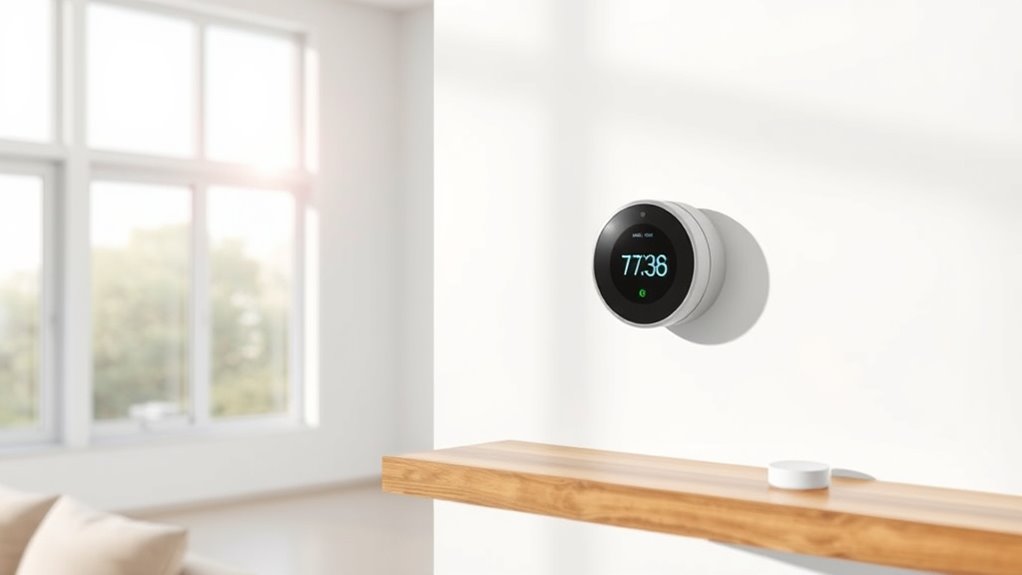
Many renters want to upgrade their home comfort without risking damage to walls or violating lease agreements. Wireless, portable smart thermostats are perfect for this. These devices sit on your existing thermostat or use adhesive or magnetic mounts that don’t leave marks. They connect via Wi-Fi or Bluetooth to your smartphone, allowing you to control your home’s temperature remotely. Some models come with sensors you can place in different rooms for more accurate climate control. Installation is simple and damage-free, making them ideal for renters. You can easily remove them when moving out, leaving no residue or holes behind. These smart thermostats offer energy savings and enhanced comfort without the permanence or mess of traditional models.
Using Mobile Apps to Manage and Customize Your Smart Home

Using mobile apps to manage and customize your smart home puts control right at your fingertips, making it easy to adjust settings, monitor devices, and create personalized routines from anywhere. With a few taps, you can turn lights on or off, change thermostat temperatures, or check if doors are locked. These apps also let you set schedules so your devices operate automatically, saving energy and enhancing convenience. You can even create scenes that activate multiple devices at once with a single command.
Manage and customize your smart home easily with mobile apps—control devices, set schedules, and create scenes from anywhere.
- Adjust device settings remotely to suit your preferences
- Monitor your home’s status in real-time
- Create automation routines for hands-free control
Tips for Removing Devices and Restoring Your Space

When it’s time to remove devices from your smart home setup, start by turning off the device and disconnecting it from your network. Carefully uninstall the hardware, following manufacturer instructions to avoid damage. Use a small screwdriver or plastic pry tool to gently detach devices mounted on walls or ceilings, avoiding excessive force. If you used adhesive strips or hooks, gently peel them away, taking care not to pull off paint or drywall. Clean the area with a soft cloth and mild cleaner to remove any residue. If the device left marks or holes, consider using touch-up paint or filler to restore the surface. Always double-check that all cables and components are accounted for to keep your space tidy and ready for your next upgrade or move.
Frequently Asked Questions
Can Renters Legally Install Smart Home Devices Without Landlord Approval?
You generally can’t legally install smart home devices without your landlord’s approval, especially if they require permanent modifications. However, you can often use temporary solutions like smart plugs, wireless speakers, or battery-operated sensors without permission. Always review your lease agreement and local laws first. If you’re unsure, ask your landlord for permission to avoid potential issues or damages, ensuring a smooth upgrade process.
Are Portable Smart Security Cameras Weatherproof for Outdoor Use?
Absolutely, some portable smart security cameras are built to withstand even the wildest weather storms. Many are designed with weatherproof features like IP66 or IP67 ratings, meaning they can handle rain, snow, and scorching sun without breaking a sweat. Just double-check the specifications before buying, and you’ll have a reliable outdoor security eye that won’t blink at the elements—keeping your home safe no matter the weather.
How Do I Ensure My Smart Devices Won’T Damage Walls or Surfaces?
You can prevent smart devices from damaging walls or surfaces by using adhesive mounts or suction cups designed for electronics. Make sure to choose removable, damage-free options that won’t leave residue. Before installing, clean the surface thoroughly to make certain of good adhesion. Avoid heavy or bulky devices that could fall. Regularly check the mounts for stability, and always follow the manufacturer’s instructions to keep your surfaces safe while enjoying your smart tech.
What Are the Privacy Considerations When Using Voice-Activated Assistants?
Sure, your voice-activated assistant is basically your new best friend—until it spills your secrets. Be mindful that it’s always listening, meaning your private conversations might be recorded, stored, or even shared. Check privacy settings regularly, disable voice recordings if you’re paranoid, and avoid discussing sensitive info nearby. Remember, in the digital age, your smart assistant is as private as a chatty parrot—so set boundaries before it repeats your secrets to everyone.
Can Smart Home Devices Be Easily Reset or Removed Before Moving Out?
Yes, you can easily reset or remove smart home devices before moving out. Most devices have a simple reset process, often involving pressing a button or using an app to restore factory settings. To remove them, you typically disconnect them from your Wi-Fi and delete associated accounts. This guarantees your data stays private and the devices are ready for the next tenant or owner, making your move seamless and damage-free.
Conclusion
With these smart home tips, you can turn your rental into a tech-savvy sanctuary without leaving a mark. Think of your space as a blank canvas, and these gadgets as the vibrant colors that bring it to life—without permanent strokes. Embrace wireless freedom and portable tech to elevate your living experience. When it’s time to move on, easily erase your digital footprints and restore your space, leaving only memories of your high-tech haven.